Electronic Signature Software Comparison (2026): Pricing, Features & Best Tools Reviewed
Choosing the right eSignature tool can be overwhelming. This 2026 comparison guide breaks down the top electronic signature software to help you decide with confidence.

Electronic signature software has become a standard tool for modern businesses—but choosing the right platform isn’t always straightforward.
At first glance, most eSignature tools look similar. They all let you upload documents, add signature fields, and send them for signing. But once you start using them, the differences become clear—especially in pricing, ease of use, and how well they fit your workflow.
To create this comparison, I tested several of the most popular platforms, including DocuSign, PandaDoc, Dropbox Sign, and Signaturely. Instead of relying on feature lists, I focused on what actually happens when you use these tools: how fast you can send a document, where friction shows up, and what limitations become noticeable over time.
If you’re comparing eSignature software based on real usage—not just marketing claims—this guide will help you make a more informed decision.
Related Article: Free eSign Software Comparison
Electronic Signature Software Comparison: An Overview
What Is the Best eSignature Software?
The best eSignature software depends on your needs. For most small to mid-sized businesses, a tool like Fill offers the best balance of affordability, ease of use, and essential features. Enterprise platforms like DocuSign are better suited for large organizations that require advanced workflows and compliance, while tools like PandaDoc are ideal for sales-driven teams that rely on templates and automation.
Best eSignature Software Compared (Hands-On Review)
After testing each platform, the biggest differences weren’t in core functionality—they were in how much friction each tool introduced.
Some tools are powerful but complex. Others are simple but limited. The real value comes from finding a platform that fits your workflow without adding unnecessary steps or cost.
Fill

Starting strong with Fill. Fill boasts a host of intuitive features that will surely make document signing a breeze. No matter your level of experience, Fill is built to accommodate everyone. Our user-friendly interface is designed so that even the least tech-savvy users can navigate it with ease. It is ideal for teams that want a straightforward eSignature solution without the complexity or pricing structure of enterprise tools.
Based on our electronic signature software comparison, Fill offers the lowest cost of electronic signature services out of all the four options presented, starting at $8.33 per user per month. Our basic plan allows you to send unlimited signature requests, and you can store up to 100 documents in our cloud storage. This avoids the common “per envelope” pricing model used by many competitors, where costs increase as usage grows.
Higher-tier plans also include features like conditional fields, API access, bulk send, and HIPAA compliance—capabilities that are often restricted to more expensive enterprise plans in other platforms.
You can integrate your favorite business tools with our eSignature platform for a more efficient workflow. It is also easier to keep track of all your paperwork with our real-time audit trail and log. Fill is also ideal for those who wish to manage their document workflow outside their offices as you can easily download our electronic signature app.
Finally, our electronic signature software is 100% safe and secure. We only use the most robust security features to keep your documents safe and protected against threats. We also offer HIPAA and GLBA-compliant solutions to avoid incurring hefty fines.
Best for: Small to mid-sized businesses that need a reliable, cost-efficient eSignature solution
Consider alternatives if: You need highly specialized enterprise workflows or advanced document automation
DocuSign
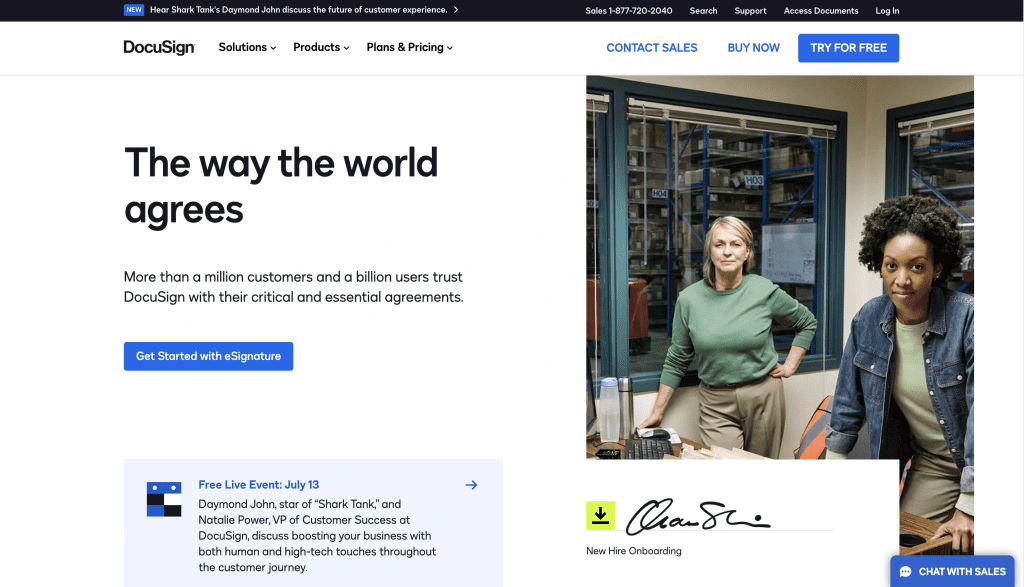
When it comes to electronic signature software comparison, there’s no denying that DocuSign is one of the household names. It is widely considered the industry standard for eSignatures, especially among large organizations and regulated industries.
The platform promises to speed up document turnaround time by providing more accessible ways to sign documents using multiple devices. Moreover, DocuSign also packs features that transcend electronic signing. It’s a great tool if you want to transition to a completely paperless document workflow.
When I tested it, I was able to send a document in under five minutes. But the onboarding process immediately made it clear who the platform is built for—it asked for team and business details before I could get started, which felt unnecessary for simple use cases.
Once inside, the interface is polished and capable, but there’s a noticeable learning curve. It’s powerful, but not optimized for quick, lightweight usage.
One thing that stood out is how quickly documents can be sent and signed, and how widely accepted the platform is. At the same time, some limitations only become apparent over time. For example, users report difficulty exporting documents in bulk or managing templates outside the platform.
Pricing is another factor. While entry-level plans start relatively low, costs increase quickly as you unlock more advanced features.
Best for: Enterprises and teams with complex workflows
Consider alternatives if: You want a simpler or more cost-efficient solution
PandaDoc

PandaDoc goes beyond eSignatures and positions itself as a full document workflow platform. Its main selling point is that it can help organizations of all sizes accelerate their document signing process. As with everything else on this electronic signature software comparison, PandaDoc is also cloud-based, which means better accessibility and more convenience.
During onboarding, I was guided through a series of questions before reaching the dashboard. While slightly intrusive, this setup helps tailor the experience—especially if you’re creating structured documents like proposals. Their platform is easy to use and navigate, and even those with the least experience in electronic signing can get the hang of it within minutes of using their software.
Templates are central to PandaDoc. You can preview them, customize fields, and even auto-populate sections, which makes it particularly useful for sales teams handling repeatable documents.
However, this added functionality comes with tradeoffs. Formatting documents can require extra effort, and some advanced features are locked behind higher-tier plans. Users also mention that customizing templates for specific branding can take time.
Plus, with pricing starting at $19 per month, costs can significantly add up since fees increase depending on features and usage.
Best for: Sales teams and organizations managing proposals or recurring documents
Consider alternatives if: You only need simple document signing
Signaturely
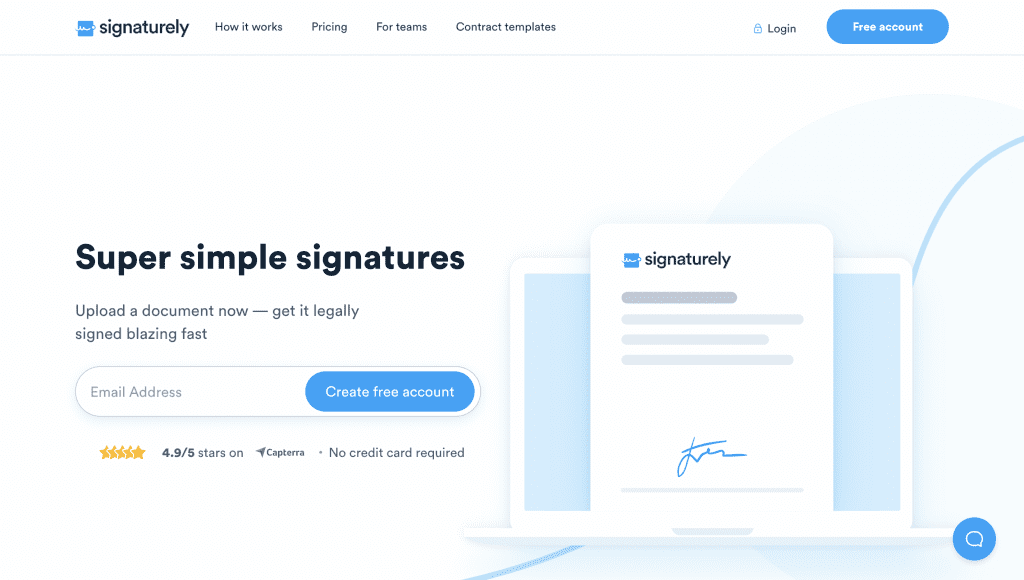
Signaturely focuses on simplicity, offering a clean and straightforward interface for sending and signing documents. Although their pricing plan is steep compared to the other options found on this electronic signature software comparison, it packs many excellent features and functionalities to simplify your document signing processes.
Getting started was quick, although requiring a credit card for the trial adds friction. Once inside, uploading documents and adding fields is easy, and one feature stood out: you can fill in your own fields before sending the document, which saves time compared to reopening it later.
The platform does what it’s designed to do—but it’s intentionally limited. Integrations are restricted, some features are only available on higher-tier plans, and it lacks the flexibility of more robust tools.
This is reflected in user feedback as well, with many highlighting its simplicity while noting that it may not be suitable for more advanced use cases.
Best for: Freelancers and small teams with simple needs
Consider alternatives if: You need integrations or scalability
Dropbox Sign

Dropbox Sign sits somewhere between simplicity and functionality, offering a more balanced experience compared to other tools.
When I tested it, one difference stood out immediately: instead of automatically placing fields on the document, you have to drag them manually. This adds a small step, but it also gives more precise control over placement.
The interface is clean and easy to navigate, and there are helpful prompts that guide you through available features. You can also create reusable templates directly from a document, which is a convenient touch.
That said, the platform feels more limited as your needs grow. Managing multiple documents or tracking workflows isn’t as robust compared to more advanced tools. Users also note that it works best for simple use cases rather than complex document management.
Best for: Mid-sized teams with moderate document workflows
Consider alternatives if: You need advanced tracking or automation
eSignature Pricing Comparison (Plans, Costs & Hidden Fees)
eSignature software pricing can be misleading at first glance. Most platforms advertise starting prices, but actual costs depend on how you use the tool.
Key factors that affect pricing include:
- Number of documents sent (envelopes)
- Access to templates and automation
- Integrations and API usage
- Storage limits
In practice:
- DocuSign becomes expensive as you scale
- PandaDoc increases in cost with advanced features
- Signaturely is relatively expensive for its feature set
- Dropbox Sign offers mid-range pricing with some limitations
- Fill remains one of the most cost-efficient options due to its unlimited usage model
Read Further: Best HIPAA-compliant eSignature software
How to Choose the Best eSignature Software for Your Business
As eSignatures are fast becoming the norm in document signing, the market is now saturated with numerous eSignature platforms. You need to properly deliberate your options and focus on what actually affects your day-to-day workflow:
- Pricing structure – Watch for hidden costs or usage limits
- Ease of use – The faster you can send documents, the better
- Workflow features – Templates, automation, and signing order
- Integrations – Compatibility with your existing tools
- Security and compliance – Especially for regulated industries
Aside from considering your budget, you should also take a closer look at your specific needs. How often do you sign documents?
Security is also a very important factor to consider. To ensure the safety and security of your data, for an eSignature platform that uses high levels of encryption. Moreover, when choosing the best electronic signature software, go for the one that promises convenience and ease of use. Signing documents using electronic signatures shouldn’t be long and complicated.
It’s certainly ideal to choose software that works with multiple devices and is compatible with different operating systems. That way, you can use whatever device is readily available to you–no need to purchase new ones.
Final Verdict
After testing these platforms, the biggest difference isn’t in what they can do—it’s in how they feel to use.
- DocuSign is powerful, but can feel heavy and complex
- PandaDoc is feature-rich, but built around structured workflows
- Dropbox Sign is balanced, but limited as needs grow
- Signaturely is simple, but constrained
Fill stands out by offering the best balance of simplicity, affordability, and core functionality—making it a practical choice for most small to mid-sized teams.
Want to experience Fill for yourself? Get started with a free 7-day trial today.
Frequently Asked Questions About eSignature Software
How much does eSignature software cost?
eSignature software typically ranges from $8 to $50+ per user per month, depending on features, usage limits, and integrations.
What is the best eSignature software?
The best eSignature software depends on your needs, but Fill is often the best choice for affordability and ease of use, while DocuSign is better suited for enterprise use.
Is DocuSign worth the price?
DocuSign is worth it for large organizations that need advanced workflows and compliance, but may be too complex or expensive for smaller teams.

Related Stories
Best Apps to Fill Out Forms Online (Free & Paid) in 2026

Best Free Signature Makers (2026): Create a Signature Online Instantly

Free Handwritten Signature Generator: Create Yours Online with Fill