Free Handwritten Signature Generator: Create Yours Online with Fill
Create handwritten signatures online in minutes using Fill’s free signature generator. Draw, upload, or type your signature securely to sign documents digitally with ease.

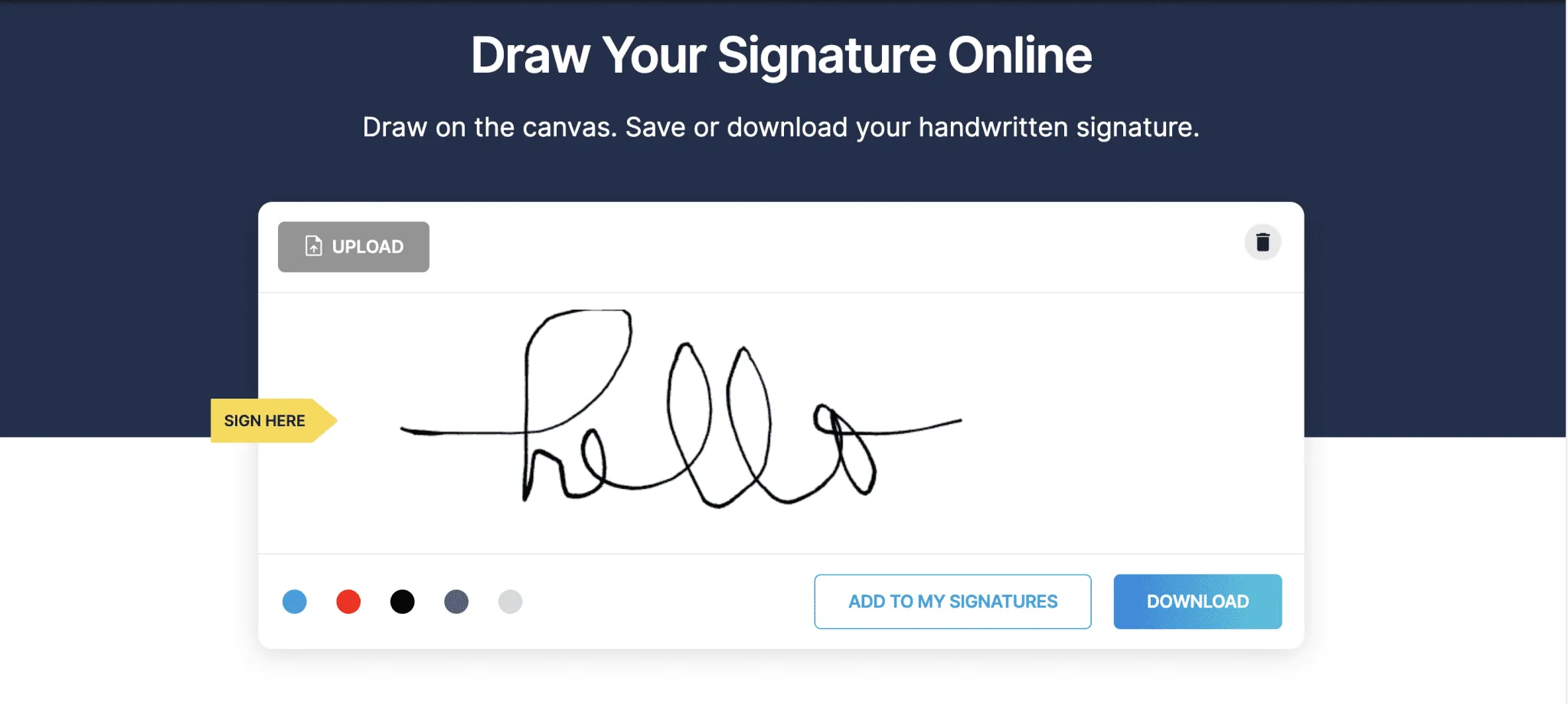
Creating a handwritten signature for digital documents doesn't have to be complicated. Whether you're signing contracts, approving business documents, or completing personal paperwork, you can create a professional-looking handwritten signature online in just a few minutes.
Fill's free handwritten signature generator lets you draw your signature, upload an existing one, or save it for future use. Once your signature is ready, you can use it to securely sign PDF documents online—without printing, scanning, or installing additional software.
Create a Handwritten Signature Using Fill’s Free Signature Generator
Fill offers three simple ways to create your electronic signature for free. If you want a digital version of your handwritten signature, simply draw it yourself or upload an existing image.
Draw
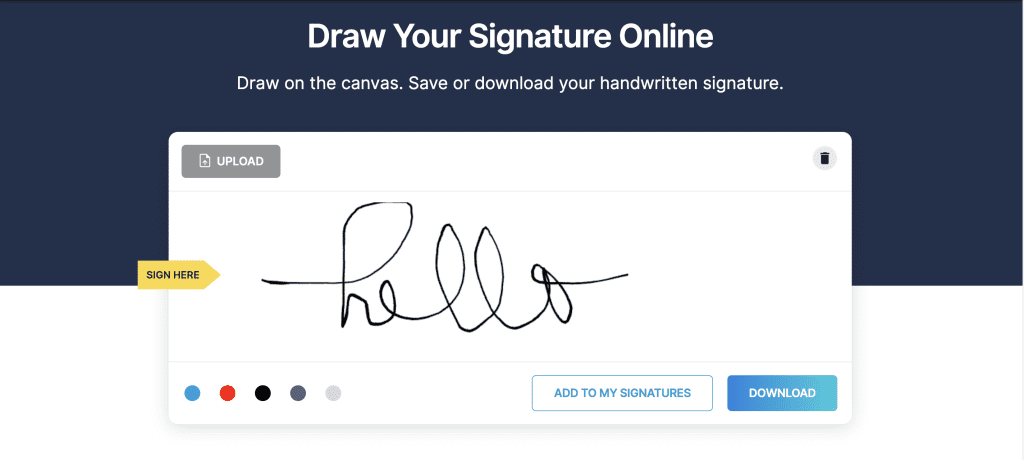
Draw your signature on the digital canvas using your mouse, trackpad, or stylus.
Upload
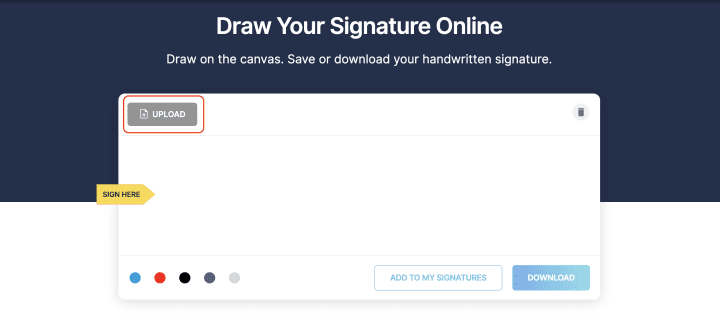
Upload an image of your handwritten signature, and Fill automatically optimizes it for use on digital documents.
Once you're happy with your signature, download it as a PNG or save it securely to your Fill account for future signing.
Different Ways To Make A Signature Online
There are several ways to create an online signature, each suited for different situations.
Handwritten Signature
A signature drawn digitally or uploaded from an existing handwritten signature. This is the most familiar option for personal and business documents.

Electronic Signature
An electronic signature refers to any legally recognized method of indicating agreement electronically. It may include typed signatures, drawn signatures, or uploaded handwritten signatures.
Digital Signature
Digital signatures use encryption technology to verify the authenticity and integrity of a signed document. They're commonly used for high-security workflows.
All three methods can help you complete documents remotely, but for most everyday agreements, a handwritten electronic signature offers the best balance of familiarity and convenience.
Why Use a Handwritten Signature?
A handwritten signature remains one of the most recognizable ways to verify your identity on a document. By creating a digital version of your signature, you can continue signing documents the way you're accustomed to—while enjoying the speed and convenience of online workflows.
Some advantages include:
- Familiar and professional appearance
- Faster document signing
- No printing or scanning required
- Easy to reuse across multiple documents
- Compatible with legally recognized electronic signing workflows
How to Sign a PDF Using Your New Signature
Now that you've created your handwritten signature, you're ready to use it.
Here's how to sign a PDF with Fill:
Step 1: Upload Your Document
Upload the PDF you want to sign directly into Fill.
Step 2: Add Your Signature
Select the signature you created, then click where you'd like it to appear.

Step 3: Resize and Position
Adjust the size and placement so your signature fits naturally within the signature field.
Step 4: Download or Share
Download your signed PDF instantly or securely send it to others for signatures.
Ready to try it? Use Fill's free PDF signing tool to upload your document and sign it online in minutes.
Speed Up Your Document Signing with Fill
Whether you're signing a contract, approving an agreement, or completing everyday paperwork, Fill makes the entire signing process simple.
Create your handwritten signature, upload your PDF, add your signature in seconds, and securely download or share your completed document—all from your browser.
With Fill, you can also request signatures from others, complete fillable forms, and manage important documents in one place.