Why Look for a DocuSign Alternative?
If you’re exploring alternatives to DocuSign, it’s usually for a few clear reasons: rising costs, unnecessary complexity, or limits that start slowing your team down.


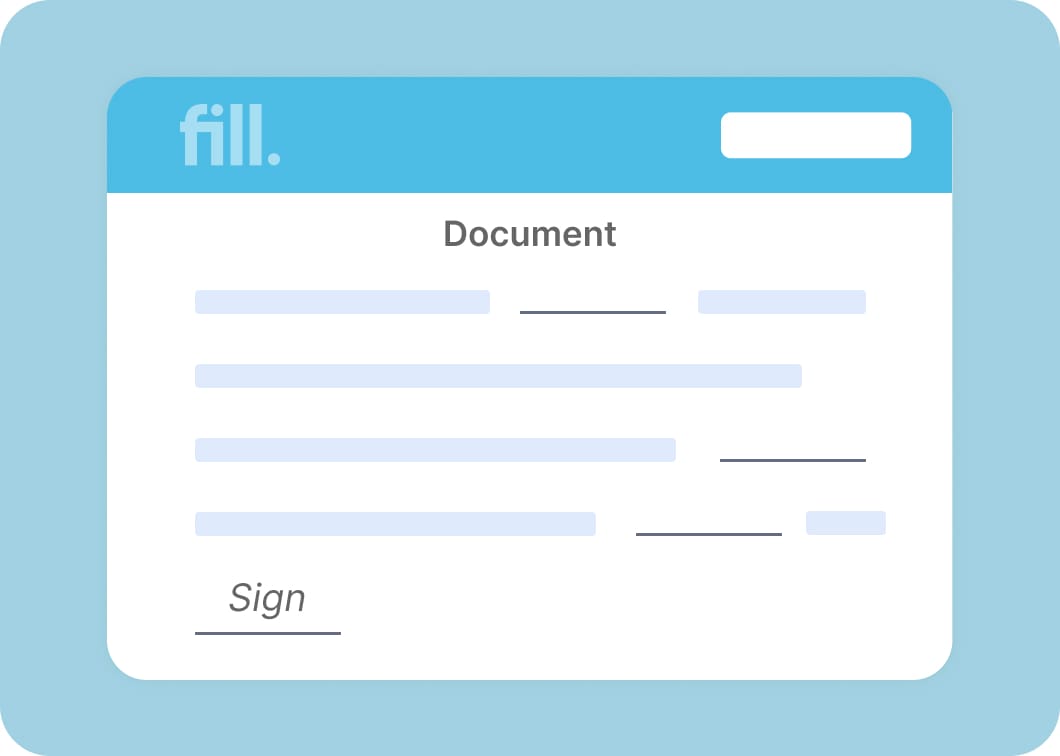
DocuSign's Cost Problem: Envelope Limits & Per-User Pricing
DocuSign’s pricing can look reasonable at first—until usage scales.
- Envelope limits restrict growth
You can only send a set number of documents per month - Per-user pricing adds up quickly
Each additional team member increases cost - Upgrades become unavoidable
More usage = higher tiers, whether you need extra features or not
For teams sending documents regularly, costs can escalate faster than expected.
When DocuSign Is Overkill (and What to Use Instead)
DocuSign is built with enterprise workflows in mind—but that’s not what most teams need.
- Too many features you won’t use
Adds friction instead of value - Steeper learning curve
Slows down onboarding and everyday use - More setup, more complexity
Especially for small teams or solo users
If your priority is fast, simple online document signing, a lighter tool like Fill is often a better fit.
The 12 Best DocuSign Alternatives in 2026
Send unlimited eSignature requests without paying per envelope, per user, or per feature tier.
Why it’s a DocuSign alternative
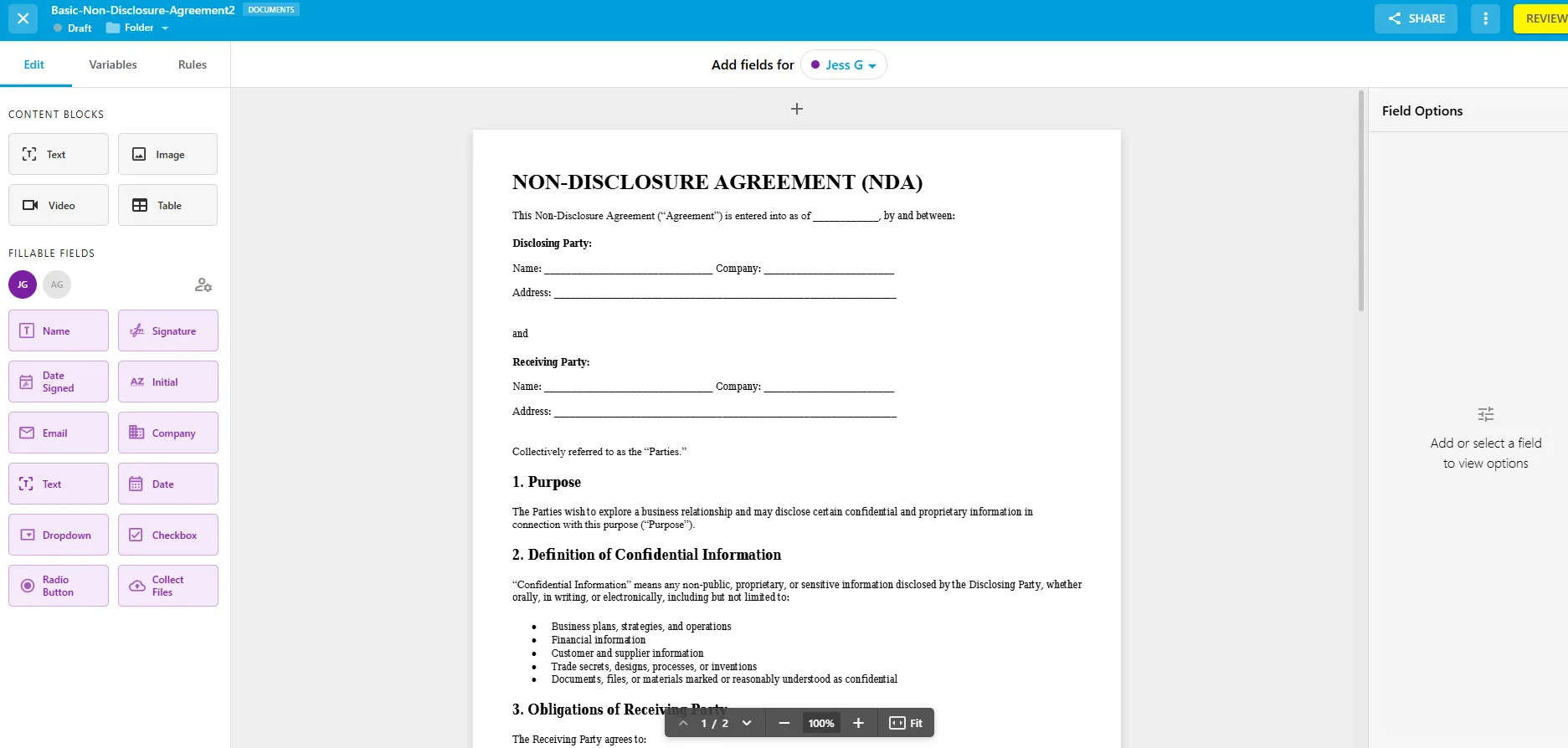
Fill is built for teams that want to move fast without dealing with the pricing tiers, envelope limits, and complexity of DocuSign. Instead of charging more as you grow, Fill keeps things simple: predictable pricing, unlimited usage, and a streamlined workflow your team can adopt instantly.

Rachel Kim
Operations Lead
Priya Mehta
Administrative Manager
Andre Bautista
Business Development Manager
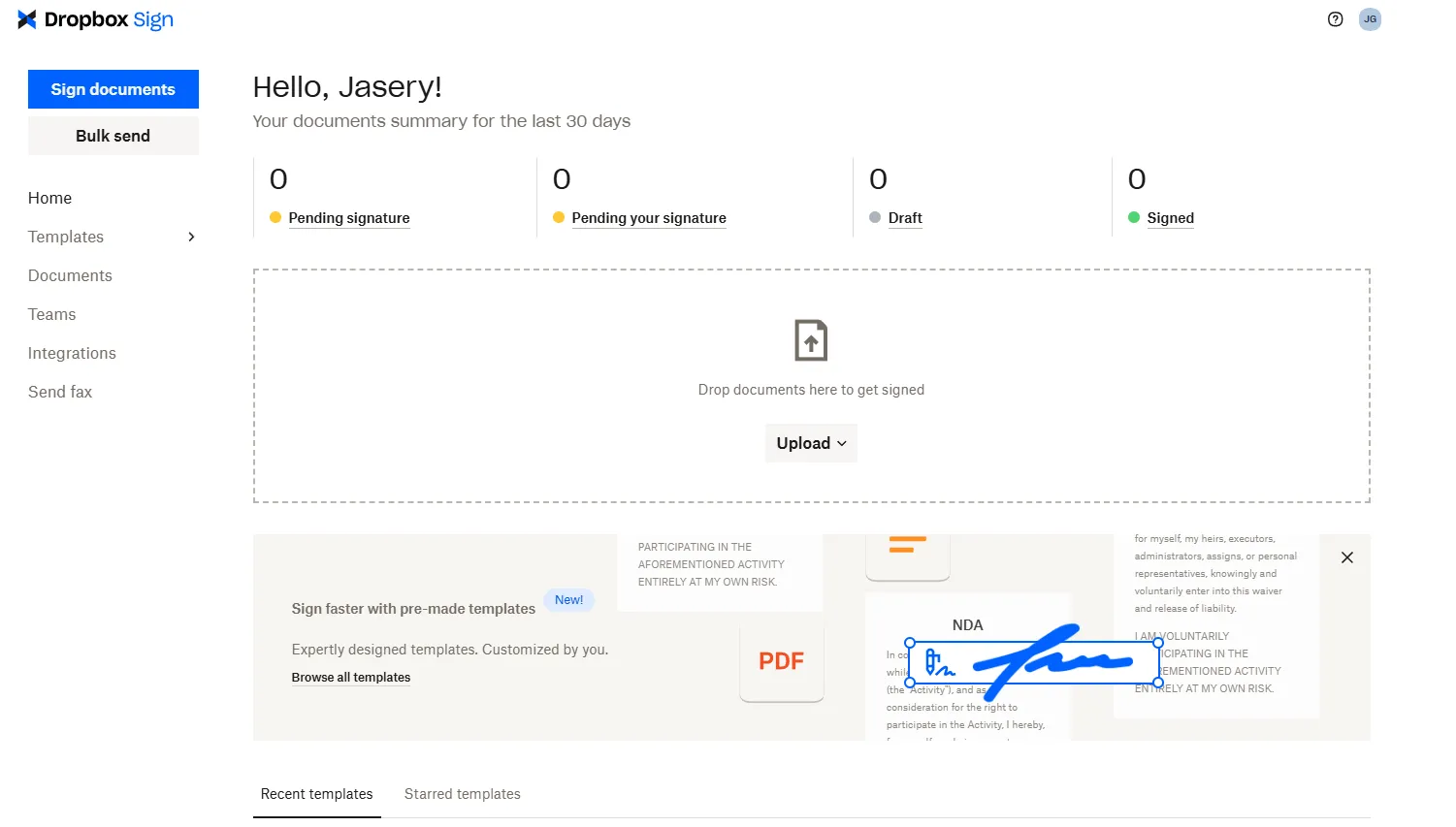
Send documents for signature with a clean, beginner-friendly interface.
Why it’s a DocuSign alternative
Dropbox Sign simplifies document signing compared to DocuSign, especially for individuals and small teams—but comes with limits as usage grows.

Sign and manage documents directly within Adobe workflows.
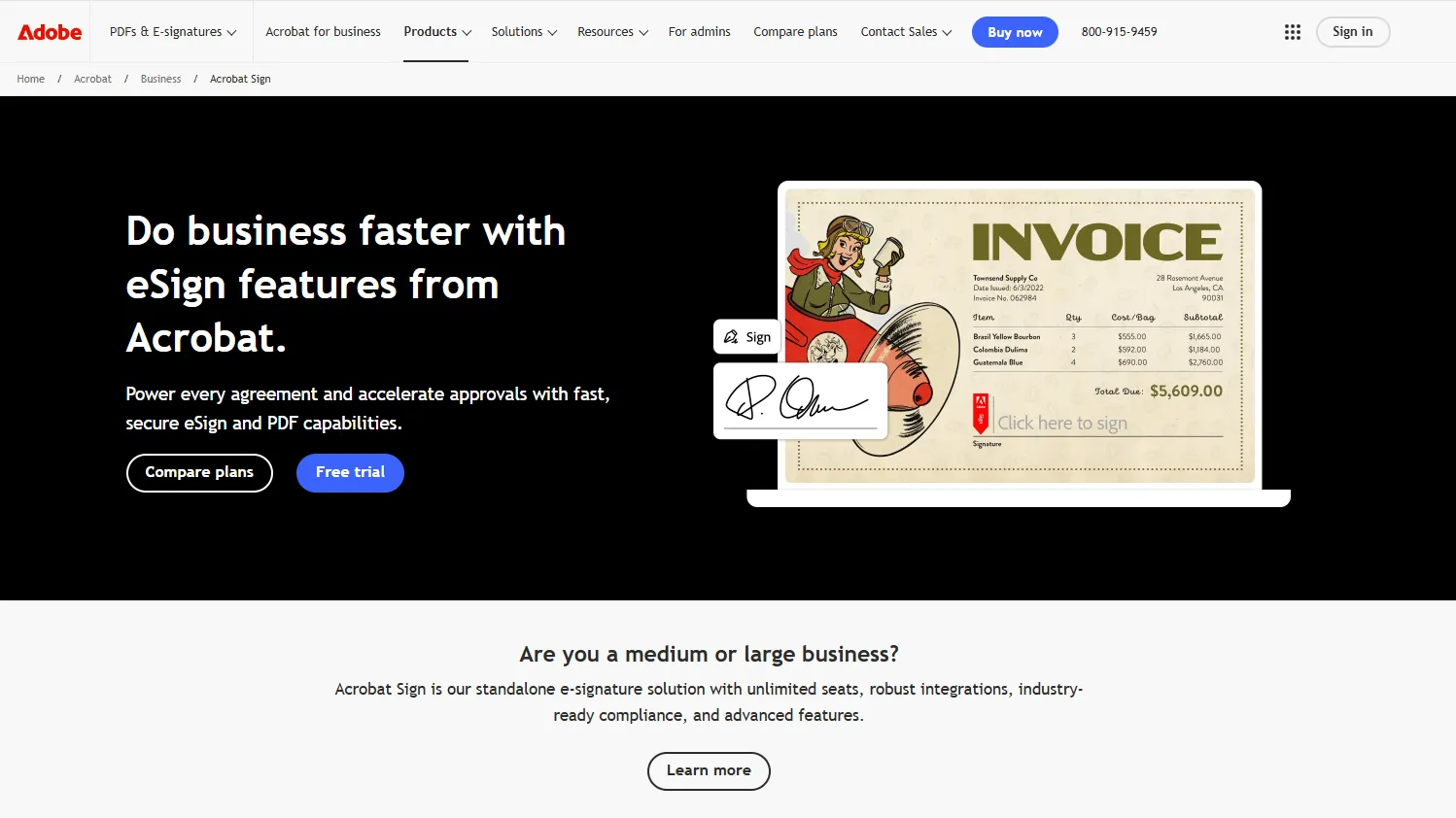
Why it’s a DocuSign alternative
Adobe Acrobat Sign matches DocuSign in capability but is best suited for teams already invested in Adobe—making it less practical as a standalone solution.
Create, send, and track proposals with built-in eSignatures.
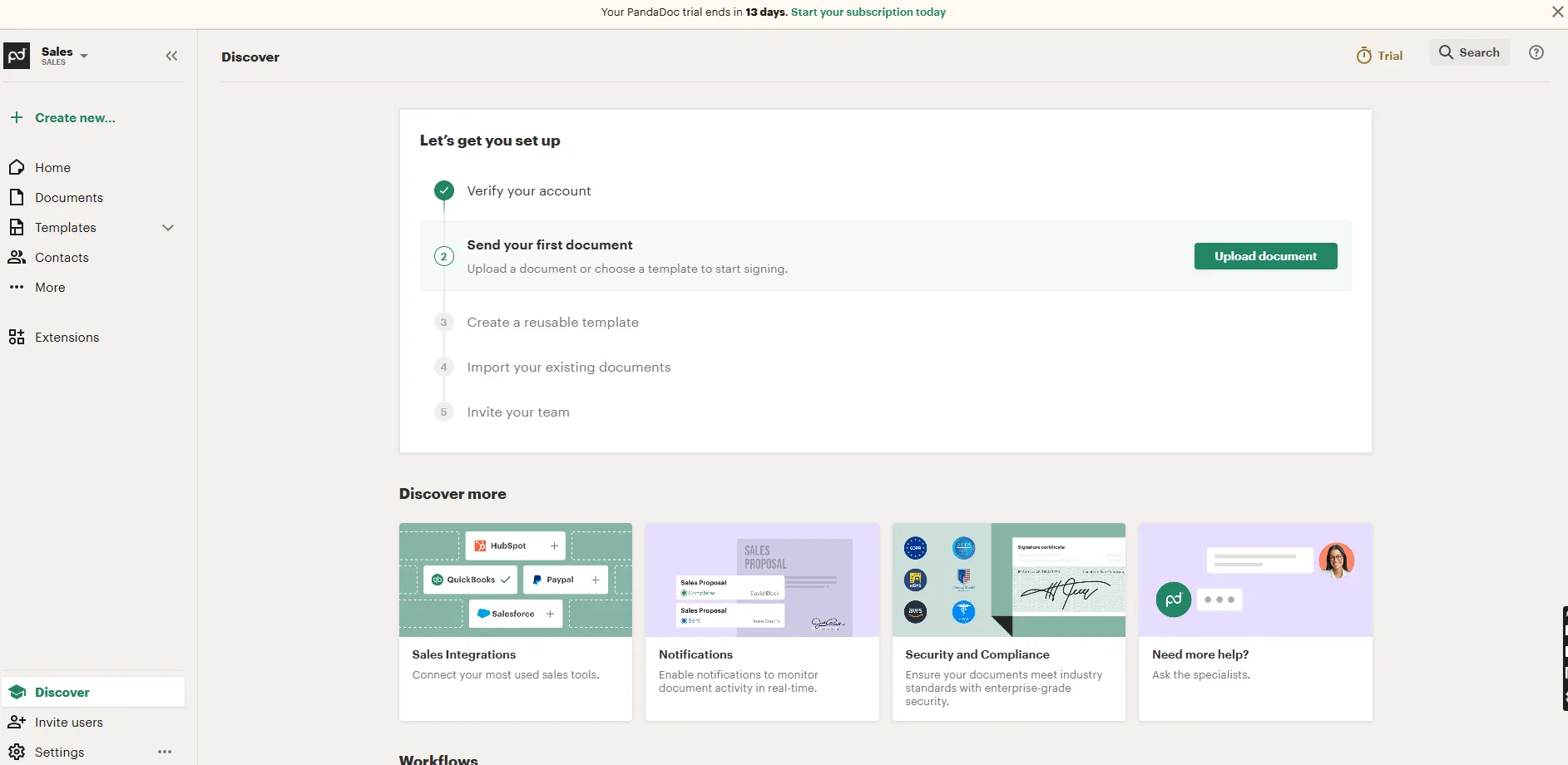
Why it’s a DocuSign alternative
Unlike DocuSign, PandaDoc combines document creation and signing, but its sales-heavy focus makes it more complex than necessary for basic eSignature needs.
Send and sign documents at a lower cost than most competitors.
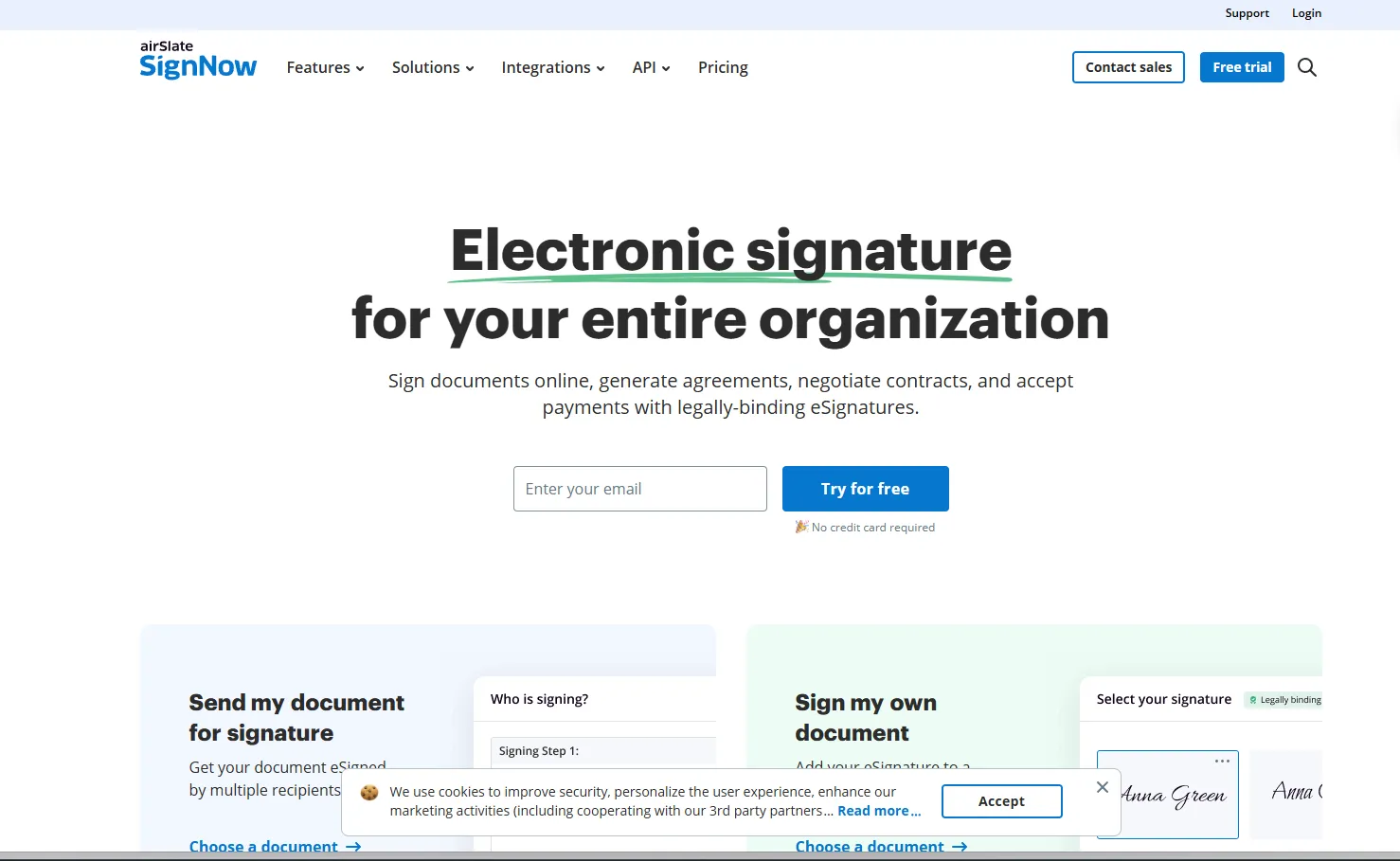
Why it’s a DocuSign alternative
SignNow offers a more affordable entry point than DocuSign, but with tradeoffs in interface and overall experience.
Simplify document signing with an affordable, lightweight tool.
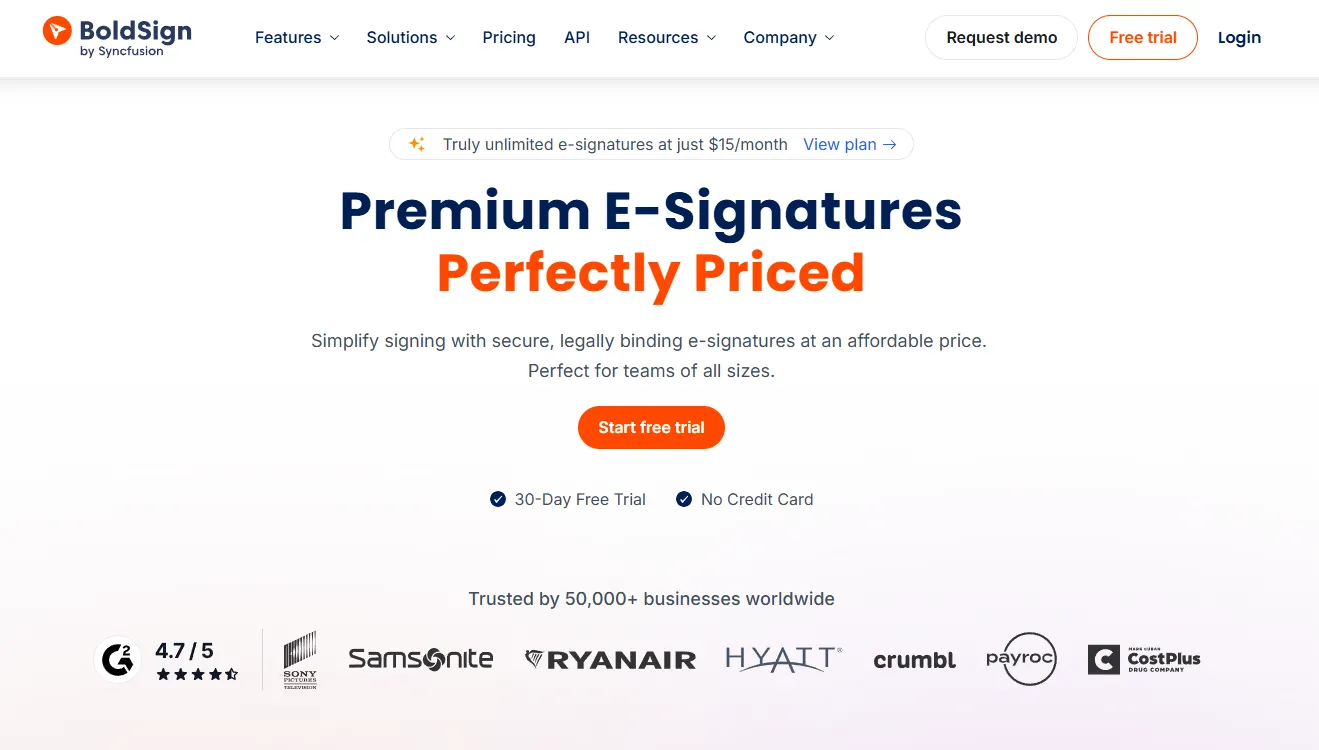
Why it’s a DocuSign alternative
Compared to DocuSign, BoldSign focuses on ease of use and affordability, though it lacks the depth and maturity of more established platforms.
Send and sign documents within the Zoho ecosystem.
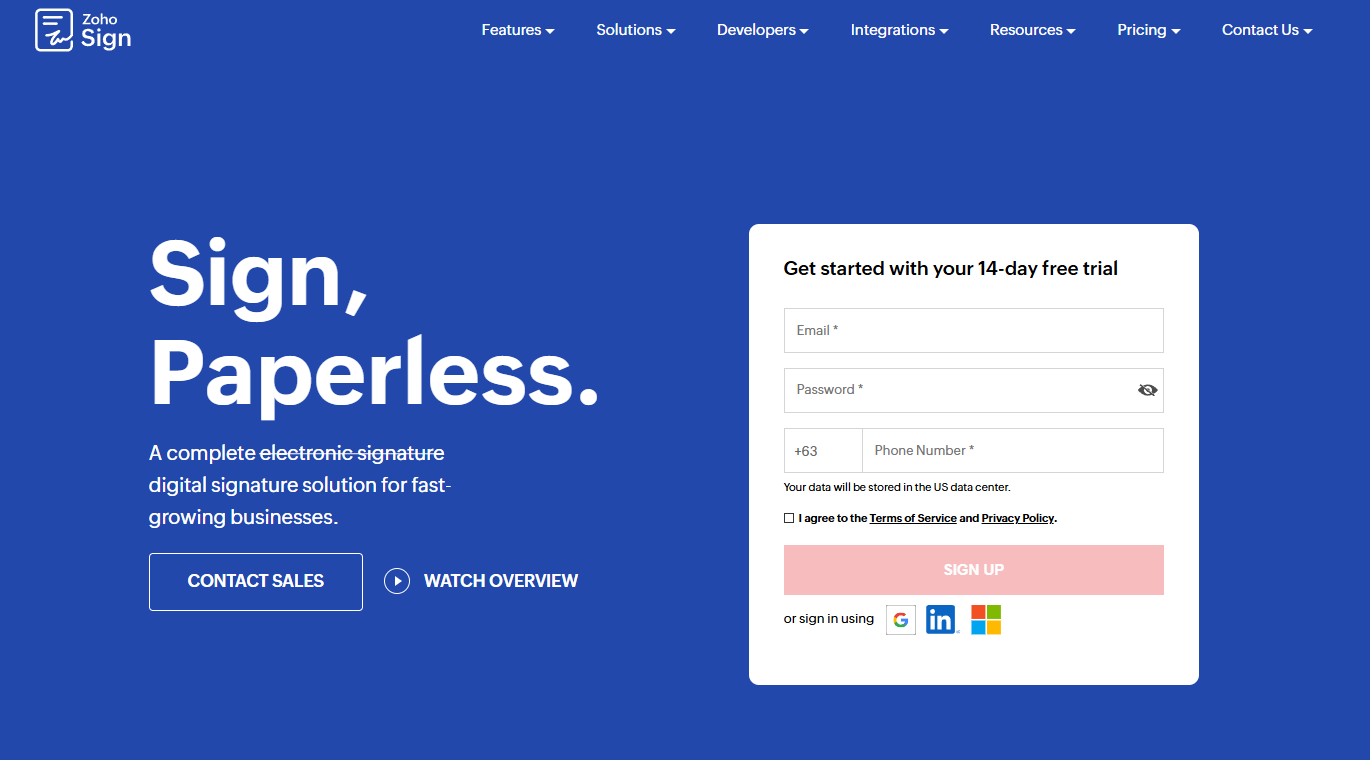
Why it’s a DocuSign alternative
Zoho Sign is a practical option for existing Zoho users, but its value drops if you’re not already using Zoho apps.
Send basic eSignature requests for free with a simple interface.
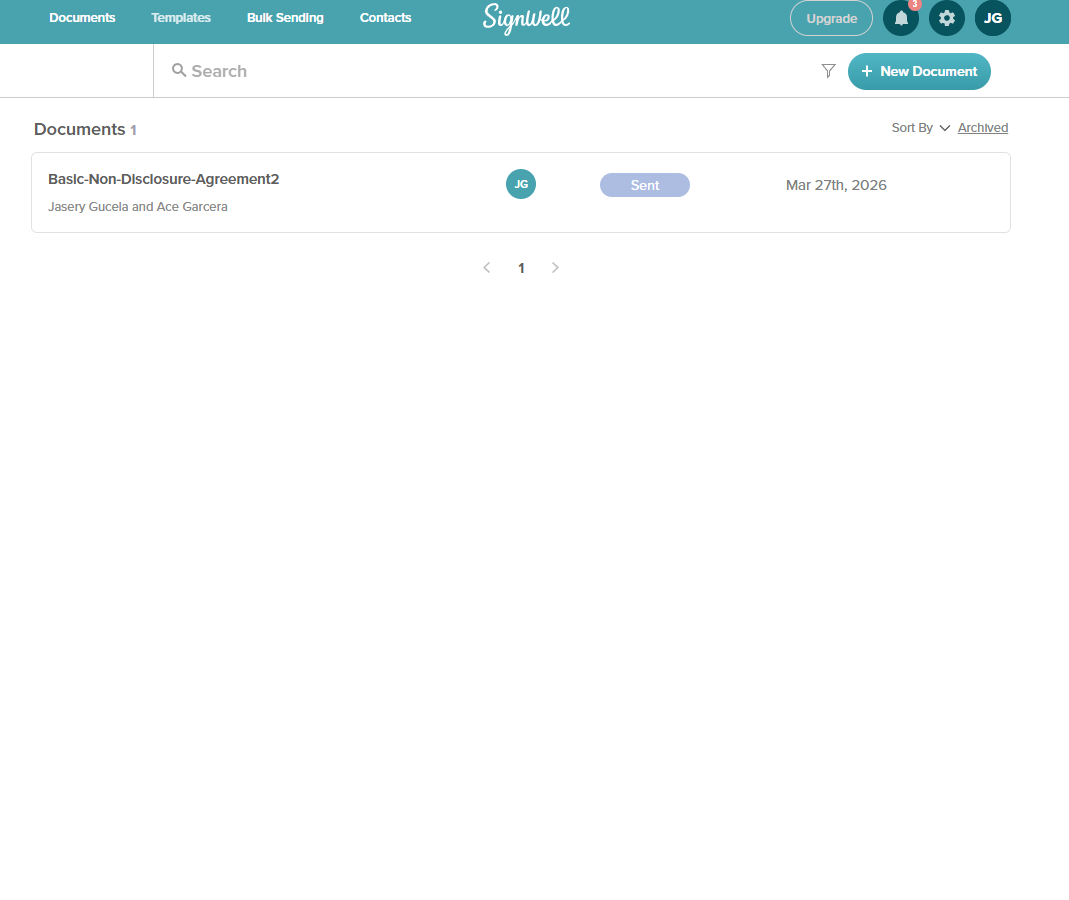
Why it’s a DocuSign alternative
Unlike DocuSign, SignWell offers a free entry point, but strict limits make it unsuitable for teams with regular signing needs.
Sign and send documents easily from mobile devices.
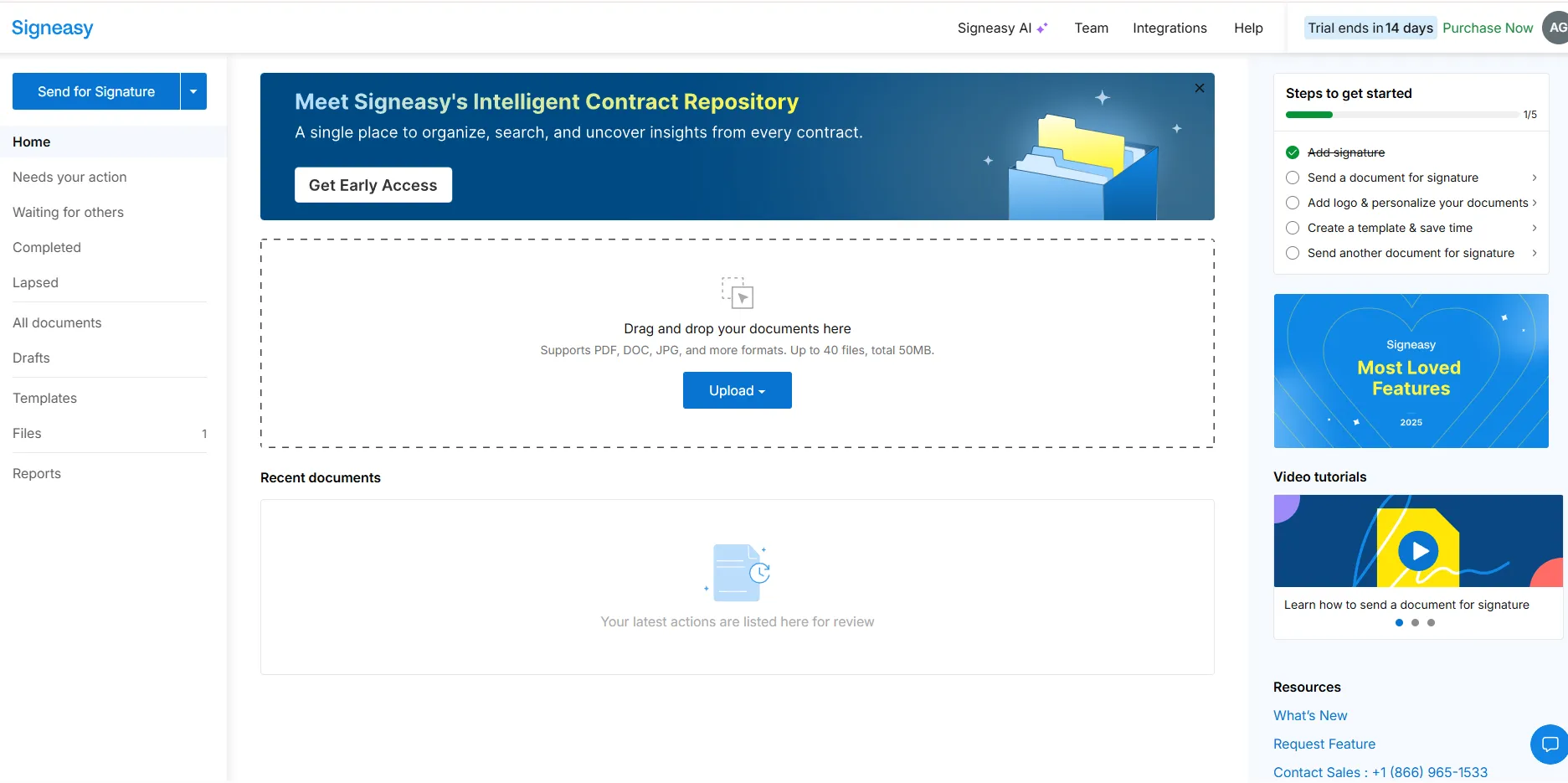
Why it’s a DocuSign alternative
Signeasy is optimized for mobile use, but lacks the depth needed for more complex workflows or teams.
Handle high-security document workflows with advanced compliance.
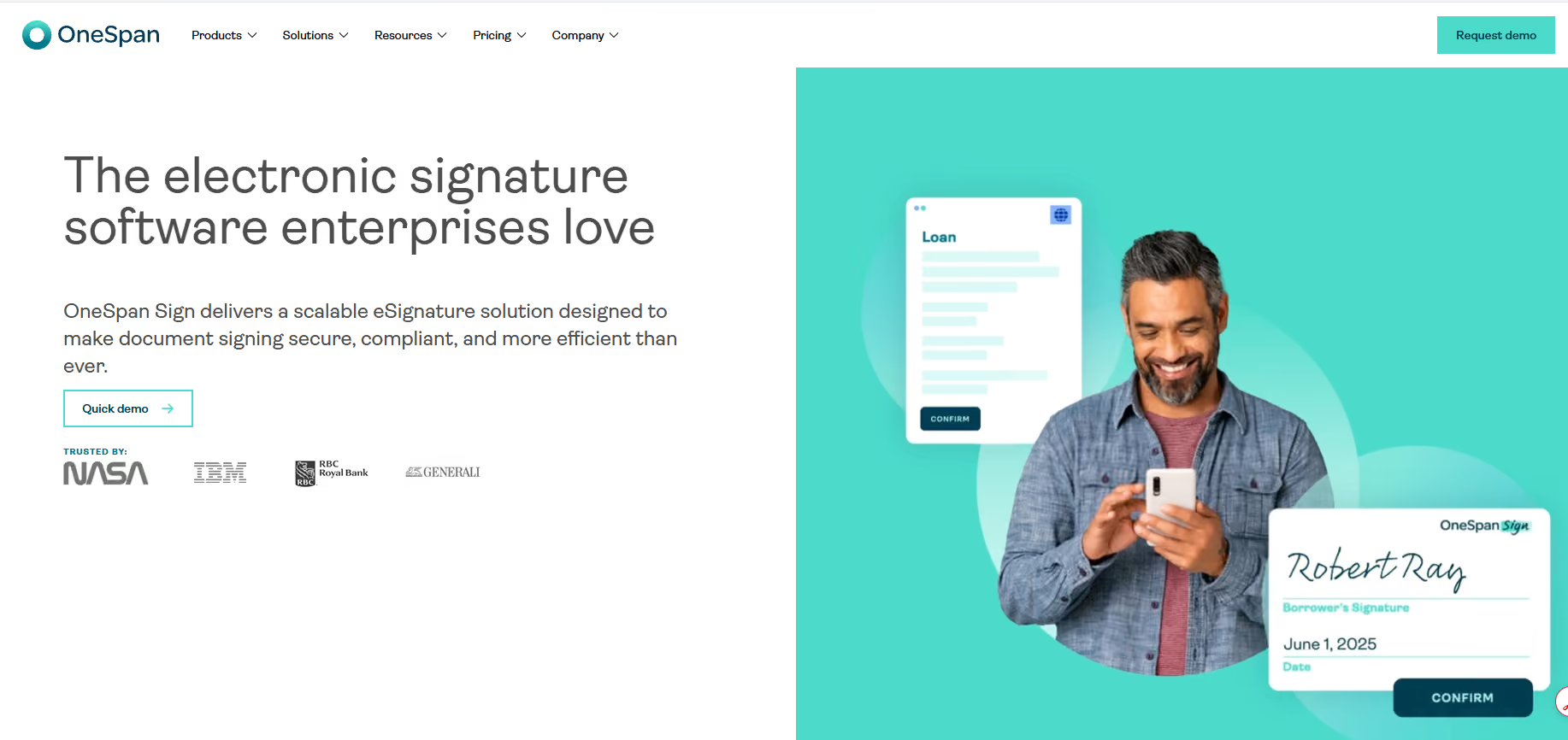
Why it’s a DocuSign alternative
Compared to DocuSign, OneSpan Sign is built for highly regulated industries, making it too complex and expensive for most teams
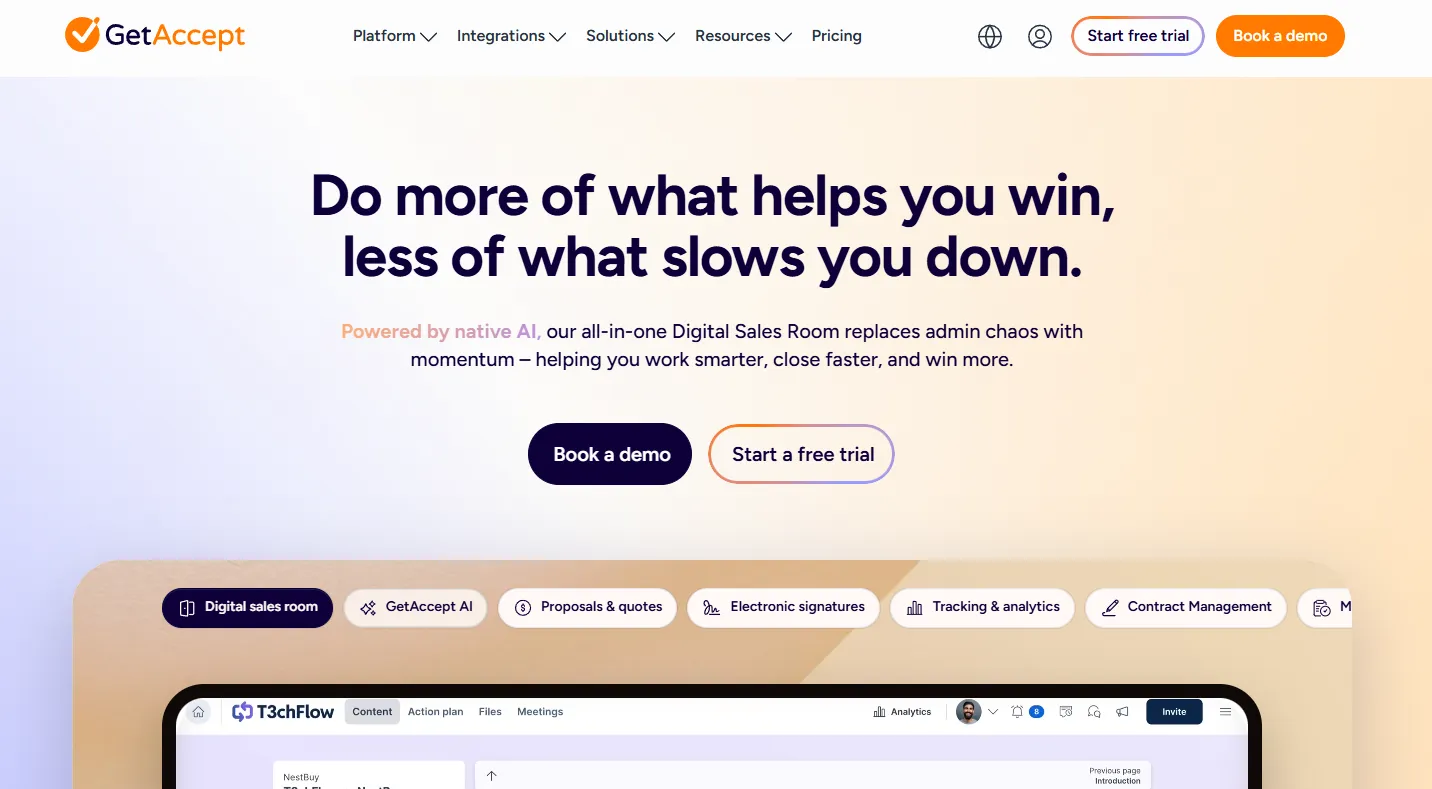
Send documents with built-in sales tracking and engagement tools.
Why it’s a DocuSign alternative
Unlike DocuSign, GetAccept adds sales features to eSignatures, but it can feel unnecessary for teams that just need document signing.
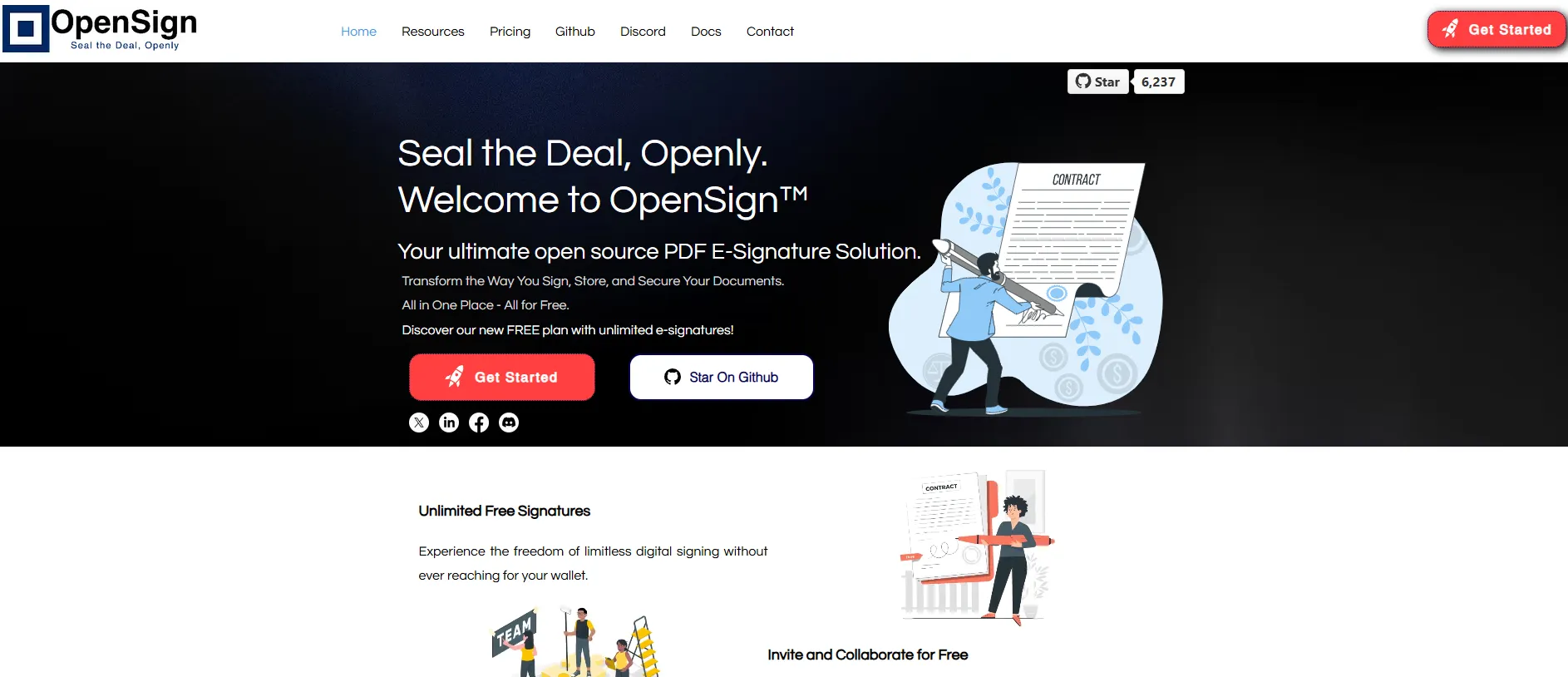
Use an open-source platform for flexible, self-managed eSignatures.
Why it’s a DocuSign alternative
OpenSign offers flexibility and no licensing fees, but requires technical setup and maintenance.
eSignature-Only vs. Contract Lifecycle Management: Which Do You Need?
If you’re comparing document signing tools, the first thing to clarify is this: do you just need a fast, simple way to send documents for signature—or a full system to manage contracts end to end? Here’s the difference at a glance:
Where Fill Fits
Fill sits in the practical middle:
- More capable than basic eSign tools (templates, forms, audit trails)
- Far simpler and more affordable than full CLM platforms
- Built for teams that need efficient document workflows—without enterprise overhead
If you don’t need full contract lifecycle management, choosing a streamlined eSignature solution like Fill keeps things faster, simpler, and more cost-effective.
Quick Decision Guide

Choose eSignature tools
if you want speed, simplicity, and lower cost

Choose CLM platforms
if you need full contract management and legal workflows
How to Choose a DocuSign Alternative
Use this checklist to quickly find the right fit for your workflow—without overpaying or overcomplicating things.
Pricing Transparency (No Hidden Envelope Fees)
- Flat or predictable pricing
- No per-envelope sending limits
- No forced upgrades as usage grows
- Tiered pricing tied to usage
- Per-user fees that scale quickly
Tools like Fill remove these limits entirely, so you can send documents without tracking quotas.
Security & Compliance (HIPAA, ESIGN, eIDAS, GDPR)
- ESIGN & UETA compliance (legal enforceability)
- eIDAS support for international use
- HIPAA compliance (if handling sensitive data)
- Strong encryption (e.g., 256-bit AES)
- Missing compliance certifications
- Limited audit or verification features
Fill includes built-in compliance and enterprise-grade security without requiring higher-tier plans.
Ease of Use and Mobile Support
- Intuitive interface (no training required)
- Fast document setup and sending
- Mobile-friendly signing experience
- Complex workflows designed for enterprise teams
- Slow onboarding or cluttered UI
The faster your team can send and sign, the faster deals and approvals move.
Integrations and API Access
- Native integrations (Google Drive, Zapier, Gmail)
- API access for automation
- Compatibility with your existing tools
- Limited integrations locked behind higher plans
- Difficult setup for basic workflows
Fill connects easily with the tools most teams already use—without added complexity.
Audit Trails and Document Storage
- Real-time tracking of document status
- Detailed audit trails for legal proof
- Secure document storage and access
- Limited visibility into document activity
- Missing or incomplete audit logs
A strong audit trail ensures every signature is traceable and compliant.
When comparing DocuSign alternatives, the best tools will:
If a tool checks all five, you’re likely looking at a solution built for real-world use—not just enterprise complexity.
DocuSign vs Top Alternatives: Side-by-Side Comparison
Compare the top DocuSign alternatives at a glance—and see which tool gives you the most value without the limits.
| Feature | Fill | DocuSign | Dropbox Sign | PandaDoc | SignNow | Adobe Acrobat Sign |
|---|---|---|---|---|---|---|
| Free Option |
 7-day Free Trial
|
 No
No
|
Yes (limited)
|
Yes (limited)
|
No
|
No
|
| Unlimited Signatures |
Yes
|
No
|
No
|
No
|
No
|
No
|
| Templates Included |
100+
|
Limited
|
Yes
|
Yes
|
Yes
|
Yes
|
| Mobile-Friendly |
Yes
|
Yes |
Yes |
Yes |
Yes |
Yes |
| Audit Trail |
Yes
|
Yes |
Yes |
Yes |
Yes |
Yes |
| HIPAA Compliance |
Yes
|
Higher tiers
|
No
|
Yes |
Yes |
Yes |
| Integrations |
Yes
|
Yes |
Yes |
Yes |
Yes |
Yes |
| Pricing Model | Flat,predictable | Tiered + per-user | Per-user | Tiered | Per-user | Tiered |
Pricing Comparison: DocuSign vs Alternatives
If you’re switching from DocuSign, pricing is usually the tipping point. Here’s how the top alternatives compare.
| Tool | Starting Price | Free Option | What Impacts Cost Most |
|---|---|---|---|
| Fill | $9.99/user/month |
7-day free trial
|
None — unlimited signatures |
| DocuSign | $20/user/month |
No
|
Envelope limits + tier upgrades |
| Dropbox Sign | $20/user/month |
(limited)
|
Per-user pricing |
| PandaDoc | $19/user/month |
(limited)
|
Features locked behind tiers |
| SignNow | $20/user/month |
No
|
Feature limitations on lower plans |
| BoldSign | $15/user/month |
(limited)
|
Feature access by tier |
| Zoho Sign | $12/user/month |
(limited)
|
Ecosystem-based value |
What actually drives your total cost
Most tools don’t just charge for access—they charge for usage, features, or team size:

Envelope limits

Tiered pricing

Per-user costs
Predictable pricing. No usage caps.
Frequently Asked Questions
Is there a free DocuSign alternative?
Yes, there are several free DocuSign alternatives, such as SignWell and PandaDoc, but most free plans have limits on the number of documents you can send or sign.
If you’re specifically looking for free options, you can explore this guide to free eSign software to compare what’s available and what limitations to expect.
If you need more flexibility, Fill offers a 7-day free trial with full access, including unlimited eSignature requests—so you can test the platform without hitting usage caps.
What is the cheapest DocuSign alternative?
The cheapest DocuSign alternatives typically include tools like SignNow and BoldSign, which offer lower starting prices.
However, the true cost depends on usage. Many tools charge per user or limit the number of documents you can send. Fill starts at a lower price point and includes unlimited signatures, making it one of the most cost-effective options as your usage grows
Is Fill legally binding?
Yes. Fill supports major eSignature laws and standards, including ESIGN, UETA, and eIDAS, which make electronically signed documents legally binding in many countries.
It also includes audit trails, authentication records, and secure encryption, ensuring that every signed document is verifiable and compliant.
Does Fill work on mobile?
Yes. Fill is fully mobile-friendly, allowing you to send, sign, and manage documents from your phone or tablet. You can also download dedicated iOS and Android apps for an optimal mobile experience.
Recipients can sign documents directly from any device—no downloads or setup required, making it easy to complete agreements on the go.
Does Fill offer templates like DocuSign?
Yes. Fill includes ready-to-use templates for common documents like sales contracts, NDAs, and property agreements—so you never have to start from scratch.
Can I migrate from DocuSign to Fill?
Yes. You can move your document workflows from DocuSign to Fill without rebuilding everything from scratch.
Most teams migrate by:
- Uploading existing templates or documents
- Recreating reusable fields and workflows
- Connecting storage tools like Google Drive or Dropbox
Ready to Switch from DocuSign?
If you’re looking for a simpler, more affordable way to send and sign documents, Fill gives you everything you need—without the limits, complexity, or rising costs of DocuSign.
- Send unlimited documents
- Use 100+ ready-made templates
- Stay compliant with built-in security and audit trails
- Get started in minutes—no setup headaches