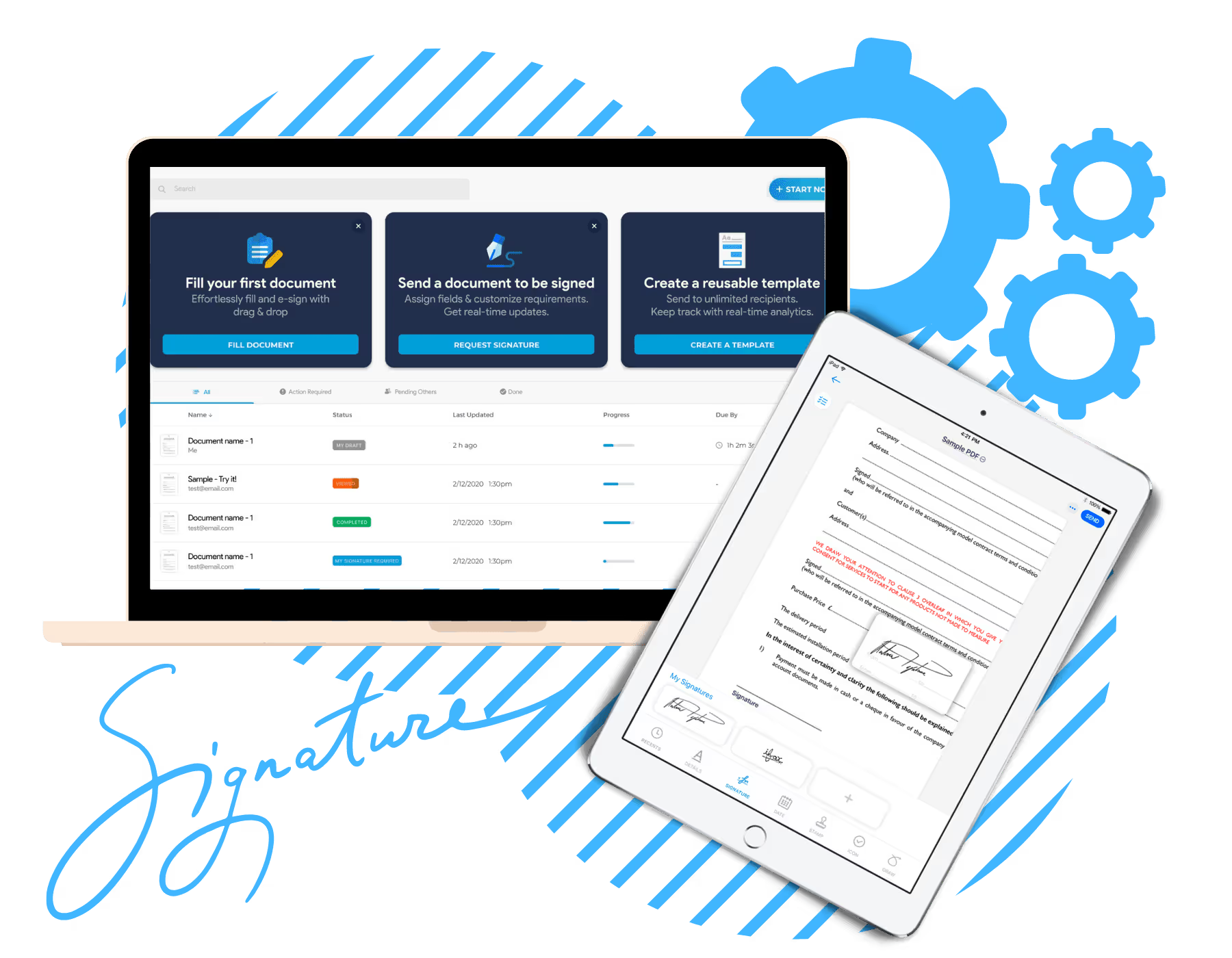
Online signature software for manufacturing businesses
Fill is a top-rated digital signing platform packed with innovative features designed to expedite your document processes. Share files and send signature requests straight from your computer, laptop, or mobile device.


Establish a competitive edge with these features

Electronic signature

Signature request

Robust security

Contract management

Online forms

Customizable templates

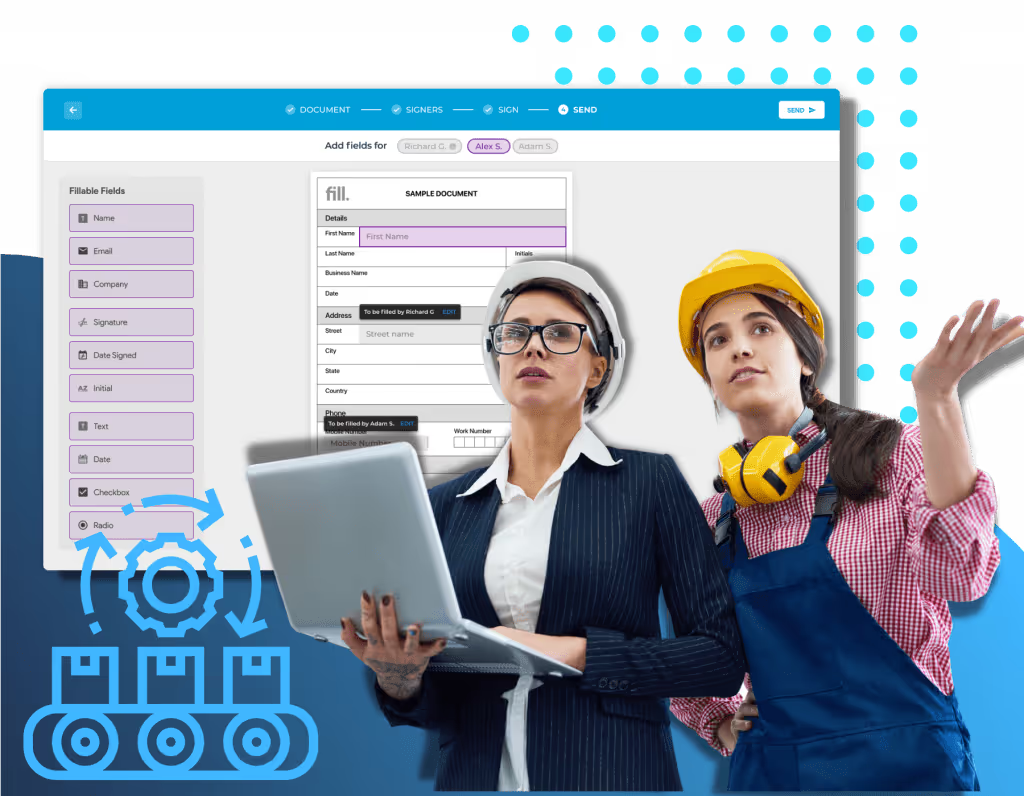
Manage manufacturing contracts
Keep manufacturing contracts confidential while accelerating your document processes. With Fill, you can easily view files and fulfill requirements without worrying about unauthorized access and document tampering. Our esignature application uses cutting-edge security features that comply with federal and international regulations.

Facilitate vendor onboarding
Strengthen business relationships by automating supplier evaluation and approval. You can use Fill’s digital forms to collect important information from prospective vendors and get signatures from key decision-makers. Speed up contract signing by using Fill’s intuitive and secure electronic signature maker.
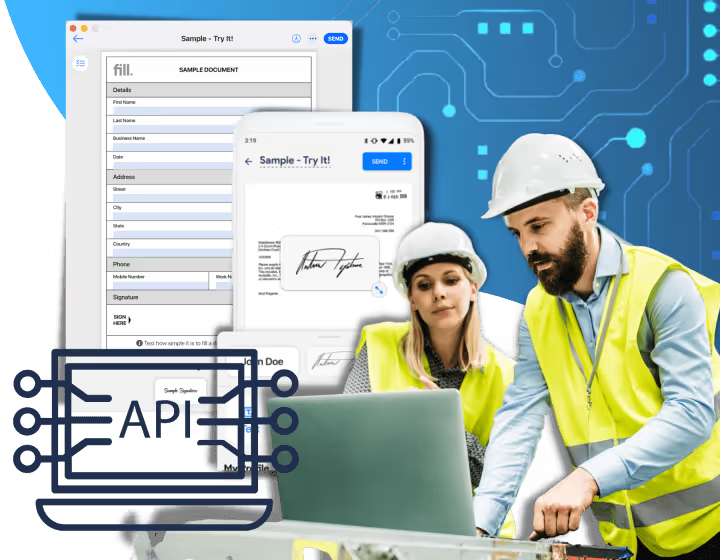
Integrate business tools
Create an organized and efficient manufacturing workflow by using a centralized tool for all your administrative tasks. It’s easy to integrate Fill with your preferred business and productivity tools with our prebuilt connectors. You may also use our developer-friendly API to connect Fill with existing ERP and CRM fast.
Uses of electronic signatures for manufacturing
Sign manufacturing contracts
Approve purchase orders
Streamline workforce onboarding
Frequently Asked Questions
Can I use Fill to send and request signatures on invoices and purchase orders?
Yes, you can. Fill provides a document-signing solution that’s ideal for the manufacturing industry. We offer a safe and secure platform that enables you to digitally sign documents including contracts, sales invoices, and purchase orders.
To send a request for electronic signatures for manufacturing, all you need to do is sign in to your Fill account. Then, upload the invoice or purchase order form to the app. At this point, it will let you create and send a signature request. You may also use our wide range of templates that you can customize to your liking.
Your suppliers or clients do not need to have an account with Fill to sign documents. They can access the document via a link sent to them on their email. From there, they can create unique electronic signatures by typing their names, drawing their signature, or uploading a digital copy of their handwritten signature.
Fill offers a free plan that lets them send and request signatures on invoices and purchase orders. They can also sign up with Fill to unlock other features.
How can I add an esignature to a manufacturing document on my mobile phone?
The fastest, easiest, and safest way to electronically sign documents or send signature requests straight from your Gmail account is by integrating Fill into it. The process only takes a couple of minutes. Here’s how to do it: Sign in to your Fill account. Not yet registered to Fill? You can create an account for free. On your dashboard, click Integrations and API found on the Tools menu. Fill has prebuilt connectors that allow you to integrate Fill with other software or apps. In this case, select Gmail. You can also access the Integrations and API menu by clicking the gear button located at the bottom left of your screen. Once you have successfully integrated Fill into your Gmail account, you should be able to sign any manufacturing documents and send signature requests from there.
How can I esign manufacturing documents or request esignatures using Gmail?
The fastest, easiest, and safest way to electronically sign documents or send signature requests straight from your Gmail account is by integrating Fill into it. The process only takes a couple of minutes.
Here’s how to do it:
- Sign in to your Fill account. Not yet registered to Fill? You can create an account for free.
- On your dashboard, click Integrations and API found on the Tools menu.
- Fill has prebuilt connectors that allow you to integrate Fill with other software or apps. In this case, select Gmail.
- You can also access the Integrations and API menu by clicking the gear button located at the bottom left of your screen.
Once you have successfully integrated Fill into your Gmail account, you should be able to sign any manufacturing documents and send signature requests from there.
Can I integrate Fill into my current system?
Yes, you can definitely integrate Fill into your favorite business and productivity tools. The beauty of taking advantage of our third-party integration feature is that it allows you to have a centralized system for all your administrative tasks. You can access this innovative feature when you sign up for our Pro plan, which starts at $24.99 per user per month.
There are two ways that you can integrate Fill:
- Use our prebuilt connectors
- Use our developer-friendly API
Our esignature API also allows you to integrate Fill with popular productivity and business tools, including CRM, ERM, and ERP systems. This integration feature helps you create a more streamlined and centralized way of handling manufacturing documents. You can also integrate an esignature platform into your website through embedding.
What is the best way to esign manufacturing documents online?
Using electronic signatures on your manufacturing business can indeed take your organization to a whole new level. You’ll be able to eliminate a few unnecessary steps to document processing. More importantly, you will be able to save yourself a couple of hundred dollars on printing and courier expenses. Indeed, it’s the best way to move forward with your document and contract workflow management.
To reap all these great advantages, you need to equip yourself with the best digital signature for manufacturing. If you are looking for a reliable document signing solution, there’s no need to look further. Fill has everything you need and more.
For as low as $4.17 per month, you can access features like unlimited signature requests, unlimited uploads, and real-time audit trail and log, to name a few. You can also use any of the templates in our library to make your document processing a lot easier and more manageable.
You’ll never have to worry about security issues like breaches and forgery with Fill. We only use the best and most robust encryption to ensure the safety and privacy of your files and documents. We also provide document signing solutions compliant with federal regulations such as HIPAA and GLBA.
Download Fill App now.


Customers love it.
Abigail Roberts
Marketer
Ravi
Designer
Brett Thompson
Designer
Annabelle Porter
Developer
Jonathan Wilson
Designer
Anna Souzakis
Cusomter
