Over 1 million satisfied users
With an average of 4.6 and 4.9-star ratings on Google Play and Apple App Stores, Fill is the best esignature app with document scanner for Android and iOS.


Capture and convert printed forms to PDF
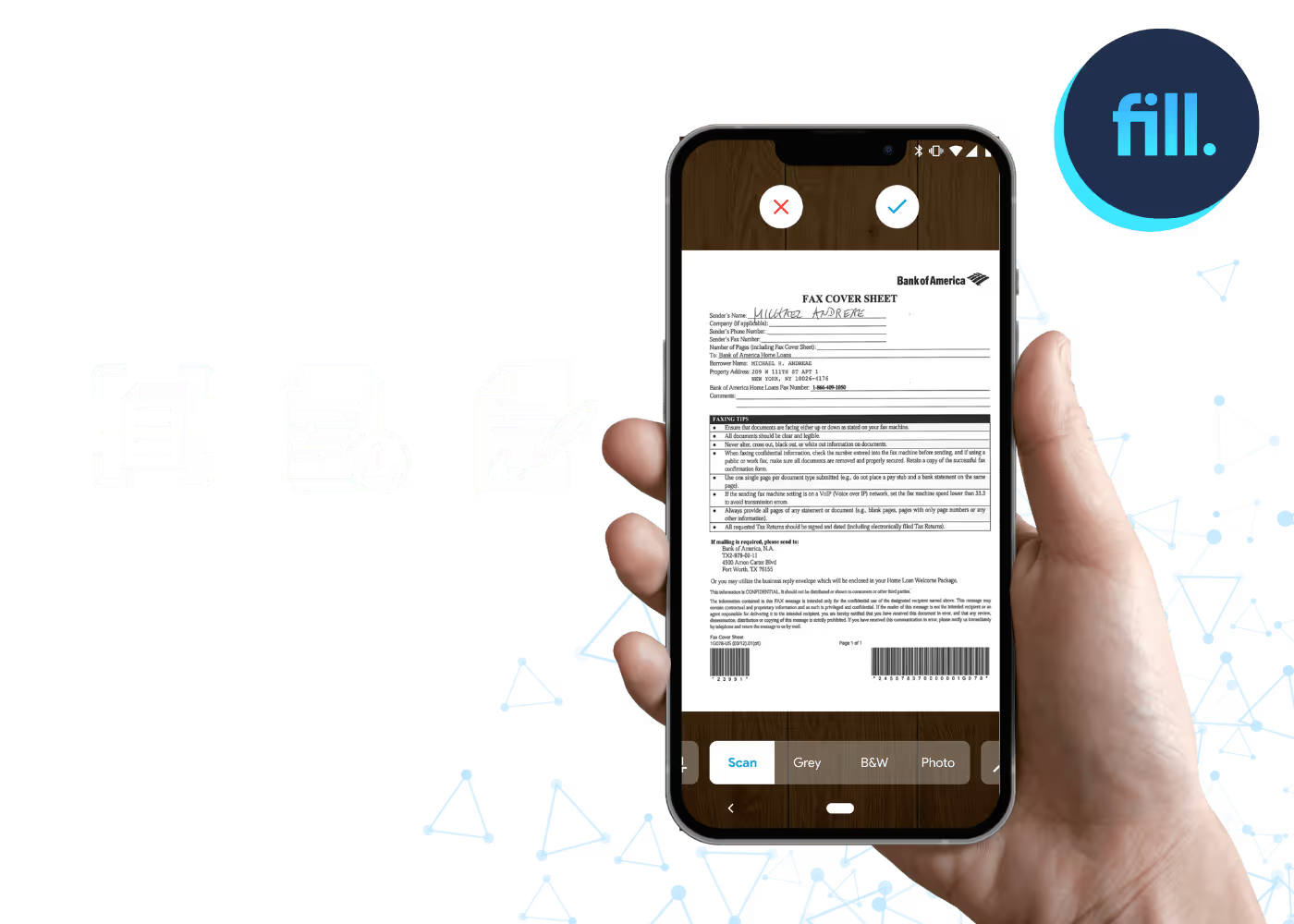
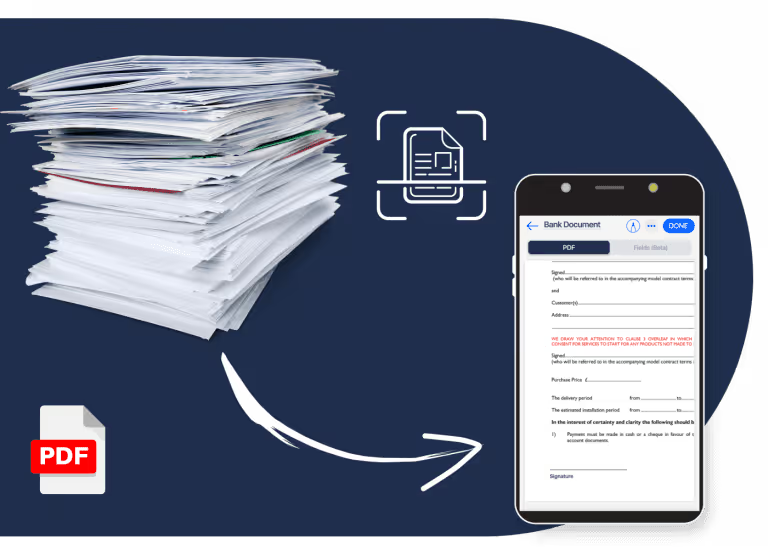
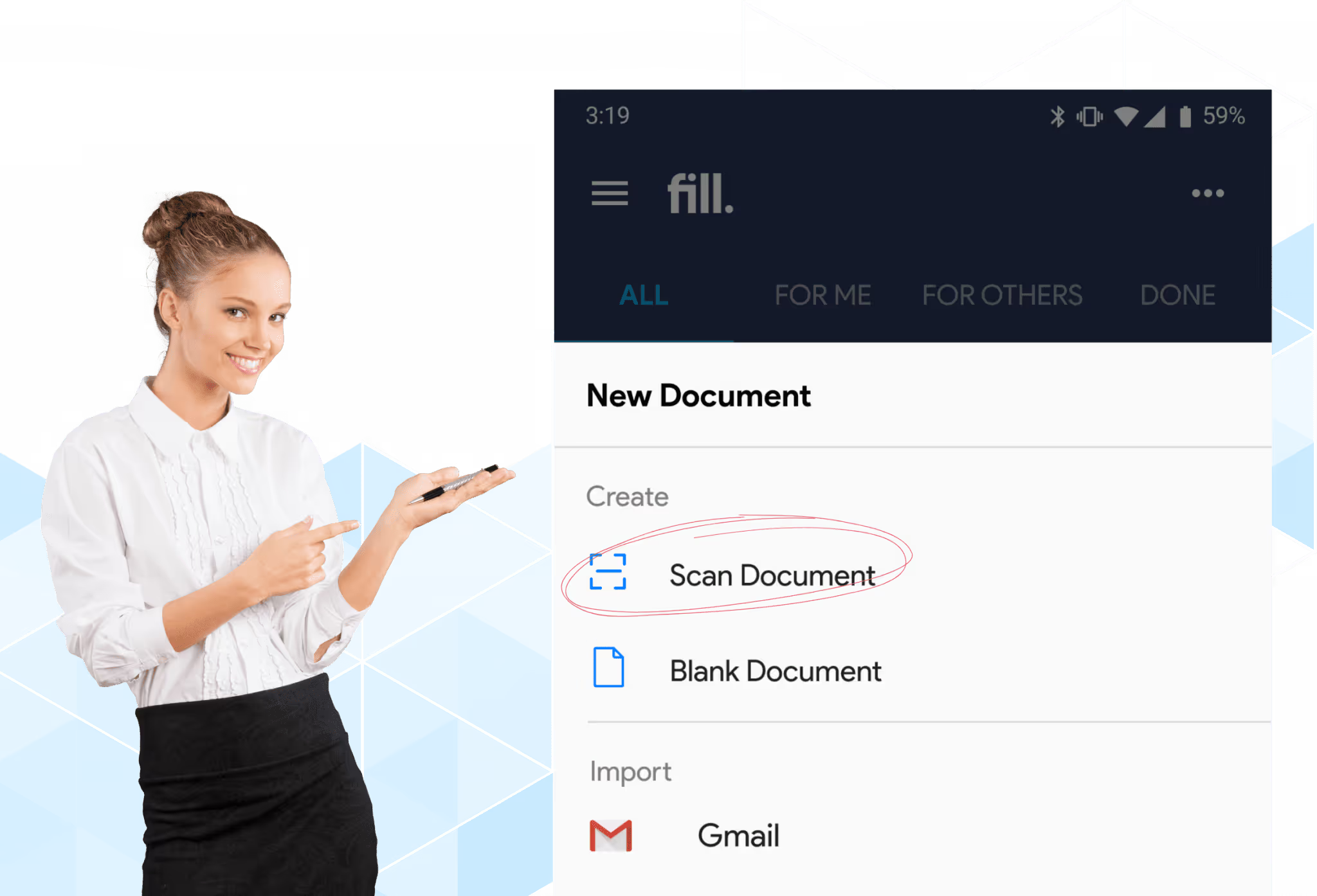
Say goodbye to bulky office scanners. With Fill, you can effortlessly scan and convert any paper document into a fillable PDF form using your tablet or phone. Our user-friendly scanner app also supports auto capture, making it easier to take a snap of printed forms and receipts.
Fast and high-quality document scans
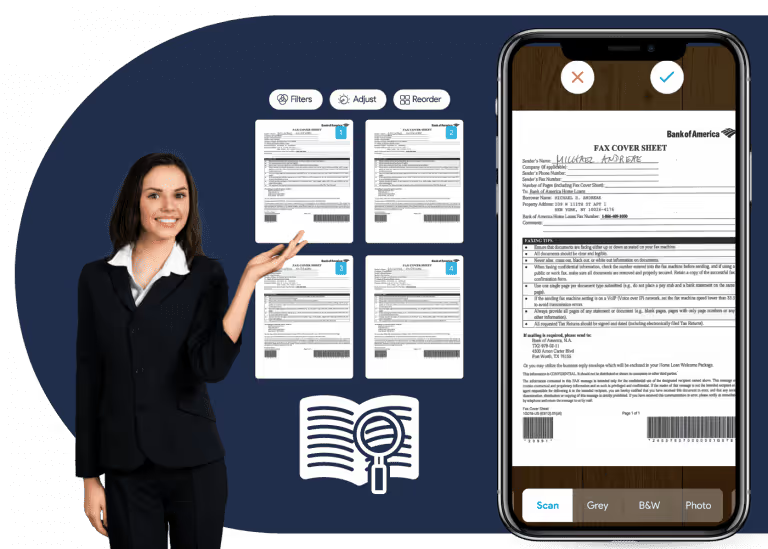
Our free document scanning app ensures that you get nothing but the best quality scans with clear and readable text. You can also apply filters and reorder the scanned pages if needed. With Fill, you can create digital scans minus the typos in a matter of minutes.
Seamless document management
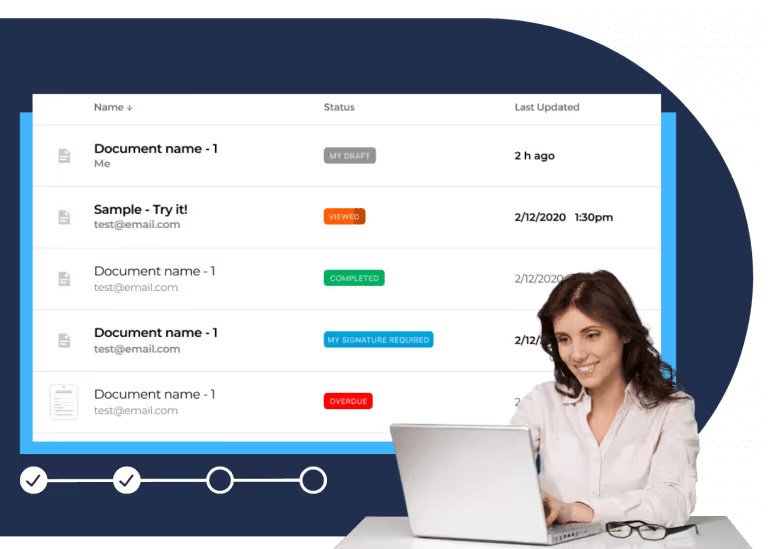
Automatically upload, store, and manage your scanned documents in the cloud. Enable document visibility with link sharing and permission-based user access. You can also export documents directly to other apps like Gmail, Google Drive, or Dropbox.
A cost-effective way to scan documents without a flatbed scanner
Here are some of the things you can do with digitized documents and forms on Fill.

Edit and annotate PDF files

Sign forms and contracts

Request esignatures

Enable cloud backup

Encrypt documents

Prevent fraud
What our users say about us

Frequently Asked Questions
What is a document scanner?
A document scanner is an electronic device that can scan and convert paper documents into digitized formats. However, the term is no longer limited to traditional office or business scanners. It could also refer to mobile apps, software, or browser-based tools.
Document scanner apps can turn any mobile device into a portable scanner. Once installed, it will use the device’s native camera to create a scanned image of the physical document. These types of apps also vary in terms of features and functionality.
However, scanning a document using a smartphone may result in low-quality scans, with text that appears too bright or blurry. You can improve the overall scan quality by:
- placing the document on a flat surface
- adjusting the contrast and brightness
- choosing a black and white filter instead of grayscale
When choosing a scanner app, make sure that it’s capable of producing high-quality scans. Otherwise, you’ll have to repeat the scanning process until you get the results you need.
Can I use my phone as a document scanner?
Yes, you can use your mobile phone or tablet as a document scanner. Some devices like the iPhone already have a built-in document scanning tool. To scan a document with an iPhone, you need to go to the Notes app and create a new note. From there, you’ll see an option to scan documents. Don’t worry; the process is similar to taking a photo.
If your phone doesn’t have this functionality, all you need to do is to install a scanner app. The app will let you use your phone’s default camera to take a snapshot of any document and convert it into a digitized format. The result will be similar to scanning using a traditional office scanner but with the option to scan from anywhere.
With a document scanner app, it’s easy to create digitized copies of any printed material, including business cards and receipts.
Is the Fill document scanner free?
Yes, the Fill document scanner app is free to download and install on Android and iOS devices. Do note that you’ll be asked to create a Fill account before you can unlock the app’s full functionality.
Not having a Fill account means your access will be restricted. You can still use the app without logging in, but the things you can do will be limited. For example, you can’t edit a scanned document or send it to others.
To lift these restrictions, you must register for a Fill account. You can sign up for a free plan or subscribe to our paid monthly or yearly subscriptions.
The free plan will allow you to explore some of the features of Fill’s scanner app. However, it will not allow you to download the scanned documents.
With Pro, you don’t have to worry about any limits. You can scan any document and do whatever you want with it. You can edit, annotate, or sign digitized forms on your mobile device. Plus, the app automatically syncs your digital records across all of your devices and integrated platforms.
Signing up for Pro starts for as low as $29.99 per month, but you can get up to 2 months free by upgrading to the annual plan.
How many times can I scan documents with Fill?
As long as you’re a registered Fill user, there is no limit to the number of times you can scan and convert documents. You can also digitize any printed form, contract, or agreement.
Our app also offers unlimited online storage, allowing you to store and access your scanned documents using any Android or iOS device or tablet.
With the Fill scanner app, you can completely go paperless and save on operating expenses. There’s also no need for you to set a budget for machine maintenance or printing supplies since your phone is all you need. You can feel at ease knowing that all it takes is a quick snap to acquire a digital copy.
There is also no limit to the number of scanned documents you can edit. Plus, you can scan multiple pages and save them as a single PDF file that you can instantly export to a third-party app or cloud storage service.
What is the best scanner app for documents?
The best scanner app for documents is none other than Fill. Our free scan app has all the tools and features you need to scan, sign, and manage documents on the go. There’s also the option for you to create shareable links for better document visibility and user access.
With our scanner app, you have a convenient way to capture and store all kinds of information. You can also process documents electronically and make digital agreements legally enforceable.
This app is all you need to scan documents without a flatbed scanner. With Fill, you can run a paperless office with minimal operating costs. You can also streamline workflows and effortlessly send documents to other apps with just a few clicks of a button.
There is also no need to worry about information privacy. Our regulatory-compliant app uses bank-grade 256-bit encryption to protect your confidential records from unauthorized or accidental access.
How do I scan a document and save it as a PDF on my phone?
With Fill, simply open the app, capture your document using your phone’s camera, and the app automatically converts it into a high-quality PDF you can edit, sign, and share.
Are mobile document scanners safe to use?
Yes. The Fill document scanner uses end-to-end encryption and secure cloud storage to protect your scanned files from unauthorized access or data loss.
Can I edit scanned documents on Fill?
Absolutely. Fill lets you edit scanned PDFs directly — add text, annotations, and eSignatures without converting the file to another format.
Does Fill support cloud backup for scanned files?
Yes. All your scanned documents are automatically backed up to the cloud, allowing you to access them anytime from any device while keeping them secure.
Can I request electronic signatures on scanned documents?
Yes. Once you scan a document, you can send it for eSignature directly within Fill and track its signing status in real time through in-app or email notifications.