Electronic Signature for Real Estate
Create, send, and sign purchase agreements, lease agreements, listing contracts, and disclosure forms online. Fill helps real estate agents, brokers, landlords, and property managers close deals faster with legally binding electronic signatures and secure document workflows.
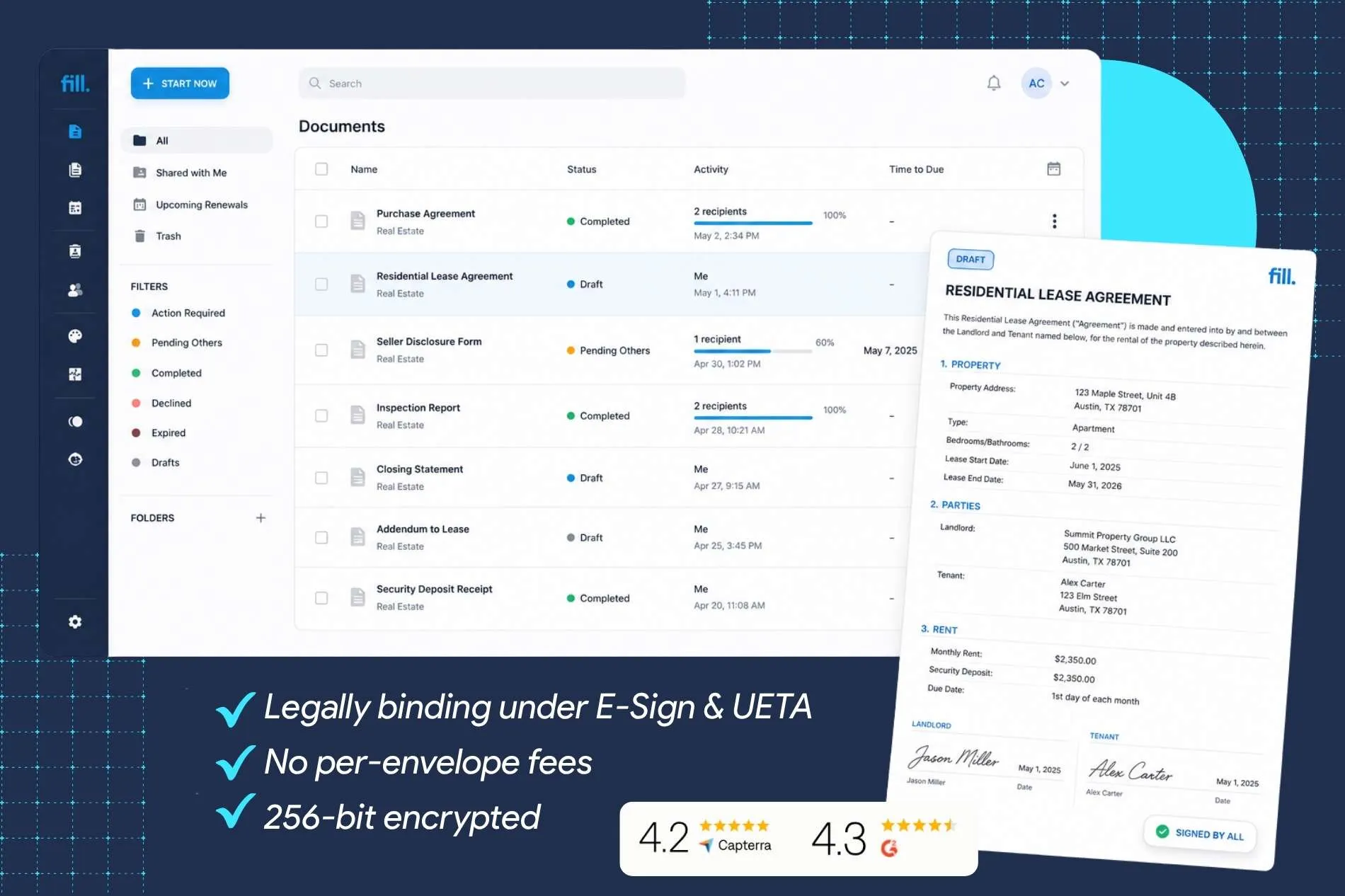
How to Sign a Real Estate Contract Online

Upload your contract or choose a template

Add recipients and set the signing order

Track progress until everyone signs
Are Electronic Signatures Legal in Real Estate?
Electronic signatures are legally recognized for most real estate transactions in the United States. Under the federal Electronic Signatures in Global and National Commerce (E-SIGN) Act and the Uniform Electronic Transactions Act (UETA), electronic signatures generally carry the same legal effect as handwritten signatures when both parties agree to conduct business electronically.
Many mortgage-related documents are also signed electronically, and organizations such as Fannie Mae and FHA support electronic signatures for eligible documents. Individual state laws and transaction requirements may vary, so this information is intended as general guidance rather than legal advice.

Every Real Estate Document, Covered

Lease Agreements

Purchase Agreements

Offer Letters & Counteroffers

Disclosure Forms

Mortgage & Closing Documents

Listing Agreements

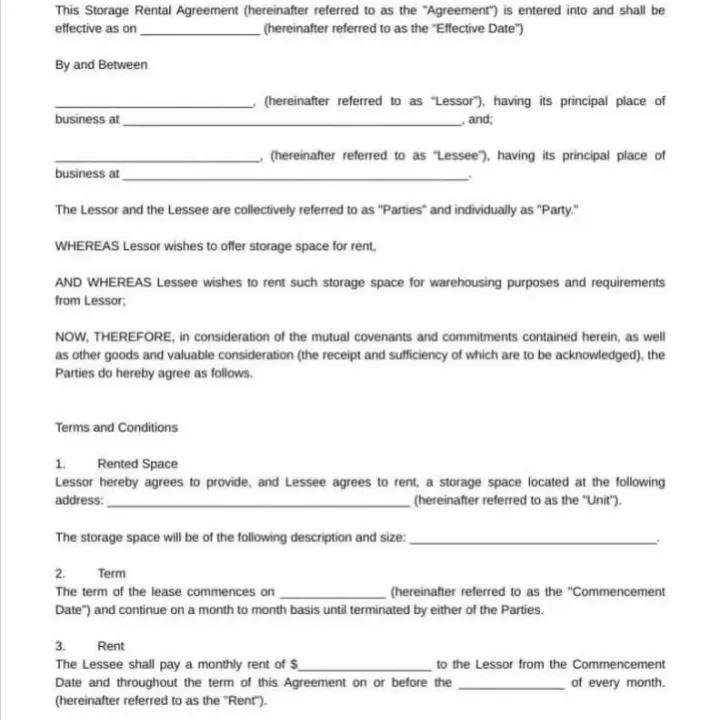
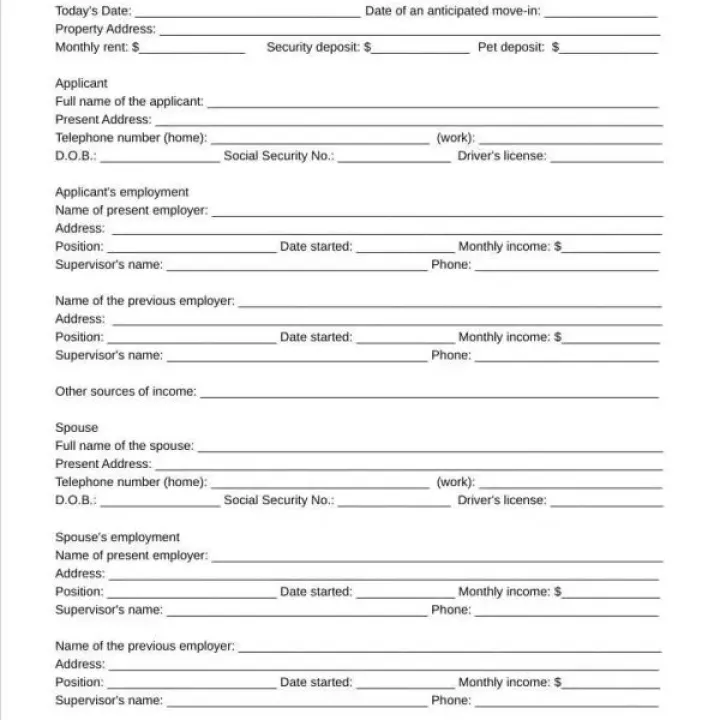
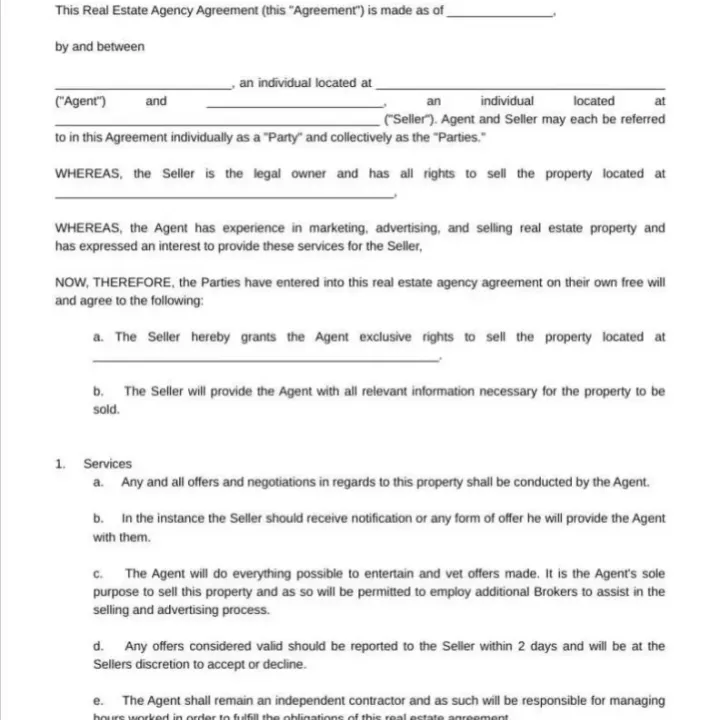
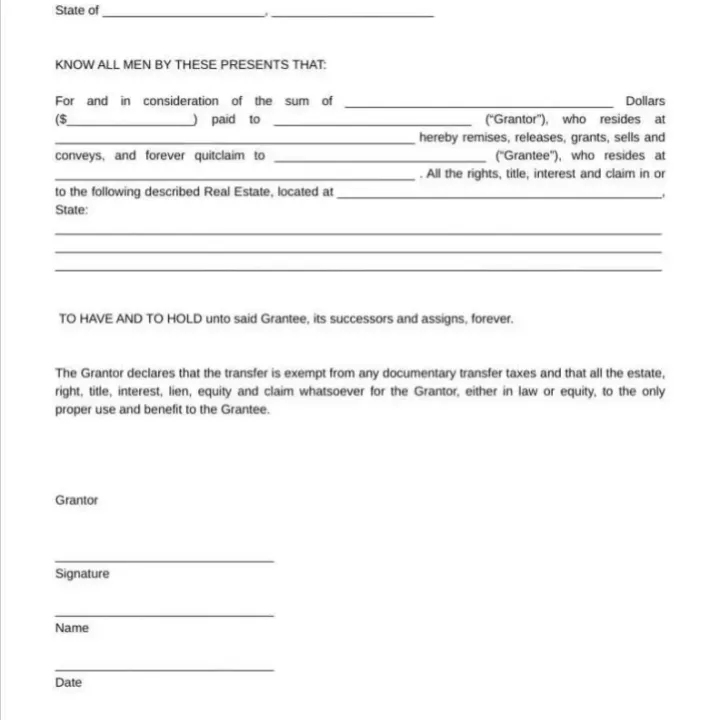

Built for How Real Estate Transactions Actually Work

Sequential Signing
Real estate documents often require signatures in a specific order. Fill lets you control exactly who signs first, second, and last before the next recipient receives the document.

Audit Trail & Completion Certificate
Every signed document includes a detailed audit trail showing signer identity, timestamps, IP addresses, and document activity.

Sign From Any Device
Buyers, sellers, landlords, and tenants can sign from desktop, tablet, or mobile without installing software.

Automatic Reminders
Reduce delays by automatically reminding recipients who haven't signed yet.

Professionally Designed Templates
Start with professionally designed templates for common real estate documents instead of creating everything from scratch.

Seamless Integrations
Connect Fill with the tools your brokerage already uses.
- Google Workspace
- Gmail
- Google Drive
- Zapier
- API for brokerage systems
Fill vs. Adobe Fill & Sign — What's the Difference?
Many law firms choose DocuSign because it's familiar. Others choose Fill because it delivers the core features legal professionals need without enterprise-level pricing or unnecessary complexity.
See how Fill compares to DocuSign in pricing, features, and overall value for real estate professionals.
Simple Pricing. No Per-Envelope Fees.
Whether you manage a handful of transactions each month or hundreds of contracts across multiple agents, Fill offers straightforward pricing without charging extra for every document you send.
Trusted by Real Estate Professionals
Liam Washington
Copura
Nelson Bradley
Macros Corp
Tim Crump
Cioa
Amy Slane
Mycitysocial
Dallas Brown
SIS International
Sarah Memom
Kindred
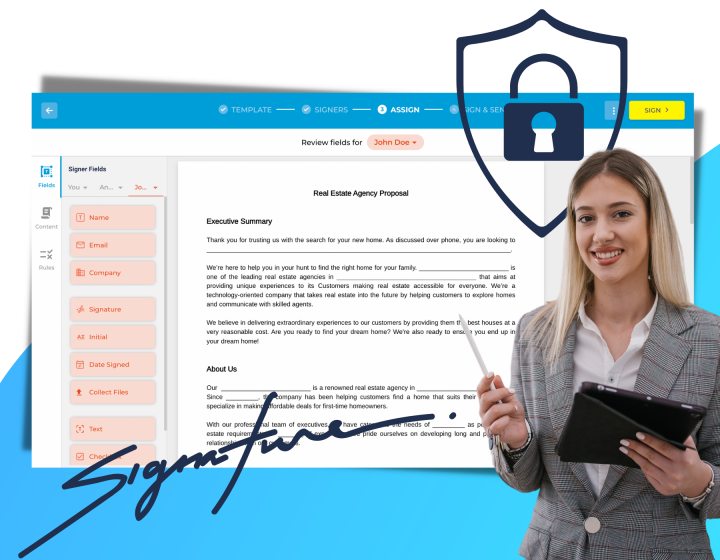


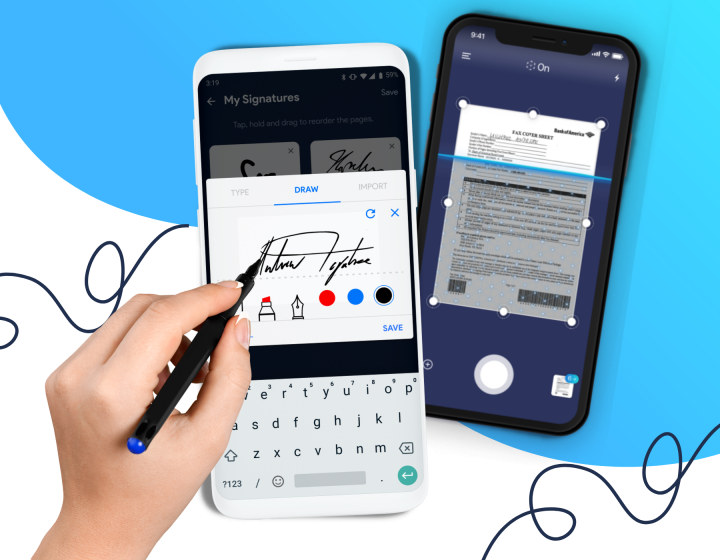
Fill For Every Industry


Frequently Asked Questions
Are electronic signatures legally valid for real estate contracts?
Yes. In the United States, electronic signatures are generally legally valid for most real estate contracts under the federal Electronic Signatures in Global and National Commerce (E-SIGN) Act and the Uniform Electronic Transactions Act (UETA). When all parties agree to conduct business electronically, electronic signatures typically carry the same legal effect as handwritten signatures.
Real estate professionals commonly use electronic signatures for purchase agreements, listing agreements, lease agreements, disclosure forms, and other transaction documents. Certain transactions or jurisdictions may have additional requirements, so it's always a good idea to verify local regulations or consult legal counsel when needed.
How long does it take to get a real estate contract signed with an electronic signature?
It depends on how quickly recipients review the document, but electronic signatures can significantly reduce turnaround times compared to printing, mailing, or scanning paperwork.
With Fill, you can send contracts instantly, receive notifications when recipients open the document, and automatically remind anyone who hasn't signed yet. This helps keep transactions moving without the delays of manual follow-ups.
Are electronic signatures accepted for real estate closing documents?
Many real estate closing documents can be signed electronically, and electronic signatures are widely accepted throughout the home-buying and selling process. Organizations such as Fannie Mae and the FHA support electronic signatures for eligible mortgage documents.
However, some documents may still require notarization, wet signatures, or remote online notarization (RON), depending on state laws, lender requirements, or the specific transaction. Always confirm the signing requirements with your title company, lender, or legal advisor.
Do buyers, sellers, or tenants need a Fill account to sign?
No. Recipients do not need to create a Fill account to review or electronically sign a document.
When you send a document for signature, each signer receives a secure email invitation with a link to access the document. They can review, sign, and complete the process from a desktop computer, tablet, or smartphone without installing additional software.
Can I set a signing order for multi-party real estate transactions?
Yes. Fill supports sequential signing, allowing you to control the order in which recipients receive and sign a document.
For example, you can require a purchase agreement to be signed by the buyer first, followed by the seller, and then the broker or attorney. The next signer won't receive the document until the previous signer has completed their portion, helping maintain an organized transaction workflow.
Is there a free option for real estate agents?
Fill offers a free trial so you can explore its electronic signature features before choosing a paid plan.
If you need additional document requests, templates, integrations, or advanced workflow features, you can upgrade to one of Fill's paid plans as your business grows. Visit the Pricing page for the latest plans and feature availability.