How to Sign a Document (Online, PDF, Word, or on Your Phone)
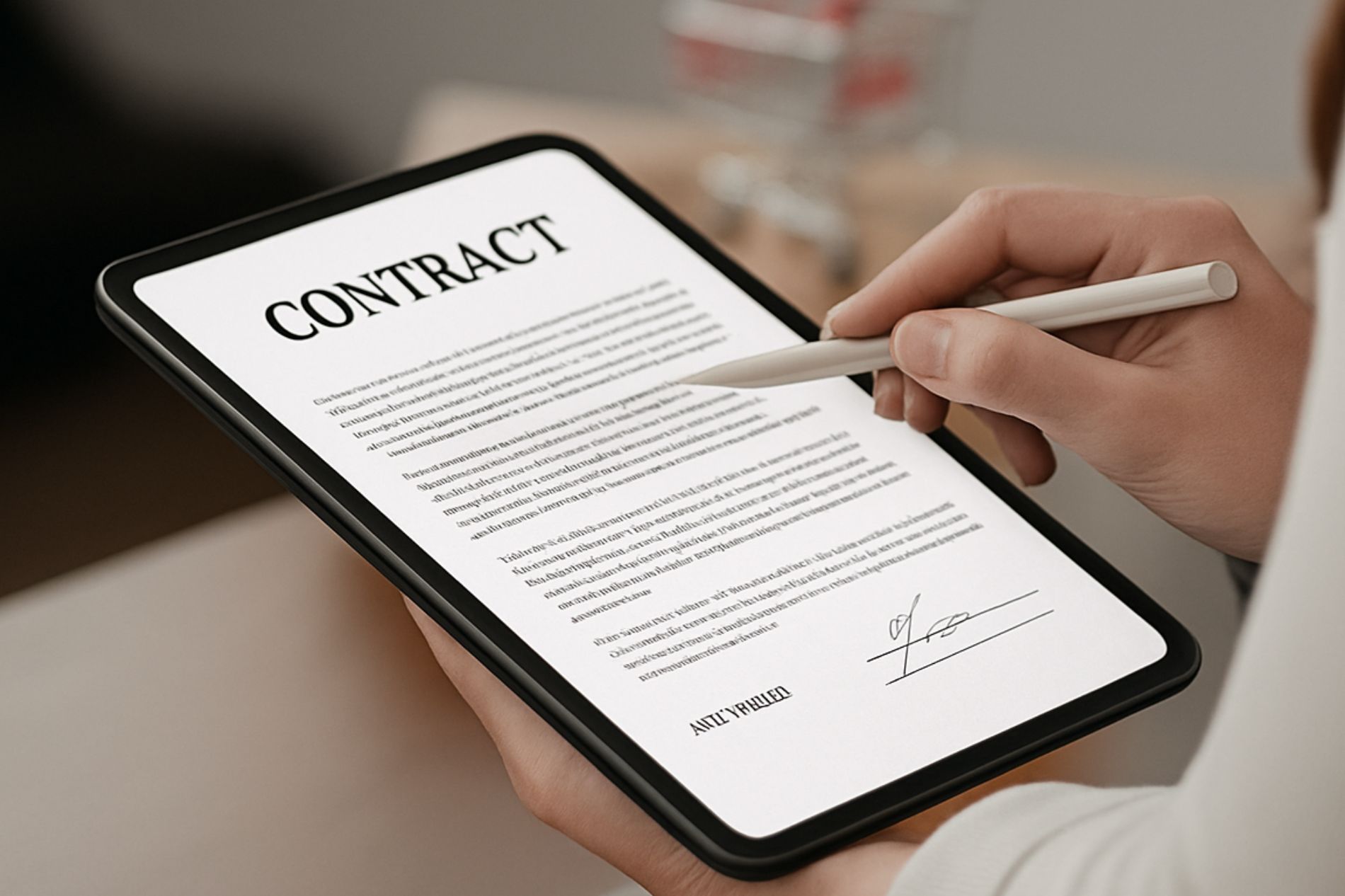
If you need to sign a document, you don’t need to print, scan, or mail anything. You can sign documents electronically in just a few minutes — whether you're using a PDF, Microsoft Word, Google Docs, an iPhone, Android device, Mac, or Windows computer.
Electronic signatures are fast, secure, and legally valid in most countries.
This guide explains exactly how to sign a document in every common format and on every major device.

What Does It Mean to Sign a Document Electronically?
Signing a document electronically means adding a digital mark or process that shows your intent to agree to its terms.
An electronic signature can include:
- Typing your name
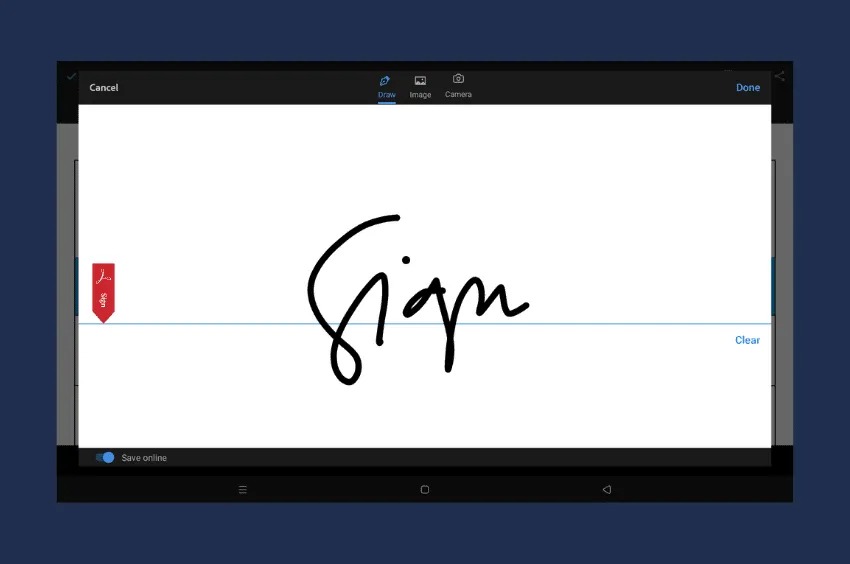
- Drawing your signature with a mouse or finger
- Uploading a scanned handwritten signature
- Using a secure cryptographic digital signature
In most business and personal situations, electronic signatures carry the same legal weight as handwritten signatures.
If you're ready to sign immediately:
What Is the Fastest Way to Sign a Document?
The fastest way to sign a document is to upload it to an online eSignature tool, add your signature, and download the signed file.
This method:
- Works for PDFs and Word documents
- Requires no printing or scanning
- Takes less than a minute
- Is legally binding for most agreements
If you want a full walkthrough, read: How to sign documents online for free

Choose How You Want to Sign Your Document
📄 Sign by File Type
📱 Sign by Device
iPhone & iPad
Android
Mac
Windows
How to Sign a Document Without Printing It
You can sign a document without printing it by:
- Uploading it to an online signing tool
- Adding your signature digitally
- Downloading the signed file
This works for contracts, agreements, forms, and official documents. No scanner required.
How to Sign a PDF Document
PDF is the most common format for contracts and official paperwork.
You can sign a PDF by:
- Using an online signing platform
- Opening it in Preview (Mac)
- Using a PDF editor
- Using mobile markup tools
For step-by-step instructions with screenshots, see: How to sign a PDF
How to Sign a Word Document
You can sign a Word document in three main ways:
- Insert an image of your signature
- Draw directly using the Draw tool
- Add a digital signature line
For detailed instructions: How to add a signature in Word
If you're on mobile: How to sign a Word document on iPhone
How to Sign Documents in Google Docs
Google Docs doesn’t include a built-in secure eSignature system, but you can:
- Use the Drawing tool to create a signature
- Insert a signature image
- Use an eSignature integration
Full guide: How to Sign Documents in Google Docs (Includes Instructions for Signing in Gmail and Google Sheets)

Are Electronic Signatures Legal?
Yes. Electronic signatures are legally binding in most countries.
In the United States, they are recognized under:
- The ESIGN Act (2000)
- The Uniform Electronic Transactions Act (UETA)
In the European Union, electronic signatures are regulated under eIDAS.
Electronic signatures are enforceable as long as:
- All parties agree to sign electronically
- There is intent to sign
- The document record is retained
Businesses, governments, and financial institutions use electronic signatures every day for contracts, employment agreements, NDAs, and more.
Electronic Signature vs Digital Signature
While often used interchangeably, they are different.
Electronic Signature
- Broad category
- Can be typed, drawn, or uploaded
- Used for most everyday agreements
Digital Signature
- A specific type of electronic signature
- Uses encryption and authentication certificates
- Offers higher security and tamper protection
Most standard contracts only require an electronic signature.

When Should You Use an Online Signing Tool?
Built-in tools like Word or Preview work for simple cases. However, a dedicated online signing tool is better when you need to:
- Send documents to others for signature
- Add multiple signers
- Track document status
- Maintain an audit trail
- Ensure compliance
For business contracts and professional agreements, a secure eSignature platform is typically the fastest and most reliable option.
👉 Start Signing Documents Online
Frequently Asked Questions
Can I sign a document online for free?
Yes. Some platforms allow limited free signing. See our full guide on how to sign documents online for free.
Is a typed name a legal signature?
In many cases, yes — as long as there is clear intent to sign and agreement between parties.
Is signing a document online secure?
Yes, when using a reputable eSignature platform that uses encryption and authentication methods.
What types of documents can be signed electronically?
Most contracts, NDAs, freelance agreements, employment documents, and real estate forms can be signed electronically.
Final Thoughts: What’s the Best Way to Sign a Document?
If you only need to add a quick signature to a personal file, built-in tools may be enough.
If you’re signing contracts, sending documents to clients, or need tracking and compliance, using a secure online signing tool is the fastest and safest option.
Electronic signatures eliminate paperwork, reduce turnaround time, and simplify document workflows.


View our Privacy Policy for more info.