Free Online Signature Generator
Create a free online signature in seconds. Type, draw, or upload your signature, then download it as a PNG or use it to sign documents with Fill.

Tips for a Professional-Looking Signature
Maintain your personal touch with a signature that’s unmistakably yours. Whether it’s for a business contract, a personal letter, or even your artistic creations, add that finishing touch effortlessly.
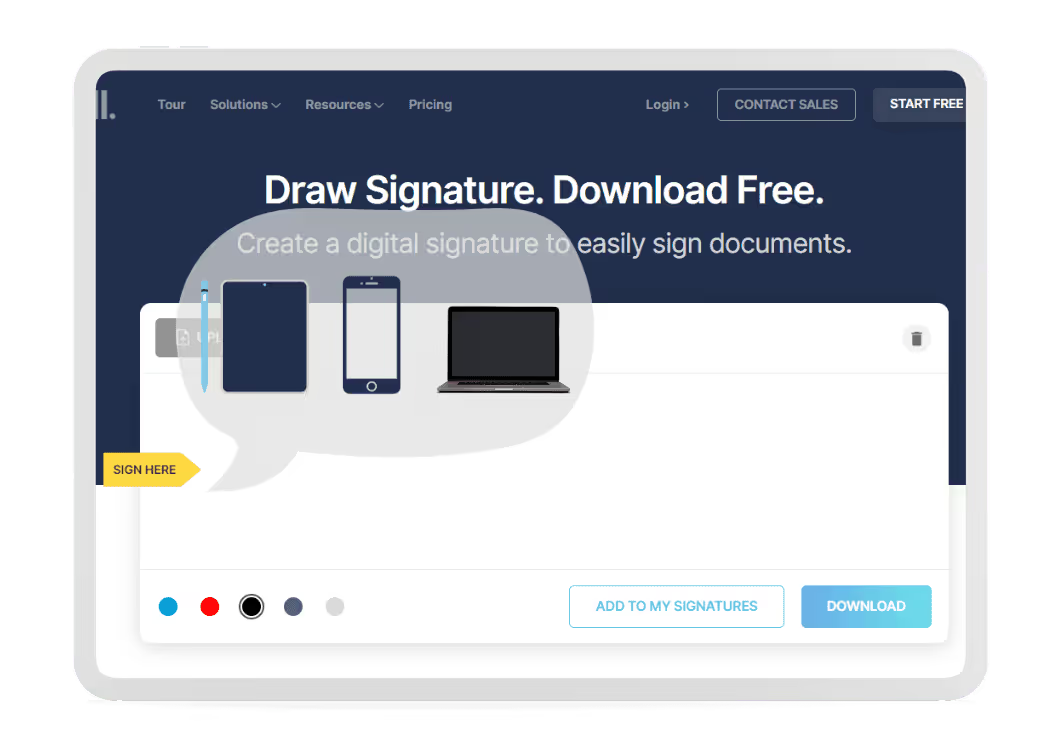
1. Choose your drawing tool
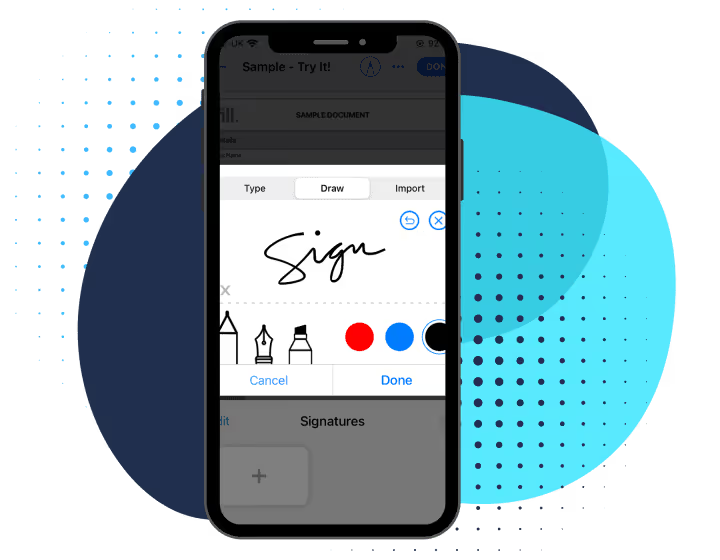
With our online signature generator, you can create your signature using any device that’s most comfortable for you, whether it’s a mouse, a digital pen, or the touchpad on your phone or computer.
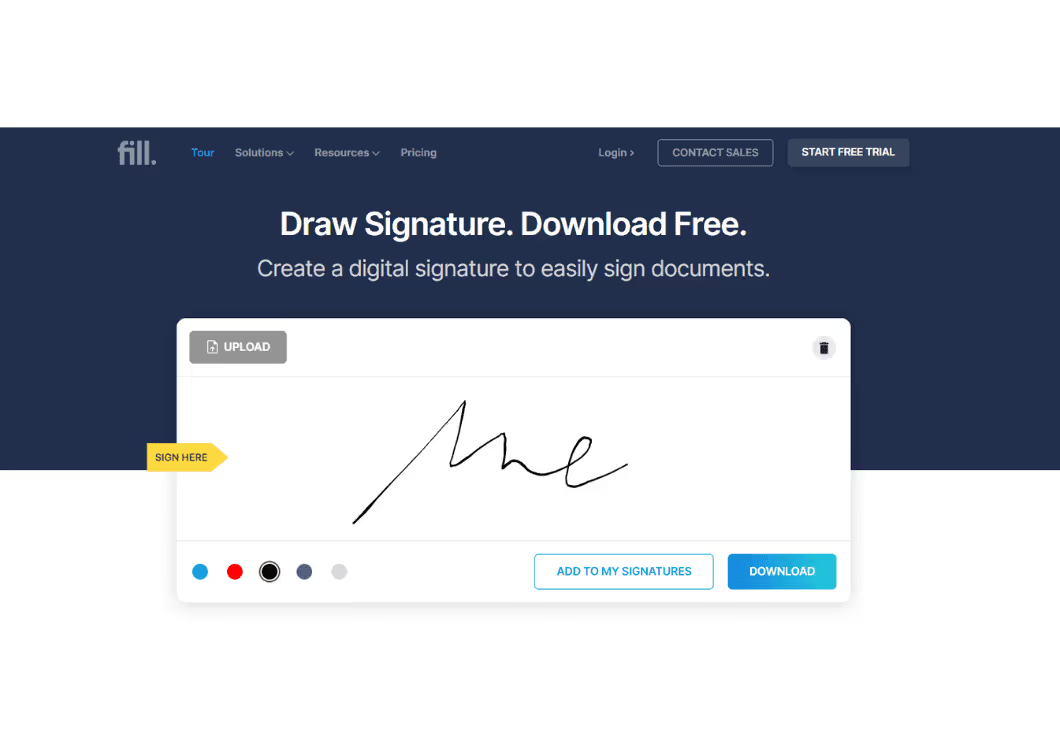
2. Draw on the canvas
Draw your signature on the provided digital canvas. Take your time and ensure it reflects your genuine handwritten signature.
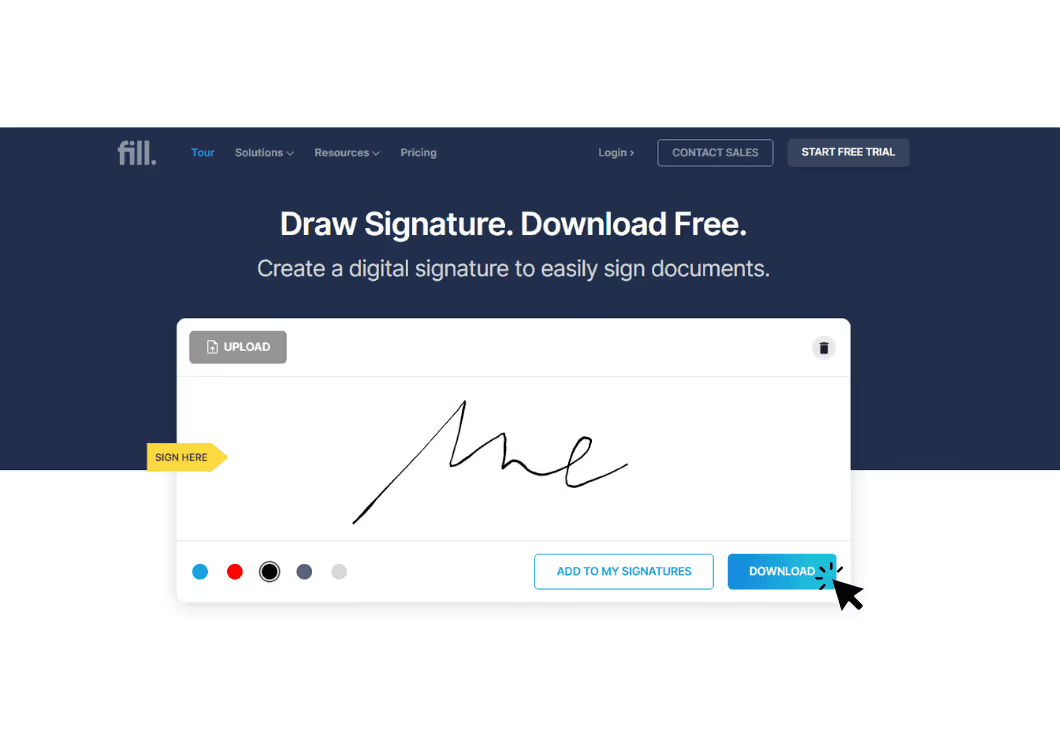
3. Download your signature
When you’re ready and happy with your signature, click on the “Download” button. Your digital signature will be saved in high-quality PNG format, ready to be used on any electronic document.
Why Use Fill’s Free Online Signature Generator?
- Create a signature online
- Type or draw signature
- Upload existing signature
- Download as PNG
- Sign documents after creating signature
- Works on desktop and mobile
Draw Your Signature Online
Draw on the canvas. Save or download your handwritten signature.
Free to use, no sign-up needed
✓ Next Step: Ready to sign a document? Upload a PDF and use your new signature immediately.
Upload and Sign PDFType Your Signature
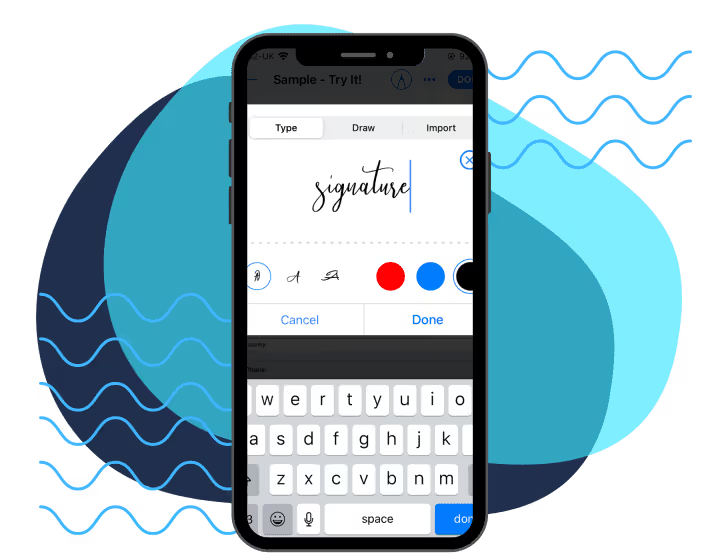
Create a signature that’s clean and sharp by using existing font styles that resemble your handwriting.
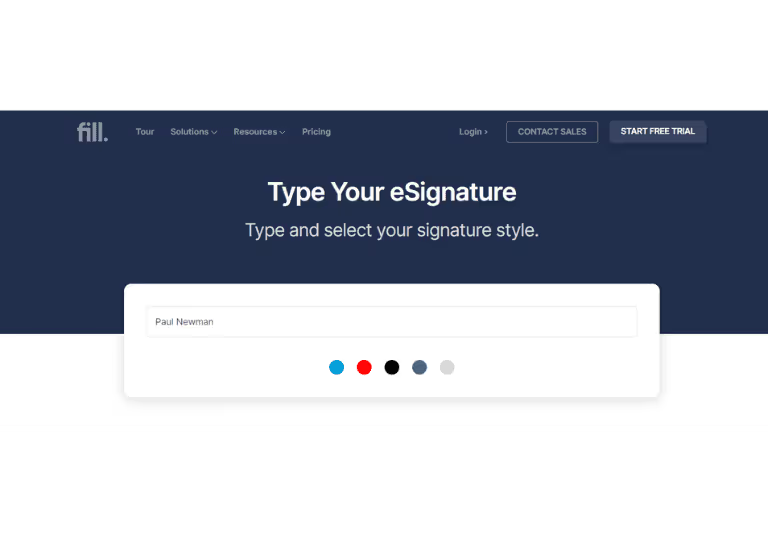
1. Start typing
Use your computer keyboard or mobile keypad to type your signature.
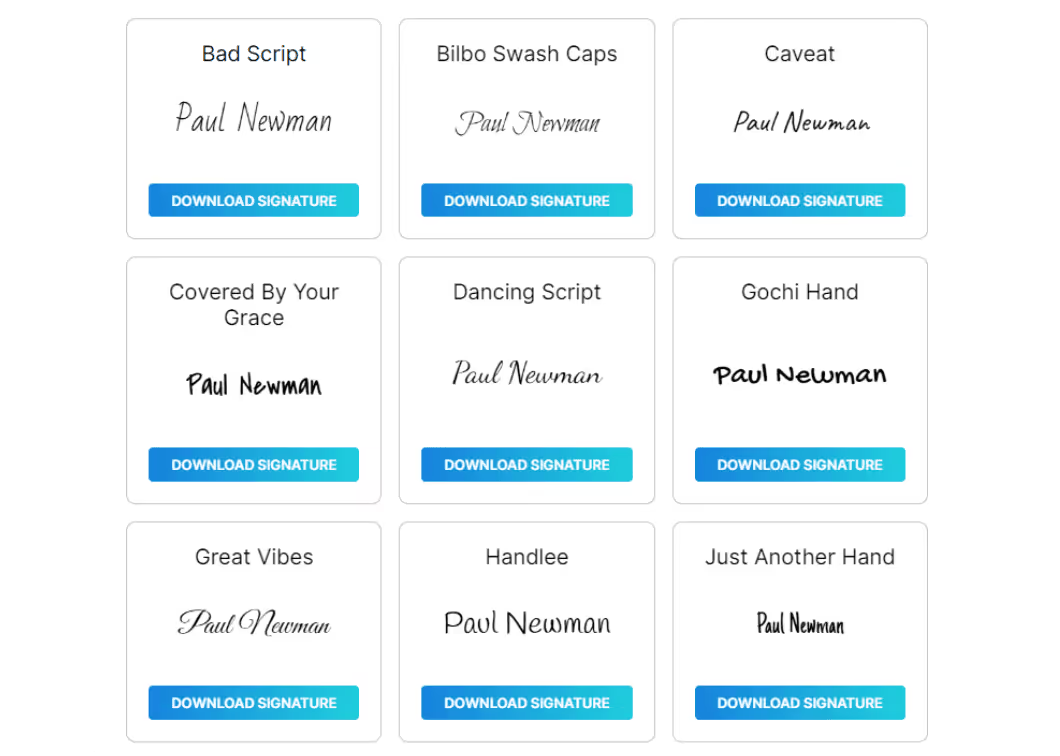
2. Pick a font style
Browse and select from our curated list of signature styles.
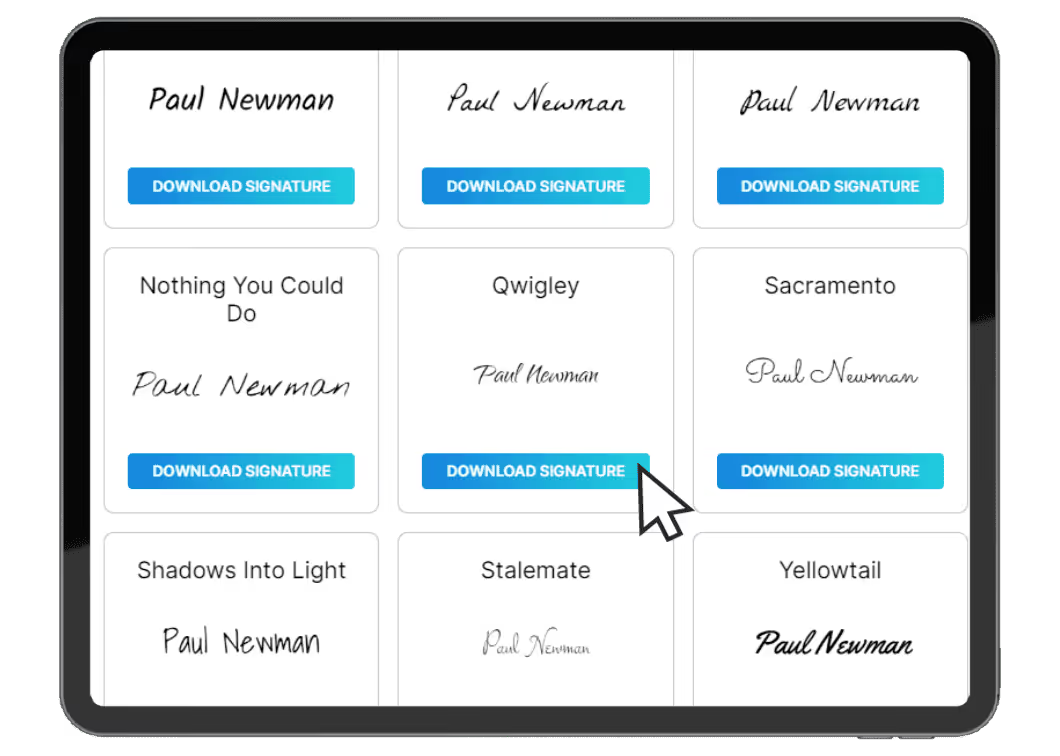
3. Download your digital signature
Once you’re satisfied, save and download a PNG copy of your unique signature.
What is a Signature Generator?
Our signature generator was designed to be user-friendly, so you don’t need any design or technical skills to create a professional-looking signature.
Signature generators work by using a template that you can customize with your name or initials. You can manually draw your signature or choose from a variety of font styles to create a signature that reflects your brand and personality.
Once you’ve created your signature, you can download it as an image file so you can use it to digitally sign documents. You can also save and use it with an electronic signature software like Fill.
Why use a signature maker?
- Saves time:
Creating a signature from scratch can be time-consuming, but with a signature generator, you can create one in a few clicks. - Consistency:
A signature generator ensures that your signature looks the same every time you use it, creating a consistent brand image. - Professionalism:
A well-designed signature is like a digital handshake – it showcases your professionalism and expertise, setting the tone for your communication. - Legality:
Electronic signatures are legally binding in most countries, making it easy to sign documents without the need for printing, scanning, or mailing.
Type Your Signature Now
Type on the canvas. Save or download your typed signature.
Free to use, no sign-up needed
Ready to use your typed signature? Upload your document and use your typed signature with Fill.
Upload and Sign PDFFrequently asked questions
How can I create my signature using your generator?
Using the online signature generator is straightforward. Choose from a wide range of signature styles and fonts or even create your custom signature by drawing on the canvas.
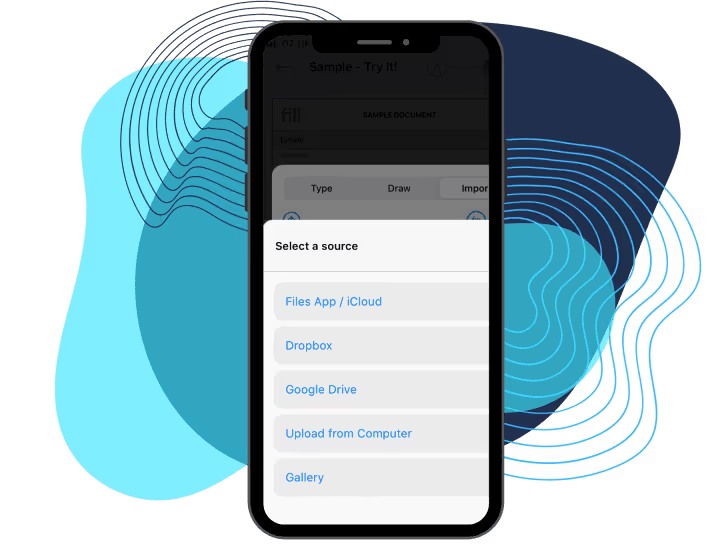
Creating your signature is simple. Choose a signature font, draw your signature on the canvas, or upload an image of your handwritten signature. Once you're satisfied, download it and start using it in your digital documents.
Do I need any special equipment or software to use a digital signature generator?
No. Fill's Signature Generator is browser-based, so there's nothing to install. As long as you have an internet connection and a compatible browser, you can create and download your signature from virtually any device.
Can I use this electronic signature generator on different devices?
Yes. The Signature Generator works on desktop, tablet, and mobile devices. Simply open it in your web browser to create and download your signature wherever you are.
Is this online signature generator free to use?
Yes. Fill's Signature Generator is completely free to use. You can create, customize, and download your signature at no cost.
Plus, with our easy-to-follow step-by-step guide, you’ll create and add your digital signature to your documents in no time.
Will Fill store my signature if I use the free Signature Generator?
No. If you use Fill's free Signature Generator without creating an account, your signature is generated locally and downloaded directly to your device. Fill does not store or use your signature unless you choose to create an account and choose to save it for future use.
How secure is your online signature generator?
Signatures created with Fill's free Signature Generator are generated locally and aren't stored unless you create a Fill account and choose to save them. When you use Fill's platform, data is protected using industry-standard encryption and security measures.
We use SSL encryption to ensure all data transmission is encrypted and secure. In addition, our servers are secured using state-of-the-art security software and hardware to guarantee that your information is safe from unauthorized access and hacking attempts.
Furthermore, our privacy policy ensures that your signature and personal information will never be shared with third-party vendors or individuals without your explicit consent. We take protecting your personal information seriously and strive to provide all our users with the highest level of security possible.
Is my signature stored if I have a Fill account?
Yes. If you create a Fill account and choose to save your signature, it is securely stored so you can sign documents faster in the future. Your signature is protected using industry-standard security measures and is never used without your authorization.
What is an Online Signature Generator?
An online signature generator is a tool that allows you to create a digital version of your handwritten signature. With Fill’s free online signature generator, you can draw, type, or upload your signature and instantly download it in high-quality format to sign digital documents securely.
Are Electronic Signatures Legal?
Yes. In many countries, electronic signatures are legally recognized under laws such as the ESIGN Act (U.S.), UETA, and eIDAS (EU). When used appropriately, they can be legally binding for many business agreements and official documents.
Can I sign any kind of document with an eSignature I download from here?
Yes. You can use a signature created with Fill's Signature Generator on many types of documents, including contracts, forms, invoices, and letters. Whether the document is legally enforceable depends on the applicable laws and the signing process used.
What is the best online signature generator today?
The best online signature generator should be easy to use, secure, accessible from any device, and free of unnecessary downloads. If you also need to sign documents, request signatures from others, or manage agreements online, it's worth choosing a platform that offers those capabilities alongside a free signature generator.
Fill combines a free Signature Generator with a complete electronic signature platform, allowing you to create, download, and later use your signature to sign documents, request signatures, and manage agreements in one place.
Fill: a reliable electronic signature solution for all kinds of documents and forms

Sales contracts
Wills
Leases
New hire contracts
Letters of intent
Purchase orders
Property agreements
VC funding agreements
Investor rights agreements
Non-disclosure agreements
Certificates of incorporation
Stock purchase agreements
