5 Best DocuSign Contract Management Alternatives (2026)
Looking for a DocuSign contract management alternative? Discover 5 powerful and affordable options to streamline your contract workflow without overspending.


DocuSign is one of the most recognized platforms for eSignatures and contract lifecycle management (CLM). But for many teams, it’s not always the best fit.
Between rising costs, feature limitations on lower-tier plans, and workflow complexity, businesses often start looking for alternatives that are more flexible, cost-efficient, and easier to use.
If you’re evaluating your options, here are the best DocuSign contract management alternatives.
Best Alternatives to DocuSign Contract Management
DocuSign may be a front runner in providing a reliable CLM solution, but it also has some downsides that may push you to look for an alternative solution. For one, its platform may not be as intuitive. You may encounter some difficulties navigating through tasks. There's also the matter of sending limits for initial plans.
If you are looking for an equally reliable contract management solution, the following are some of the best alternatives to DocuSign contract management:
1. Fill
Best for: Teams that want a simpler, more cost-efficient all-in-one solution
Fill is an all-in-one eSignature and contract management solution that can store, track, and manage contracts. You can also use it to collect signatures and sign contracts quickly. Instead of the traditional pen and paper signing, you can have your signers sign your contracts online, using any device.
Fill also features a clean and user-friendly interface. Users can efficiently navigate the platform without feeling perplexed about the different settings and options. You can also track the status of your contract requests in real-time and maintain data integrity via digital certificates and audit logs.
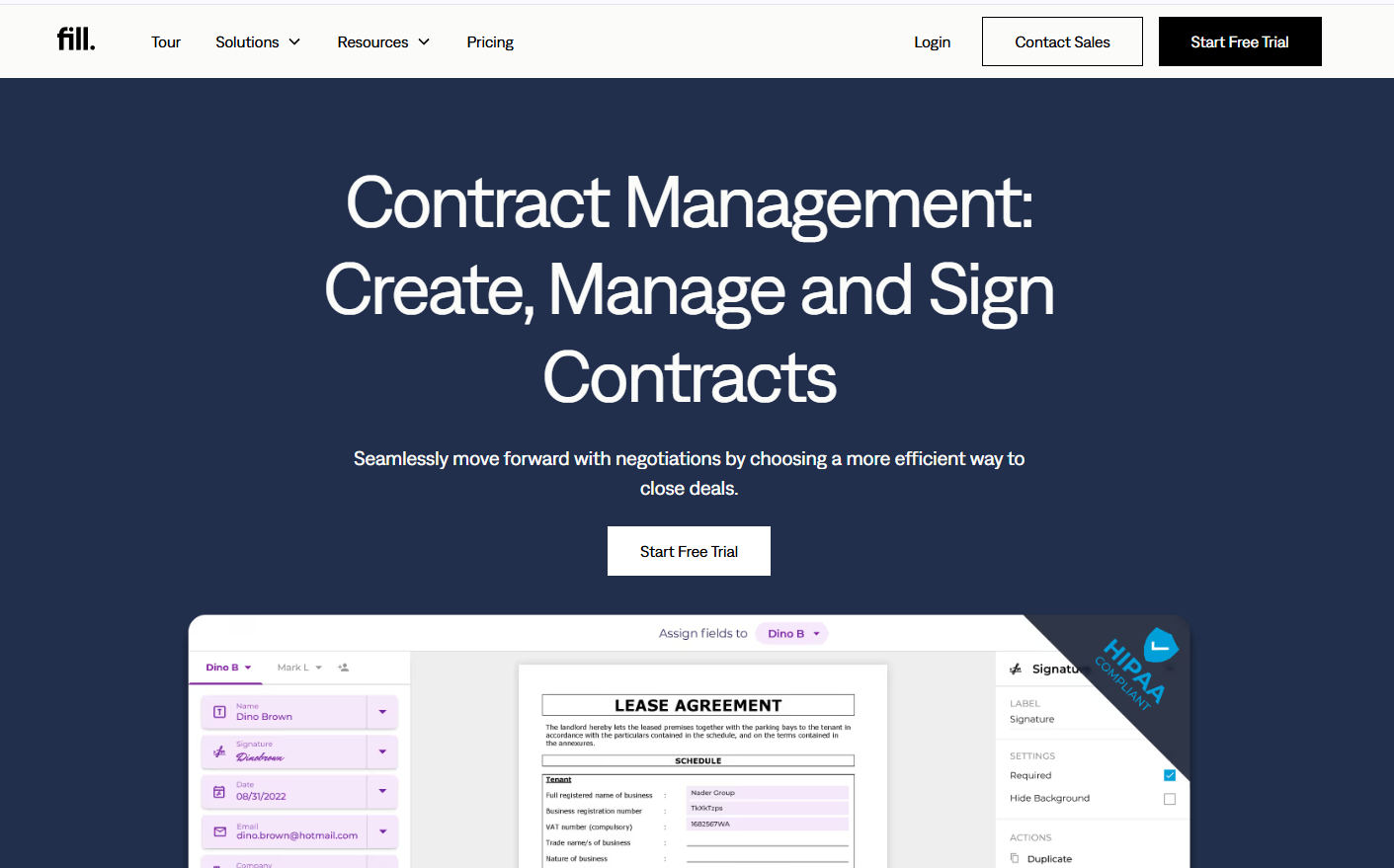
Why teams switch from DocuSign: Many teams find DocuSign powerful—but overly complex and expensive for what they actually need. Fill focuses on speed, usability, and cost efficiency without sacrificing core CLM functionality.
What stands out
- Fast document workflows with smart fields and automation
- Built-in conversion tracking (rare in this category)
- Clean UI that reduces onboarding time
- Strong compliance support (ESIGN, UETA, HIPAA)
Unlike traditional CLM tools, Fill is designed to help teams close agreements faster, not just manage them.
Limitations to consider
- Not as enterprise-heavy as legacy CLM platforms
- Advanced customization may be lighter than enterprise tools
Compared to DocuSign and Adobe Acrobat Sign, Fill focuses more on speed and simplicity, making it easier for teams to send, sign, and track contracts without navigating complex workflows. Unlike enterprise-heavy platforms like Icertis, it prioritizes usability and faster time-to-value.
Verdict: If you want a modern, easy-to-use alternative to DocuSign that balances functionality and cost, Fill is the strongest overall choice.
2. CobbleStone Contract Insight
Best for: Enterprises needing deep customization and deployment flexibility
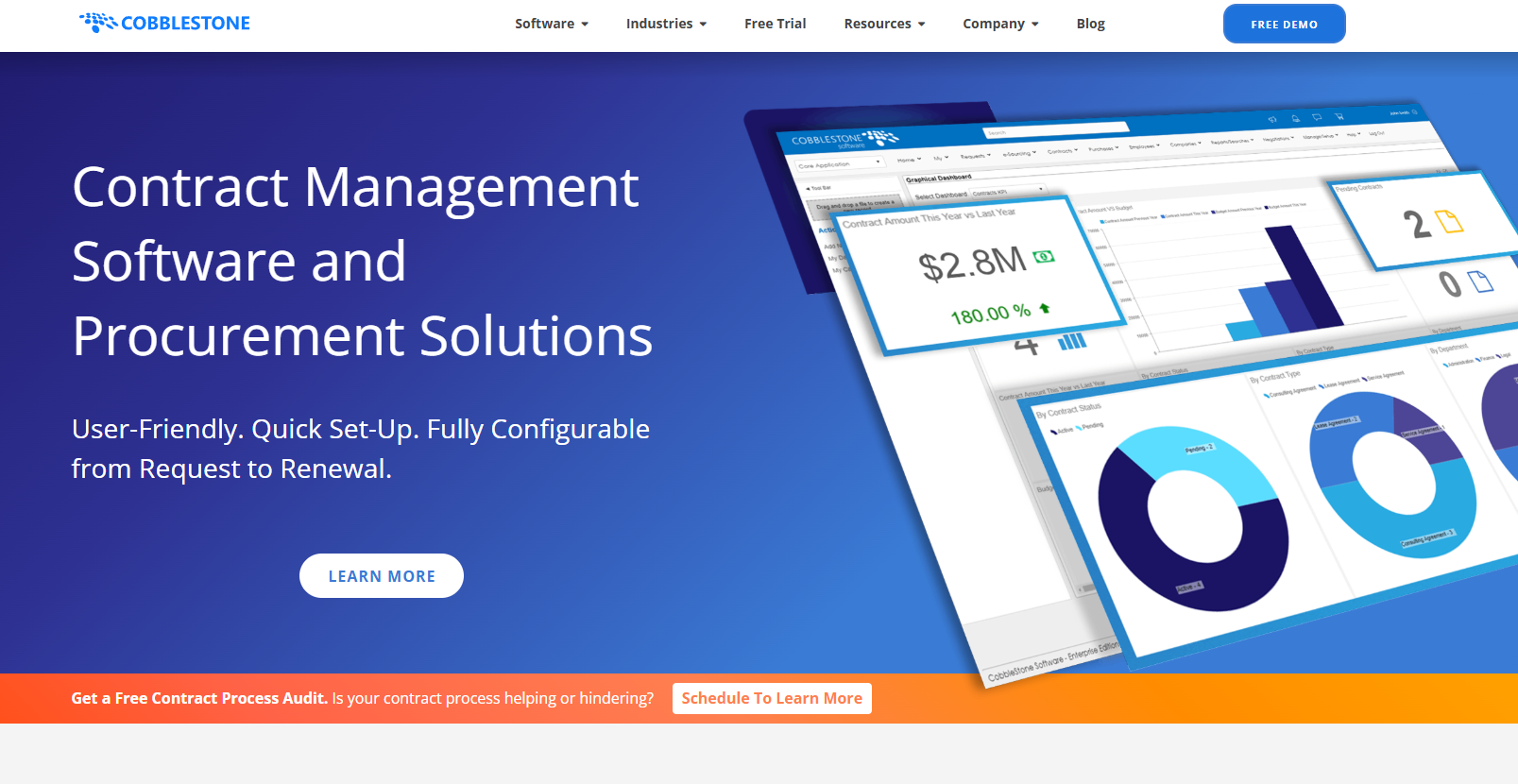
CobbleStone Contract Insight is a configurable contract management software. With it, you can expedite your contract approvals and seamlessly progress through each phase of the contract lifecycle. It also offers unlimited storage and version tracking. CobbleStone Contract Insight also makes it easier for you to draft industry-specific contracts in a breeze. You also get to decide whether to use it as a cloud-based or on-premise solution.
Why teams switch from DocuSign: DocuSign’s CLM is often locked behind higher-tier plans. CobbleStone offers more control and configurability, including on-premise deployment.
What stands out
- Highly configurable workflows
- On-premise or cloud deployment
- Strong contract tracking and audit capabilities
Limitations
- Steeper learning curve
- UI feels more traditional/less modern
Compared to DocuSign, CobbleStone offers greater configurability and deployment flexibility, especially for organizations that require on-premise solutions. However, unlike Fill, it may require more time and training to fully implement and manage.
Verdict: A solid choice for organizations that prioritize control over simplicity.
3. Icertis
Best for: Large enterprises with complex compliance requirements
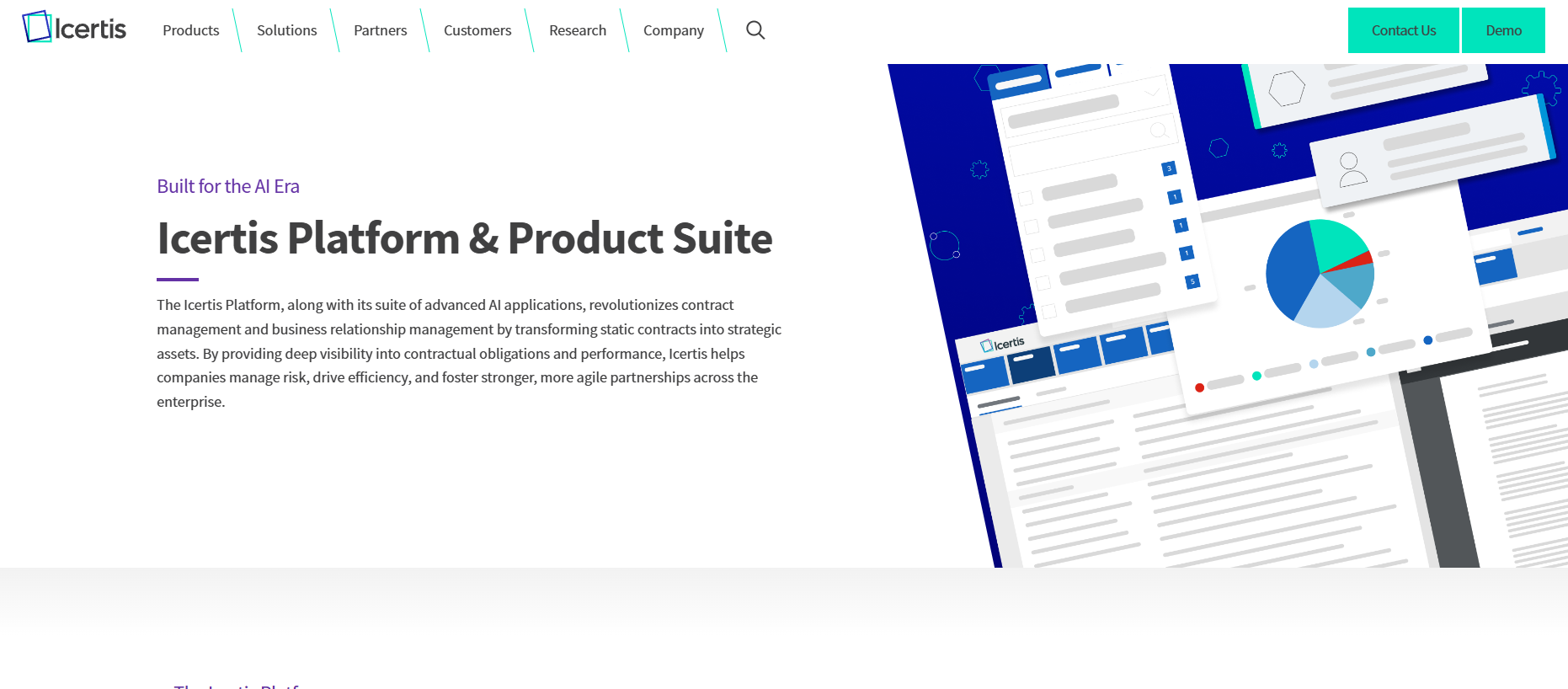
Icertis is a full suite of contract management solutions that enables you to proactively comply with the ever-changing requirements of your business or industry. With it, you can save yourself the hassle of manually managing each phase of your contract process. You can use it to leverage automation and accomplish various tasks with speed and accuracy. You can also use Icertis to modernize your business approach.
Why teams switch from DocuSign: DocuSign is great for signing—but enterprises often need deeper contract intelligence and compliance automation.
What stands out
- AI-driven contract insights
- Strong compliance and risk management features
- Scales well across global organizations
Limitations
- Expensive and resource-heavy
- Requires longer implementation time
Compared to DocuSign, Icertis goes deeper into AI-driven contract intelligence and compliance management, making it better suited for complex enterprise environments. That said, unlike Fill, it is not designed for quick setup or lightweight contract workflows.
Verdict: Best suited for enterprise-scale contract governance, not lean teams.
4. Conga CLM
Best for: Salesforce-heavy organizations
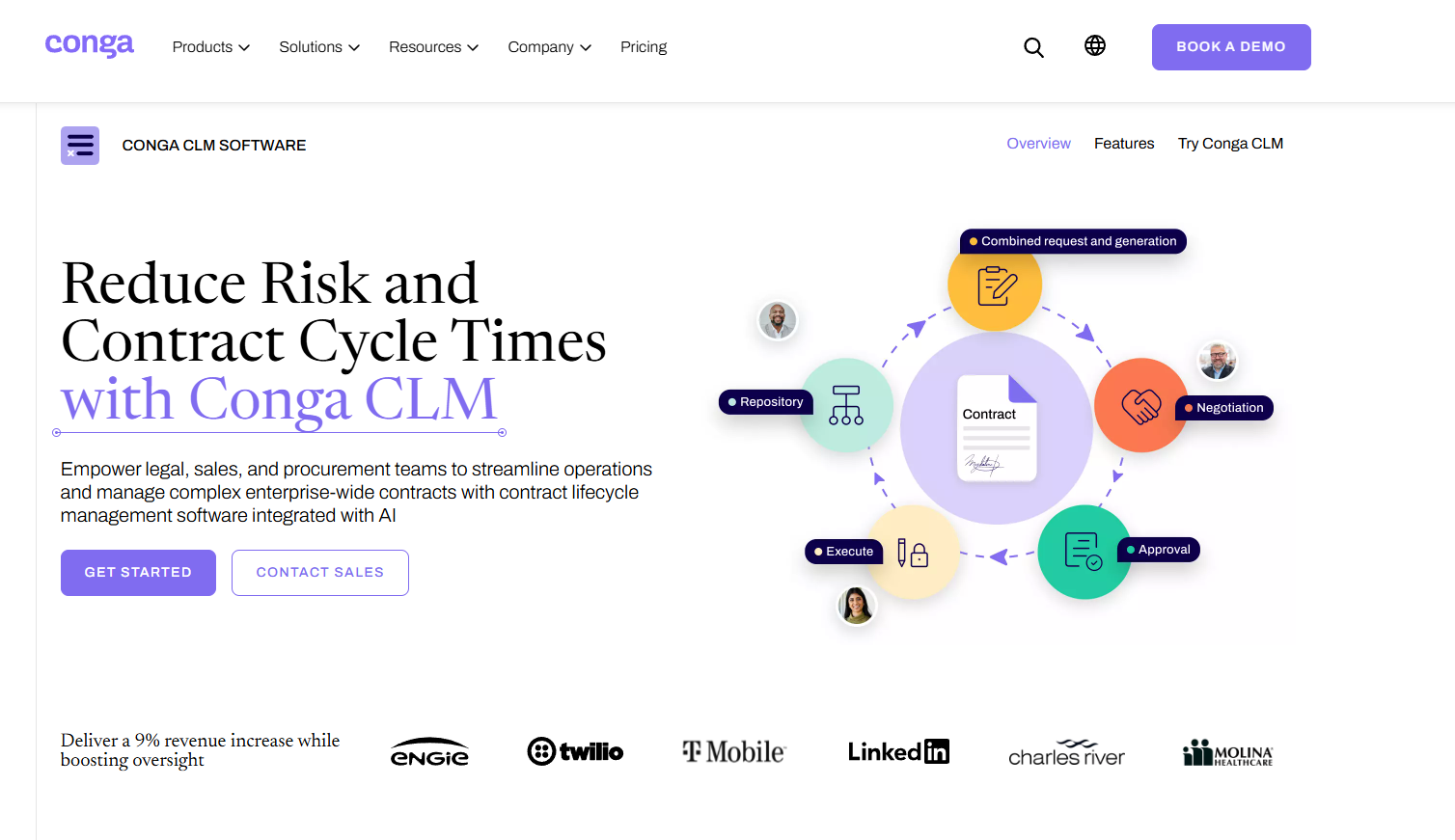
Conga CLM provides end-to-end contract lifecycle management. It can streamline your contract processes from start to finish. It also allows seamless integration with Salesforce. With Conga CLM, you can create a centralized contract database, which helps you gain better control of your data while minimizing the risks of mishandling and fraud. It provides you with a cost-efficient solution to drive more sales while keeping your business expenses to a minimum.
Why teams switch from DocuSign: If your workflows revolve around Salesforce, Conga offers tighter integration and end-to-end contract lifecycle visibility.
What stands out
- Deep Salesforce integration
- Centralized contract repository
- Strong automation for sales workflows
Limitations
- Can be complex to set up
- Performance issues reported in large deployments
Compared to DocuSign, Conga CLM provides tighter Salesforce integration, which is valuable for sales-driven teams. However, unlike Fill, it can feel more complex for teams that simply need a streamlined contract management solution without heavy system dependencies.
Verdict: A strong fit if your sales operations live inside Salesforce.
5. Adobe Acrobat Sign
Best for: Teams already using Adobe products and document-heavy workflows
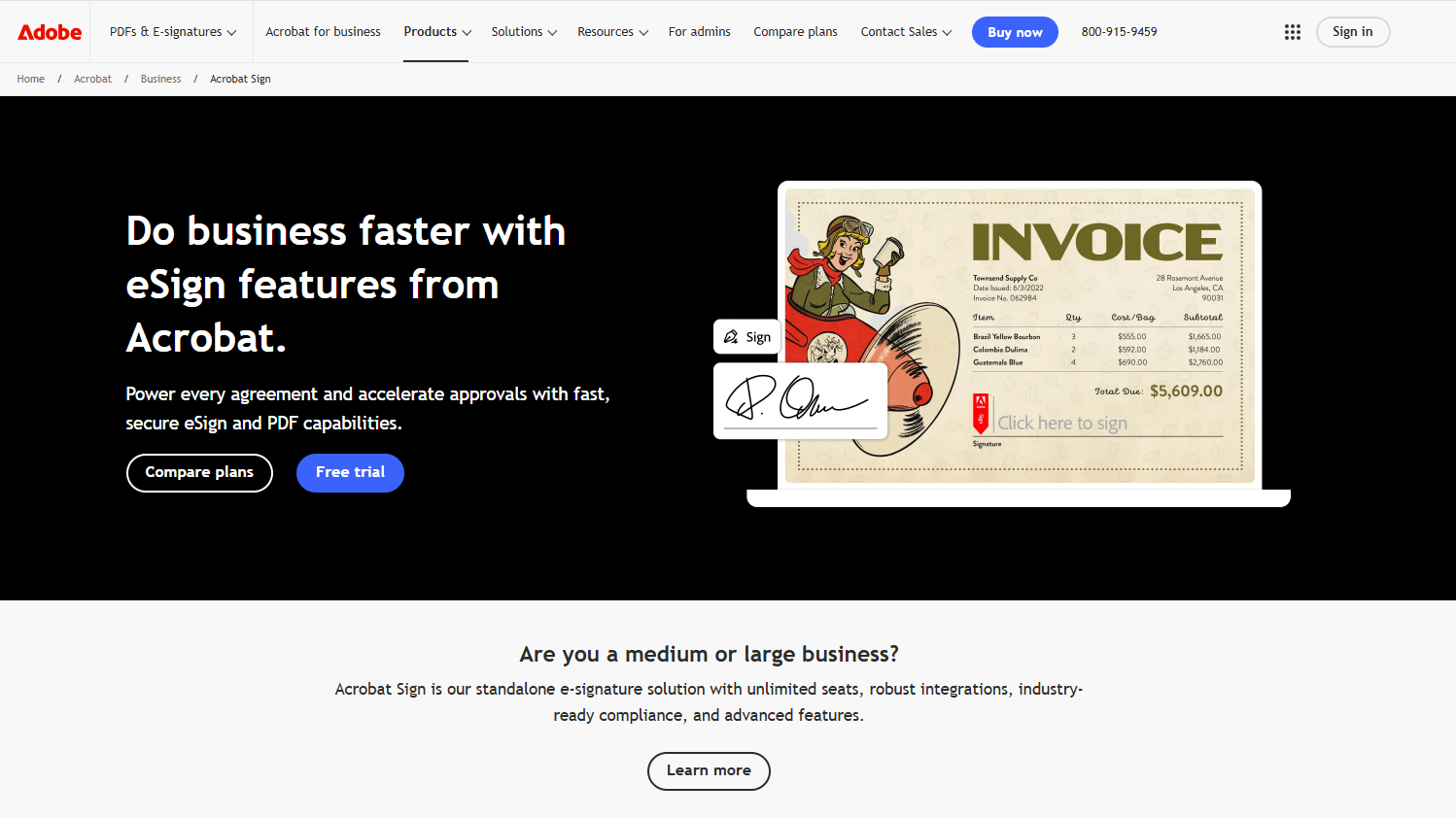
Why teams switch from DocuSign: Some organizations prefer Adobe Acrobat Sign because it fits naturally into existing workflows built around PDFs and Adobe’s ecosystem. It can feel more familiar for teams already using tools like Acrobat.
What stands out
- Seamless integration with Adobe Document Cloud
- Strong PDF editing and document handling capabilities
- Trusted brand with global compliance support
- Works well for document-heavy industries (legal, finance, HR)
Limitations
- Interface can feel less intuitive compared to newer tools
- Pricing can still be high depending on usage
- Less focused on workflow automation compared to modern CLM platforms
Compared to DocuSign, Adobe Acrobat Sign offers a more document-centric experience, especially for teams already heavily reliant on PDFs. However, unlike Fill, it places less emphasis on workflow automation and conversion-focused features.
Verdict: A strong alternative if your team is already embedded in the Adobe ecosystem—but less compelling if you’re looking for a faster, more streamlined contract workflow solution.
Can DocuSign Manage Contracts?
Yes—DocuSign offers a full contract lifecycle management (CLM) solution that goes beyond eSignatures. It allows businesses to create, route, sign, store, and track agreements within a centralized system.
In practice, DocuSign works well for organizations that need structured workflows, compliance controls, and enterprise-grade contract management. Its CLM platform includes automation, reporting, and integrations that help teams manage contracts at scale.
However, these capabilities are typically not included in entry-level plans. Many of the more advanced contract management features—such as workflow automation, analytics, and lifecycle tracking—are part of higher-tier or enterprise offerings. For growing teams, this often means paying for more functionality than they actually need.
There’s also a usability tradeoff. While powerful, DocuSign’s CLM can feel complex for teams that simply want to send agreements, collect signatures, and move deals forward quickly. Compared to more modern tools like Fill, the setup and day-to-day workflows may require more time and training.
In short, DocuSign can absolutely manage contracts—but whether it’s the right fit depends on how much complexity your team is willing to manage and how much you’re prepared to invest.
When to Choose an Alternative to DocuSign
You’ll likely benefit from switching if:
- You need better pricing scalability
- Your team struggles with usability or onboarding
- You want faster workflows, not just compliance tools
- You don’t need heavy enterprise-level complexity
If most of these apply to your team, it’s a strong signal that a simpler, more flexible solution like Fill may be a better fit for how you actually work.
If you need a simpler eSignature and document workflow tool, check out our review of the leading electronic signature software in the market.

An Easier Way to Streamline Your Contract Lifecycle
DocuSign remains a strong platform—but it’s no longer the automatic choice for every business, especially as teams prioritize speed, usability, and cost efficiency.
Managing contracts today isn’t just about collecting signatures. It’s about building a workflow that reduces delays, eliminates manual steps, and keeps deals moving forward without friction. For many teams, that means moving away from complex systems and toward tools that are faster to adopt and easier to use.
That’s where Fill stands out.
Fill is designed to streamline your entire contract lifecycle—from creation to signing to tracking—without the bottlenecks often associated with traditional CLM platforms. Compared to heavier solutions, it offers a more intuitive experience while still giving you the automation, visibility, and control needed to manage agreements effectively.
If you’re looking to simplify your workflow, reduce overhead, and close agreements faster, Fill is a practical place to start.
Create a free account today and streamline your contract workflow.
Frequently Asked Questions
What is the best DocuSign alternative?
The best DocuSign alternative depends on your needs, but for most small to mid-sized teams, Fill offers the best balance of usability, automation, and cost-efficiency. Enterprise teams may prefer platforms like Icertis or CobbleStone for advanced customization.
Is there a cheaper alternative to DocuSign?
Yes. Several alternatives offer more flexible pricing, including Fill, which provides a free plan and scalable features without requiring expensive upgrades for basic contract management functionality.
Which contract management software is easiest to use?
Ease of use varies, but platforms like Fill offer a clean interface and a minimal learning curve, making them ideal for teams that want to get started quickly without extensive onboarding.
Do I need full CLM software or just eSignature tools?
If your workflow involves approvals, tracking, and compliance, a full CLM solution is beneficial. However, if your needs are simpler, a lightweight solution like Fill can handle both eSignatures and contract tracking without unnecessary complexity.
Why do companies switch from DocuSign?
Common reasons include:
- High pricing for advanced features
- Limited functionality in lower-tier plans
- Complex workflows for simple use cases
Many teams switch to alternatives that offer better usability and cost efficiency.

Related Stories
DocuSign vs HelloSign (Dropbox Sign): Which eSignature Tool Wins? (2026)

PandaDoc vs DocuSign: Which eSignature Tool Is Right for You? (2026)