PandaDoc vs DocuSign: Which eSignature Tool Is Right for You? (2026)
Compare features, pricing, envelope limits, unlimited sends, and use cases to see whether DocuSign, PandaDoc, or a simpler, lower-cost alternative like Fill is the best fit for your team.
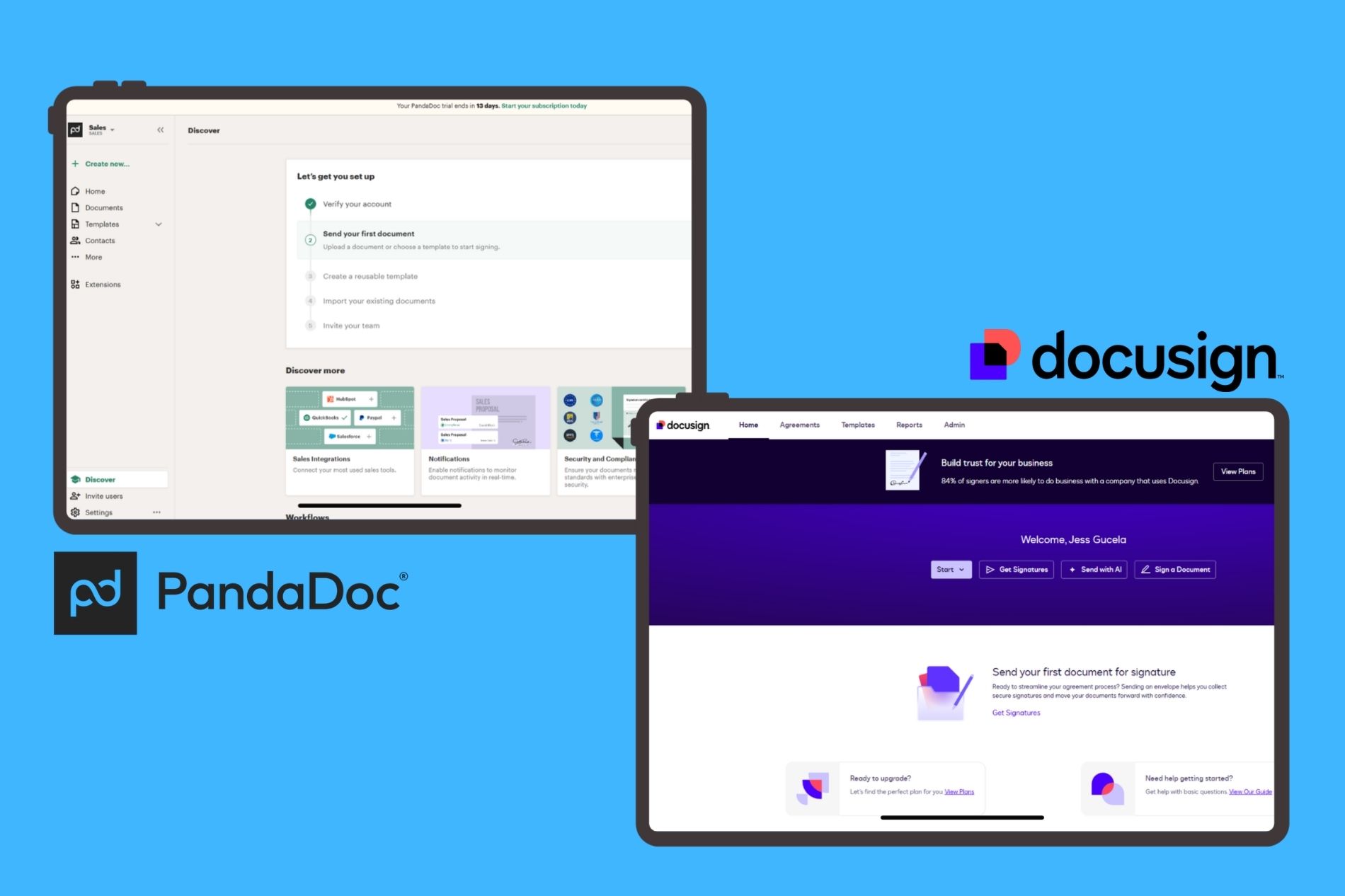
Updated: June 2026
PandaDoc vs DocuSign: Which is better for your business?
PandaDoc and DocuSign are both strong eSignature platforms, but the best choice depends on how your team manages documents.
- Choose DocuSign if: You need enterprise-grade eSignatures, advanced compliance, stronger security controls, and a large integration ecosystem.
- Choose PandaDoc if: You need proposal creation, sales workflows, document analytics, reusable templates, and unlimited document sending.
- Best for enterprise teams: DocuSign is usually the stronger choice for regulated industries, large organizations, and compliance-heavy workflows.
- Best for sales teams and SMBs: PandaDoc is often better for teams that create proposals, quotes, contracts, and customer-facing documents at scale.
- Best simpler alternative: Fill is a strong option for SMBs that want fast, affordable eSignatures without envelope limits, enterprise complexity, or proposal-heavy features.
- Bottom line: DocuSign wins for compliance and enterprise scale, PandaDoc wins for proposals and sales workflows, and Fill is the better fit for businesses that want straightforward document signing with predictable costs.
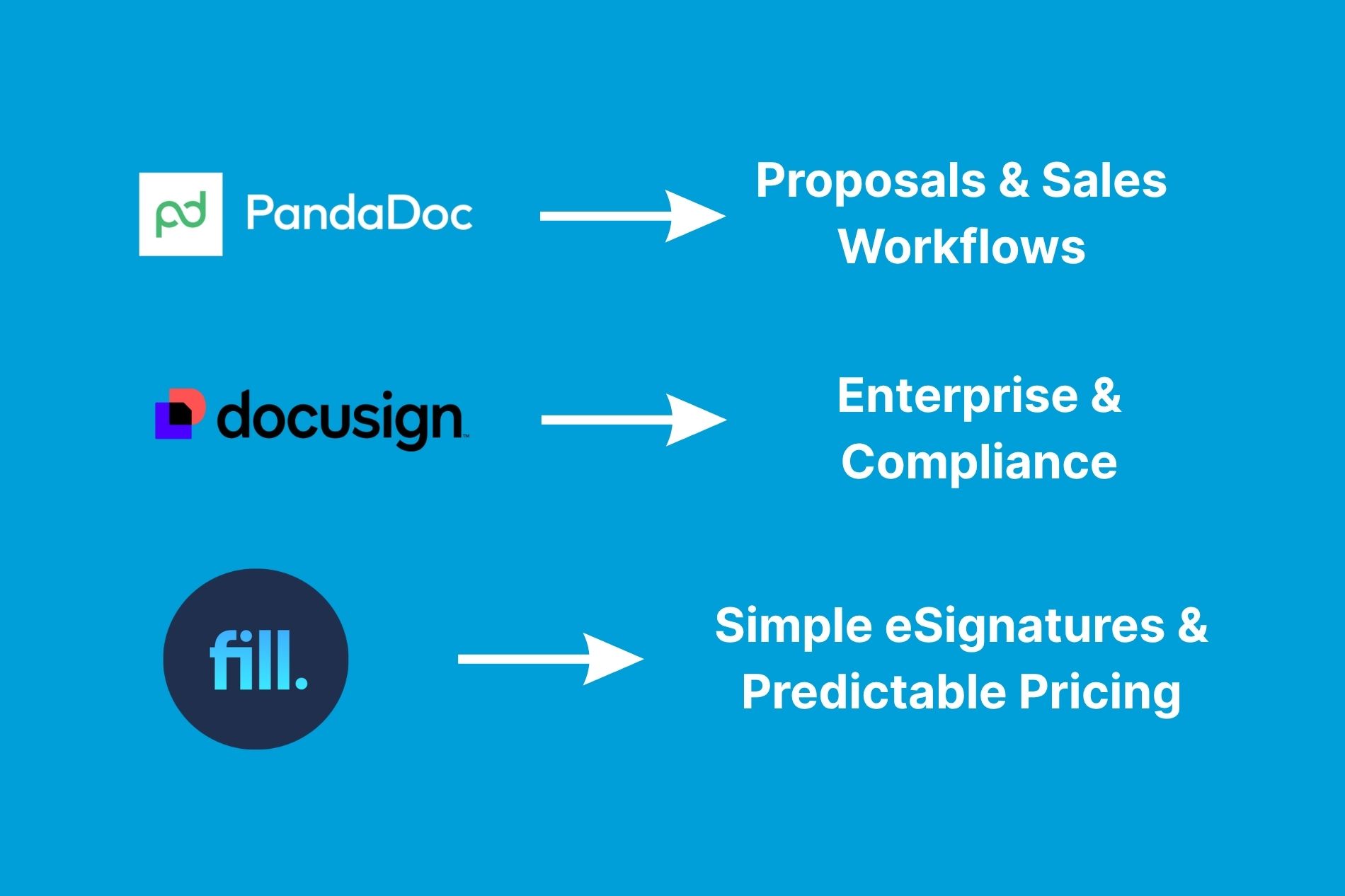
Both PandaDoc and DocuSign are leading electronic signature software platforms used by businesses worldwide. Choosing between them comes down to what your team needs most.
DocuSign remains the market leader for secure, enterprise-grade electronic signatures, compliance, and large-scale deployments. PandaDoc, meanwhile, combines eSignatures, proposal creation, document tracking, and sales workflow tools in a single platform, making it especially appealing for small and mid-sized businesses.
If you primarily need trusted eSignatures and enterprise compliance, DocuSign is often the stronger choice. If you want proposal generation, document automation, and unlimited document sending in one platform, PandaDoc typically delivers more value.
Want a simpler and lower-cost alternative?
PandaDoc vs DocuSign: The Quick Verdict
Bottom line
Both platforms regularly appear on lists of the best eSignature software for businesses, but they serve different needs.
DocuSign stands out for enterprise compliance, security, and large-scale deployments, while PandaDoc differentiates itself with proposal creation, document automation, and sales-focused workflows.
Choose DocuSign if compliance, security certifications, and enterprise integrations are your highest priorities.
Choose PandaDoc if you need a broader document workflow platform that combines proposals, templates, analytics, and eSignatures.
PandaDoc vs DocuSign at a Glance
If you're evaluating multiple platforms, our comprehensive eSignature software comparison can help narrow down the right solution for your business.
Looking for a simpler alternative?
If you don't need enterprise complexity or proposal-building tools, Fill offers an easier way to send, sign, and manage documents.
What Is DocuSign?
DocuSign is one of the most recognized names in electronic signatures. It focuses on secure document signing, workflow automation, identity verification, and enterprise-scale agreement management.
Organizations across healthcare, finance, government, and regulated industries often choose DocuSign for its robust compliance capabilities and mature ecosystem.
Key strengths include:
- Industry-leading eSignature capabilities
- Extensive integration marketplace
- Enterprise-grade security
- Strong compliance and governance controls
- Global brand recognition
What Is PandaDoc?
PandaDoc started as a proposal and sales document platform before expanding into a full-featured eSignature solution.
In addition to signatures, PandaDoc helps teams create proposals, quotes, contracts, and other business documents using drag-and-drop builders, content libraries, and reusable templates.
It is particularly popular among:
- Sales teams
- Marketing agencies
- Service businesses
- Small and midsize companies
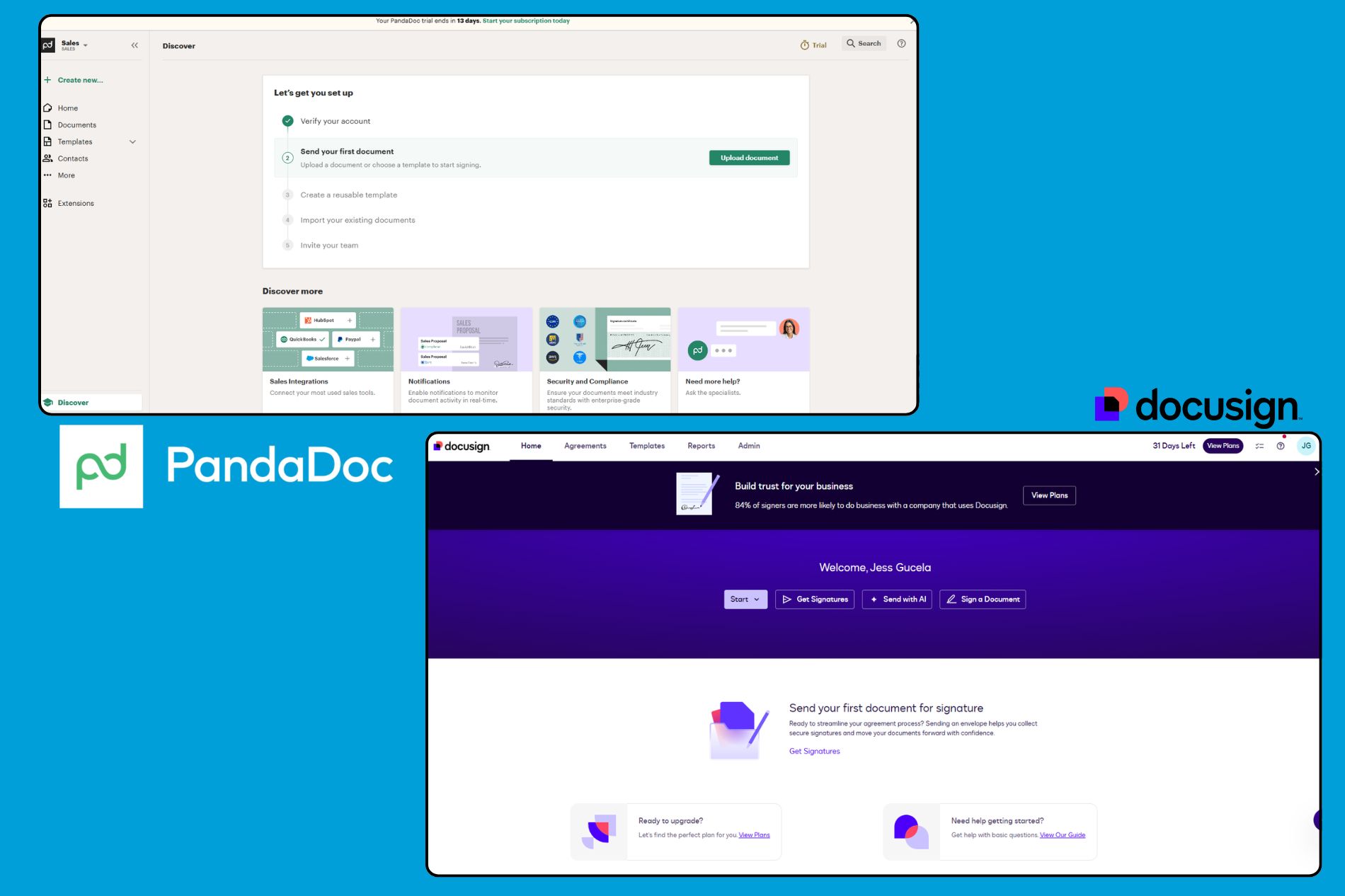
Feature-by-Feature Comparison
Document Creation & Templates
This is where PandaDoc creates the biggest separation from DocuSign.
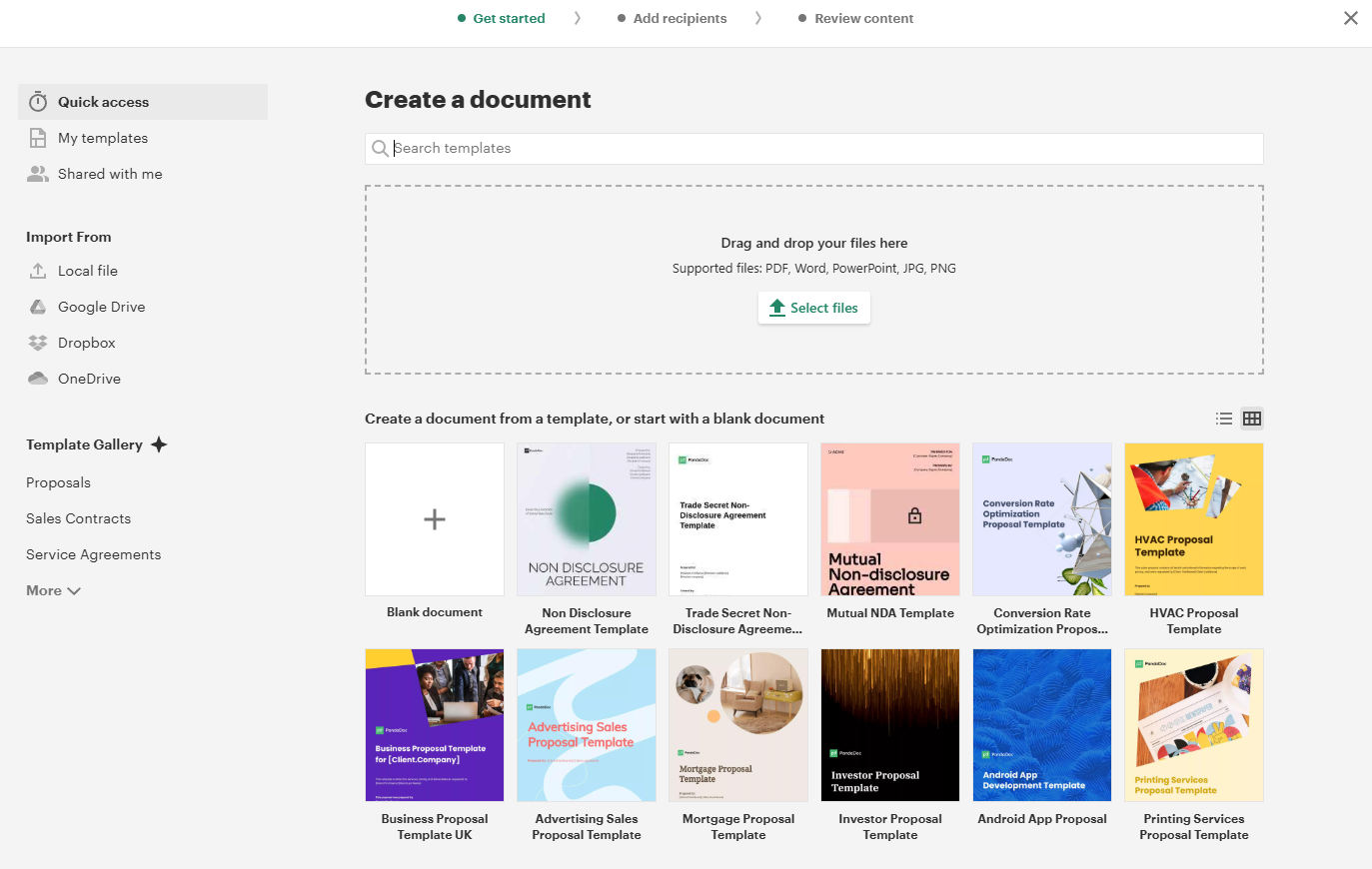
PandaDoc includes robust document creation tools, reusable content libraries, pricing tables, approval workflows, and a large collection of pre-built PDF templates.
DocuSign offers templates and document-generation features, but the overall experience is more focused on signatures than on document design.
For organizations managing a larger volume of agreements, document creation is only one part of the process. Many businesses also evaluate contract management software that combines eSignatures, approval workflows, centralized storage, and lifecycle management tools.
PandaDoc strengths
- Drag-and-drop document builder
- Proposal creation
- Interactive pricing tables
- Content libraries
- Sales-focused templates
DocuSign strengths
- Standardized document workflows
- Enterprise document generation
- Strong agreement lifecycle integrations
Winner: PandaDoc
eSignatures & Signing Experience
Both platforms offer legally binding electronic signatures and support multi-party signing workflows.
DocuSign has long been considered the benchmark for eSignature usability and reliability. PandaDoc's signing experience is similarly intuitive and includes most of the features small and midsize organizations need.
Both platforms support:
- Legally binding signatures
- Audit trails
- Multi-signer workflows
- Mobile signing
- Reminders and notifications
For pure eSignature functionality, the difference is relatively small.
Winner: Tie
Integrations & API
DocuSign maintains one of the largest integration ecosystems in the industry.
Popular integrations include:
- Salesforce
- Microsoft 365
- Google Workspace
- SAP
- Oracle
- ServiceNow
PandaDoc also integrates with leading CRMs and business tools, including Salesforce, HubSpot, Pipedrive, and Zapier.
Organizations with complex technology stacks often prefer DocuSign's broader ecosystem.
Winner: DocuSign
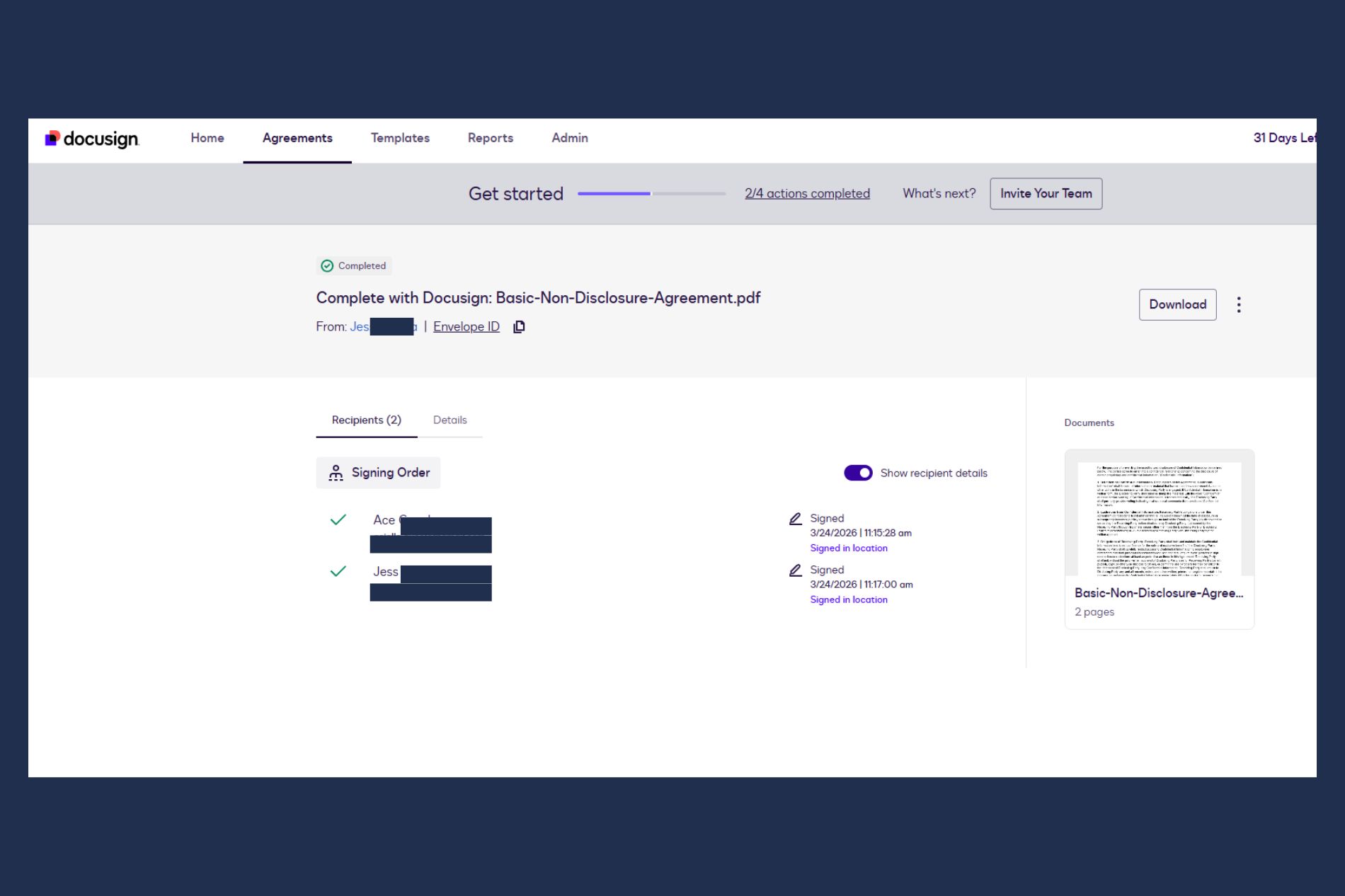
Security & Compliance (HIPAA, FedRAMP, SOC 2, GDPR)
Security and compliance are major reasons companies choose DocuSign.
DocuSign supports a broad enterprise compliance portfolio and is frequently selected by organizations operating in highly regulated industries. PandaDoc also offers robust security and compliance measures, particularly for businesses that require secure document workflows and industry-standard safeguards.
Both platforms offer:
- SOC 2 compliance
- GDPR support
- Audit trails
- Encryption
- Authentication controls
For organizations requiring HIPAA-compliant eSignatures, advanced governance controls, or government-focused deployments, DocuSign generally has the advantage because of its broader enterprise compliance offerings and specialized solutions.
However, the availability of specific compliance certifications, regulatory capabilities, and features may vary by product, deployment type, and subscription plan. Organizations with strict compliance requirements should verify their needs directly through PandaDoc's official Compliance page and DocuSign's official Compliance page before making a purchasing decision.
Winner: DocuSign
Analytics & Document Tracking
PandaDoc provides deeper visibility into recipient behavior.
Users can see:
- When documents are opened
- Time spent on pages
- Engagement metrics
- Proposal completion insights
These features are particularly valuable for sales teams trying to improve close rates.
DocuSign offers reporting capabilities but is less focused on buyer engagement analytics.
Winner: PandaDoc

Pricing: PandaDoc vs DocuSign
Pricing is one of the most common reasons buyers compare these platforms. At a high level, DocuSign tends to offer a lower starting price, while PandaDoc often provides more predictable costs through unlimited document sending.
Note: Prices, envelope limits, API availability, and included features are subject to change and may vary by subscription type or region. Information is accurate as of June 2026. For the latest information, visit the official PandaDoc Pricing and DocuSign Pricing pages.
DocuSign Pricing (and the Envelope Cap)
DocuSign's entry-level plans start at $10 per month when billed annually ($15 month-to-month), while higher-tier plans add collaboration, workflow automation, and advanced agreement features.
However, many of DocuSign's traditional eSignature plans include envelope allowances rather than unlimited sending. For example, the Personal plan currently includes 5 envelope sends per month, while Standard and Business Pro plans include 10 sends per user per month. Newer IAM offerings may provide unlimited web-app sending, but allowances and features vary by product and subscription type.
An envelope typically represents a document sent for signature. If those plan limits are prompting a switch, follow these steps to cancel your DocuSign subscription before moving to another tool. For organizations that send a high volume of agreements, envelope allowances can influence overall costs and plan requirements.
Organizations evaluating DocuSign often consider factors such as:
- Envelope allowances on certain plans
- Sending volume requirements as usage grows
- Whether advanced workflows require higher-tier plans
- Overall costs relative to expected document volume
For many organizations, these trade-offs are worthwhile because DocuSign pairs its pricing with enterprise-grade security, broad integrations, and mature agreement management capabilities. Teams in regulated industries or complex enterprise environments often prioritize these capabilities over unlimited sending.
Note: Envelope allowances and features may vary by plan and subscription type.
PandaDoc Pricing (Unlimited Sends)
PandaDoc's Starter plan begins at $19 per user per month when billed annually, with higher-tier plans adding proposal automation, analytics, content libraries, and advanced workflow capabilities.
One of PandaDoc's biggest pricing advantages is unlimited document sending on qualifying paid plans. Under its current pricing structure, Starter, Business, and Enterprise plans include unlimited document sending, while the Free plan is limited to a small number of documents and legally binding eSignatures per month.
For organizations that send a high volume of documents, this pricing model can make costs more predictable by reducing concerns about document allowances on qualifying plans.
However, organizations that primarily need straightforward eSignatures may not require all of PandaDoc's proposal and document workflow capabilities. Businesses that rely on proposals or send large volumes of documents, on the other hand, may find the unlimited-send model and broader feature set worth the additional investment.
Those additional capabilities include proposal creation, templates, analytics, and document management tools, with higher-tier plans adding features such as content libraries, approval workflows, and advanced automation.
Note: Document allowances and included features may vary by plan and subscription type.
Pricing Verdict
Want to compare costs more closely? Explore Fill pricing to see how a simpler pricing model compares.
When to Choose DocuSign
Choose DocuSign if:
- You operate in a highly regulated industry
- Compliance is your top priority
- You need extensive enterprise integrations
- You manage complex approval workflows
- You require advanced governance and security controls
- Your organization already uses DocuSign widely
When to Choose PandaDoc
Choose PandaDoc if:
- You create proposals regularly
- Your sales team needs document engagement insights
- You want unlimited document sending
- You prefer an all-in-one document workflow platform
- You need strong template and content management features
- You want better value for SMB budgets
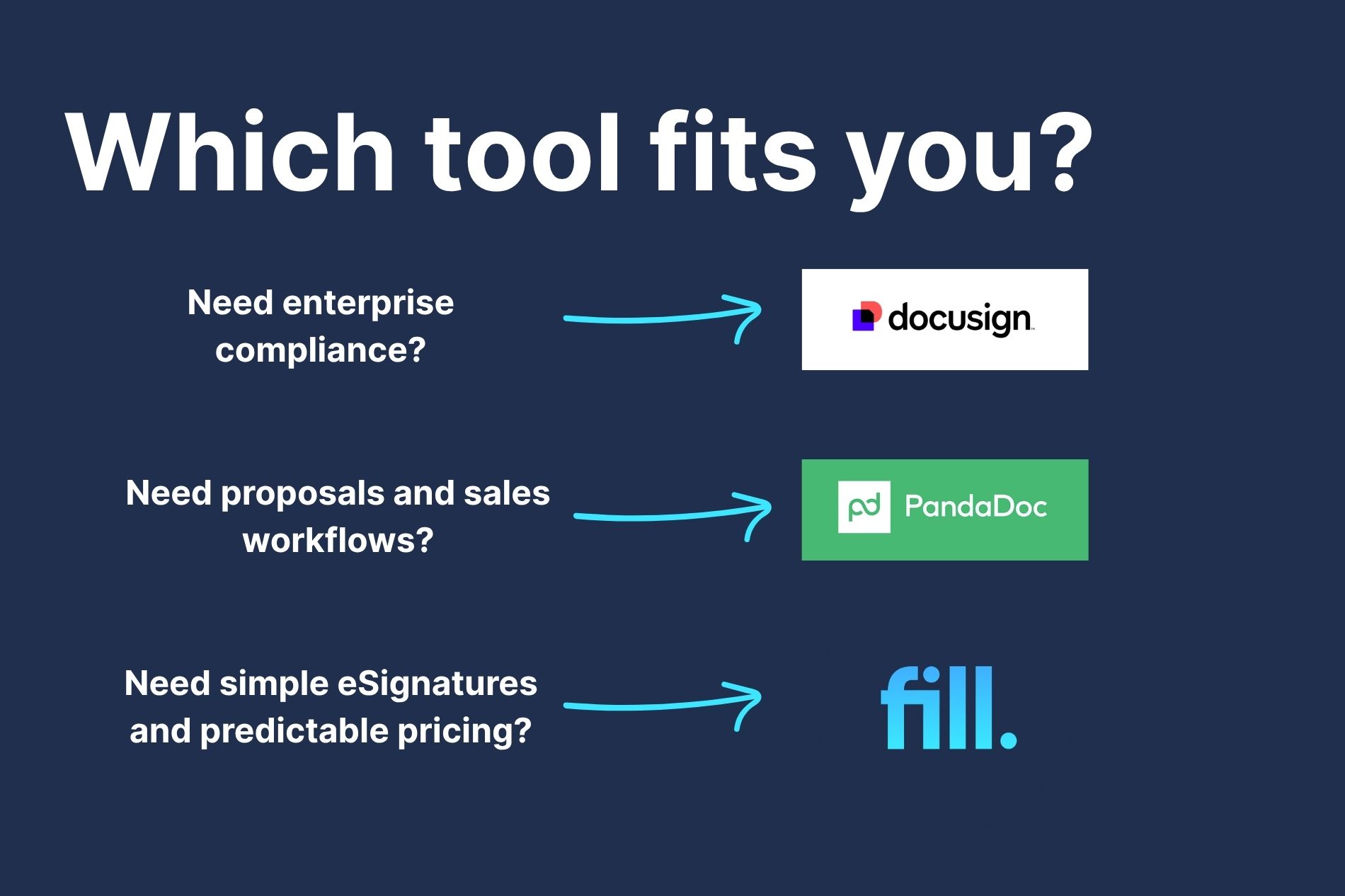
A Third Option: Where Fill Fits for SMBs
If your primary goal is collecting signatures efficiently without enterprise complexity or proposal-heavy workflows, Fill may be worth considering.
Unlike platforms that add costs through envelope limits or bundle features many businesses never use, Fill focuses on making electronic signature software simple, affordable, and easy to adopt.
A small agency onboarding a new client may simply need to send a service agreement, collect a signature, store the completed document, and track its status from one place. In this type of workflow, teams often prioritize simplicity and predictable pricing over enterprise governance features or proposal-building tools. For businesses with these needs, Fill can provide a more streamlined approach to electronic signatures and document management.
Businesses evaluating a DocuSign alternative or a PandaDoc alternative often prioritize:
- Lower costs
- Simpler onboarding
- Straightforward document workflows
- Unlimited or predictable usage
- Faster implementation
Teams also comparing Dropbox Sign may find our guide to the HelloSign (Dropbox Sign) alternative helpful.
Fill Features and Comparison
Fill is designed for businesses that want straightforward eSignatures and document workflows without enterprise complexity or proposal-heavy features they may never use.
If your team primarily needs to send agreements, collect signatures, store completed documents, and manage simple workflows, Fill delivers the core functionality most organizations use every day—without envelope-based pricing concerns, steep learning curves, or paying for features that may never be used.
PandaDoc vs DocuSign: Which Should You Pick?
There is no universal winner between PandaDoc and DocuSign.
DocuSign remains the stronger option for enterprises, regulated industries, and organizations that prioritize compliance, governance, and integration depth.
PandaDoc is typically the better choice for sales-driven teams that want proposal creation, analytics, templates, and unlimited sending in a single platform.
For businesses that simply need fast, affordable eSignatures, Fill may offer the best balance of functionality, simplicity, predictable pricing, and ease of adoption.
PandaDoc vs DocuSign - FAQs
Is PandaDoc as good as DocuSign?
Yes, for many businesses. PandaDoc delivers comparable eSignature functionality while adding proposal creation, document analytics, and workflow tools. DocuSign generally maintains an advantage in enterprise compliance, governance, and large-scale deployments.
Which is cheaper, PandaDoc or DocuSign?
It depends on usage. DocuSign often has a lower entry-level price, while PandaDoc can be more cost-effective for teams that send a high volume of documents, as many plans include unlimited sends.
Are PandaDoc and DocuSign signatures legally binding?
Yes. Both platforms support legally binding electronic signatures in accordance with major eSignature regulations, provided that documents are executed and stored in accordance with applicable legal requirements.
Is there a better option than DocuSign?
For organizations focused primarily on affordability and simplicity, there may be. Many businesses evaluate a dedicated DocuSign alternative, such as Fill, to avoid envelope limits, reduce costs, and streamline adoption.
Is PandaDoc a Chinese company?
No. PandaDoc is an American software company headquartered in the United States. It was founded in 2013 and provides document management, proposal automation, and electronic signature software for businesses worldwide. Despite serving global customers, PandaDoc is not owned by a Chinese company and operates as a U.S.-based SaaS provider.
Ready to simplify document signing?
Skip the envelope limits and proposal bloat—start free with Fill.

Related Stories
5 Best DocuSign Contract Management Alternatives (2026)

Field Masking: Protect Sensitive Data in Online Forms

What Is a Wet Signature? Meaning, Examples, and When It’s Required