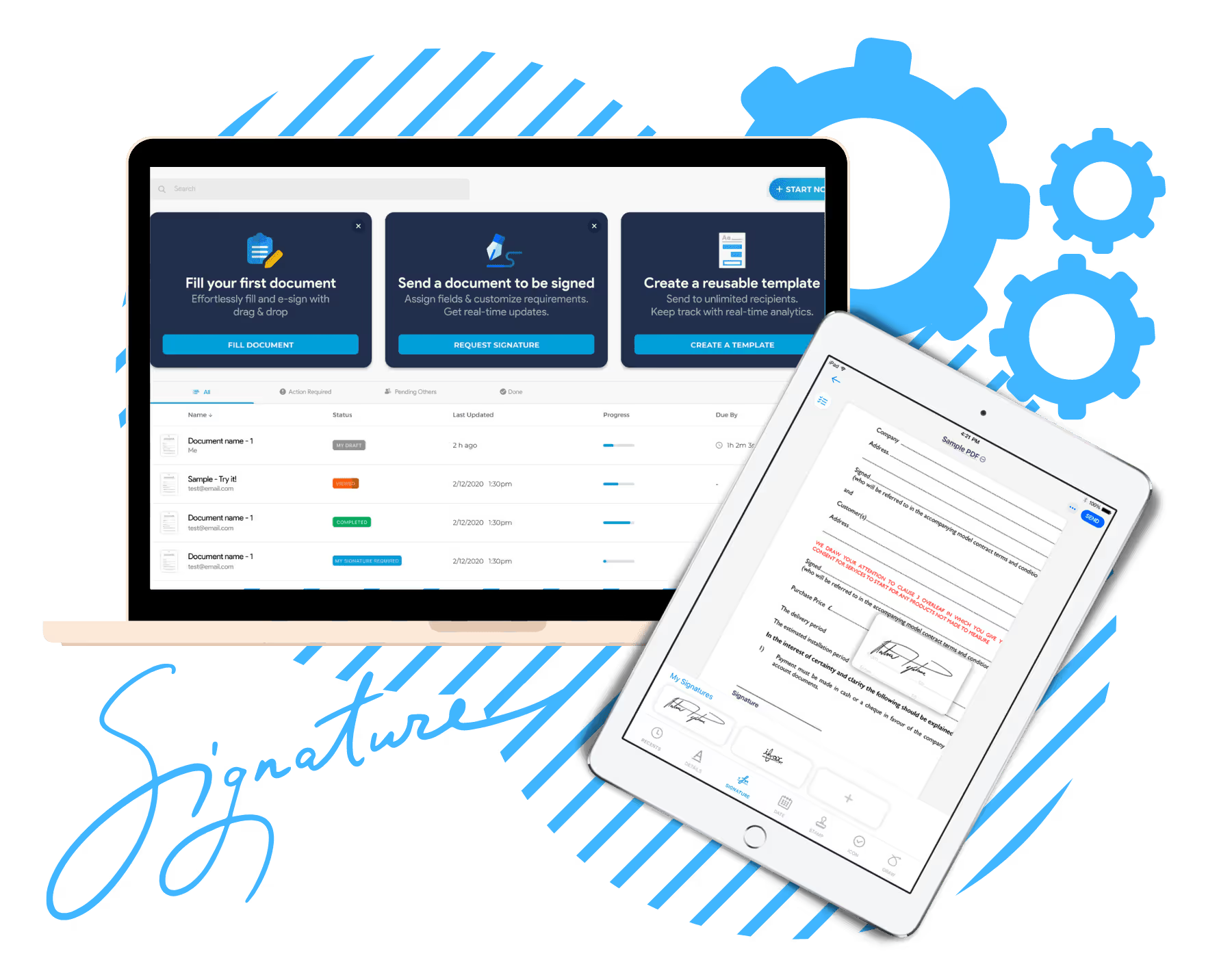
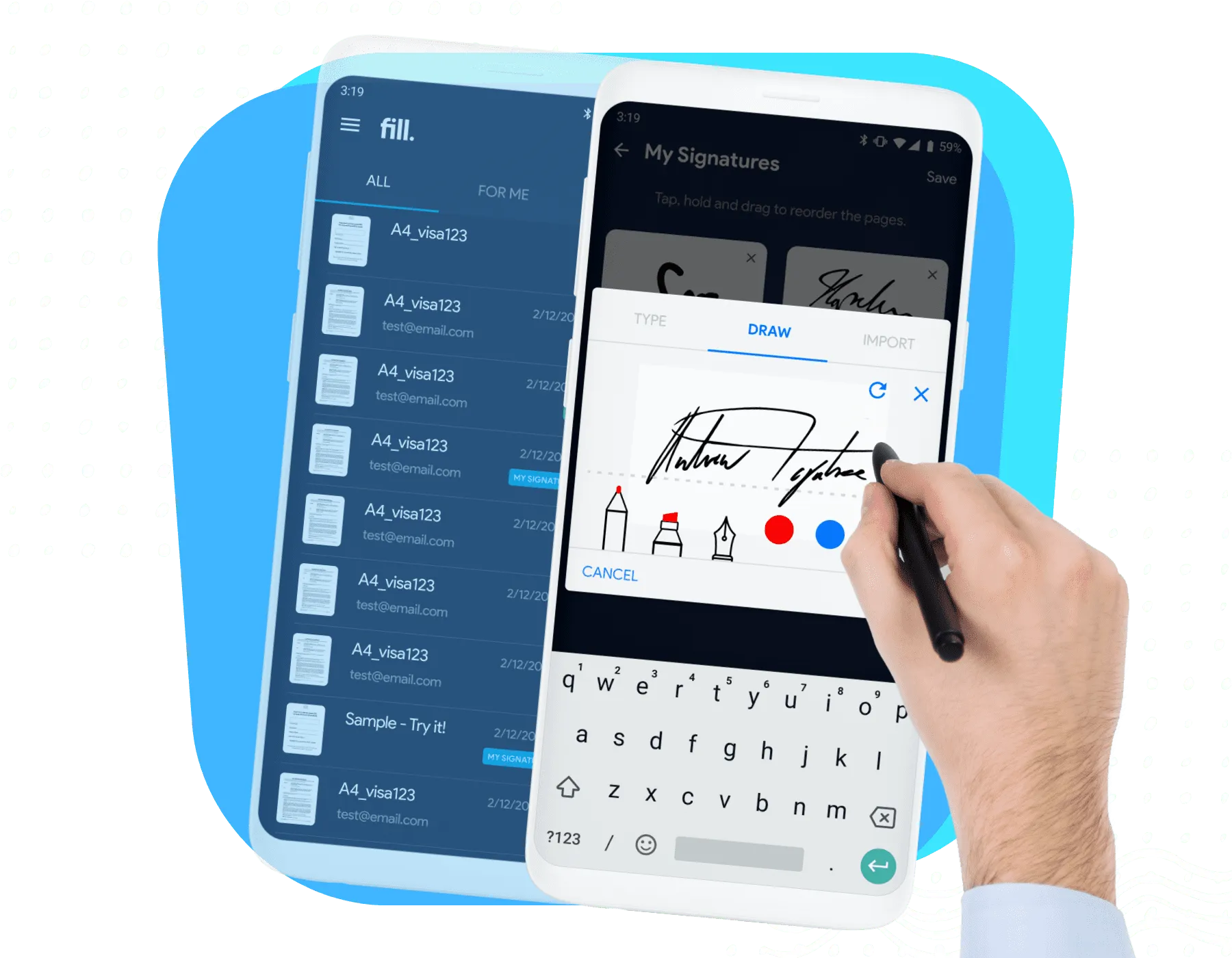
If you're looking for a PandaDoc alternative, you're probably trying to solve one of two problems: reducing software costs or finding a tool that better fits the way your team works.
While PandaDoc is a powerful platform for proposals, quotes, and electronic signatures, many businesses only use a small portion of its feature set. If your workflow mainly revolves around collecting legally binding signatures, there's a good chance you can find a solution that's cheaper than PandaDoc while still covering everything you need.
Compare the top DocuSign alternatives at a glance—and see which tool gives you the most value without the limits.
| Tool | Best for | Free plan | Starting price* | Standout feature |
|---|---|---|---|---|
| Fill | Best overall |  No No |
$8.33/user/mo | Unlimited eSignature requests |
| DocuSign | Enterprise compliance | No |
$10/user/mo | Enterprise-grade eSignature |
| PandaDoc | Sales proposals and quotes |  Yes Yes |
$19/user/mo | Proposal and document editor |
| Adobe Acrobat Sign | Adobe ecosystem | No |
$16.99/license/mo | PDF editing + eSignatures |
| Dropbox Sign | Embedded and developer signing | No |
$15/mo | Developer-friendly signing |
| Zoho Sign | Zoho users | Yes |
$0 | Zoho integrations |
| Signeasy | Mobile-first teams | No |
$10/seat/mo | Mobile signing |
We evaluated each platform based on pricing, ease of use, eSignature capabilities, proposal functionality, integrations, scalability, and overall value for businesses looking beyond PandaDoc.


PandaDoc is a feature-rich platform, but it's not always the right fit for every business. Depending on your workflow, you may be paying for capabilities you rarely use.


When evaluating Dropbox Sign alternatives, focus on the capabilities that will have the biggest impact on daily operations.


While Fill is our recommended HelloSign alternative for SMBs, there are several other options worth evaluating.
Enterprise-focused eSignature platform with advanced compliance, integrations, and workflow capabilities. Best suited for larger organizations with complex requirements.
Looking for a Docusign alternative? Compare Fill vs DocuSign
Enterprise-focused eSignature platform with advanced compliance, integrations, and workflow capabilities. Best suited for larger organizations with complex requirements.
Simple and affordable eSignature solution for basic signing workflows. Best for small businesses that prioritize ease of use and simplicity.
A natural choice for businesses already using Zoho applications. Best for teams looking to keep document workflows within the Zoho ecosystem.


We evaluated each platform based on the factors that matter most when replacing an eSignature solution:

Starting price, free plans, signing allowances, and potential overage costs.

Document creation, signing workflows, templates, audit trails, and ease of use.

Signer authentication, security controls, audit trails, and support for standards such as ESIGN, UETA, eIDAS, and HIPAA where applicable.

Connections with CRM, productivity, cloud storage, and other business applications.
Capabilities such as proposals, embedded signing, mobile signing, and agreement management that make each platform better suited to particular use cases.
When SMBs compare HelloSign competitors, they're usually looking for a platform that balances simplicity, affordability, and functionality.
As a modern electronic signature software solution, Fill checks those boxes by providing:
Electronic signatures are only one part of the process. Fill supports broader document workflows that help teams save time and reduce administrative work.
Teams can begin using Fill quickly without lengthy onboarding projects or extensive training.
As organizations grow, Fill can support increasing document volume, additional users, and evolving workflow requirements.
Businesses can confidently manage documents using secure infrastructure, audit trails, and compliance-focused features.
Rather than paying for enterprise-level complexity they may not need, SMBs can access practical tools that support everyday business operations.
Switching from Dropbox Sign to Fill is typically straightforward and can often be completed in just a few steps.


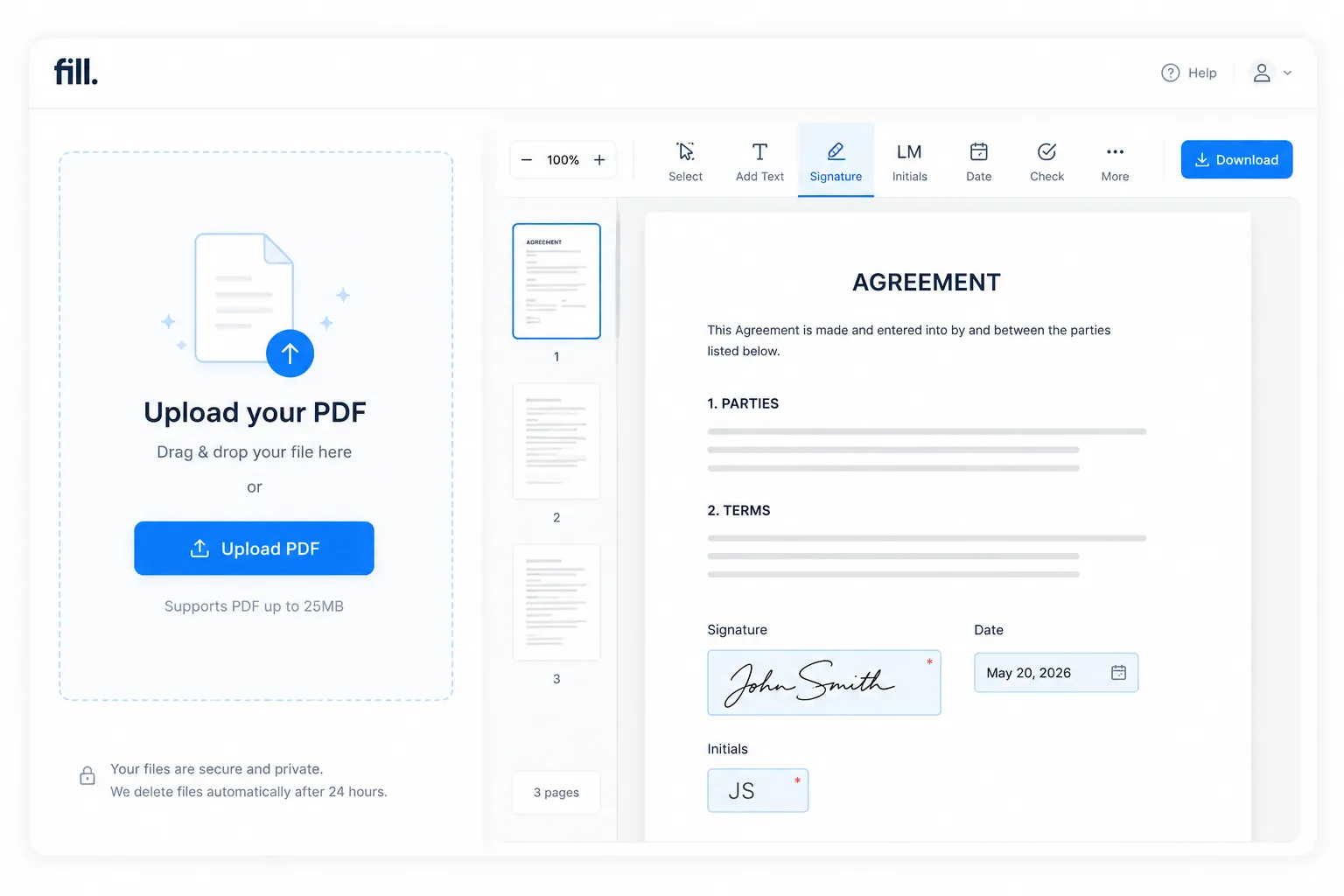
Fill is designed to help businesses create, send, sign, and manage documents without unnecessary complexity. By combining electronic signatures, reusable templates, workflow automation, and PDF editing in one platform, it helps teams reduce manual work and move documents through approvals faster.
Fill is a strong fit for organizations that regularly send contracts, onboarding documents, consent forms, vendor agreements, and other paperwork that follow repeatable approval workflows. Because these processes are often standardized, teams can save time by using reusable templates and automated routing instead of managing each document manually.
Beyond electronic signatures, Fill includes tools for document templates, workflow automation, approvals, and PDF editing, allowing teams to standardize repetitive processes and reduce manual work. The platform is used across industries, including legal, healthcare, HR, finance, education, and professional services, where speed, compliance, and ease of use are priorities.
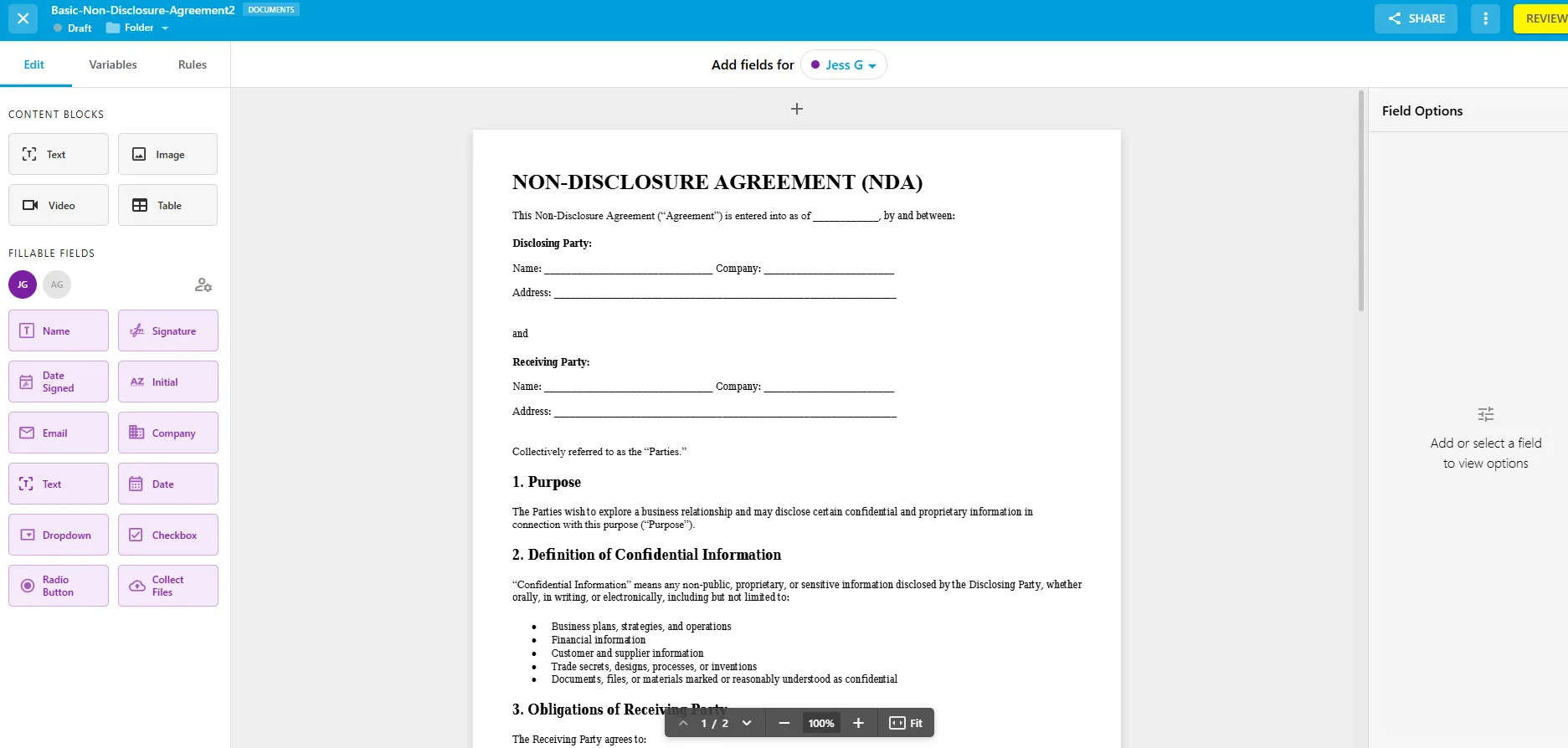
DocuSign has long been one of the most recognized names in electronic signatures and is often the benchmark against which other signing platforms are compared. Unlike PandaDoc, which focuses on secure document execution rather than proposal creation, it is a popular choice for organizations with complex compliance requirements and large-scale document workflows.
The platform offers extensive integrations, identity verification options, workflow automation, and enterprise-grade security, making it particularly attractive to large organizations operating across multiple departments or regions. Its mature ecosystem also makes it easier to integrate electronic signatures into existing business processes.
For smaller businesses, however, the breadth of enterprise functionality may be more than necessary, especially if the primary need is to collect signatures on contracts and agreements.
Use this checklist to quickly find the right fit for your workflow—without overpaying or overcomplicating things.
Tools like Fill remove these limits entirely, so you can send documents without tracking quotas.
Fill includes built-in compliance and enterprise-grade security without requiring higher-tier plans.
The faster your team can send and sign, the faster deals and approvals move.
Fill connects easily with the tools most teams already use—without added complexity.
A strong audit trail ensures every signature is traceable and compliant.
For affordable, unlimited eSignatures:
is a strong choice for teams that send documents regularly and want predictable signing costs without per-invite charges.
_FILL0_wght400_GRAD0_opsz24.svg)
For enterprise compliance:
is better suited to larger organizations that need advanced security, authentication, administration, and agreement workflows.
For proposals and sales documents:
is the better fit for sales teams that create quotes, proposals, and agreements as part of their sales process.
_FILL0_wght400_GRAD0_opsz24.svg)
For the Adobe ecosystem:
makes sense if your team already relies on Acrobat for editing and managing PDFs and wants eSignatures in the same workflow.
_FILL0_wght400_GRAD0_opsz24.svg)
For embedded or developer use:
stands out for its API and embedded signing capabilities, making it a good option for businesses building signing into their own applications.
_FILL0_wght400_GRAD0_opsz24.svg)
For the Zoho ecosystem:
is particularly compelling if your team already uses Zoho CRM, Zoho Books, Zoho Workplace, or other Zoho products

For mobile-first signing:
is a good fit for individuals and teams that frequently send and sign documents from mobile devices.
The best PandaDoc alternative depends on why you're looking to switch. Rather than choosing the platform with the longest feature list, identify the part of your current workflow that creates the most friction.
With our electronic signature solution, teachers can spend less time on paperwork and more time on actual teaching. Find out why Fill is the best app for educators.


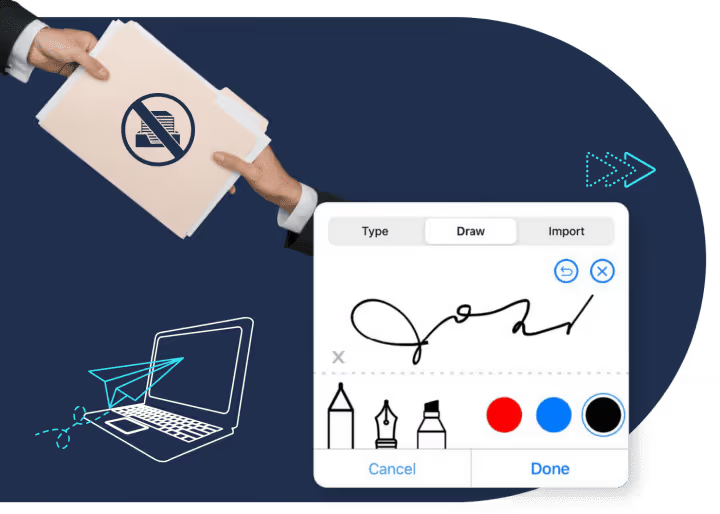
Fill’s intuitive UI allows schools to go paperless and streamline workflows. Switching to digital documents expedites administrative tasks for educational institutions. Digital forms and eSignatures help prevent delays caused by errors in manual encoding.
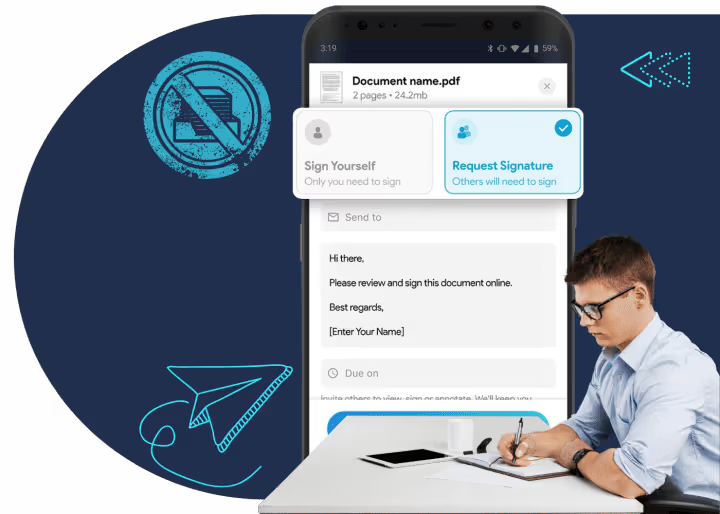
Improve the overall quality of learning by providing teachers and students the opportunity to access, sign, and verify their paperwork online. College and university students can also digitally sign forms for enrollment and internships.

Electronic signatures are legally recognized for most real estate transactions in the United States. Under the federal Electronic Signatures in Global and National Commerce (E-SIGN) Act and the Uniform Electronic Transactions Act (UETA), electronic signatures generally carry the same legal effect as handwritten signatures when both parties agree to conduct business electronically.
Many mortgage-related documents are also signed electronically, and organizations such as Fannie Mae and FHA support electronic signatures for eligible documents. Individual state laws and transaction requirements may vary, so this information is intended as general guidance rather than legal advice.

Liam Washington
Copura
Nelson Bradley
Macros Corp
Tim Crump
Cioa
Amy Slane
Mycitysocial
Dallas Brown
SIS International
Sarah Memom
Kindred
Sales agreements
Vendor and customer contracts
Lump sum contracts
Service and maintenance agreements
Technology licensing contracts
Technology licensing contracts
Medical non-disclosure agreements
Insurance contracts


Customer Complaints
Signature Requests
Job Applications
Event Registrations
Order Placements
The best PandaDoc alternative depends on how you use the platform.
If your business primarily sends contracts, agreements, and forms for electronic signatures, a signing-focused platform like Fill offers a simpler experience with document workflows, reusable templates, and unlimited eSignature requests. For organizations that need enterprise-scale signing and advanced compliance, DocuSign is a strong choice.
If your priority is creating branded proposals with sales analytics and buyer engagement, proposal-first platforms like Proposify, GetAccept, or Qwilr may be a better fit.
Ultimately, the best alternative is the one that matches your workflow—not the one with the longest feature list.
Yes. Several PandaDoc alternatives offer more affordable pricing, particularly for businesses that only need electronic signatures.
PandaDoc combines proposals, document management, quoting, and eSignature tools into one platform. If your team doesn't use those additional sales features, you may be paying for functionality you don't need
Signing-first platforms such as Fill and SignNow can provide the core features many businesses rely on while keeping pricing more predictable. Before switching, compare not only the monthly subscription cost but also factors like user limits, signature allowances, and the features included in each plan.
If you're looking for a free solution, several electronic signature platforms offer free plans or free trials with varying limitations. The right option depends on how many documents you send and which features you need.
For a comparison of today's leading free eSignature solutions, see our guide to the Best Free eSignature Software.
Keep in mind that free plans often limit the number of documents, signatures, or advanced features available, so they may not be suitable for businesses with higher document volumes.