Compare Fill to Alternatives 2026: Fill vs DocuSign, PandaDoc, Adobe Sign & More
Choosing an eSignature tool comes down to pricing, flexibility, and ease of use.
Use the table below to compare Fill with other tools and find what fits your workflow best.
Is Fill the Right Fit for You?
Fill is designed for teams that want to move faster - without added cost or complexity.

Predictable pricing

Built-in compliance

Simple, fast workflows
How Fill Compares to Leading eSignature Software
Most eSignature tools cover the basics. The difference shows up as your usage grows - how pricing scales, what features are included, and how easy the tool is to use day to day.
This is where Fill stays simple and predictable.
Feature Comparison:
Fill vs DocuSign vs PandaDoc vs Adobe Sign
This electronic signature software comparison shows how Fill stacks up against leading DocuSign competitors.
| Feature |

|

|

|

|
Why It Matters |
|---|---|---|---|---|---|
| Where Fill stands out | |||||
| HIPAA compliance | Included with Pro Plan | Enterprise only | Enterprise only | Enterprise only | Access HIPAA compliance without enterprise pricing. |
| Pricing model | Flat, predictable | Per user + tiered | Tiered | Tiered | Costs stay consistent as you scale |
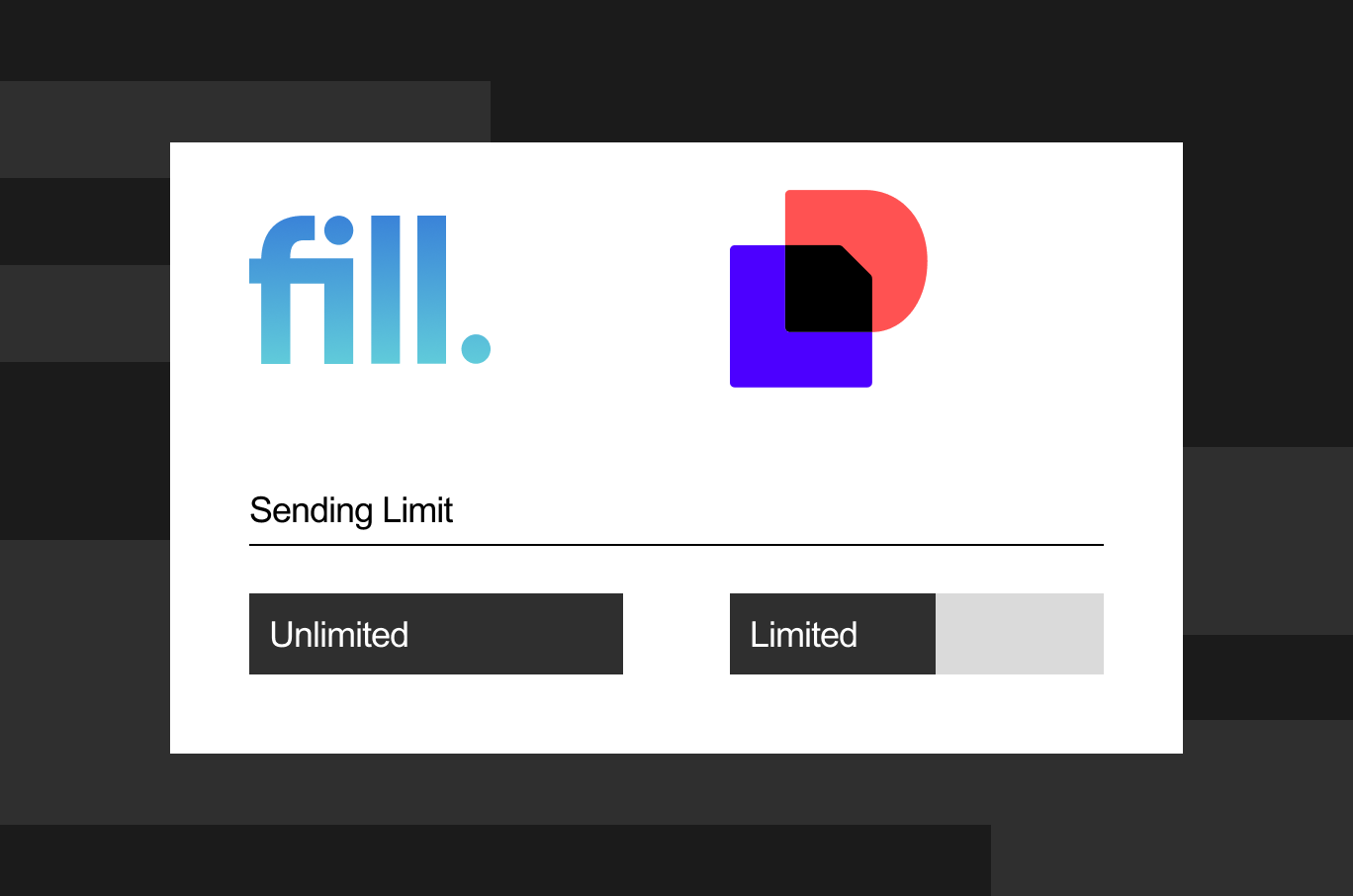
| Sending limits | Unlimited | Limited by plan | Limited by features | Limited by transactions | No quotas or usage caps |
| Support access | Available across plans | Limited on lower tiers | Tiered | Tiered | Get help without upgrading |
| Workflow complexity | Simple, fast setup | More complex | Proposal-focused | Ecosystem-dependent | Faster to learn and use |
| Platform coverage | Available across devices | Mobile + web | Mobile + web | Mobile + web | Consistent experience across devices |
| Core capabilities | |||||
| eSignature functionality |  |
|
|
|
Standard across all tools |
| Security & encryption | |
|
|
|
Industry-standard protection |
| Audit trail & tracking | |
|
|
|
Full visibility for compliance |
| Templates | 100+ included | Limited by plan | Included | Included | Faster document creation |
| Integrations | |
|
|
|
Connect with your existing tools |
Pricing Comparison:
Fill vs Competitors - How Much Does Each Cost?
This electronic signature software comparison shows how Fill stacks up against leading DocuSign competitors.
Here’s how the main tools compare:
| Tool | Free Trial | Starting Price* | Signature Limits | HIPAA Included | Support |
|---|---|---|---|---|---|
| Fill | Yes |
From $8.33/mo | Unlimited signatures for all plans | Yes |
Priority support available |
| DocuSign | Yes |
From $10/user/mo | Envelope limits apply |  Enterprise only Enterprise only |
Limited support on lower tiers |
| PandaDoc | Yes |
From $19/user/mo | Feature-based limits | Enterprise only |
Tiered support |
| Adobe Sign | Yes |
From $22.99/mo | Transaction limits | Add-on cost |
Tiered support |
| Dropbox Sign | Yes |
From $15/user/mo | Unlimited (Essentials) | With Dropbox plan |
Email support |
Fill vs DocuSign
Why teams switch from DocuSign to Fill
DocuSign is widely used, but its pricing model can become restrictive as usage grows. Envelope limits, per-user costs, and feature gating often create friction for teams that need to move quickly.
Fill removes those constraints, keeping document workflows simple and predictable.
Where Fill stands out
- Unlimited sending on paid plans
No envelope limits—send as many documents as you need without tracking quotas. - Simpler, more predictable pricing
Avoid per-user costs and tier-based upgrades as your usage grows. - Compliance included by default
HIPAA and other standards are built in—no enterprise plan required.
Learn more:
DocuSign alternative
Fill vs PandaDoc
Why teams choose Fill over PandaDoc
PandaDoc is designed for document creation and proposals—but that added functionality isn’t always necessary. For teams that primarily need eSignatures, it can introduce additional setup, higher costs, and unused features.
Fill keeps the focus on fast, straightforward document signing.
Where Fill stands out
- Faster setup and simpler workflows
Send documents without navigating proposal builders or complex editors. - Built for signing, not document creation
Focus on what matters—getting documents signed quickly and efficiently. - More accessible pricing
Avoid paying for advanced features you may not need.
Fill vs Adobe Acrobat Sign
Why teams choose Fill over Adobe Sign
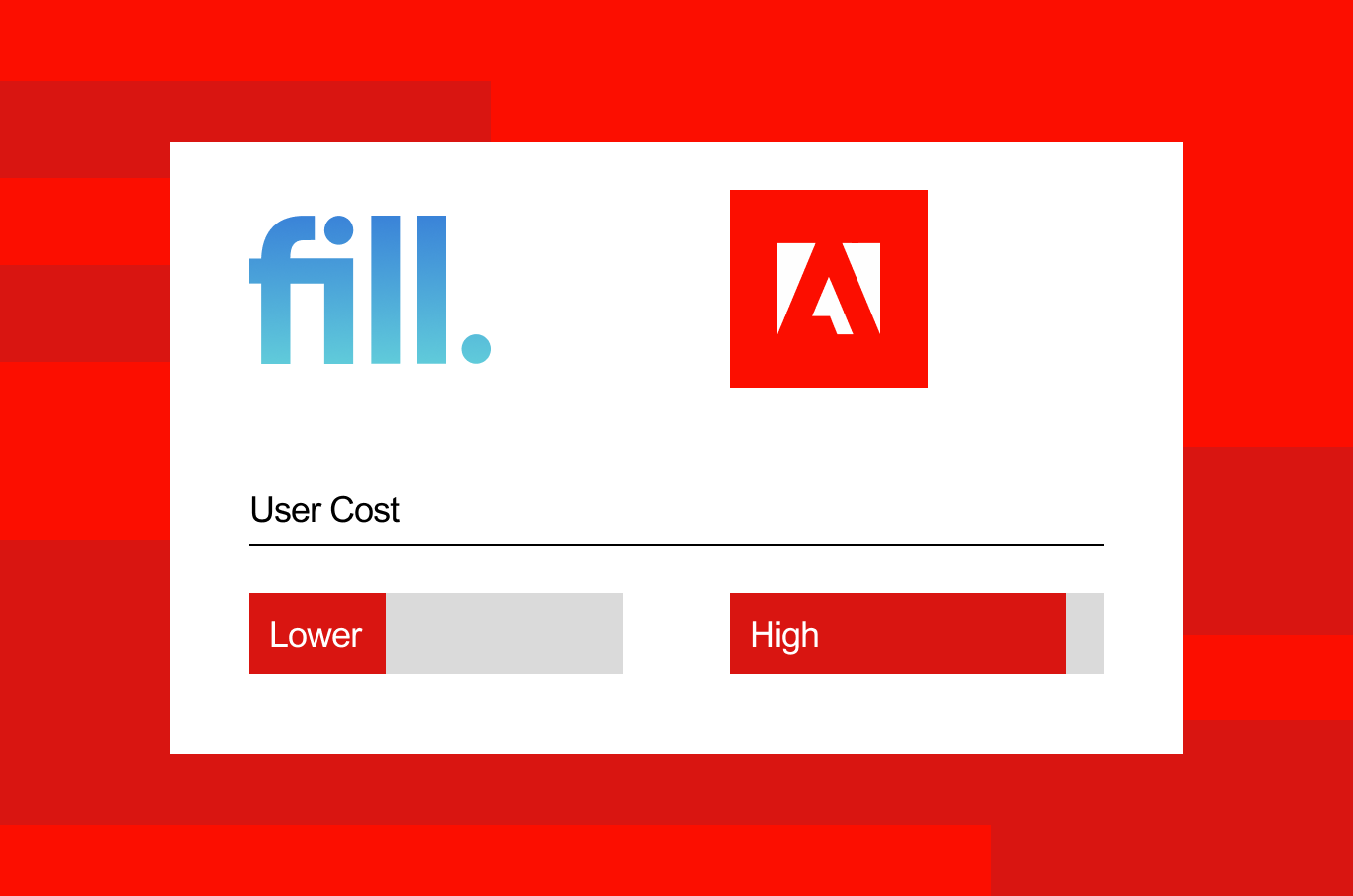
Adobe Sign is powerful, especially within the Adobe ecosystem—but it often comes with higher costs and added complexity. For teams that don’t rely heavily on Adobe tools, it can feel more like a full system than a simple signing solution.
Fill offers a more streamlined approach to everyday document workflows.
Where Fill stands out
- Standalone and easy to use
No need to rely on additional tools or navigate a larger ecosystem. - Lower cost without transaction limits
Avoid pricing tied to usage or document volume. - Simple, streamlined workflows
Focus on sending and signing—without extra layers or setup.
Fill vs Dropbox Sign (HelloSign)
Why teams choose Fill over Dropbox Sign
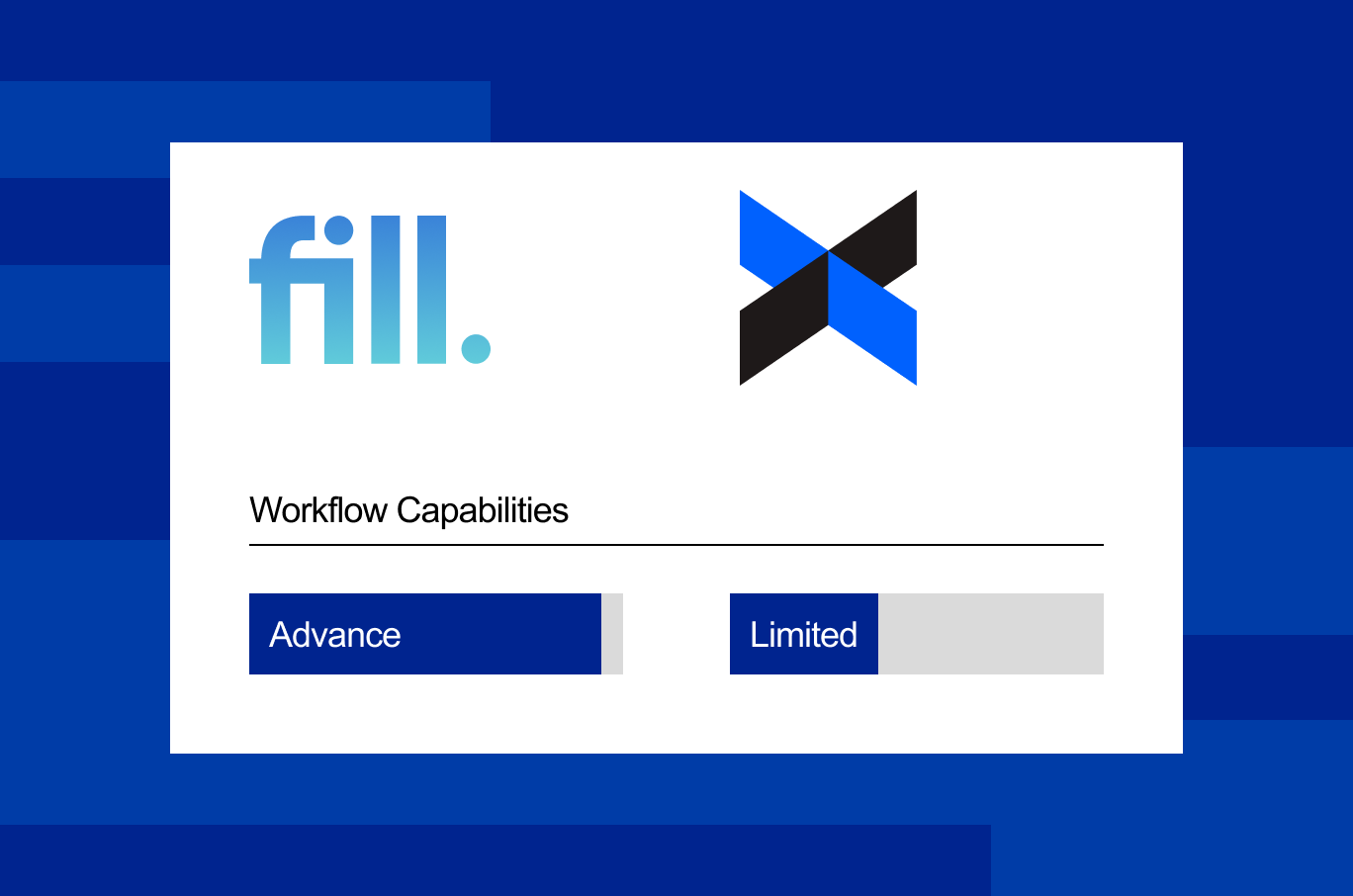
Dropbox Sign works well for basic document signing, but its capabilities can be limiting as needs grow. Support options, compliance features, and workflow flexibility are more constrained compared to more robust tools.
Fill expands on those basics while keeping the experience simple and reliable.
Where Fill stands out
- Built-in compliance for sensitive workflows
Handle regulated documents without needing additional tools or plans. - Live support across all plans
Get help when you need it—not just on higher tiers. - More advanced workflow capabilities
Go beyond basic signing with features like templates, tracking, and analytics.
Why Teams Choose Fill’s eSignature platform?
Fill is one of the best electronic signature software options for teams that value simplicity and predictable pricing.

Predictable pricing without usage limits

Built-in compliance without enterprise plans

Works across all devices

Designed for speed and simplicity

Live support when you need it
What Users Say About Fill?
— Dr. Elaine Cruz, Clinic Director
⭐⭐⭐⭐⭐
— Priya Shah, Legal Counsel
⭐⭐⭐⭐⭐
— Amanda Reyes, Property Consultant
⭐⭐⭐⭐⭐
— Daniel Hart, Operations Manager
⭐⭐⭐⭐⭐
Frequently Asked Questions
Is Fill cheaper than DocuSign?
In most cases, yes—especially for teams that send a high volume of documents. Fill avoids envelope-based pricing on paid plans.
Does Fill offer a free trial?
Yes. Fill offers a free trial so you can explore all features before committing. If you're looking for a free electronic signature option, the trial lets you send and sign documents without an upfront commitment.
Can I switch from DocuSign to Fill?
Yes. You can recreate templates and migrate workflows with minimal disruption.
Is Fill HIPAA compliant?
Yes. Fill supports HIPAA-compliant eSignature without requiring enterprise plans.
How does Fill’s mobile experience compare?
Fill supports iOS, Android, Windows, and Mac, making it easier to work across devices.
What integrations does Fill support?
Fill integrates with common tools to support your document workflows. See Fill integrations.
