5 Most Secure Sign Software (Ranked by Security & Compliance)
In today’s remote work era, secure sign software ensures your digital signatures are valid, protected, and compliant with modern business communication needs.

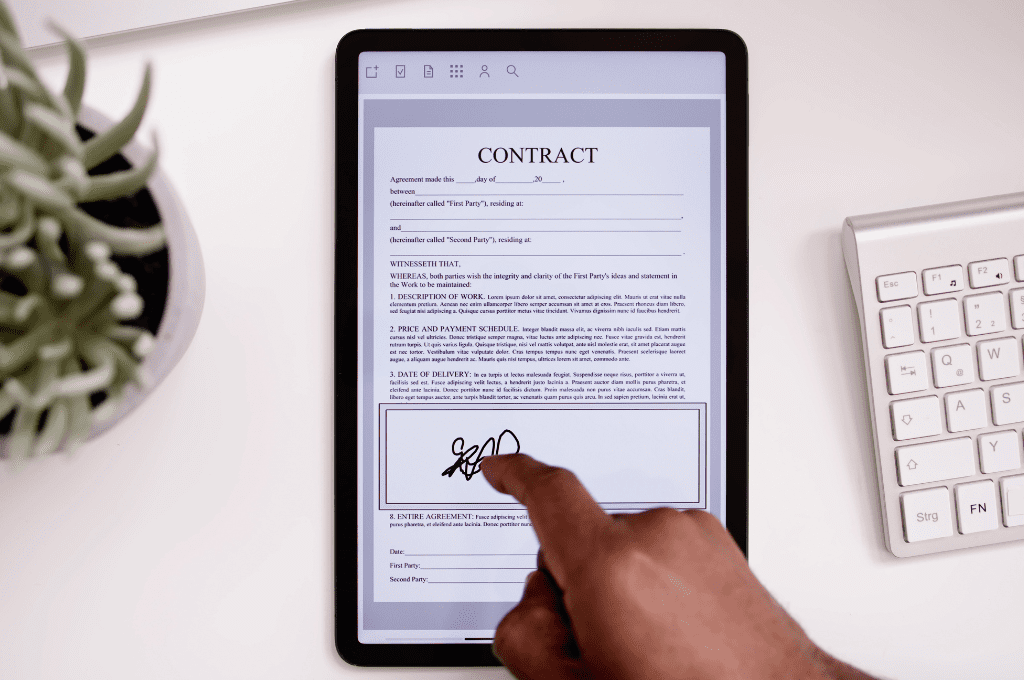
Remote and hybrid work have made secure sign software essential for modern businesses.
But not all digital signing tools offer the same level of protection. If you're handling sensitive contracts, financial agreements, or healthcare documents, choosing the right secure sign software is critical to prevent unauthorized access, fraud, and compliance risks.
While many platforms market themselves as eSignature tools, the most secure solutions go further—offering encryption, identity verification, and audit trails that ensure every document is legally binding and tamper-proof.
In this guide, we compare the best secure sign software available today—based on real security capabilities, compliance standards, and practical use cases.
Related Read: Best HIPAA-compliant Electronic Signature Software
Which Secure Sign Software Is Best for You?
- Need enterprise-grade cryptographic security? → DigiCert
- Need HIPAA-compliant secure sign software? → Fill
- Need advanced identity verification and fraud protection? → Secured Signing
- Need flexible, user-friendly signing workflows? → OneFlow
- Need real estate-specific document workflows? → MRI Secure Sign
1. DigiCert — Best for Enterprise-Grade Digital Signature Security
DigiCert is one of the most advanced secure sign software solutions available, built on public key infrastructure (PKI)—the gold standard for digital trust.
Unlike typical eSignature platforms, DigiCert provides:
- identity-backed digital certificates
- cryptographic document sealing
- long-term validation (LTV) for legal enforceability
This makes it ideal for:
- financial institutions
- government agencies
- enterprises requiring qualified electronic signatures (QES)
Compared to tools like OneFlow or Fill, DigiCert offers significantly stronger cryptographic assurance—but comes with more complexity and a steeper implementation curve.
Trade-off: More secure than most secure signing platforms, but less practical for everyday document workflows.
2. MRI Secure Sign — Best for Real Estate Document Workflows
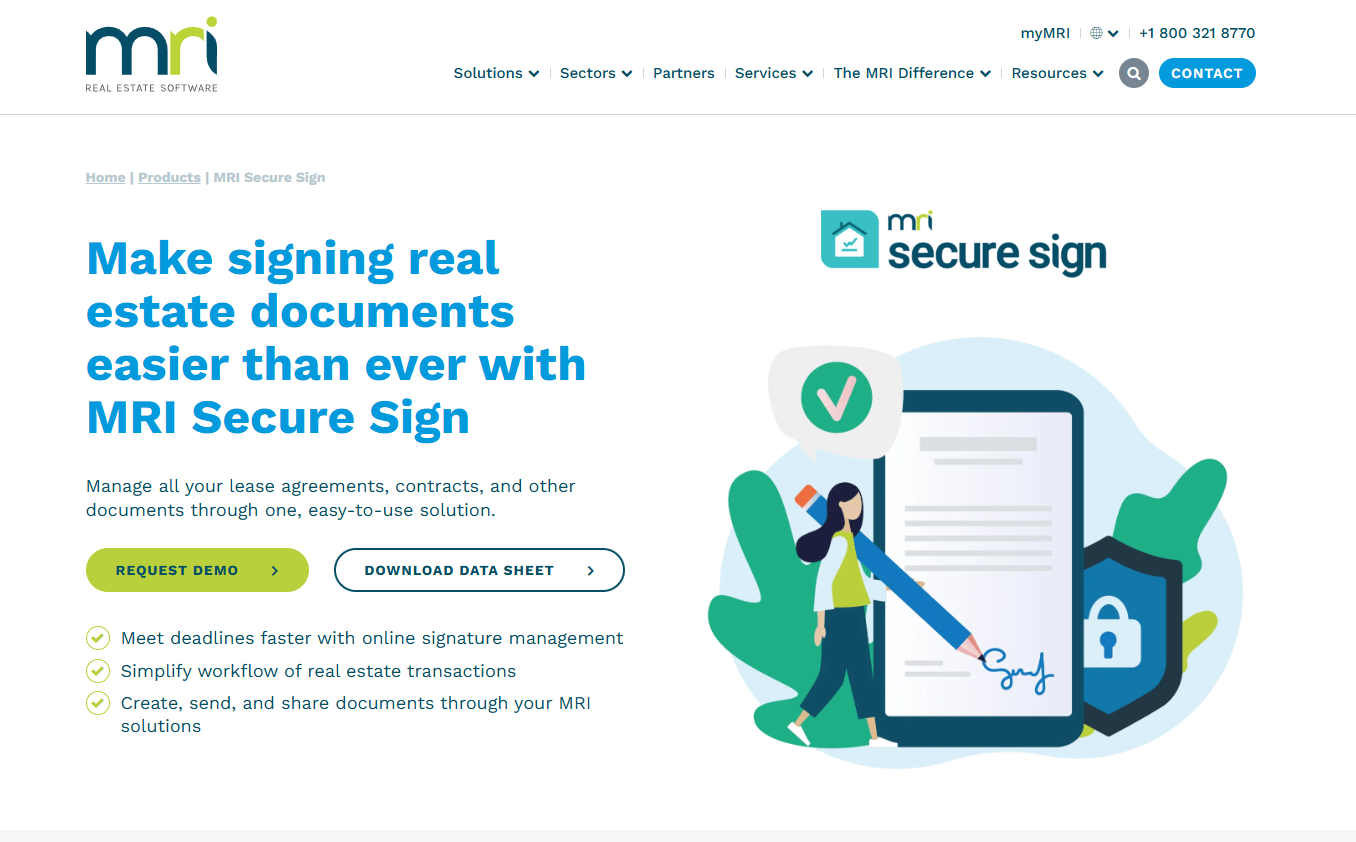
MRI Secure Sign is a secure sign solution tailored specifically for real estate transactions.
It focuses on:
- centralized storage of signed documents
- streamlined lease and contract workflows
- integration with property management systems
Compared to general-purpose secure sign software, MRI is more specialized—but also more limited outside its niche.
It provides solid document control and access security, but lacks:
- advanced identity verification
- deep cryptographic infrastructure
- broader compliance coverage
Best for: Real estate teams that prioritize workflow efficiency and document organization
3. OneFlow — Best for Flexible and User-Friendly Secure Signing

OneFlow is a secure signing software designed for teams that want flexibility without sacrificing basic security.
It offers:
- SMS-based authentication
- electronic ID (eID) verification
- controlled document access
Compared to DigiCert, it’s far easier to use but doesn’t offer the same level of digital signature assurance. Compared to Fill, it provides strong usability—but may not match the same level of compliance readiness for regulated industries.
Best for: Sales teams and SaaS companies that need fast, frictionless signing workflows with reasonable security
4. Secured Signing — Best for Advanced Identity Verification
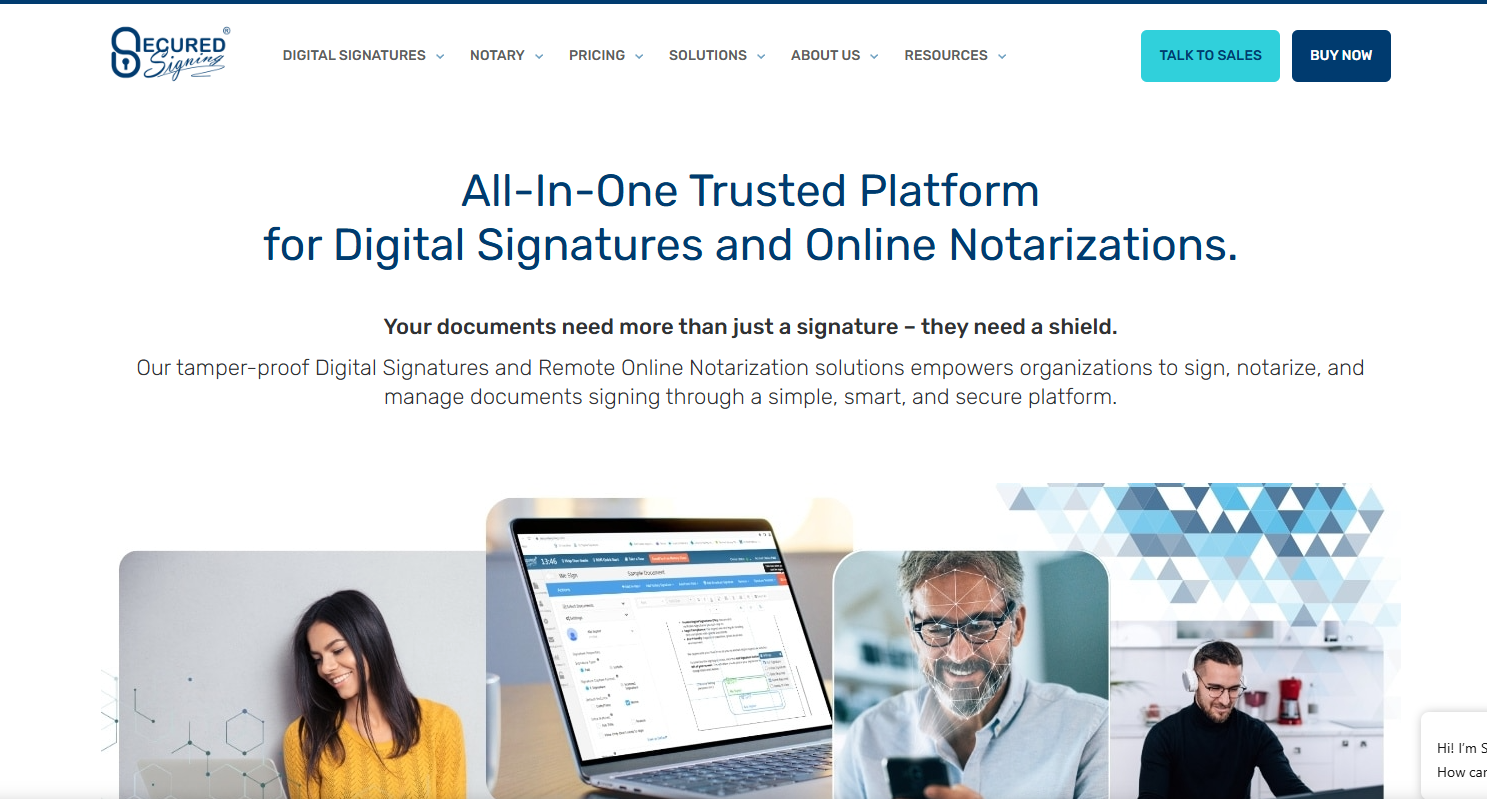
Secured Signing stands out as a secure sign software focused on identity assurance and fraud prevention.
Its key capabilities include:
- video-based signing sessions
- biometric facial recognition
- AI-powered fraud detection
It also supports:
- remote online notarization (RON)
- global identity verification
Compared to most secure sign platforms, this significantly reduces impersonation risks. Compared to DigiCert, it focuses more on identity verification than cryptographic infrastructure. Compared to Fill, it offers stronger identity checks—but can introduce more friction in the signing process.
Best for: Legal, government, and high-risk transactions requiring strong signer verification
5. Fill — Best Secure Sign Software for Compliance and Ease of Use
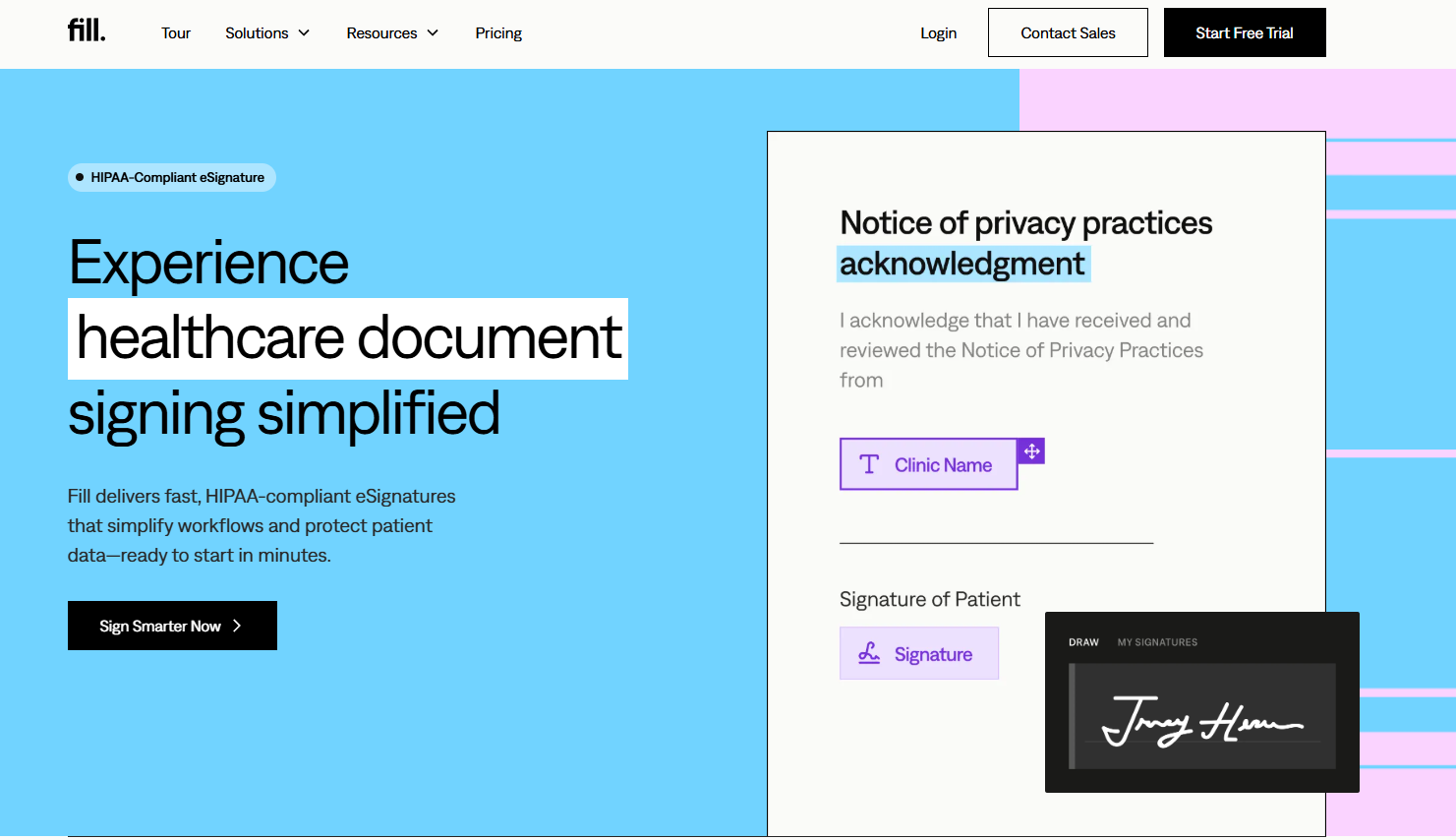
Fill is a secure sign software built for businesses that need strong security without operational complexity. It provides a secure and fully compliant electronic signature software so you can securely sign online documents using advanced security measures.
It combines:
- encrypted document workflows
- signer identity verification
- audit trails and authentication logs
- compliance with HIPAA, GDPR, and GLBA
Unlike many secure signing platforms that require complex setup, Fill is designed to be:
- easy to implement
- intuitive for teams
- compliant out of the box
Compared to DigiCert, it’s significantly more accessible. Compared to OneFlow, it offers stronger compliance positioning. Compared to Secured Signing, it balances security with usability.
Best for: Healthcare, legal, and growing businesses that need secure sign software that’s both compliant and practical
What Is Secure Sign Software?
Secure sign software refers to digital signing platforms designed to protect both the document and the signer’s identity.
Unlike basic eSignature tools, secure sign solutions include:
- encryption to protect document data
- identity verification to confirm the signer
- audit trails to track activity
- tamper detection to ensure document integrity
These features are essential for ensuring documents are:
- legally binding
- compliant with regulations
- protected from fraud and unauthorized changes
Digital signatures eliminate the traditional back-and-forth of documents or the scheduled in-person meetings just to obtain signatures. It provides a time-saving and more efficient approval process for important documents.
However, signing documents online isn't the same as signing them on paper. You must be able to verify the signer's identity and ensure the signature isn't a forgery. It's also important to protect the document from alterations after it's signed. Secure sign software utilizes the latest security protocols, such as encryption algorithms to address these concerns.
Using advanced algorithms, digital signature solutions provide a unique certificate that validates the document's contents and the signer's identity. This ensures that digitally signed documents are legally binding and lawfully compliant.
Essential Features of Secure Sign Software
Digital signatures rely on advanced security methods to ensure their validity and protect the data of the associated documents. Secure signature solutions have the following basic features:
Encryption algorithms
Secure sign applications use various encryption algorithms to ensure digital signatures can't be tampered with. These algorithms are the backbone of the application's security features. When considering a solution, check if they're using the latest and strongest encryption methods. The more complex the algorithm is, the harder it will be to break them. It's also important that these encryption algorithms are regularly updated with the latest standards to maintain the software's security.
Hash functions
For added protection, secure signature software relies on hash functions to protect a document from tampering. Each document is given a unique hash value that's encrypted with the signer's private key. Only the recipient's public key can decrypt the hash value, verifying the signature's authenticity. It's vital to choose a secure signs solution with a difficult and complex hash function.
Public and private keys
Another security feature that should be present in secure sign solutions is public and private keys. The signer uses a private key to encrypt their signature, while the recipient uses a public key to decrypt it. These keys prove the authenticity of the digital signature and are generated using a mathematical algorithm. The longer and more complex the keys are, the stronger they become.
Multi-factor authentication
Even before you can access the system, secure sign software uses multi-factor authentication to ensure you're an authorized user. This verification method offers an added layer of security, preventing unauthorized individuals from accessing the document in the first place.

What Document Signing Software Offers the Best Security Features?
The most secure document signing software depends on your specific needs.
- For maximum cryptographic security: DigiCert
- For compliance and ease of use: Fill
- For identity verification and fraud prevention: Secured Signing
- For flexible workflows: OneFlow
The key is choosing a secure sign software that aligns with your level of risk, regulatory requirements, and operational complexity.
Is DocuSign the Most Secure eSignature Software?
DocuSign is one of the most widely used eSignature platforms and offers strong security features, including encryption and audit trails.
However, it’s not the only option—and not always the best fit depending on your needs.
- For higher cryptographic assurance, platforms like DigiCert go further
- For compliance-focused workflows, tools like Fill may be more practical
- For identity verification, Secured Signing offers more advanced capabilities
If you're evaluating DocuSign alternatives, it's important to compare based on:
- security depth
- compliance requirements
- ease of use
Sign Documents Securely Without the Complexity
Choosing the right secure sign software isn’t just about features—it’s about protecting your business while keeping workflows efficient.
If you need a solution that combines strong compliance, identity verification, and ease of use, Fill is designed to help you sign sensitive documents confidently—without adding friction to your operations.
Sign up for a free Fill trial today.
Frequently Asked Questions
Is secure sign software legally binding?
Yes—when it includes proper identity verification, audit trails, and consent mechanisms.
What is the most secure type of digital signature?
PKI-based digital signatures offer the highest level of security and legal enforceability.
How do secure signing platforms prevent tampering?
Through hashing and encryption—any modification invalidates the signature.
Related Stories
Best Free eSign Software in 2026: Top Picks for Signing Documents Online
