Best HIPAA-Compliant Electronic Signature Software in 2026

Looking for HIPAA-compliant electronic signature software? We compared leading eSignature platforms based on HIPAA availability, Business Associate Agreement (BAA) requirements, pricing, security features, workflow capabilities, and suitability for healthcare organizations.
Our top pick is Fill for healthcare organizations that want HIPAA-enabled eSignatures, unlimited signature requests, PDF editing, forms, and document management in one platform. But the best choice depends on your organization's size, workflow needs, and budget.
Best HIPAA-Compliant eSignature Software at a Glance
Best HIPAA-Compliant Electronic Signature Software in 2026
Not every electronic signature platform offers HIPAA compliance, and those that do often limit it to specific plans or require a signed Business Associate Agreement (BAA). We evaluated the leading solutions based on their HIPAA capabilities, ease of use, pricing transparency, workflow features, and suitability for healthcare organizations.
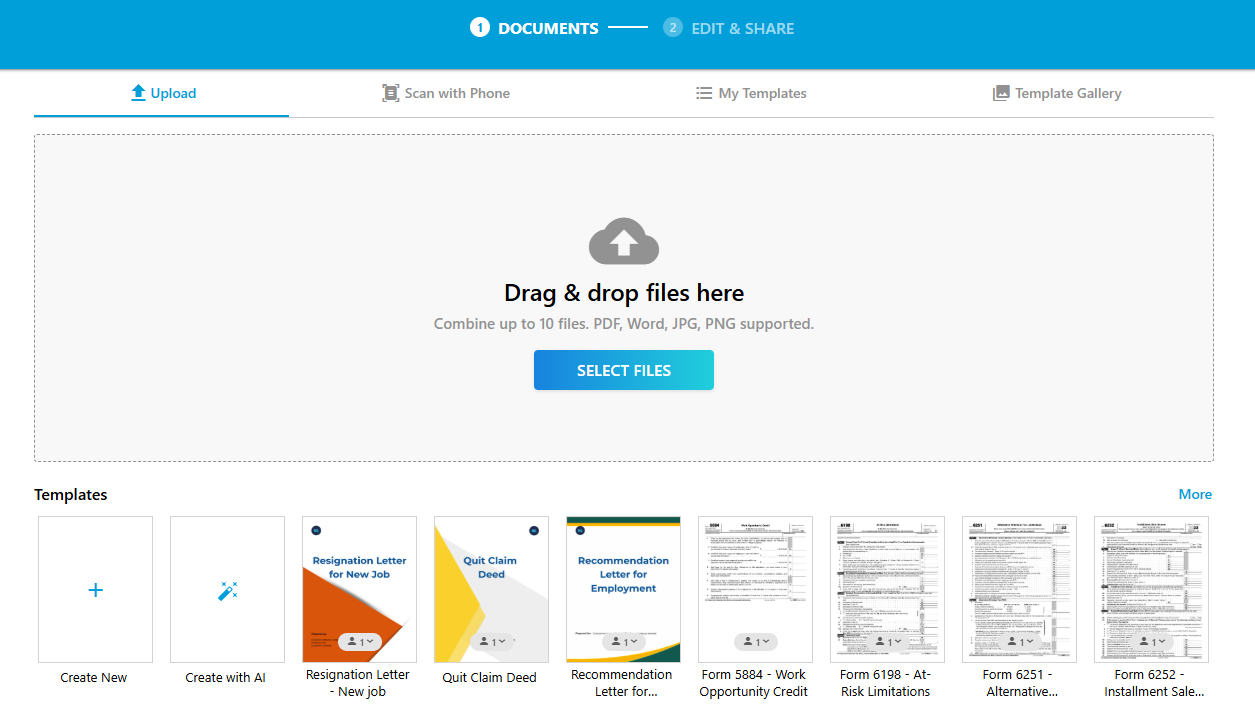
#1 Fill — Best Overall for HIPAA-Compliant Healthcare Workflows
Fill combines HIPAA compliance, unlimited electronic signature requests, and document management tools into one platform, making it our top choice for healthcare organizations seeking a secure solution without enterprise pricing or complicated contracts.
Unlike many competitors, Fill clearly states that HIPAA compliance is available on its Pro Plan, provided a signed Business Associate Agreement (BAA) is in place. Organizations can create fillable forms, edit PDFs, securely store documents, and collect unlimited electronic signatures without upgrading to a custom enterprise plan.
Why choose Fill
- HIPAA is available on the Pro Plan
- Unlimited electronic signature requests
- Built-in PDF editing and form creation
- Secure document storage
- Transparent pricing
Things to consider
Fill is best suited for organizations looking for an all-in-one document workflow platform rather than highly customized enterprise deployments.
Pricing: Starts at $29.17/month/user
HIPAA Availability: Included on the Pro Plan with a signed Business Associate Agreement (BAA).
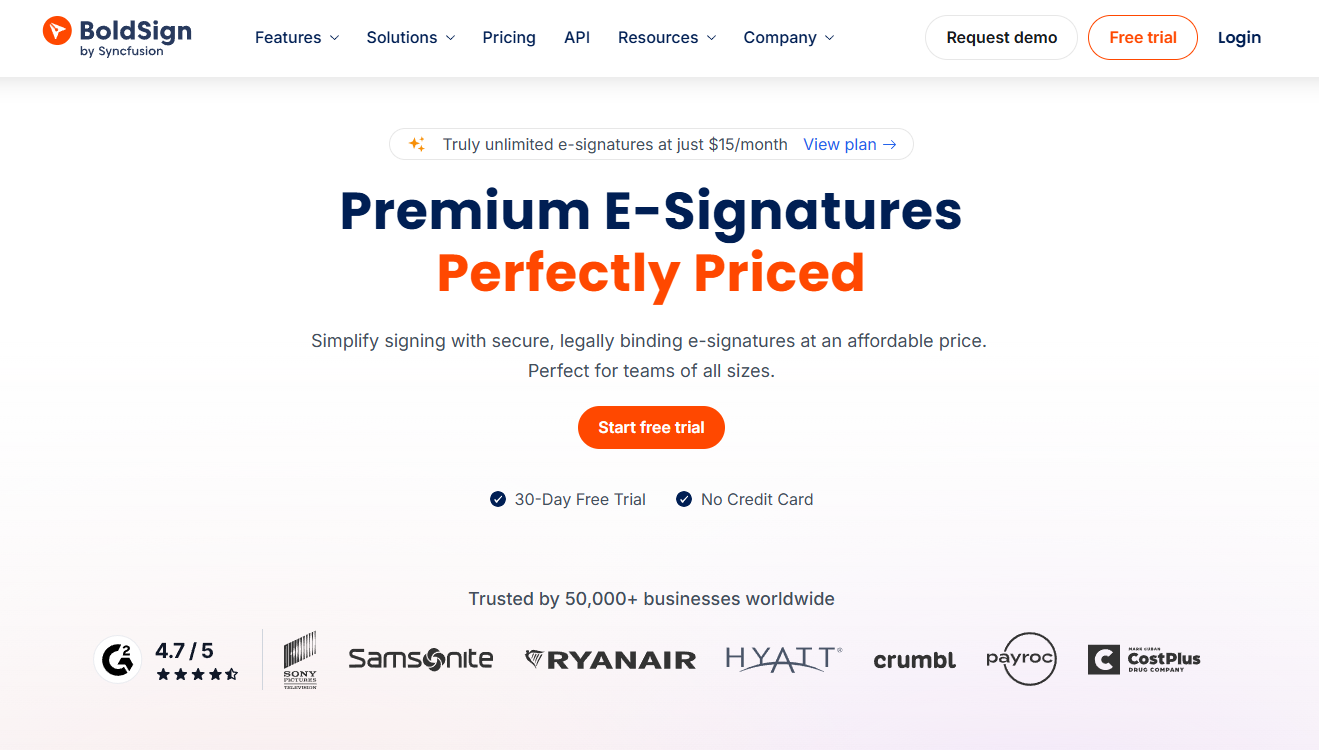
#2 BoldSign — Best for Small Healthcare Practices
BoldSign offers one of the most affordable ways for small healthcare organizations to implement HIPAA-compliant electronic signatures. Its intuitive interface and competitive pricing make it a practical choice for clinics and independent practices that don't need complex enterprise workflow automation.
Why choose BoldSign
- HIPAA included in the Business plan
- Easy to learn and deploy
- Single sign-on (SSO)
- API for custom integrations
- Competitive per-user pricing
Things to consider
While BoldSign covers the essentials, organizations needing advanced document management or broader workflow capabilities may outgrow it as their needs become more complex.
Pricing: Starts at $15/month/user (Business Plan, billed annually).
HIPAA Availability: Included in the Business Plan.
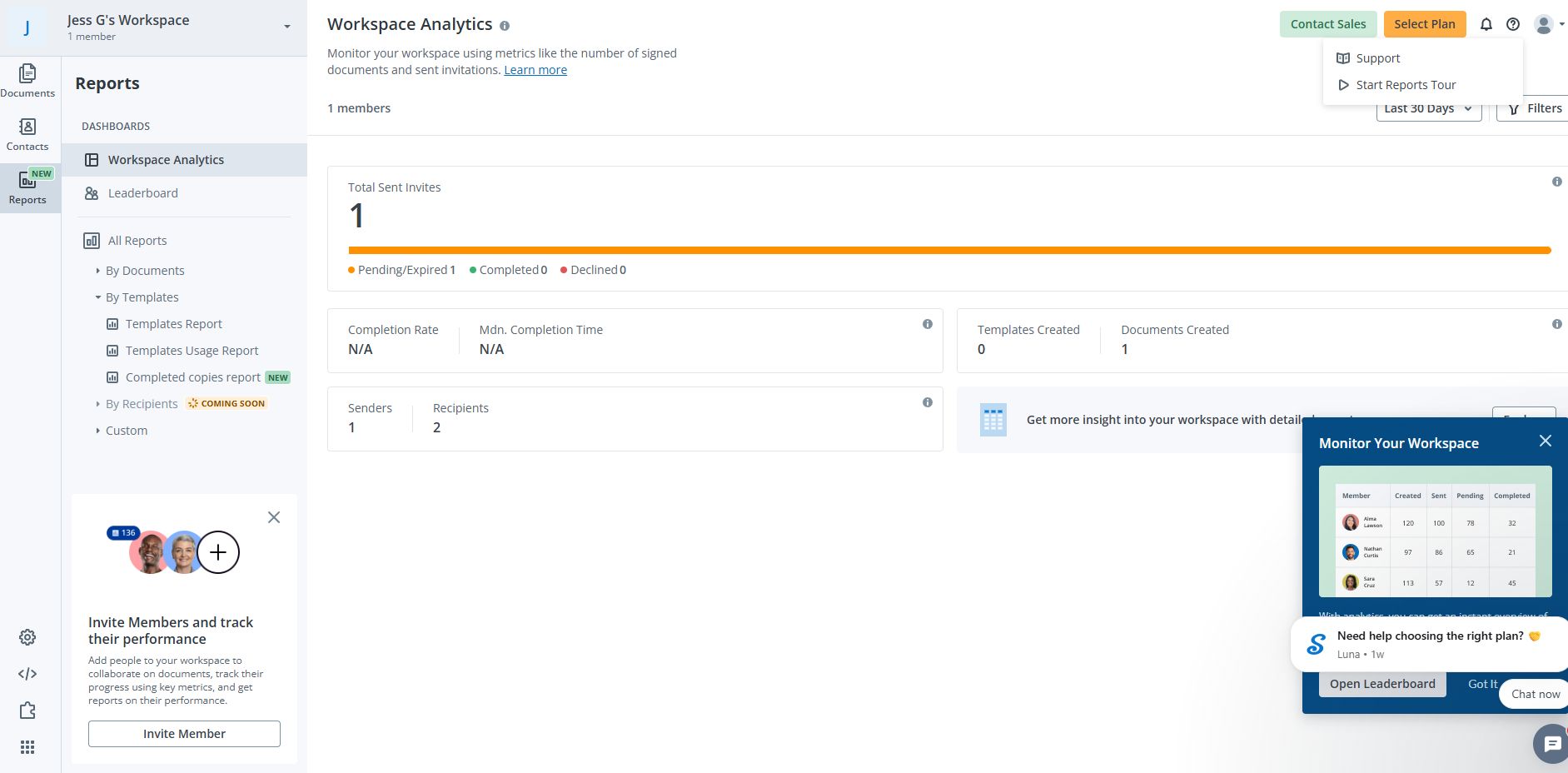
#3 SignNow — Best for High-Volume Healthcare Workflows
SignNow is designed for organizations processing a large number of documents across multiple teams. Its workflow automation, bulk sending, and integration capabilities make it well-suited for healthcare systems with complex approval processes.
Why choose SignNow
- Bulk document sending
- Advanced workflow automation
- CRM and API integrations
- Enterprise workflow controls
Things to consider
HIPAA compliance isn't available on SignNow's standard Business or Enterprise subscriptions. Healthcare organizations need the Site License plan with a signed Business Associate Agreement (BAA). A site license costs $1.50 per signature invite.
Pricing: Starts at $8/month (Business Plan).
HIPAA Availability: Available only on the Site License plan.
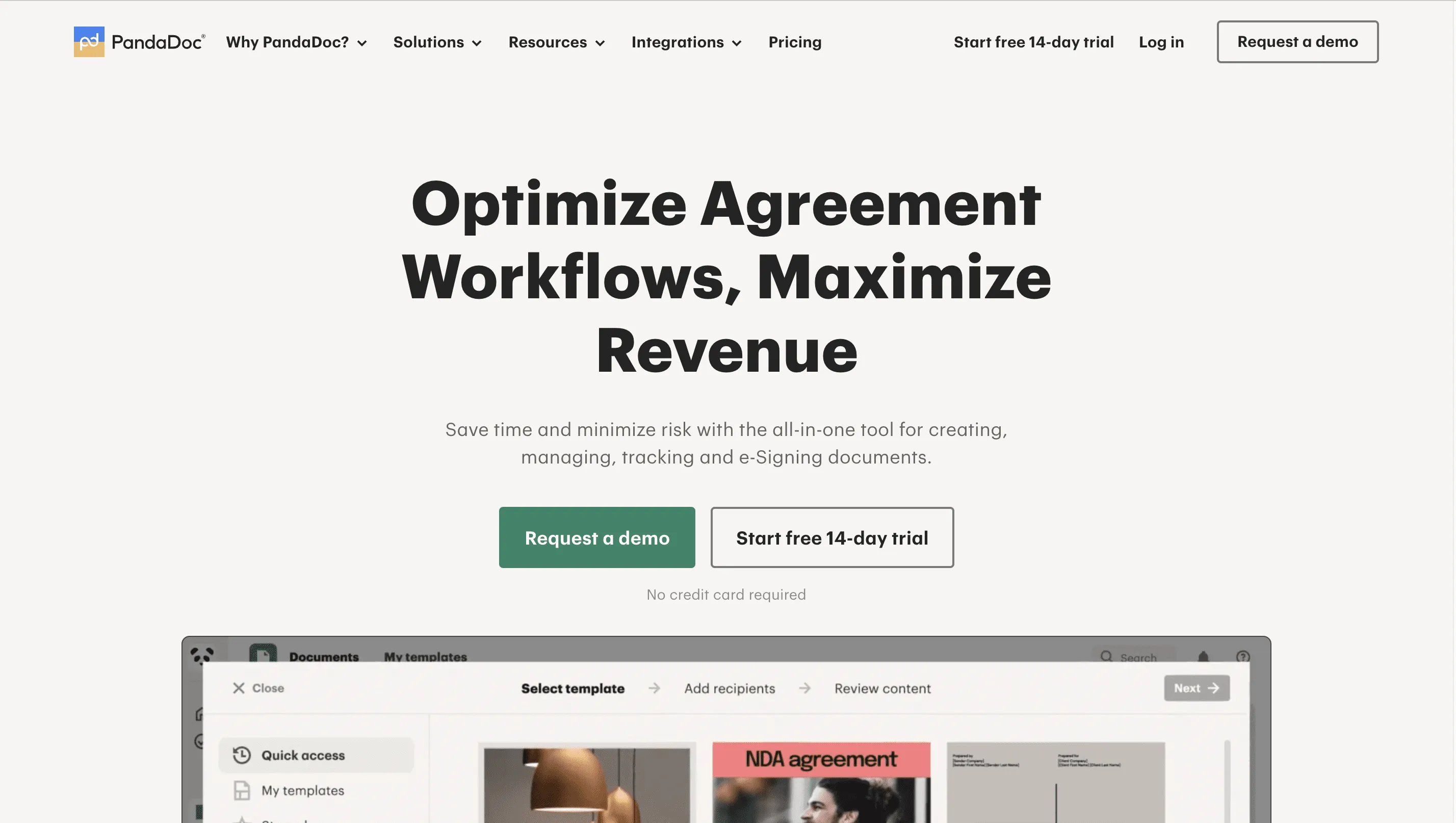
#4 PandaDoc — Best for Document Automation
PandaDoc focuses on automating document creation and approval workflows rather than serving as a dedicated healthcare eSignature platform. It's a strong option for organizations managing contracts, HR paperwork, or sales documents alongside electronic signatures.
Why choose PandaDoc
- Powerful templates
- Workflow automation
- Approval routing
- CRM integrations
- Document analytics
Things to consider
HIPAA compliance isn't included in PandaDoc's standard plans. It's available as an optional feature on Enterprise plans, so healthcare organizations must contact sales to discuss pricing and eligibility.
Pricing: Starts at $49/month/seat (Business Plan).
HIPAA Availability: Optional on Enterprise plans
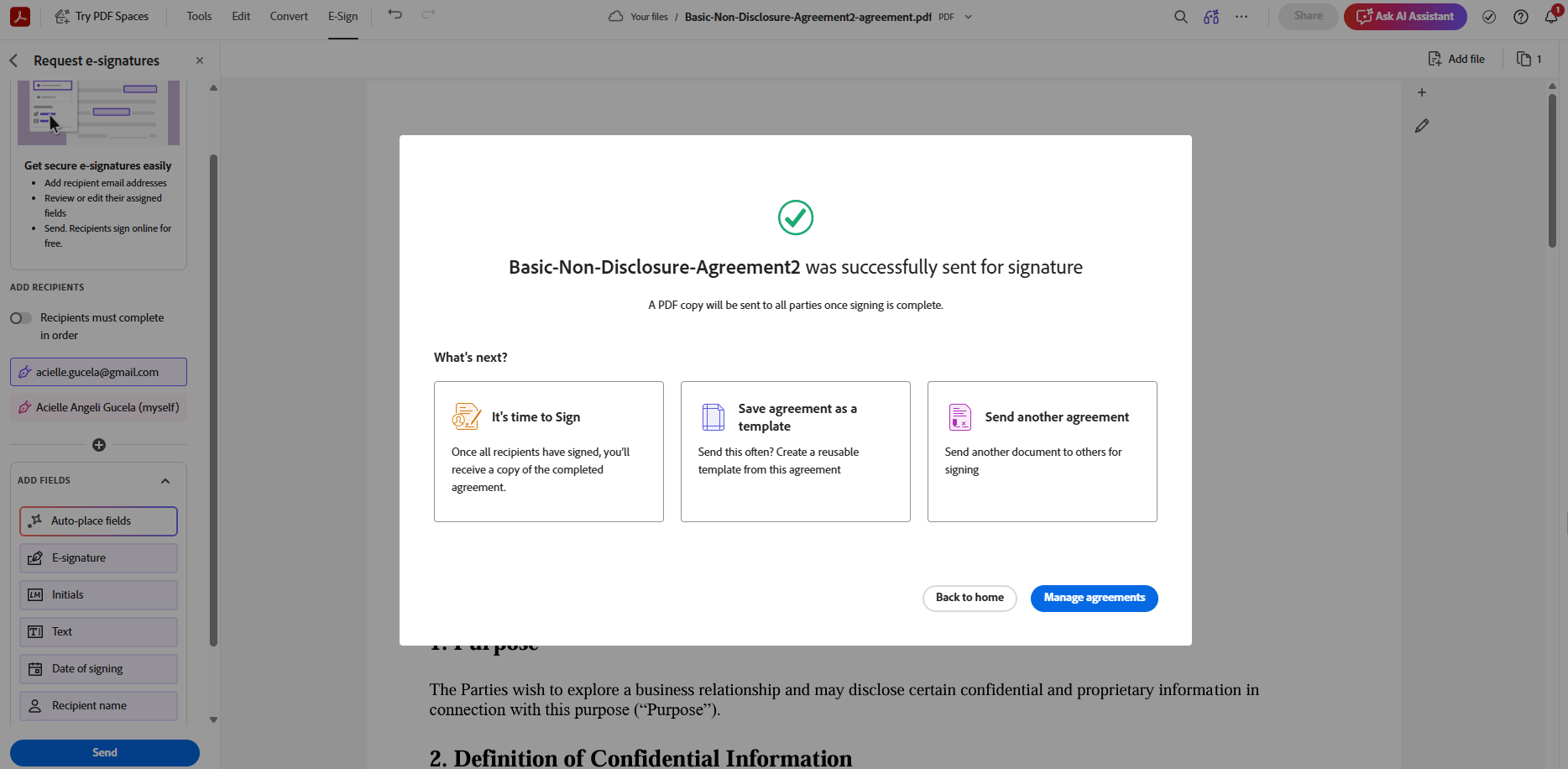
#5 Adobe Acrobat Sign — Best for Organizations Already Using Adobe
Adobe Acrobat Sign integrates seamlessly with Acrobat, Microsoft 365, and other Adobe products, making it a natural choice for organizations already invested in the Adobe ecosystem.
Why choose Adobe Acrobat Sign
- Excellent Acrobat integration
- Familiar interface
- Strong PDF capabilities
- Enterprise administration tools
Things to consider
Adobe Acrobat Sign supports HIPAA-compliant workflows for eligible Business and Enterprise customers. Organizations must contact Adobe to verify eligibility and execute a signed Business Associate Agreement (BAA) before handling protected health information (PHI).
Pricing: Starts at $16.99/month/license
HIPAA Availability: Available for eligible Business and Enterprise customers

#6 DocuSign — Best for Large Enterprise Healthcare Organizations
DocuSign is one of the most established electronic signature platforms, offering extensive integrations, identity verification, and enterprise governance capabilities. It's best suited for large healthcare organizations that need scalable deployment across multiple departments.
Why choose DocuSign
- Extensive integration ecosystem
- Advanced identity verification
- Enterprise governance
- Mature compliance capabilities
Things to consider
HIPAA support isn't available on Personal, Standard, or Business Pro plans. Organizations need an Enhanced plan and must contact DocuSign Sales to discuss HIPAA support and pricing.
Pricing: Starts at $25/month/user (Standard Plan).
HIPAA Availability: Available on Enhanced plans
How We Evaluated HIPAA eSignature Software
We evaluated each platform based on the factors that matter most when choosing electronic signature software for healthcare organizations:
- HIPAA availability: Whether the provider offers HIPAA-supported workflows and a Business Associate Agreement (BAA), and which plans are eligible.
- Security: Encryption, audit trails, access controls, authentication, and other safeguards relevant to protecting sensitive information.
- Pricing: Publicly available pricing, plan requirements, and additional costs associated with HIPAA support where applicable.
- Workflow capabilities: Forms, templates, document management, automation, integrations, and other features that support healthcare workflows.
- Ease of use: How practical the platform is for healthcare teams, patients, and other users.
- Best fit: The types of organizations and workflows each platform is best suited for.
Pricing, plan availability, and HIPAA requirements can change, so we recommend confirming current details directly with each provider before purchasing.
What Makes eSignature Software HIPAA Compliant?
HIPAA doesn't certify electronic signature software. Instead, an eSignature solution becomes suitable for handling protected health information (PHI) when it provides the administrative and technical safeguards required under the HIPAA Security Rule. While implementation ultimately depends on how your organization uses the software, these are the key capabilities to look for when evaluating vendors.
Business Associate Agreement (BAA) — The Non-Negotiable
If an electronic signature provider stores, processes, or transmits protected health information (PHI) on your behalf, it's considered a business associate under HIPAA. Before using the platform, the vendor should be willing to sign a Business Associate Agreement (BAA), which outlines each party's responsibilities for safeguarding PHI and responding to security incidents. Without a BAA, even a platform with strong security features generally isn't appropriate for HIPAA-regulated workflows.
PHI Encryption in Transit and at Rest
Electronic signature software should protect PHI whether it's being transmitted between users or stored on the vendor's servers. Look for platforms that use strong encryption standards, such as 256-bit AES encryption for data at rest and TLS encryption for data in transit. Encryption helps reduce the risk of unauthorized access if data is intercepted or compromised.
Audit Trails and Tamper-Evidence
Every document containing PHI should have a detailed audit trail that records who viewed, signed, or modified it and when those actions occurred. The best HIPAA-compliant electronic signature software also uses tamper-evident technology to detect whether a signed document has been altered after execution. Together, these features help support accountability, investigations, and compliance audits.
Access Controls and Multi-Factor Authentication (MFA)
Not everyone in a healthcare organization should have the same level of access to sensitive documents. Choose software that supports role-based access controls, user permissions, and multi-factor authentication (MFA) to verify user identities and restrict access to authorized personnel. These safeguards help protect patient information while reducing the risk of unauthorized access or accidental exposure.
Read Further: Electronic Signature Software Comparison (2026): Pricing, Features & Best Tools Reviewed
How to Choose a HIPAA-Compliant eSignature Platform
Not every electronic signature platform that advertises strong security is HIPAA compliant. Before selecting a solution, verify that it meets HIPAA requirements and that the plan you're considering includes the features needed to securely handle protected health information (PHI).
Step 1 – Does the Vendor Sign a Business Associate Agreement (BAA)?
A Business Associate Agreement (BAA) is one of the most important requirements when choosing a HIPAA-compliant eSignature platform. Under HIPAA, a software provider that stores or processes protected health information (PHI) on behalf of a covered entity is generally considered a business associate and must execute a BAA.
Before purchasing a platform, confirm that the vendor offers a signed BAA and verify which subscription plans are eligible. As shown in the comparison above, some providers include HIPAA support on standard business plans, while others reserve it for enterprise tiers or require contacting sales.
Questions to ask:
- Does the vendor provide a signed BAA?
- Which subscription plans are eligible?
- Is the BAA included, or do you need to request it separately?
Step 2 – What Encryption Standard Does It Use?
A HIPAA-compliant eSignature platform should protect PHI both during transmission and storage. Look for vendors that use strong encryption standards, such as AES-256 encryption for data at rest and TLS encryption for data in transit, along with audit trails and tamper-evident document history.
It's also worth confirming whether the platform offers role-based access controls, multi-factor authentication (MFA), secure cloud storage, and compliance certifications such as SOC 2 Type II. Together, these security measures help reduce unauthorized access and maintain the integrity of signed documents.
Look for features such as:
- AES-256 encryption
- TLS encryption
- Audit trails
- Tamper-evident documents
- Multi-factor authentication (MFA)
- Role-based access controls
- SOC 2 Type II certification
Step 3 – Which Plan Actually Includes HIPAA?
One of the biggest mistakes buyers make is assuming every subscription plan includes HIPAA compliance. In reality, many vendors limit HIPAA support to higher-tier or enterprise plans, while others require additional onboarding before a Business Associate Agreement (BAA) can be executed.
Before making a decision, review the vendor's pricing and verify exactly which plan includes HIPAA support. This can help you avoid unexpected upgrade costs or delays after implementation.
When comparing providers, look beyond the starting price and ask:
- Which plan includes HIPAA support?
- Is HIPAA included or offered as an optional add-on?
- Do you need to contact sales to enable HIPAA?
- Are there additional fees or eligibility requirements?

HIPAA eSignature Use Cases in Healthcare
Healthcare organizations use HIPAA-compliant electronic signatures for more than just signing forms. From patient onboarding to provider credentialing, a secure eSignature platform helps protect protected health information (PHI), reduce paperwork, and streamline administrative workflows while maintaining HIPAA compliance.
Patient Intake and Consent Forms
Patient intake is one of the most common healthcare workflows that benefits from HIPAA-compliant electronic signatures. Instead of completing paper forms in the waiting room, patients can securely fill out and sign registration forms, medical history questionnaires, HIPAA privacy acknowledgments, informed consent forms, and treatment authorizations before their appointment.
Electronic signatures also help reduce manual data entry, improve document accuracy, and give staff immediate access to completed forms. With audit trails, encryption, and a signed Business Associate Agreement (BAA), healthcare organizations can collect signatures while protecting patient information.
Telehealth and Remote Visit Documentation
Telehealth providers often need patients to complete and sign documents before virtual appointments. These may include telehealth consent forms, financial responsibility agreements, privacy notices, and treatment authorizations.
A HIPAA-compliant eSignature platform enables patients to securely review and sign these documents from any device before their scheduled visit. This helps providers reduce administrative delays, maintain accurate records, and ensure required documentation is completed before care begins.
Clinical Staff and Provider Credentialing
Healthcare organizations also use electronic signatures to streamline internal administrative processes, including hiring, onboarding, and provider credentialing. Employment agreements, confidentiality agreements, compliance acknowledgments, training records, and credentialing documents can all be signed electronically while maintaining an auditable record of every action.
Using a HIPAA-compliant platform helps hospitals, clinics, and medical practices reduce paperwork, simplify document management, and securely store records that may contain protected health information or other sensitive employee data.

Simplify HIPAA-Compliant Document Workflows with Fill
Choosing a HIPAA-compliant eSignature platform isn't just about checking a compliance box—it's about finding a solution that helps your organization securely manage documents without adding unnecessary complexity or hidden costs.
Fill combines HIPAA-compliant electronic signatures with powerful document management tools in one easy-to-use platform. Healthcare organizations can create fillable forms, collect unlimited electronic signatures, edit PDFs, securely store documents, and streamline workflows while protecting protected health information (PHI).
Whether you're managing patient intake forms, telehealth consent documents, or staff onboarding paperwork, Fill gives you the tools to simplify document workflows while supporting your HIPAA compliance efforts.
Frequently Asked Questions
What eSignature software is HIPAA compliant?
Several electronic signature platforms support HIPAA-compliant workflows, including Fill, BoldSign, SignNow, PandaDoc, Adobe Acrobat Sign, and DocuSign. However, HIPAA support isn't always included on every subscription plan. Before choosing a platform, confirm that it offers a signed Business Associate Agreement (BAA) and the security safeguards required to protect protected health information (PHI).
What are the HIPAA electronic signature requirements?
HIPAA doesn't prescribe a specific electronic signature technology. Instead, organizations should choose a platform that supports the administrative, physical, and technical safeguards required under the HIPAA Security Rule, including encryption, audit trails, access controls, and a signed Business Associate Agreement (BAA) when a third-party vendor handles PHI.
Does HIPAA allow electronic signatures?
Yes. HIPAA does not prohibit electronic signatures, but it does not establish specific standards for them either. Organizations should ensure that electronic signatures are legally binding under applicable federal and state laws and that any system handling protected health information (PHI) meets applicable HIPAA requirements.
When an eSignature platform handles PHI on behalf of a covered entity, a Business Associate Agreement (BAA) may also be required. In short, HIPAA allows electronic signatures, but the use of an eSignature platform does not automatically make a workflow HIPAA compliant.
Do I need a Business Associate Agreement (BAA) for eSignatures?
Yes—if your electronic signature provider stores, processes, or transmits protected health information (PHI) on your behalf. In these cases, the vendor is generally considered a business associate under HIPAA and should execute a Business Associate Agreement (BAA) before you use the platform for HIPAA-regulated workflows.
Is Fill HIPAA compliant?
Yes. Fill supports HIPAA-compliant document workflows through its Pro Plan, which includes a signed Business Associate Agreement (BAA), encryption, audit trails, and other security features designed to help healthcare organizations protect protected health information (PHI).
Is Adobe Acrobat Sign HIPAA compliant?
Adobe Acrobat Sign offers HIPAA support for eligible Business and Enterprise customers. Organizations must contact Adobe to confirm eligibility, enable HIPAA support, and execute a signed Business Associate Agreement (BAA) before using the platform to handle protected health information (PHI).
Is DocuSign HIPAA compliant?
Yes. DocuSign offers HIPAA support through its Enhanced plans with a signed Business Associate Agreement (BAA). Healthcare organizations must contact DocuSign Sales to determine eligibility, pricing, and the appropriate subscription for HIPAA-compliant workflows.
What is the best free HIPAA-compliant eSignature option?
Completely free HIPAA-compliant electronic signature software is uncommon because maintaining HIPAA safeguards—including encryption, audit trails, secure infrastructure, and Business Associate Agreements (BAAs)—requires ongoing operational costs. If you want to evaluate a platform before purchasing, consider providers like Fill that offer a free trial of their HIPAA-enabled Pro Plan.


View our Privacy Policy for more info.