7 Best SignNow Alternatives for 2026 (Free and Paid, Compared)
If SignNow no longer fits your team's workflow or budget, several eSignature platforms offer different pricing models, features, and signing limits. The best SignNow alternative depends on whether you prioritize unlimited signing, enterprise compliance, sales proposals, integrations, or mobile signing.
We've compared seven SignNow alternatives across pricing, features, ease of use, integrations, and overall value, including options for teams seeking affordable eSignature software.


SignNow alternatives at a glance
Compare the top SignNow alternatives at a glance and see which tool gives you the most value without the limits.
| Tool | Best for | Free plan | Starting price* | Standout feature |
|---|---|---|---|---|
| Fill | Best overall |  No No |
$8.33/user/mo | Unlimited eSignature requests |
| DocuSign | Enterprise compliance | No |
$10/user/mo | Enterprise-grade eSignature |
| PandaDoc | Sales proposals and quotes |  Yes Yes |
$19/user/mo | Proposal and document editor |
| Adobe Acrobat Sign | Adobe ecosystem | No |
$16.99/license/mo | PDF editing + eSignatures |
| Dropbox Sign | Embedded and developer signing | No |
$15/mo | Developer-friendly signing |
| Zoho Sign | Zoho users | Yes |
$0 | Zoho integrations |
| Signeasy | Mobile-first teams | No |
$10/seat/mo | Mobile signing |
Why look for a SignNow alternative?
SignNow is a capable eSignature platform, and its unlimited-user model can be attractive for growing teams.
- Signature invite limits: SignNow's paid plans include a set number of signature invites, with additional invites charged once the included allowance is used. Teams with high or unpredictable signing volume may prefer a platform with unlimited signing.
- Different pricing models: SignNow's standard plans are priced monthly, while its Site License uses usage-based pricing at $1.50 per signature invite. The right model depends heavily on how often your team sends documents.
- Different feature priorities: Some teams need more than eSignatures, such as proposal creation, advanced PDF editing, embedded signing, or deeper integrations with their existing software.
How we chose these SignNow alternatives
We evaluated each platform based on the factors that matter most when replacing an eSignature solution:

Pricing and limits

Features and useability

Security and compliance

Integrations

Workflow fit
We focused on platforms that can realistically replace SignNow for different types of teams, rather than simply selecting tools with the longest feature lists.
1. Fill - Best overall SignNow alternative
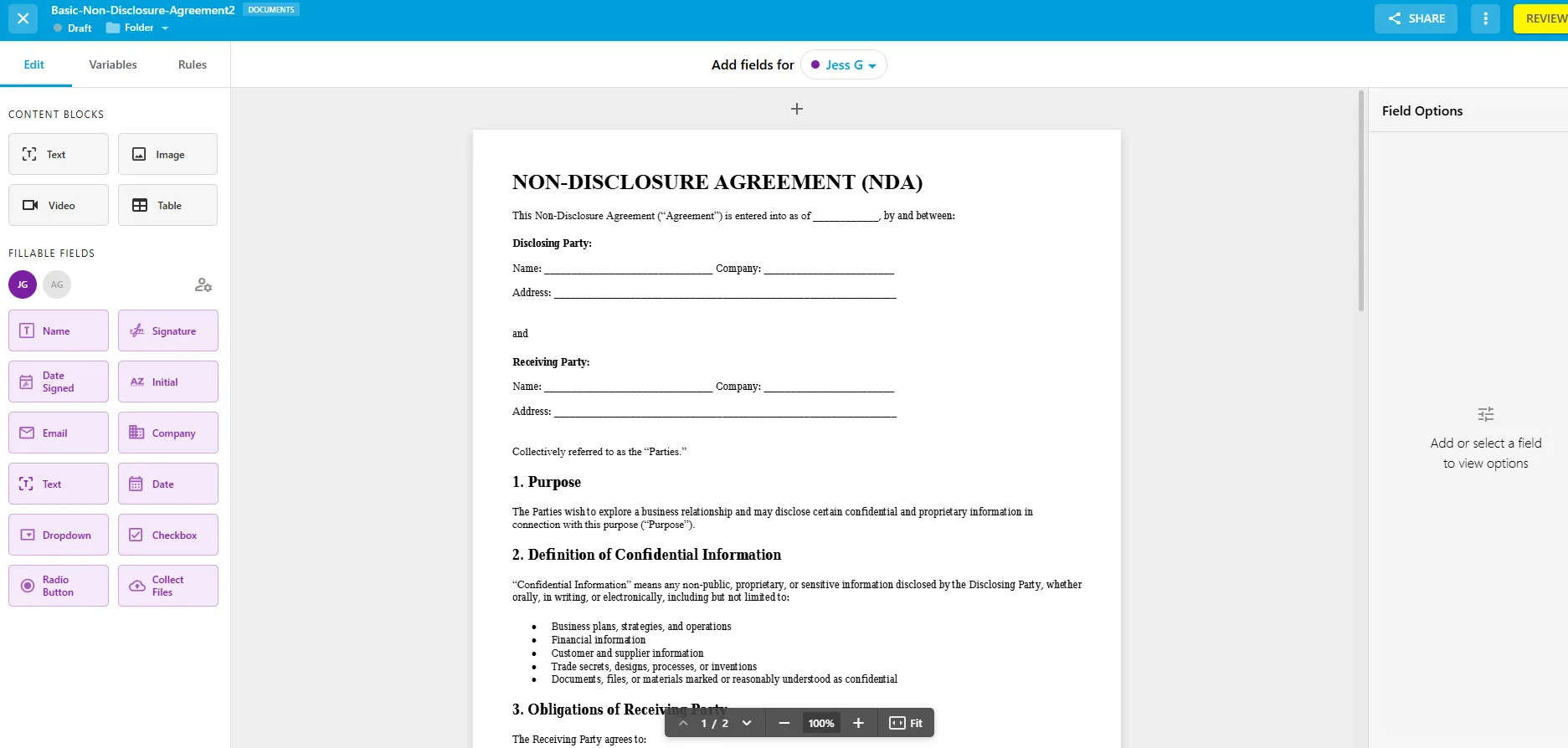
Fill is an eSignature and document workflow platform that lets businesses create, edit, fill, sign, send, and manage documents from one place. Alongside eSignatures, it offers document annotation, reusable templates, team workflows, audit trails, and automation for managing documents before and after signing.
As a SignNow alternative, Fill is particularly well-suited to teams that frequently send documents and want predictable signing costs. All paid plans include unlimited eSignature requests, so teams don't have to worry about additional charges as their signing volume grows.
Fill is designed for small and midsize businesses that want more than basic eSignatures without the complexity of a larger enterprise agreement platform. Higher-tier plans add capabilities such as live forms, conditional fields, HIPAA-compliant eSignatures with a BAA, API access, and integrations.
2. DocuSign - Best for enterprise compliance
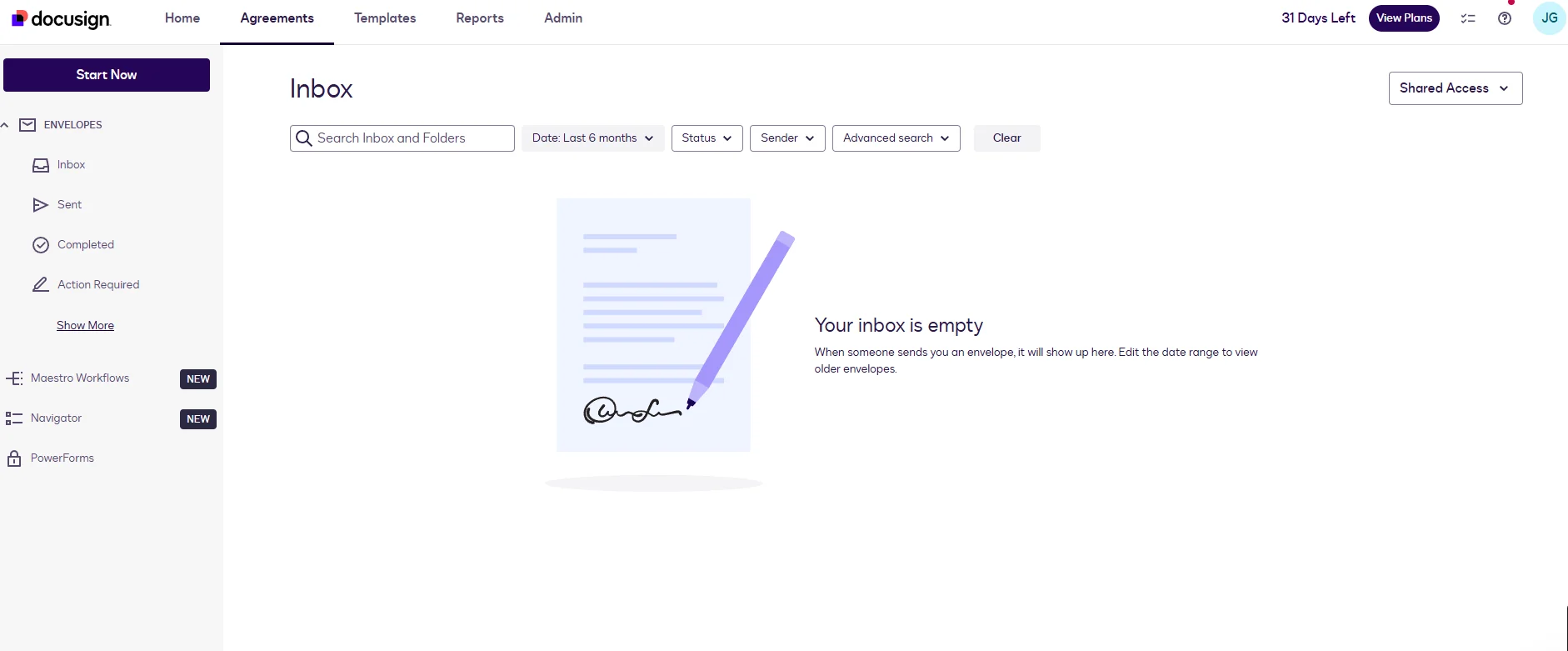
DocuSign has expanded beyond basic signing into a broader agreement-management platform. Its eSignature offering supports document routing, authentication, reporting, integrations, and workflows for organizations managing agreements across multiple departments and use cases.
What sets DocuSign apart from many SignNow alternatives is its focus on enterprise requirements. Higher-tier plans add centralized administration, SSO, advanced signer authentication, policy controls, and other features designed for organizations with more complex security and compliance needs.
For smaller teams that primarily need to send and sign documents, however, DocuSign's broader enterprise feature set may be more than they need.
3. PandaDoc - Best for sales proposals and quotes
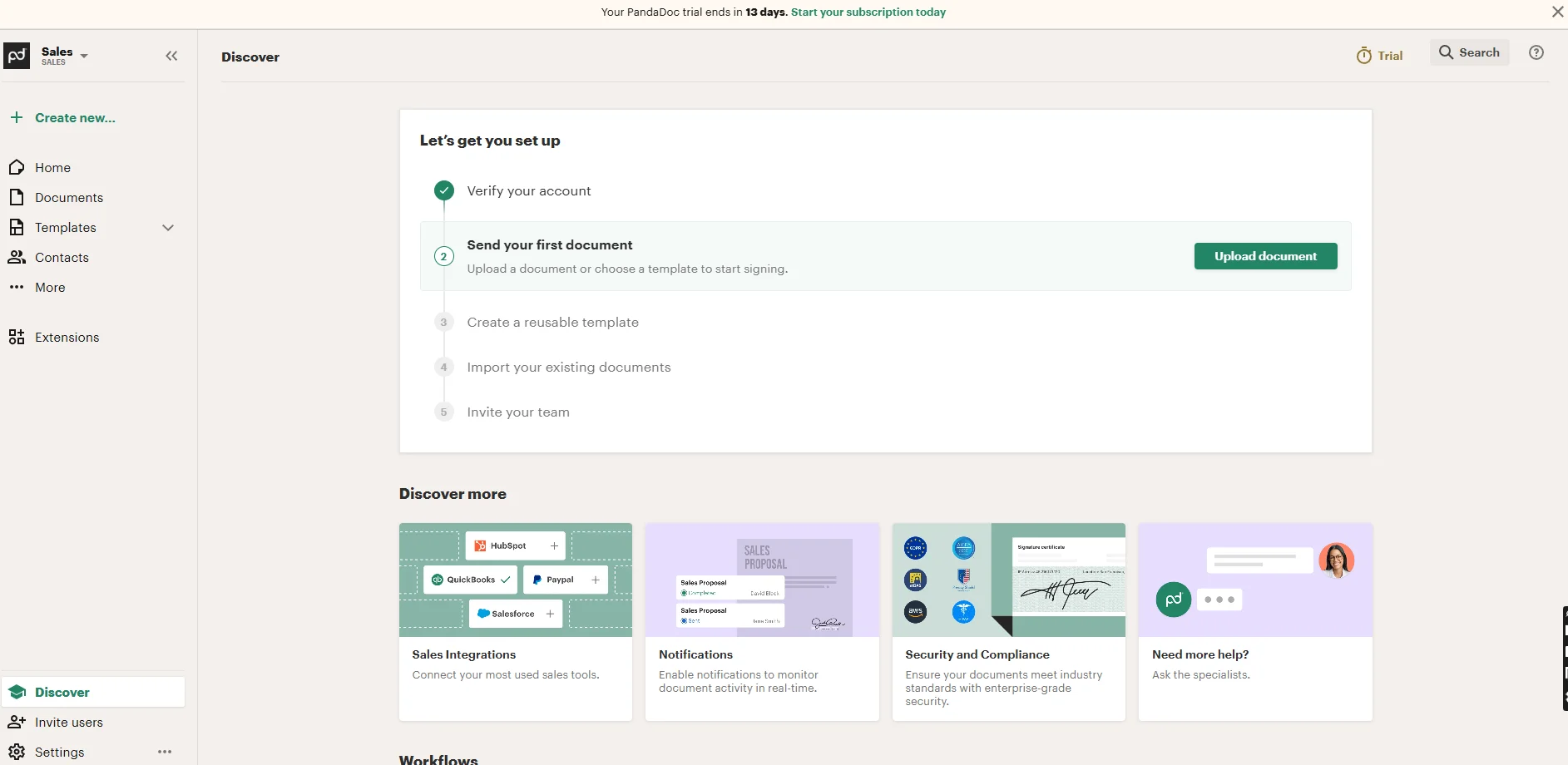
PandaDoc takes a broader approach to business documents than a traditional eSignature platform. Its drag-and-drop editor lets teams create proposals, quotes, contracts, and other sales documents with pricing tables, branding, and signature fields in the same workspace.
This makes PandaDoc particularly useful for sales teams that use documents as part of the selling process. Teams can create proposals and quotes, collaborate on documents, collect signatures, and track engagement without switching between separate tools.
Compared with SignNow, PandaDoc makes more sense when the document itself is part of the sales experience rather than simply something that needs to be signed. Teams that primarily need straightforward eSignatures may not need its broader document-creation capabilities.
4. Adobe Acrobat Sign - Best for the Adobe ecosystem
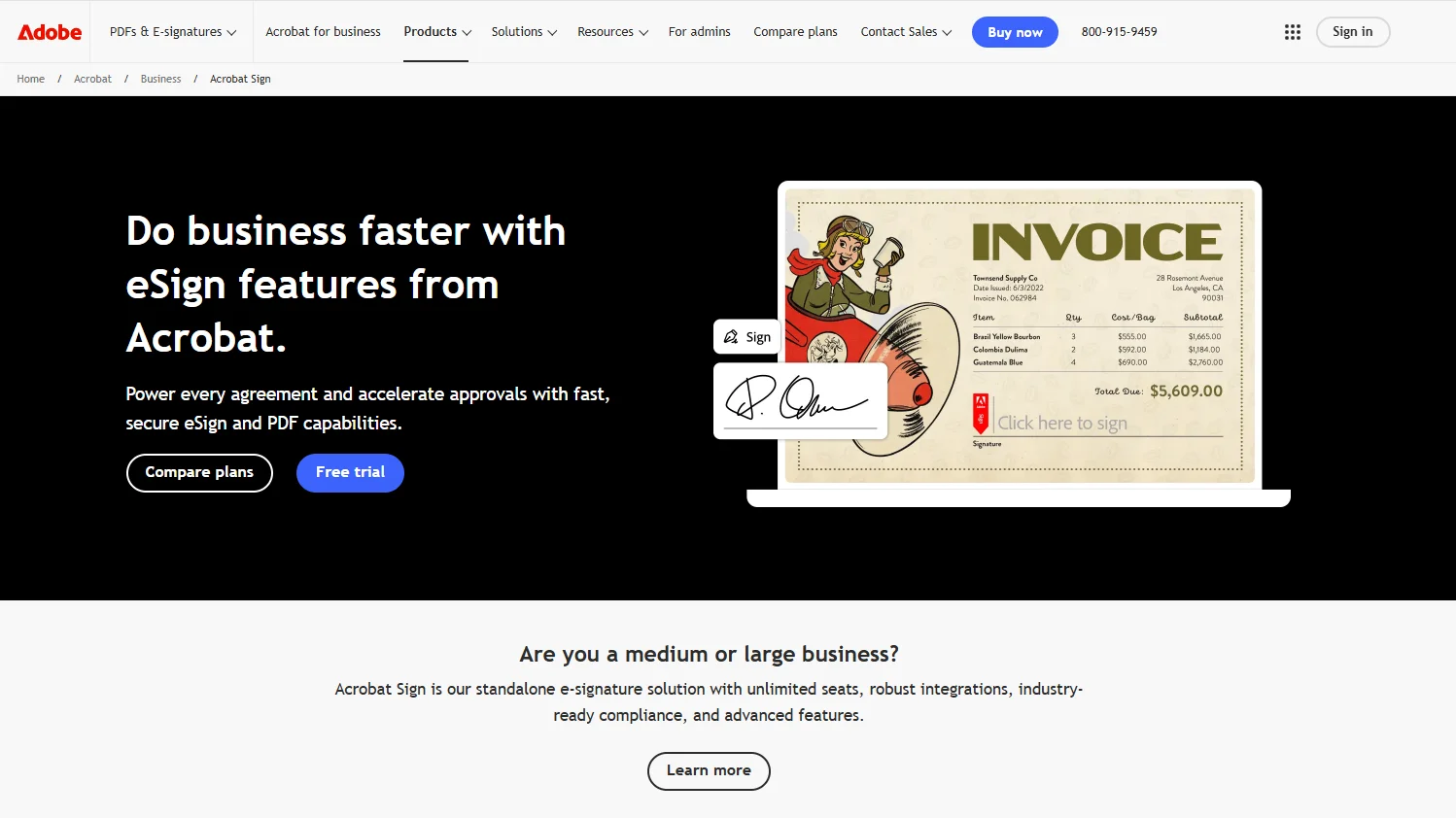
Adobe Acrobat combines PDF editing and document management with electronic signatures, making it a natural option for businesses that already work heavily with PDFs. Teams can prepare documents, add form and signature fields, send them for signing, and track completed documents without moving between separate PDF and eSignature tools.
Its biggest advantage as a SignNow alternative is the integration between PDF workflows and eSignatures. Acrobat supports document editing, form creation, signature requests, and tracking in the same ecosystem, while recipients can sign without an Acrobat subscription.
Adobe makes the most sense for teams already using Acrobat and looking to consolidate PDF editing and eSigning. For businesses that primarily need eSignatures rather than a full PDF toolkit, a dedicated eSignature platform may offer a more focused solution.
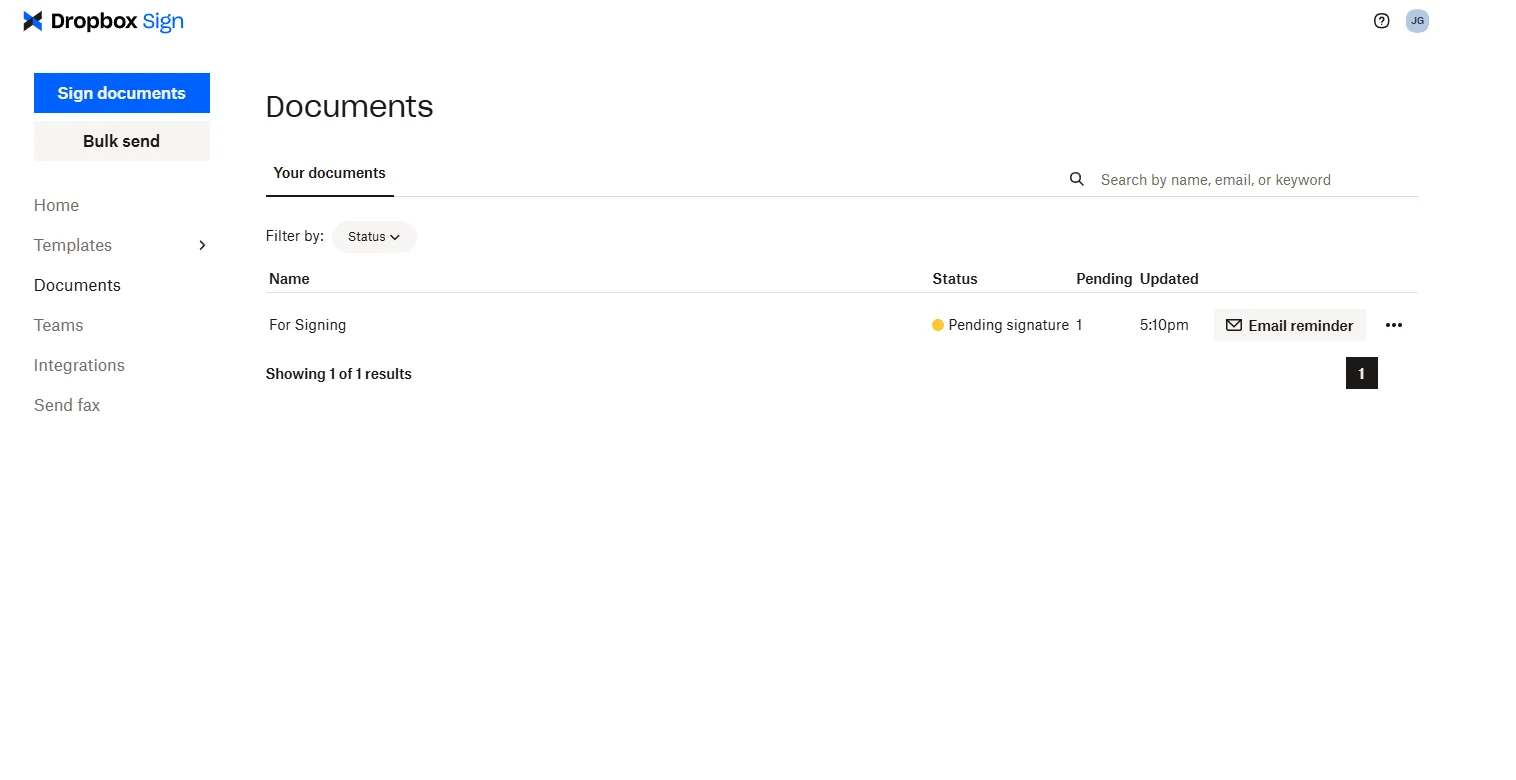
5. Dropbox Sign - Best for embedded and developer signing
Dropbox Sign, formerly HelloSign, is an eSignature platform focused on straightforward document signing, with API and embedded signing capabilities for businesses that want to integrate eSignatures into their own applications.
Its biggest differentiator is embedded signing. Instead of sending users to a separate signing platform, businesses can build the signing experience directly into their website or application. This makes Dropbox Sign particularly relevant for SaaS companies, developers, and businesses integrating eSignatures into customer or employee workflows.
For teams that simply need to send contracts for signature, Dropbox Sign remains a straightforward alternative to SignNow. But its API capabilities make it more compelling when eSignatures need to be part of an existing digital experience.
6. Zoho Sign - Best value for Zoho users
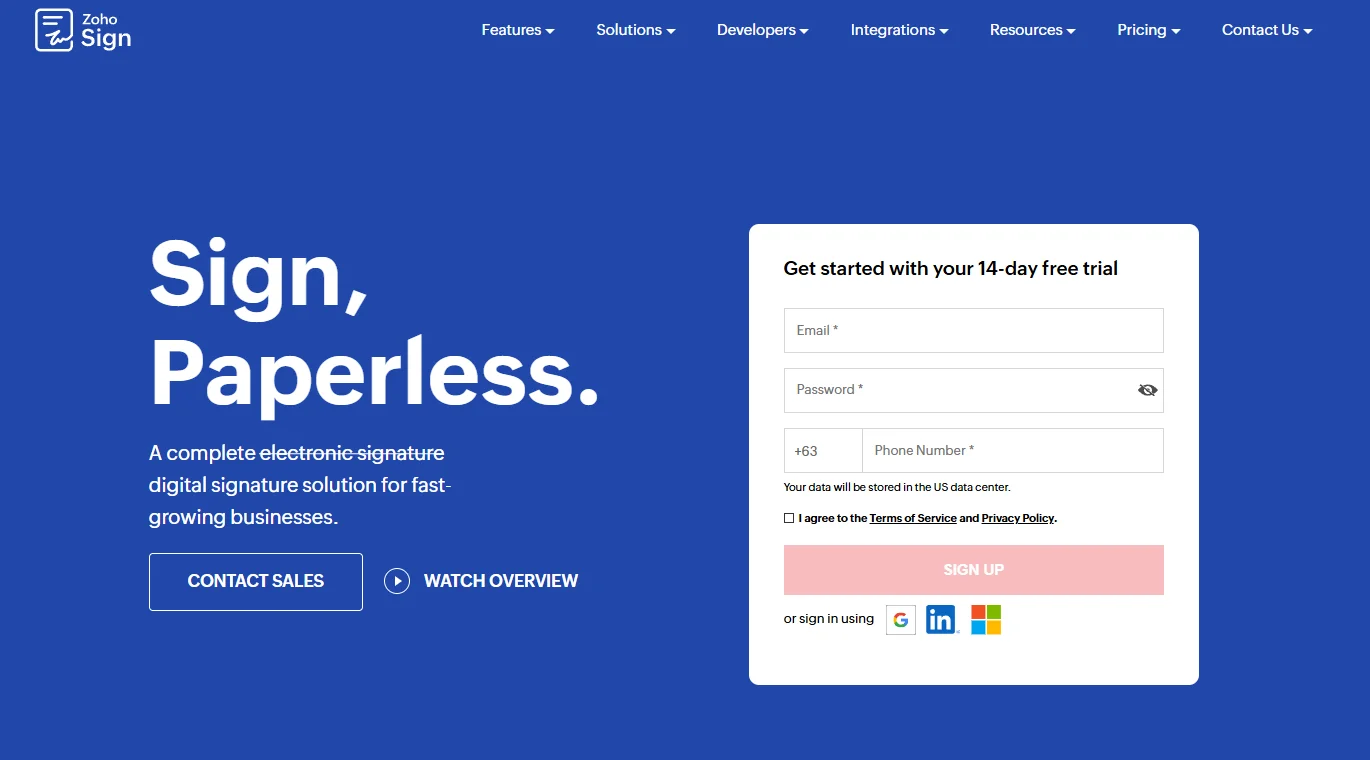
Zoho Sign is an eSignature platform designed to integrate with the broader Zoho business ecosystem. It supports document signing, templates, signing orders, and automated workflows.
Its main advantage is its integration with other Zoho applications. Teams can create documents in Zoho Writer, send them for signature, and track their progress within the same ecosystem. It also offers APIs, webhooks, and mobile SDKs for connecting signing workflows to other applications.
For businesses already using Zoho CRM, Zoho Books, Zoho Workplace, or other Zoho products, this integration can make Zoho Sign a convenient alternative to SignNow. Teams outside the Zoho ecosystem may find fewer reasons to choose it over a more platform-agnostic eSignature tool.
7. Signeasy - Best for mobile-first teams
Signeasy is an eSignature platform focused on simple document signing across mobile and web. Its mobile apps let users prepare, send, and sign documents without being tied to a desktop workflow.
Its main advantage is ease of use across devices, making it a practical option for individuals and teams that frequently handle documents away from their desks. Compared with broader platforms such as DocuSign and PandaDoc, Signeasy takes a more focused approach to everyday signing rather than complex agreement management.
For teams that need advanced enterprise workflows, compliance controls, or extensive document automation, another platform may be a better fit.
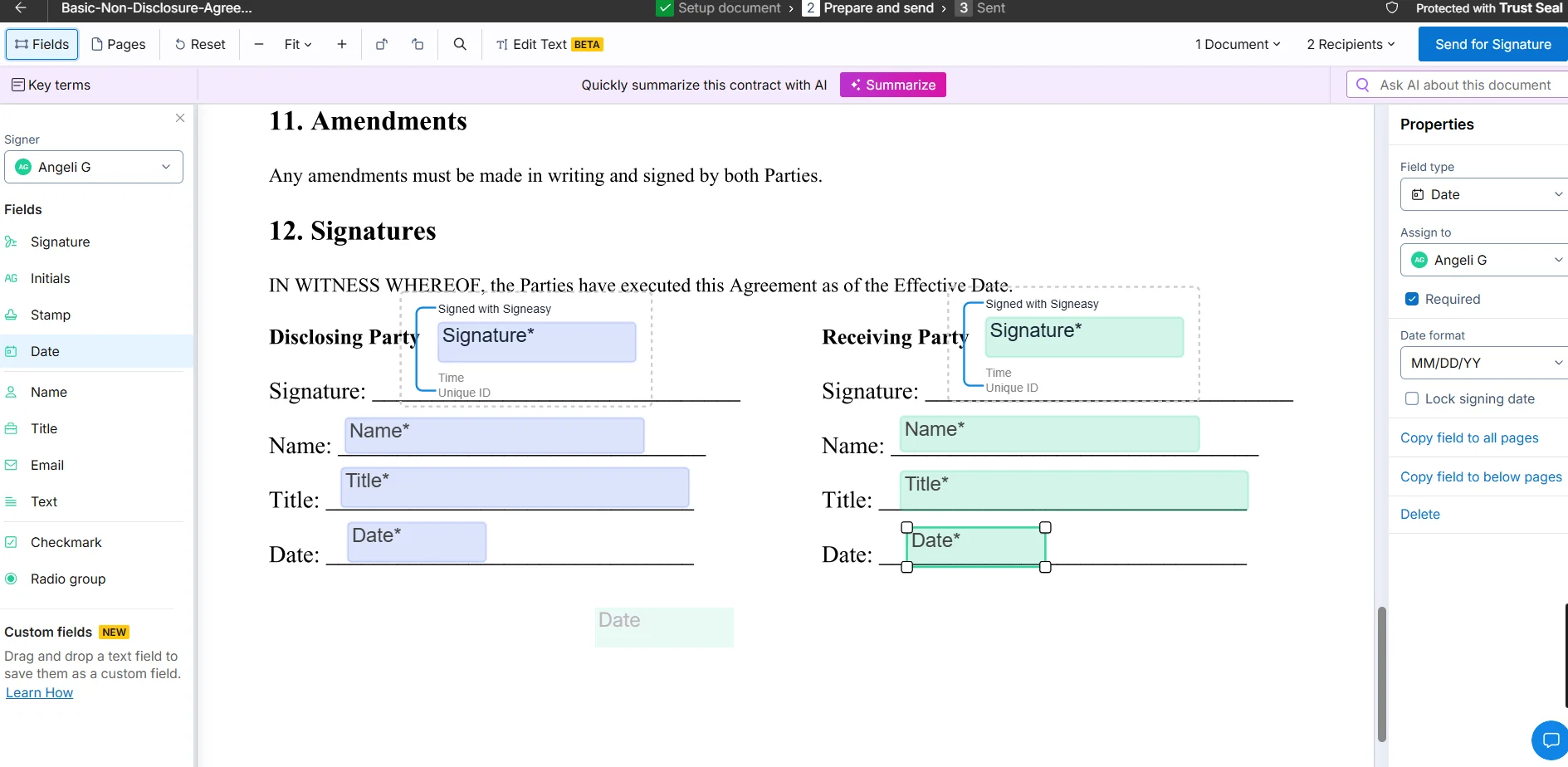
How to choose the right SignNow alternative

For affordable, unlimited eSignatures:
Fill
is a strong choice for teams that send documents regularly and want predictable signing costs without per-invite charges.
_FILL0_wght400_GRAD0_opsz24.svg)
For enterprise compliance:
DocuSign
is better suited to larger organizations that need advanced security, authentication, administration, and agreement workflows.

For proposals and sales documents:
PandaDoc
is the better fit for sales teams that create quotes, proposals, and agreements as part of their sales process.
_FILL0_wght400_GRAD0_opsz24.svg)
For the Adobe ecosystem:
Adobe Acrobat Sign
makes sense if your team already relies on Acrobat for editing and managing PDFs and wants eSignatures in the same workflow.
_FILL0_wght400_GRAD0_opsz24.svg)
For embedded or developer use:
Dropbox Sign
stands out for its API and embedded signing capabilities, making it a good option for businesses building signing into their own applications.
_FILL0_wght400_GRAD0_opsz24.svg)
For the Zoho ecosystem:
Zoho Sign
is particularly compelling if your team already uses Zoho CRM, Zoho Books, Zoho Workplace, or other Zoho products

For mobile-first signing:
Signeasy
is a good fit for individuals and teams that frequently send and sign documents from mobile devices.
Before choosing a platform, look beyond the advertised starting price. Check how many documents, envelopes, or signature requests are included, how pricing changes as your team or signing volume grows, and whether additional usage incurs overage fees. A plan that looks cheaper upfront may cost more once your team's signing volume grows.
If you're switching from SignNow specifically, it's also worth comparing the pricing model rather than just the monthly subscription. Some alternatives offer unlimited signing, while others use allowances for documents, envelopes, or signature requests. Choosing the right model can make a bigger difference to your total cost than a few dollars in the advertised monthly price.
Frequently asked questions
Is there a free alternative to SignNow?
Yes. PandaDoc and Zoho Sign offer permanent free plans, although both have usage limits. PandaDoc allows up to 60 documents per year, while Zoho Sign supports one user and up to five envelopes per month.
If you send documents regularly, a paid alternative may offer better value. For example, Fill starts at $8.33/user/month when billed annually and includes unlimited eSignature requests.
What is the cheapest SignNow alternative?
Zoho Sign and PandaDoc are the two free options on this list. Among the paid alternatives, Fill has the lowest starting price at $8.33/user/month when billed annually, with unlimited eSignature requests included.
The best value depends on your signing volume and the features your team needs.
Does SignNow have a permanent free plan?
No. SignNow offers a free trial rather than a permanent free plan. After the trial, you'll need a paid plan to continue using the platform.
Are e-signatures from these tools legally binding?
Yes, electronic signatures can be legally binding when they meet the requirements of applicable laws. In the U.S., electronic signatures are recognized under the ESIGN Act and UETA, while the EU regulates them under eIDAS.
Requirements vary by country and document type, so regulated or high-value agreements may require additional legal review.
Can I migrate my templates and signed documents off SignNow?
You can export signed documents from SignNow, including their history and audit records. Templates may require more work to migrate because fields, roles, and signing configurations may need to be recreated in the new platform.
Before switching, export your completed documents and audit records and check whether your new provider supports template migration.
SignNow vs. DocuSign - which should I choose?
SignNow is generally better suited to teams looking for straightforward eSignatures, while DocuSign is better for organizations with more complex enterprise, security, and agreement-management needs.
Compare their signing limits, features, integrations, and pricing model based on your team's expected usage before choosing.
Ready for unlimited eSignatures? Try Fill free
If you want a SignNow alternative that combines affordable pricing, unlimited eSignature requests, and practical document workflows, Fill is a strong all-round option. You can create, edit, send, sign, and manage documents from one platform without worrying about additional charges as your signing volume grows.
Fill's Basic plan starts at $8.33/user/month when billed annually, and you can try it free for 7 days before committing to a paid plan.