7 Best PandaDoc Alternatives for 2026 (Compared)
If you're looking for a PandaDoc alternative, you're probably trying to solve one of two problems: reducing software costs or finding a tool that better fits the way your team works.
While PandaDoc is a powerful platform for proposals, quotes, and electronic signatures, many businesses only use a small portion of its feature set. If your workflow mainly revolves around collecting legally binding signatures, there's a good chance you can find a solution that's cheaper than PandaDoc while still covering everything you need.


PandaDoc alternatives at a glance
How we chose these PandaDoc alternatives
We evaluated each platform based on pricing, ease of use, eSignature capabilities, proposal functionality, integrations, scalability, and overall value for businesses looking beyond PandaDoc.


Why Fill is a strong PandaDoc alternative
Why look for a PandaDoc alternative?
PandaDoc is a feature-rich platform, but it's not always the right fit for every business. Depending on your workflow, you may be paying for capabilities you rarely use.
- Per-user pricing can become expensive as more employees need access.
- Proposal-building features may be unnecessary if your primary goal is collecting signatures.
- Advanced functionality is reserved for higher-tier plans, making costs increase as your business grows.
- The platform can feel overly complex for teams with straightforward document signing workflows.
Signing-first vs. proposal-first: choose the category before the tool
Not every PandaDoc competitor is trying to solve the same problem. Some platforms focus primarily on electronic signatures, while others are built around creating interactive sales proposals.
Choosing the right category before comparing products can save both time and money.

Signing-first platforms
These tools prioritize secure electronic signatures, document workflows, and compliance. They're ideal if you regularly send contracts, HR paperwork, legal agreements, or other documents that simply need to be signed.
Examples include:
- Fill
- DocuSign
- Adobe Acrobat Sign
- SignNow

Proposal-first platforms
These platforms combine proposal management, quoting, sales engagement, and document analytics into a single solution. They're often a better fit for sales teams managing complex buying journeys.
Examples include:
- Proposify
- GetAccept
- Qwilr
If PandaDoc feels too expensive or complicated, switching to another proposal platform may not solve the underlying issue.
Choosing the wrong category often means paying for features you won't use or missing the ones you actually need. That's why it's helpful to decide whether your workflow revolves around signing documents or creating proposals before comparing individual platforms.
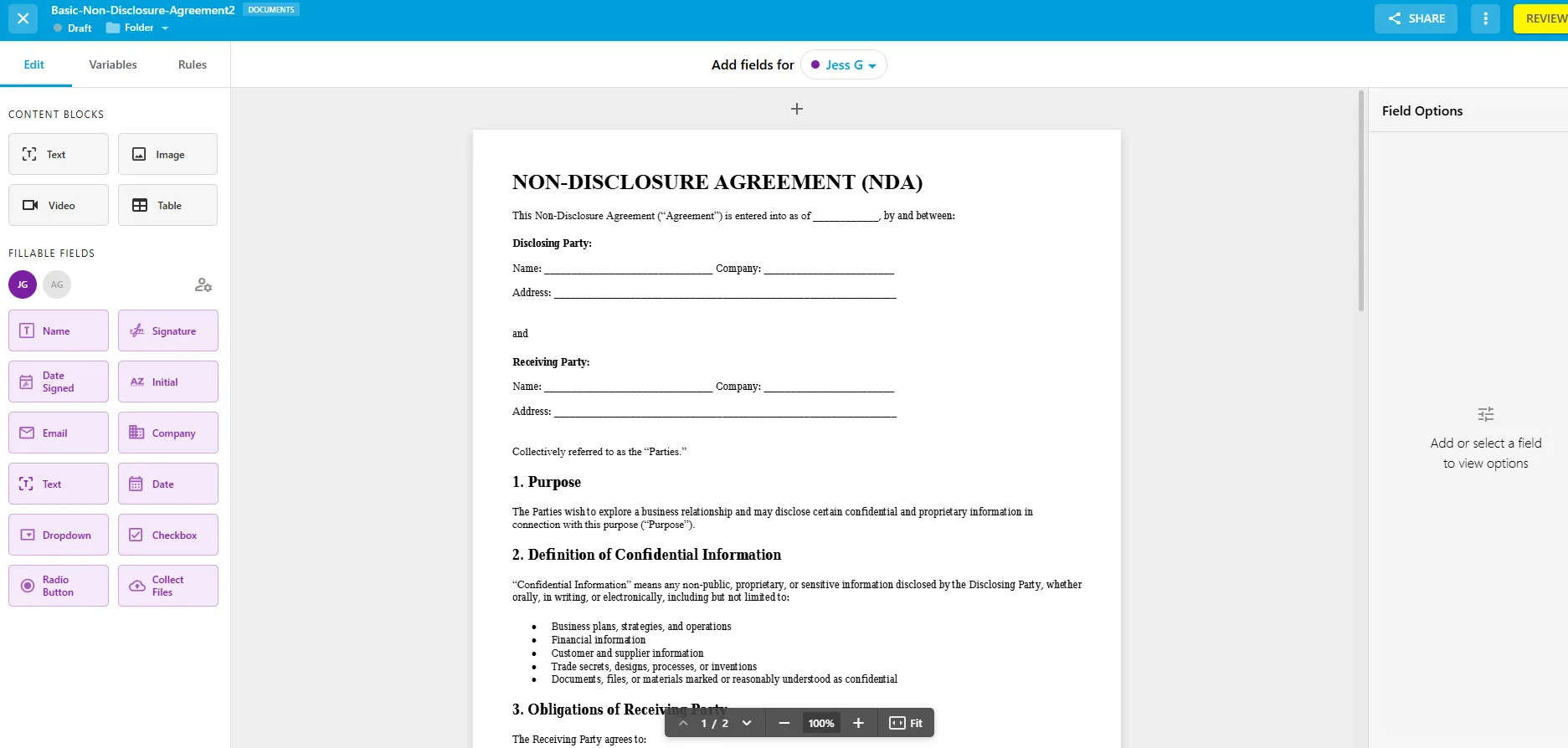
1. Fill – Best for teams that mainly need e-signatures
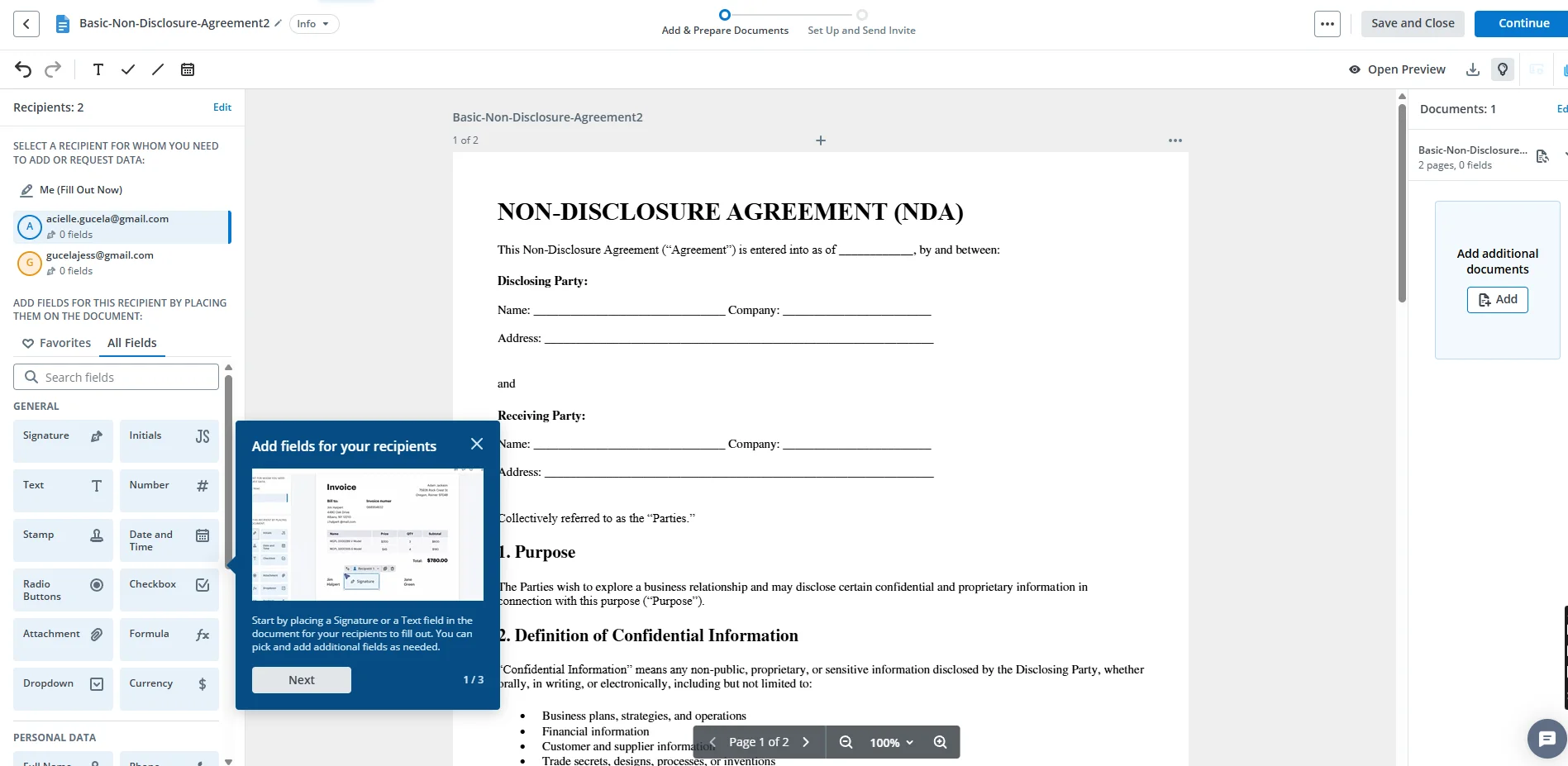
Fill is designed to help businesses create, send, sign, and manage documents without unnecessary complexity. By combining electronic signatures, reusable templates, workflow automation, and PDF editing in one platform, it helps teams reduce manual work and move documents through approvals faster.
Fill is a strong fit for organizations that regularly send contracts, onboarding documents, consent forms, vendor agreements, and other paperwork that follow repeatable approval workflows. Because these processes are often standardized, teams can save time by using reusable templates and automated routing instead of managing each document manually.
Beyond electronic signatures, Fill includes tools for document templates, workflow automation, approvals, and PDF editing, allowing teams to standardize repetitive processes and reduce manual work. The platform is used across industries, including legal, healthcare, HR, finance, education, and professional services, where speed, compliance, and ease of use are priorities.
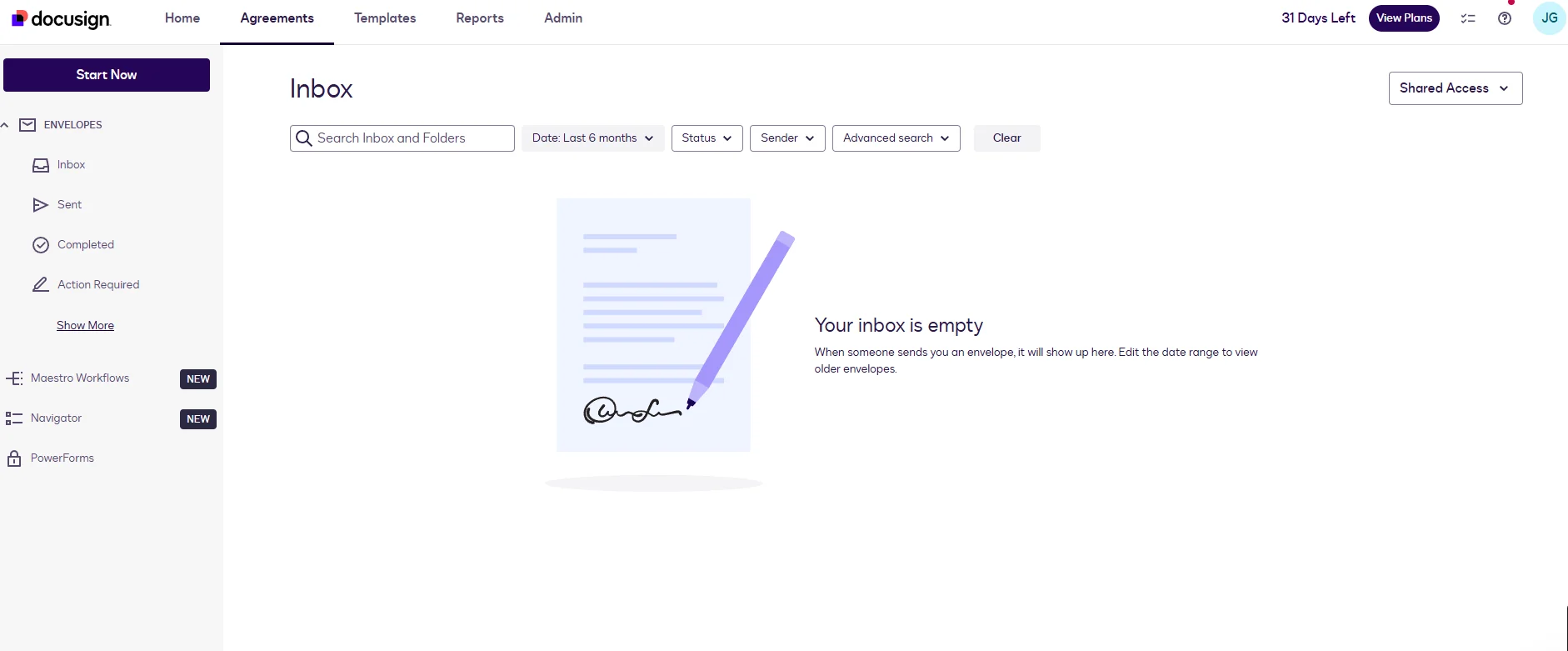
2. DocuSign – Best for enterprise document signing
DocuSign has long been one of the most recognized names in electronic signatures and is often the benchmark against which other signing platforms are compared. Unlike PandaDoc, which focuses on secure document execution rather than proposal creation, it is a popular choice for organizations with complex compliance requirements and large-scale document workflows.
The platform offers extensive integrations, identity verification options, workflow automation, and enterprise-grade security, making it particularly attractive to large organizations operating across multiple departments or regions. Its mature ecosystem also makes it easier to integrate electronic signatures into existing business processes.
For smaller businesses, however, the breadth of enterprise functionality may be more than necessary, especially if the primary need is to collect signatures on contracts and agreements.
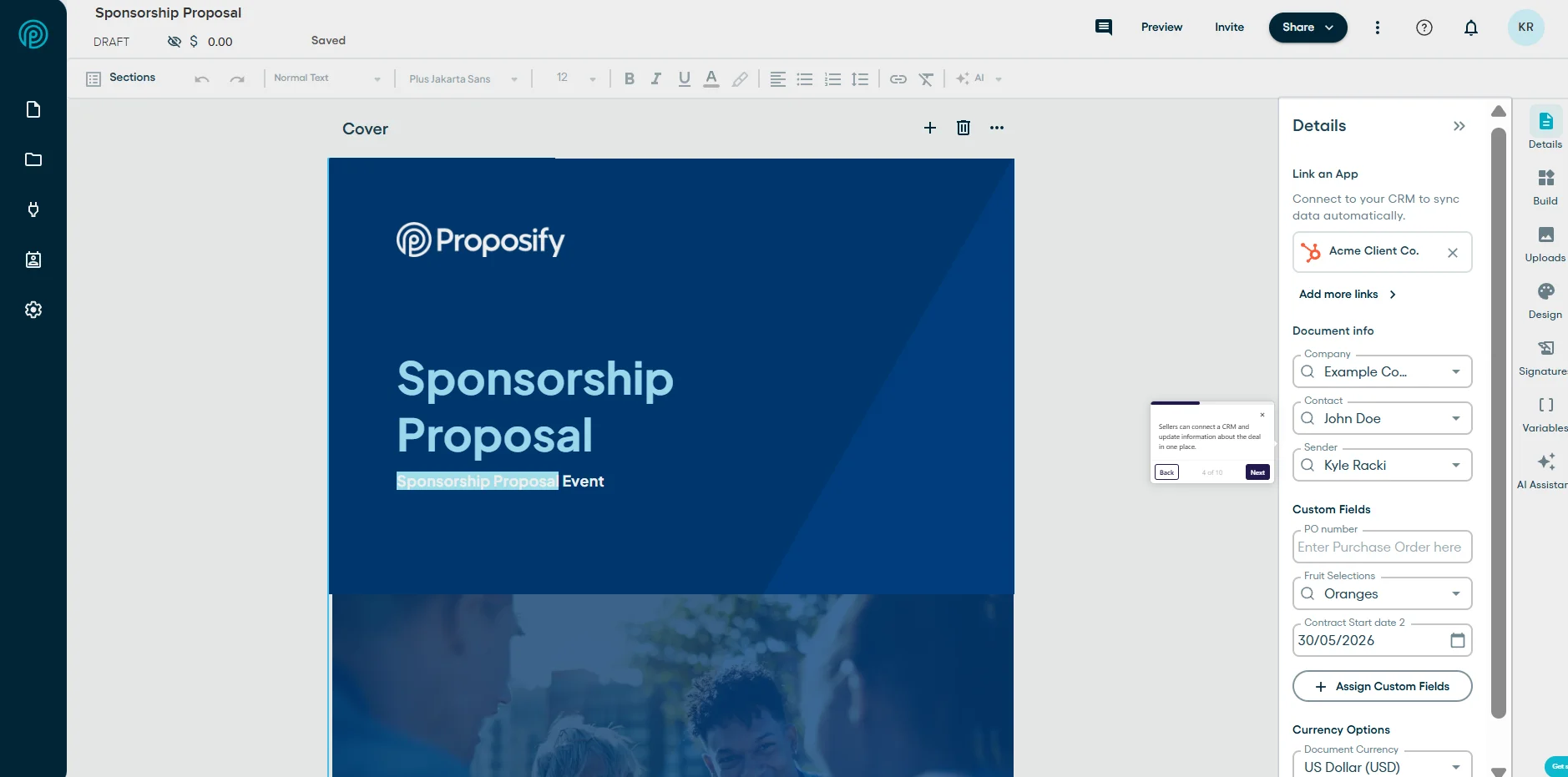
3. Proposify – Best for proposal design and analytics
If your sales process revolves around creating polished proposals rather than simply collecting signatures, Proposify is one of the strongest PandaDoc alternatives available. The platform focuses on helping sales teams build professional proposals, maintain brand consistency, and understand how prospects interact with documents before making a purchasing decision.
In addition to electronic signatures, Proposify includes proposal templates, content libraries, approval workflows, and document analytics that show when recipients open, view, or revisit a proposal. These insights can help sales teams follow up at the right time and improve close rates.
Because Proposify is designed primarily for sales organizations, it may be more software than businesses need if their document workflows mostly involve contracts, HR forms, or internal approvals.
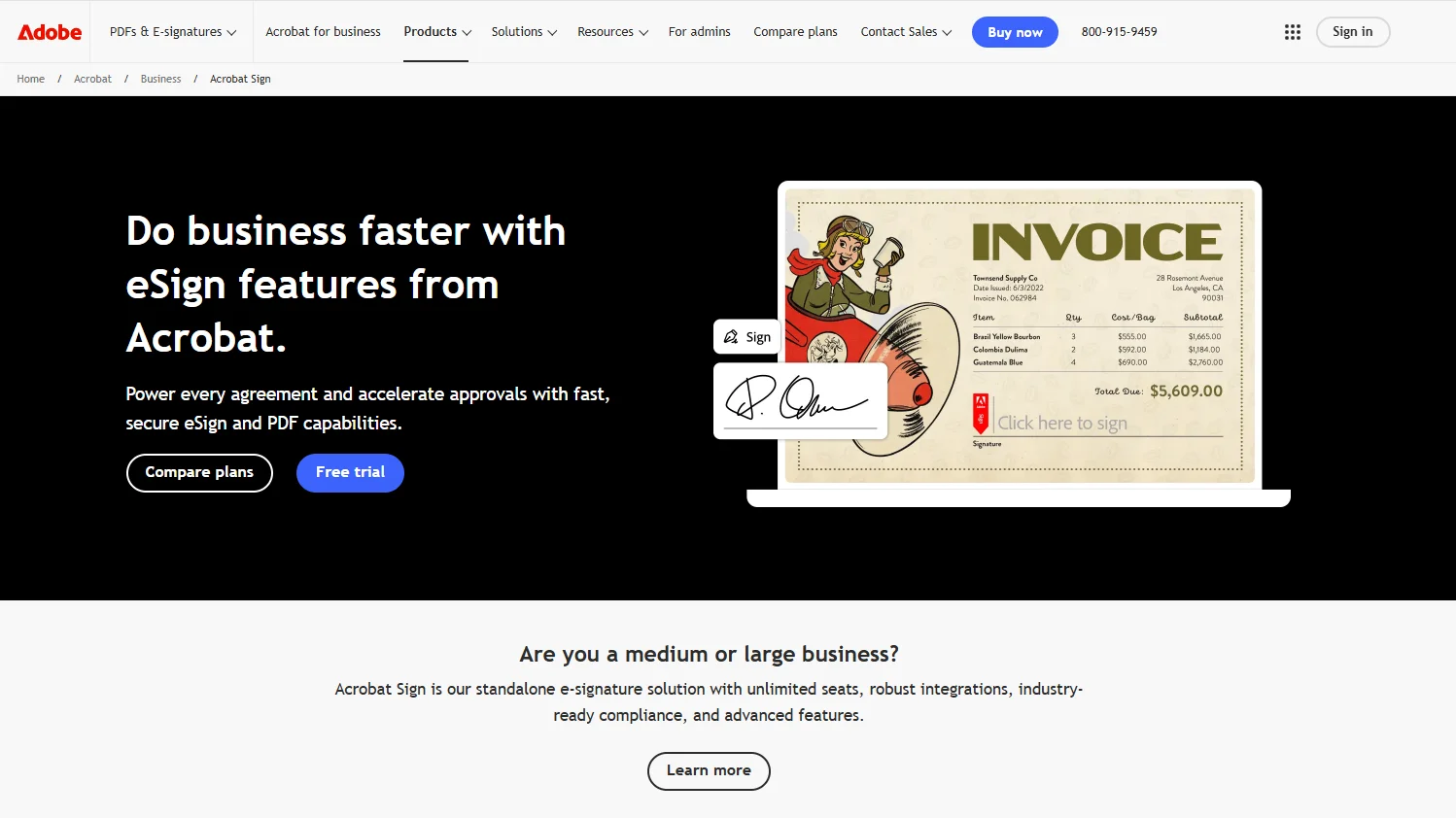
4. Adobe Acrobat Sign – Best for the Adobe ecosystem
Adobe Acrobat Sign is a natural choice for organizations that already rely on Adobe Acrobat for creating, editing, and managing PDFs. Rather than serving as a standalone proposal platform, it extends familiar PDF workflows to include secure electronic signatures and document approvals.
Its close integration with Adobe Acrobat and Microsoft applications makes it particularly useful for businesses where documents are already created and reviewed within those environments. Teams can send agreements for signature without significantly changing their existing document processes.
For organizations outside the Adobe ecosystem, however, some of its advantages may be less compelling than those of dedicated eSignature platforms.
5. SignNow – Best budget signing tool
SignNow is designed for businesses looking for a straightforward electronic signature solution without the complexity of larger enterprise platforms. It focuses on making document signing simple while still offering features such as templates, audit trails, mobile signing, and workflow automation.
Compared with PandaDoc, SignNow places less emphasis on proposal management and more on affordable document execution. This makes it an attractive option for small businesses that primarily need contracts, agreements, and forms signed quickly.
While it may not offer the same breadth of enterprise capabilities as some competitors, its ease of use and accessible pricing make it a practical option for many growing businesses.
6. GetAccept – Best for video selling and buyer engagement
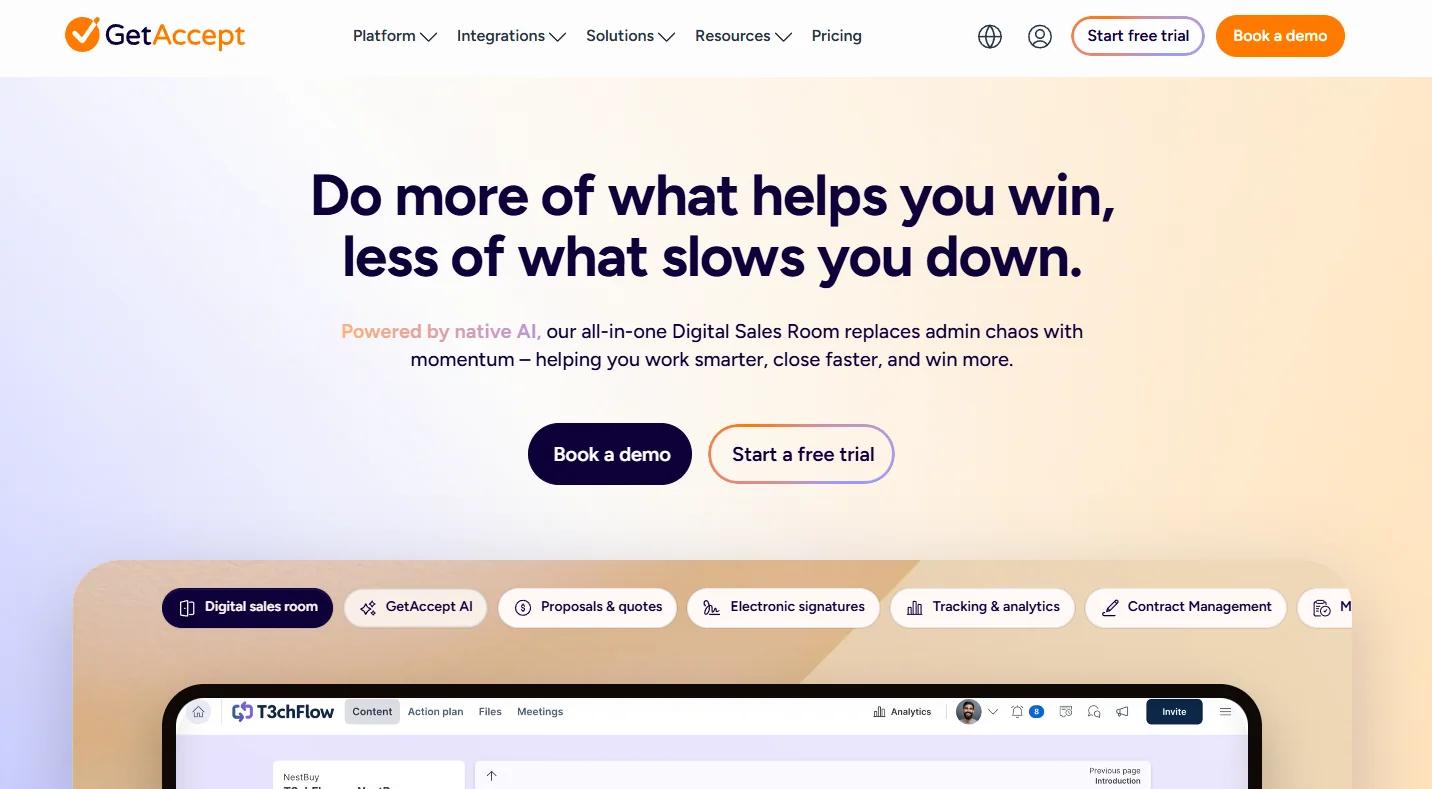
GetAccept takes a different approach by combining proposals, electronic signatures, and buyer engagement tools into one sales platform. In addition to sending documents for signature, sales representatives can include personalized video messages, monitor buyer activity, and receive engagement notifications throughout the sales process.
This focus on sales enablement makes GetAccept particularly appealing for B2B sales organizations where proposals are only one part of a larger customer journey. Teams can gain additional visibility into how prospects interact with documents and use those insights to guide follow-up conversations.
Businesses that simply need document signing, however, may find many of these sales-focused capabilities unnecessary.
7. Qwilr – Best for interactive web-based proposals
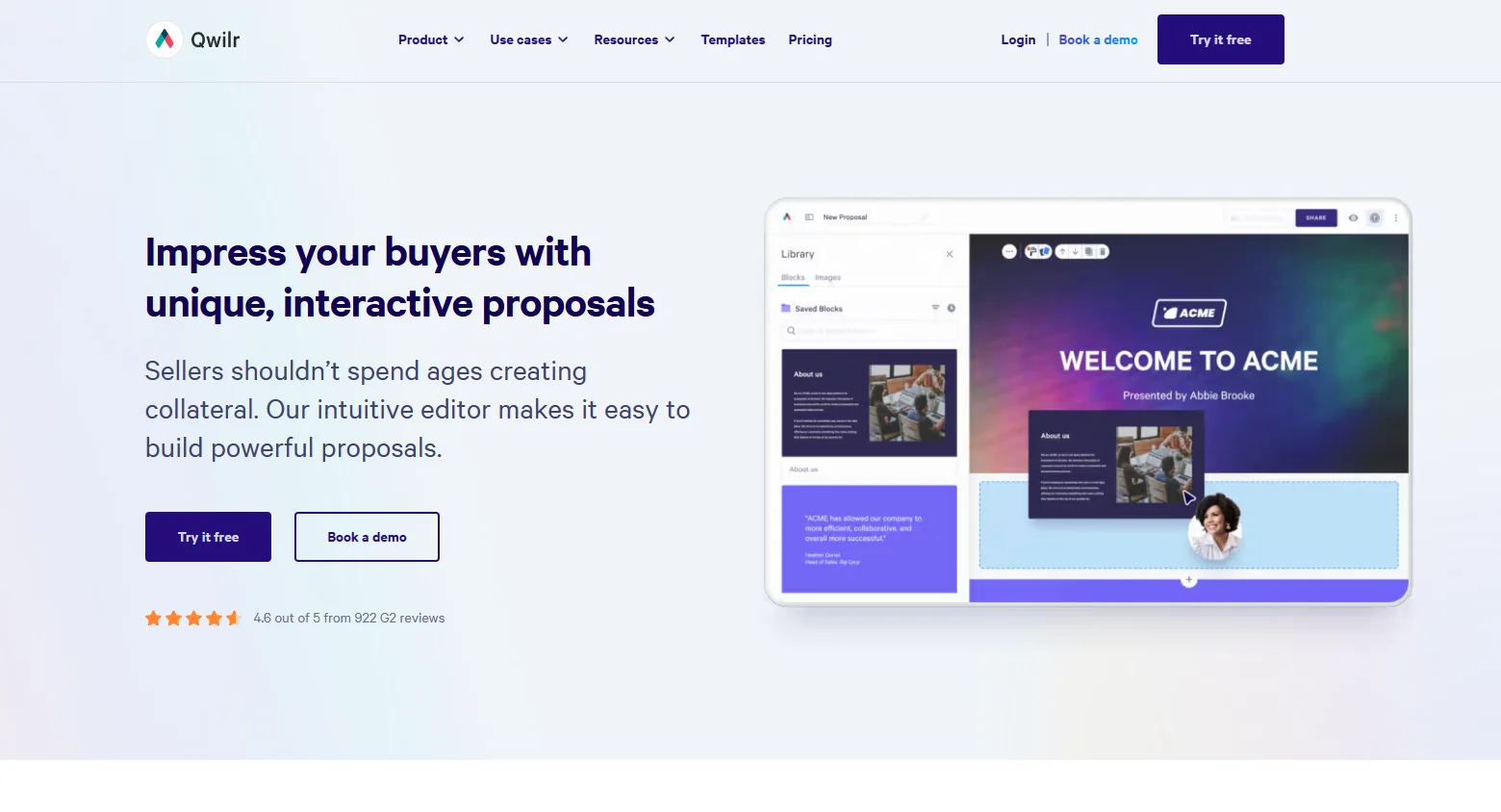
Qwilr approaches proposals differently from most PandaDoc competitors by replacing traditional PDFs with interactive web pages. Instead of emailing static documents, businesses can create visually rich proposals that recipients view in a browser, complete with interactive pricing tables, multimedia content, and engagement analytics.
This modern presentation style makes Qwilr especially popular among agencies, consultants, and creative businesses looking to deliver a more polished buying experience. Electronic signatures are supported, but the platform's primary strength lies in how proposals are presented rather than how documents are signed.
Organizations that mainly exchange contracts and standard business forms may prefer a simpler signing-first platform.
How to choose the right PandaDoc alternative
The best PandaDoc alternative depends on why you're looking to switch. Rather than choosing the platform with the longest feature list, identify the part of your current workflow that creates the most friction.
Before comparing pricing or features, decide whether you need a signing-first platform or a proposal-first platform. Matching the software to your workflow will usually have a bigger impact than choosing the platform with the longest feature list.
Frequently asked questions
Can I try Fill before committing to a paid plan?
The best PandaDoc alternative depends on how you use the platform.
If your business primarily sends contracts, agreements, and forms for electronic signatures, a signing-focused platform like Fill offers a simpler experience with document workflows, reusable templates, and unlimited eSignature requests. For organizations that need enterprise-scale signing and advanced compliance, DocuSign is a strong choice.
If your priority is creating branded proposals with sales analytics and buyer engagement, proposal-first platforms like Proposify, GetAccept, or Qwilr may be a better fit.
Ultimately, the best alternative is the one that matches your workflow—not the one with the longest feature list.
Is there a cheaper alternative to PandaDoc?
Yes. Several PandaDoc alternatives offer more affordable pricing, particularly for businesses that only need electronic signatures.
PandaDoc combines proposals, document management, quoting, and eSignature tools into one platform. If your team doesn't use those additional sales features, you may be paying for functionality you don't need.
Signing-first platforms such as Fill and SignNow can provide the core features many businesses rely on while keeping pricing more predictable. Before switching, compare not only the monthly subscription cost but also factors like user limits, signature allowances, and the features included in each plan.
What is the best free PandaDoc alternative?
If you're looking for a free solution, several electronic signature platforms offer free plans or free trials with varying limitations. The right option depends on how many documents you send and which features you need.
For a comparison of today's leading free eSignature solutions, see our guide to the Best Free eSignature Software.
Keep in mind that free plans often limit the number of documents, signatures, or advanced features available, so they may not be suitable for businesses with higher document volumes.
Do I need PandaDoc if I only send documents for signature?
Not necessarily.
If your primary workflow is collecting legally binding electronic signatures on contracts, HR documents, onboarding forms, or client agreements, a dedicated eSignature platform may be a better fit.
PandaDoc is designed to support proposal creation, quoting, sales content management, and buyer engagement in addition to electronic signatures. Those features are valuable for sales teams but may add unnecessary complexity if your business simply needs a secure way to send and sign documents.
For signing-focused workflows, platforms like Fill, DocuSign, Adobe Acrobat Sign, and SignNow can often meet your needs without the extra proposal functionality.
Are eSignatures from these tools legally binding?
Yes. Electronic signatures created with reputable eSignature platforms are generally legally binding when they comply with applicable electronic signature laws, such as the U.S. ESIGN Act and the Uniform Electronic Transactions Act (UETA).
Most leading platforms also provide security features such as audit trails, timestamping, signer authentication, and tamper-evident records to help verify the integrity of signed documents.
However, legal requirements can vary by country, industry, and the type of document being signed, so it's important to confirm that your chosen platform meets your compliance needs.
PandaDoc vs. DocuSign: Which is better?
Neither platform is universally better. They're designed for slightly different use cases.
Choose PandaDoc if your sales team creates proposals, quotes, and interactive sales documents before collecting signatures. Its proposal-building and document engagement features are among its biggest strengths.
Choose DocuSign if your primary focus is secure electronic signatures, enterprise-scale deployments, and advanced compliance. It's widely used by large organizations that require extensive integrations and governance capabilities.
If you're deciding between DocuSign and other signing-focused platforms, read our detailed DocuSign Alternative comparison.
Why do businesses switch from PandaDoc?
Businesses typically switch from PandaDoc for one of three reasons: they want lower software costs, they don't need advanced proposal features, or they're looking for a simpler document signing experience. Organizations that primarily send contracts, forms, and agreements often find that a signing-first platform better matches their day-to-day workflow, while sales teams that rely on proposal analytics may continue to benefit from an all-in-one solution.
The bottom line: Try Fill for simpler document signing
PandaDoc is a powerful platform, but it isn't the right fit for every business. If your team relies on interactive proposals, quoting, and sales engagement tools, it may still be one of the best options available.
If you've realized that your team needs a better way to send and sign documents, Fill is built for exactly that. It combines electronic signatures, reusable templates, approval workflows, and document automation into a single platform that's easy to adopt and scale.
Whether you're managing contracts, HR paperwork, healthcare forms, or internal approvals, it helps teams spend less time chasing signatures and more time getting work done.
Ready to simplify your document workflows? Explore Fill's pricing and start your 7-day free trial today.