What Customers Say About Fill eSignature
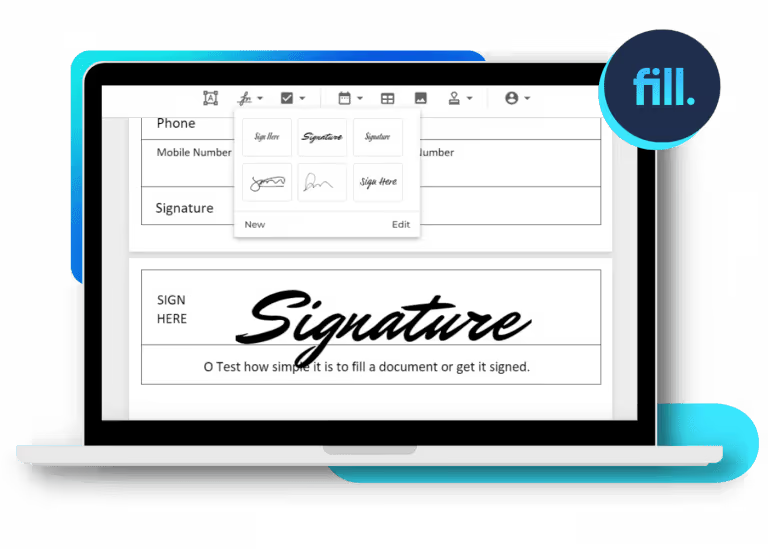
Get started with Fill eSignature today and transform how you handle document signing. With a 4.6+ rating on Google Play and 4.9 on the App Store, Fill is the trusted solution for secure and seamless eSigning on both mobile and desktop platforms.


How Do I Esign A Word Document for Free
Fill eSignature combines simplicity and efficiency, letting you esign Word documents quickly and easily. Our intuitive platform is easy to use and requires no advanced technical knowledge.
Here’s a quick guide on how to esign a Word document using Fill:
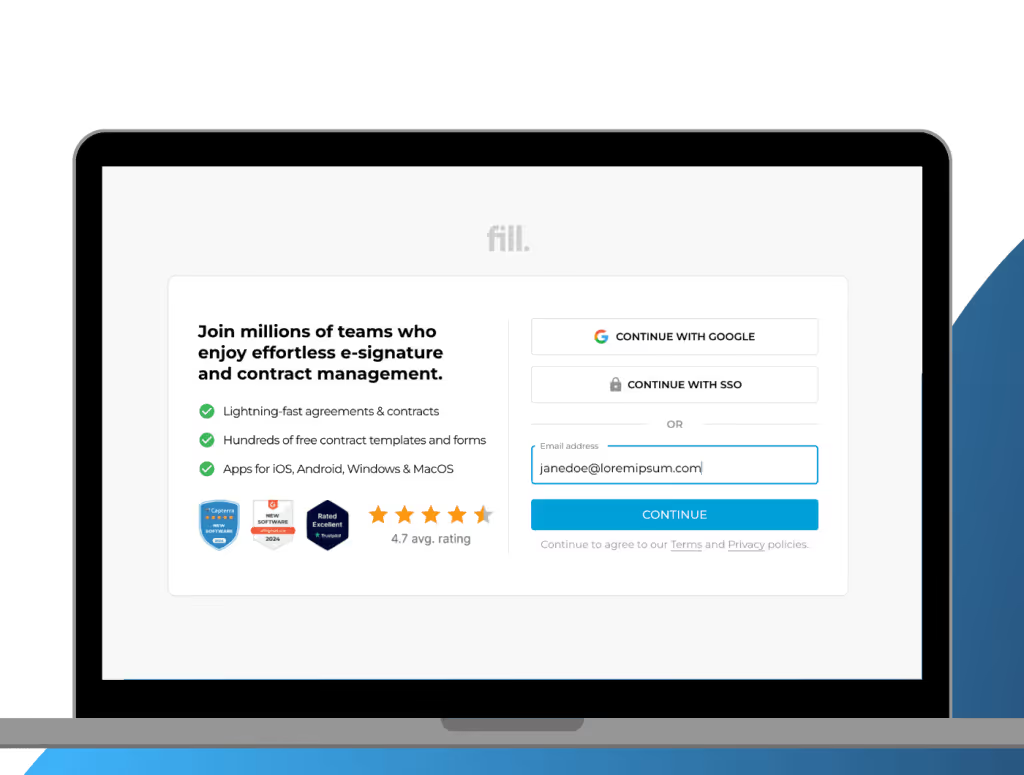
1. Log in to your account
Getting started with Fill is completely hassle-free. There’s no complicated setup required—just open your preferred web browser and log in. New to Fill eSignature? Sign up for a free trial today.
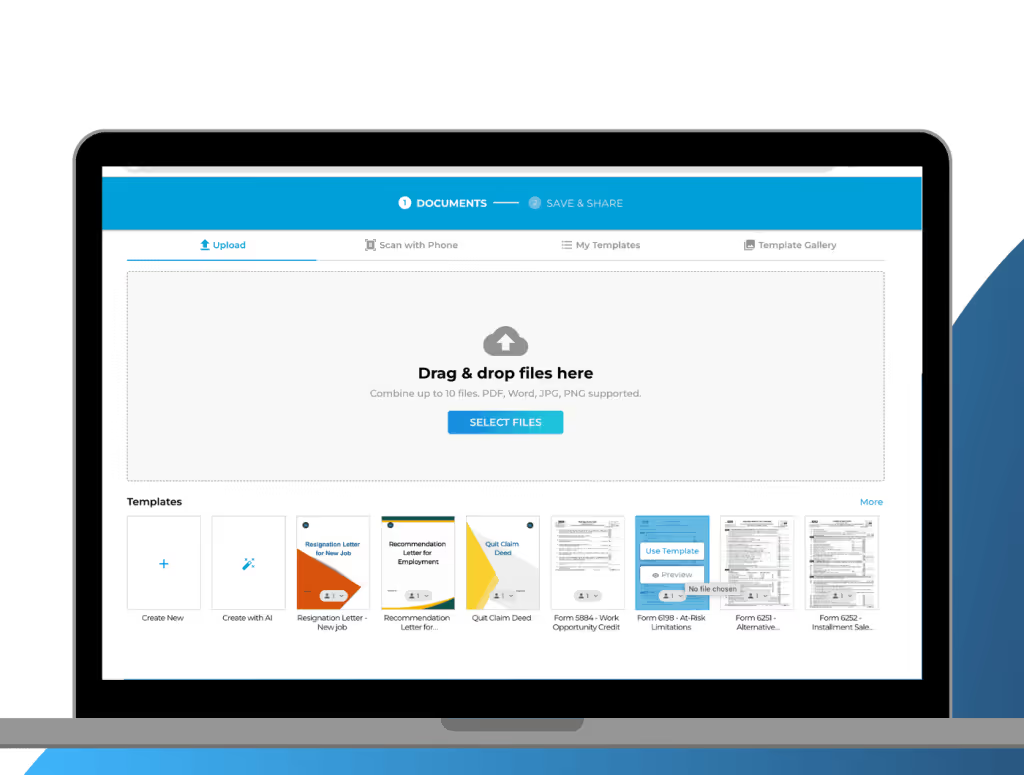
2. Upload your Word document
On your dashboard, click Start Now and select Only You. If other parties need to sign the document, you may also select Request Signature. Upload the document and click Next.
.avif)
3. Create Your eSignature
Choose from three easy methods to create your very own electronic signature:
- Type: Enter your name and choose from a range of font styles that resemble handwritten signatures.
- Draw: Use your mouse, trackpad, or touchscreen to draw a custom signature.
- Upload: If you already have an image of your handwritten signature, simply upload it to the platform.
.avif)
4. Esign your Word document
Once you have created your own eSignature, you can affix it to the document. Simply drag and drop the eSignature to the designated signature field.
.avif)
5. Save and download your signed file
Review your document to make sure everything is in place. Once you’re happy with it, click Save. If you want to secure a local copy for backup, click Download.
Sign Word Docs with Ease Using Fill eSignatures

Cloud-Powered Document Management
Bring order to the chaos of paper-based document management by embracing cloud-based workflow. With Fill eSignature, your signed Word documents are securely stored in the cloud, eliminating the need for physical storage and reducing the risk of document loss. Our cloud-powered document management system allows you to access your signed files from anywhere, at any time, and on any device.

Smart Document Editor
Streamline and simplify your editing process with Fill’s smart document editor. Our intuitive interface enables seamless collaboration, allowing multiple parties to work on the same document simultaneously. Whether you require minor adjustments or extensive revisions, Fill eSignature equips you with the necessary tools to ensure the accuracy and currency of your Word documents.

Lightning-Fast Signature Request
Experience a faster and simpler document signing process with Fill. With Fill eSignature, you can send out signature requests to one or multiple parties with just a few clicks, significantly reducing any delays and hassle. Our audit trail also enables you to keep track of the progress of your documents. This way, you can always stay in the loop.

Military-Grade Encryption
Protect sensitive and confidential files from malicious threats and breaches. Fill eSignature utilizes military-grade encryption to ensure that your documents are safe and secure. With Fill, you can have peace of mind knowing that your signed Word documents are stored and transmitted with the highest level of protection.
Word Documents You Can Sign with Fill eSignatures

Contracts and Agreements

Banking and Finance

Healthcare

Legal

Human Resources

Sales and Marketing
Start eSigning Word Documents with Fill Today
Transform your document signing with Fill, your trusted, secure solution for fast and worry-free signatures. Start eSigning your Word docs today.
Join millions of customers who enjoy effortless document workflow management.









What our users say about us

Frequently Asked Questions About Esigning Word Docs
How do you sign a Word document without printing?
With Fill eSignature, you no longer need to print your Word document to sign it. Our platform offers a completely digital document signing solution. Simply upload your Word document to Fill, add your signature, and then save or send the signed document electronically.
Is it secure to sign a Word document using Fill?
Absolutely! Fill eSignature uses military-grade encryption to keep security threats and breaches at bay. Moreover, our platform complies with industry standards and regulations, including HIPAA, GLBA, and GDPR, to name a few. to ensure the highest level of security and compliance. You can trust that your Word documents are safe and protected when using Fill for electronic signatures.
Can I sign a Word document using mobile?
Yes. Fill offers a free-to-download app that’s compatible with both Android and iOS, allowing you to sign documents on the go. Whether you’re in the office, at home, or traveling, Fill eSignature empowers you to manage your document signing needs with speed, security, and convenience.
