Rotate PDF Pages for free
How to rotate and save a PDF
Rotate a PDF on your iPhone, Android, Mac, Windows,Linux and any device with access to the internet in easy steps.

Upload

Rotate

Save
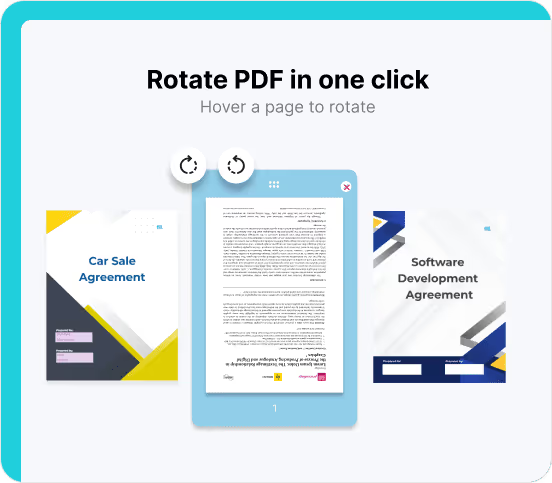
Easy PDF rotation, no software required.
Experience hassle-free PDF rotation with Fill. Our platform allows you to rotate PDFs effortlessly, including Adobe files, without the need for any software installation. Enjoy the convenience of single or multiple-page rotations with a seamless online process.
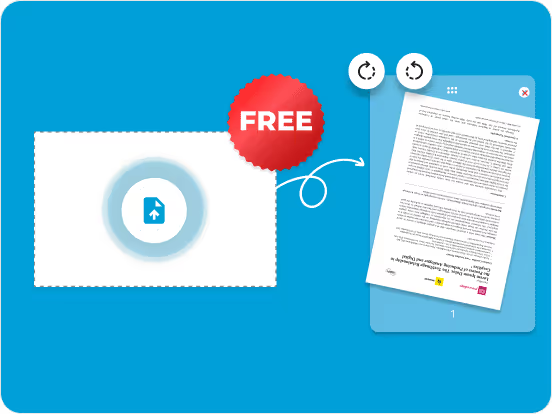
Unlimited free rotations.
Customize your document layout and orientation with Fill’s free PDF rotation tool. Fill is designed to meet your specific needs, no matter your page’s paper size or number of PDF pages.
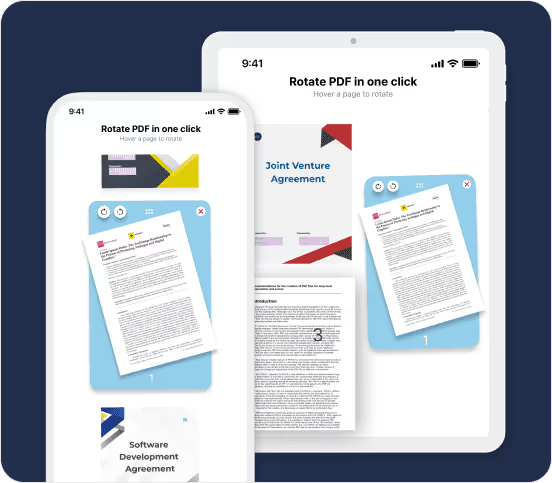
Rotate PDFs anytime, anywhere.
Whether you’re on a Linux desktop, using Android on mobile, or Microsoft software on your phone, PDF rotation is easy with Fill. Our PDF rotation tool is accessible via any browser and accommodates any document, from online forms to real estate paperwork.
HIPAA & GLBA Compliant tool
Fill ensures your document security with HIPAA and GLBA compliance. Upload and rotate your PDF, trusting that your document’s integrity is intact. We do not access or read your documents; our rotation tool’s sole purpose is to adjust your document’s layout.
Frequently Asked Questions
Can I rotate one page in a PDF?
Yes, you can easily rotate one page in a PDF. Just upload the PDF to the Fill PDF rotation tool, and Fill will present all the pages for your review. Locate the specific page you want to rotate, make the desired rotation, and when you’re finished, click ‘apply & download.’ Fill will save the document on your PC, keeping the rest of the document intact while rotating only the single page you edited.
How do I rotate PDF on iPhone?
- You can rotate a PDF on your iPhone using your Safari browser or any other preferred browser. The Fill PDF rotation tool works the same on any browser on all devices, including Android, Windows, Mac, Linux, and more.
How do I rotate a PDF without Acrobat
- You can rotate a PDF for free without needing Acrobat by using Fill. Fill supports the rotation of all types of Adobe PDFs.
Can I rotate a PDF in Google Drive
- To rotate a file in Google Drive, you’ll need to download it to your device first. Once the PDF is downloaded, you can then upload it to the Fill rotation tool, select your desired page orientation, apply the changes, and download the rotated PDF. Afterward, you can return to Google Drive to upload the modified file back to your Google Drive.
How do I permanently rotate a PDF?
- Here is how to permanently rotate a PDF. Upload the PDF file to the Fill tool. Then, choose your preferred page orientation and click Apply and Download. Your now downloaded file is permanently rotated to your desired orientation until you decide to change it yourself.
