Integrate eSignatures into your Google Apps
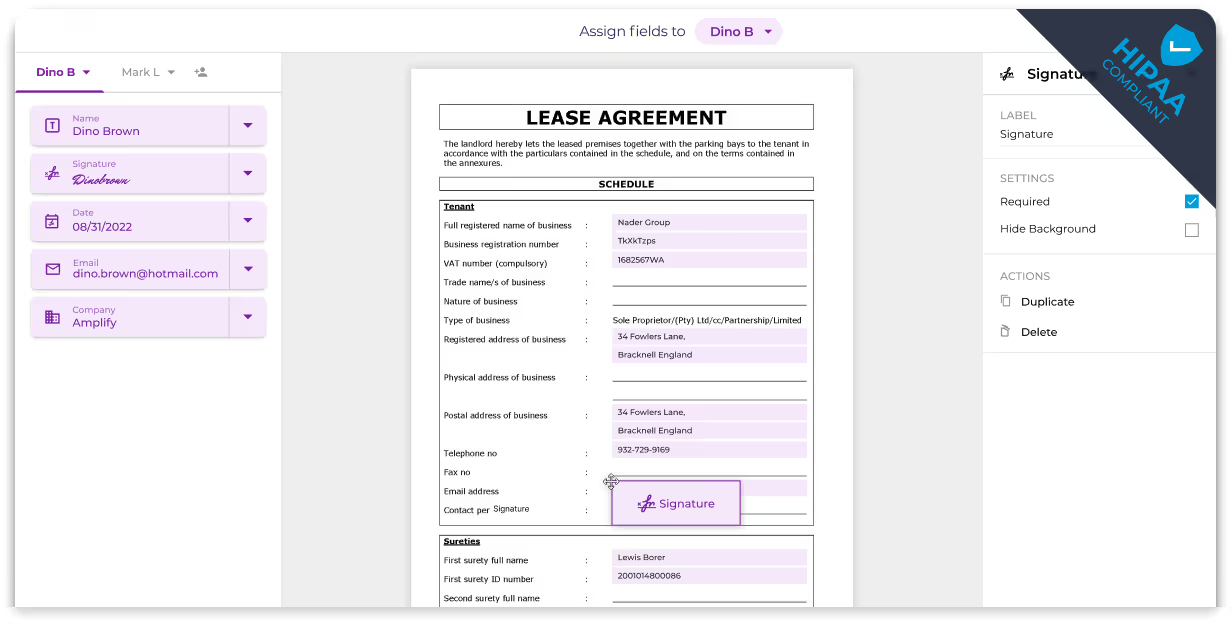
Sign documents directly within Google Drive, Docs, and Sheets. Easily append signatures to forms, agreements, and PDFs by seamlessly integrating Fill into your Google Workspace. No more juggling between multiple apps or the hassle of file transfers; create your Google eSignature by connecting with Fill.
How to add eSignature to Google Workspace


Integrate
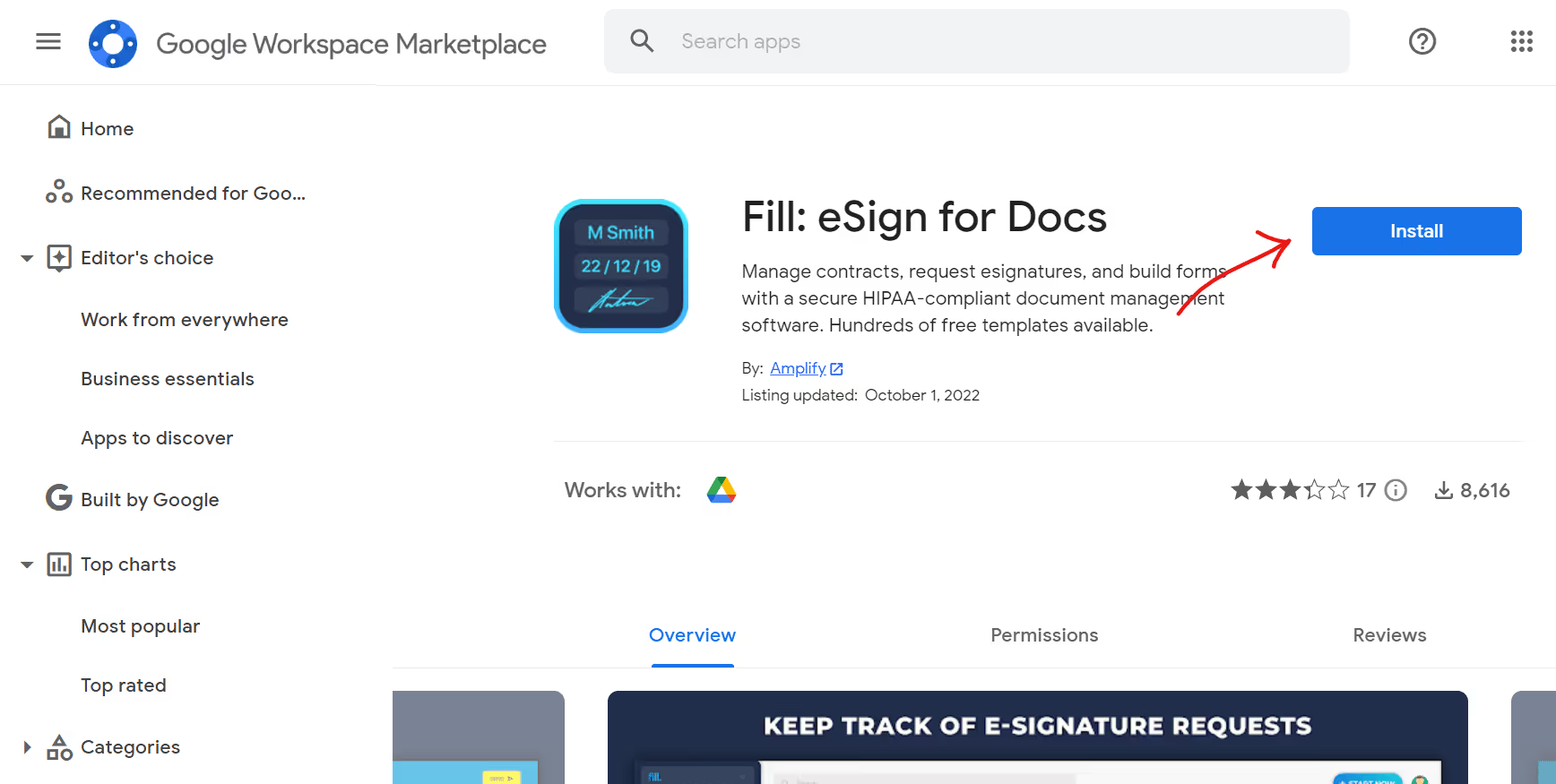
Select Google Workspace and click on install in the Google environment that opens up.

Test
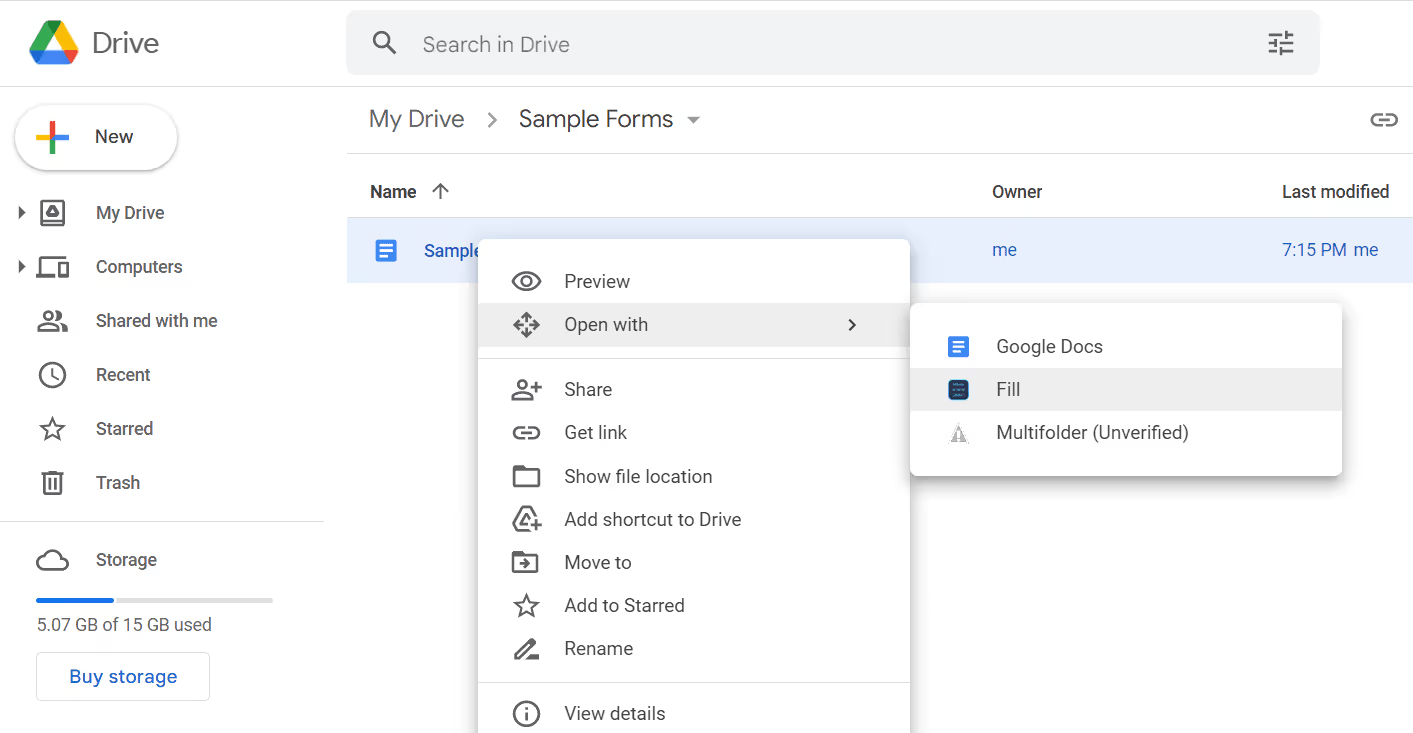
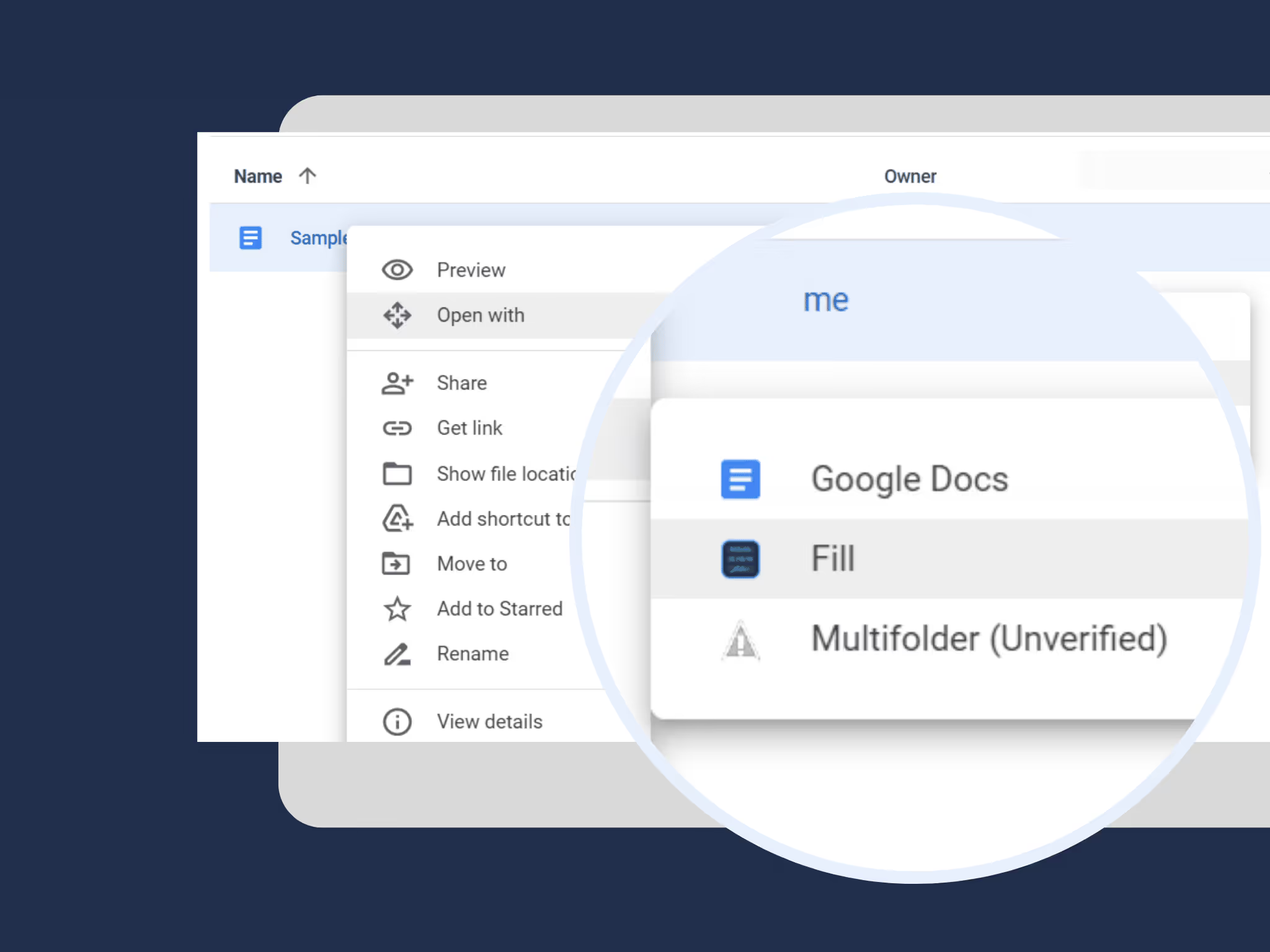
Select any file on Google Drive, choose Open With, and Fill will be on the list of apps.
Securely Request eSignatures within Google Workspace
Fill allows Google Workspace apps to detect unusual login activity and data-sharing behavior intelligently. From two-factor authentication measures to signer identity verification and 256-bit encryption, Fill provides additional security layers for your Google documents.