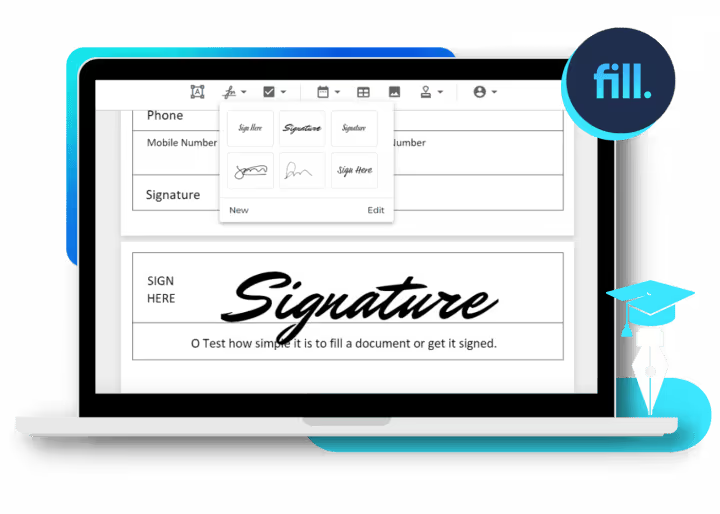
eSignature for education
With our electronic signature solution, teachers can spend less time on paperwork and more time on actual teaching. Find out why Fill is the best app for educators.


The only eSignature app you'll need for digitally signing school records
Digital signatures
Effortlessly collect signatures from teachers, students, and parents. Get important forms signed online to boost productivity and improve student outcomes.
Online forms
Regulatory compliance
Customizable templates
Simplify the creation of forms and documents for students, parents, and teachers. Reuse and autopopulate templates for registration forms and academic documents.
Unlimited storage
Remote access

Fill electronic signature for education use cases

Admission and enrollment

Grades and assessments

Class attendance

Parental consent forms

Information release forms

Staff and teacher onboarding
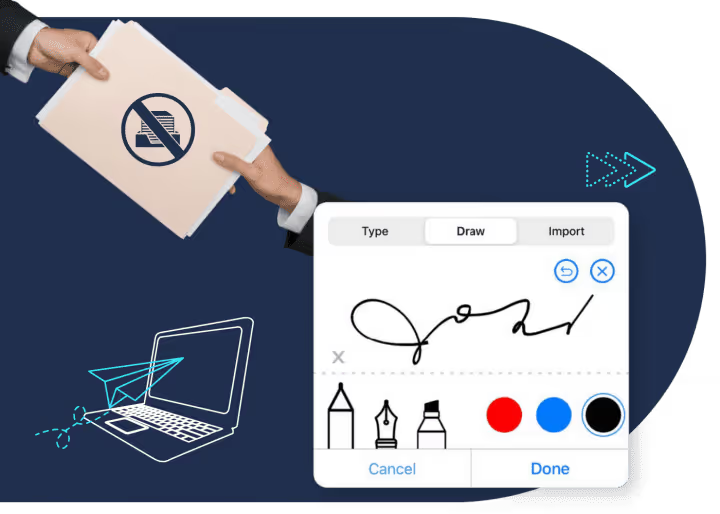
Process documents faster
Fill’s intuitive UI allows schools to go paperless and streamline workflows. Switching to digital documents expedites administrative tasks for educational institutions. Digital forms and eSignatures help prevent delays caused by errors in manual encoding.
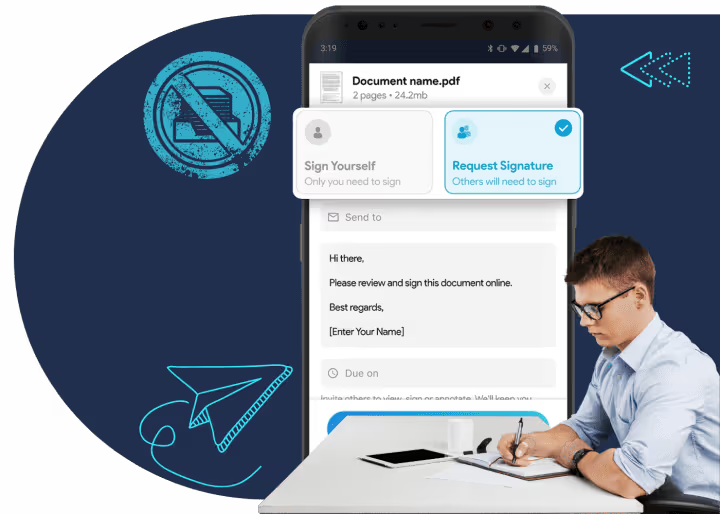
Enhance student experience
Improve the overall quality of learning by providing teachers and students the opportunity to access, sign, and verify their paperwork online. College and university students can also digitally sign forms for enrollment and internships.
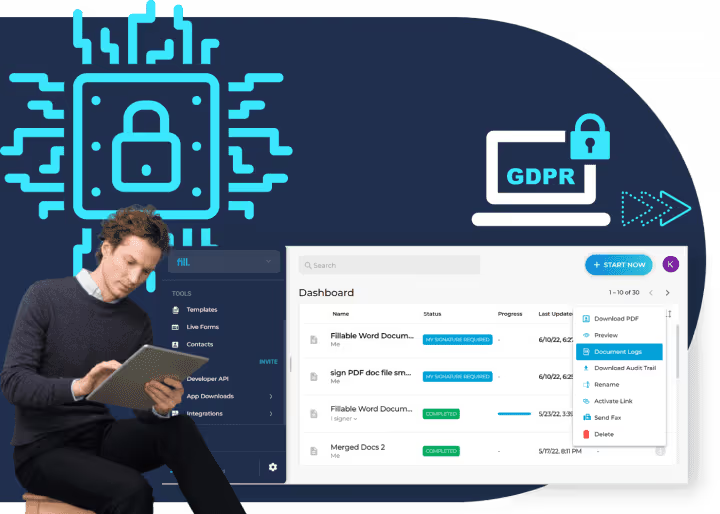
Safeguard educational records
Using Fill to manage digitized academic records helps prevent privacy breaches, identity theft, and data loss. Protect confidential student records and administrative documents with Fill’s cloud backup and 256-bit end-to-end encryption.
What our users say about us

Fill For Every Industry


Frequently Asked Questions
How do I use electronic forms for education?
Academic institutions and educational providers can use digital forms in several ways. They allow your school or university to collect, store, and share data quickly and accurately.
Students can send their applications online and use personal electronic devices to take exams. Teachers can use digital forms for administrative tasks like checking attendance and grading papers. Registrars and other academic staff can get valid signatures for student records and waivers without having to print a single page.
Creating electronic forms for education doesn’t require specialized equipment or coding skills. Fill offers an efficient and secure way to create forms, collect signatures, and edit documents.
Using our app to create forms is easy:
- Subscribe or upgrade to a Fill Pro account.
- On your dashboard, go to Tools and select Online Forms.
- Click Create Form. Follow the on-screen guide and edit the form as needed.
- Drag and drop the fields into their respective places.
- Click Send. For every document submitted, you’ll get notified via email. You can also check its status on the dashboard.
We also have reusable templates that you can customize in minutes. With templates, you can simplify the creation of digital documents while ensuring consistency.
Are student signatures in online school forms legally acceptable?
Yes. In the United States, the E-Sign Act grants legal recognition to electronic signatures, provided that all signatories chose to sign electronically. If your school or university has acknowledged using online forms as legally binding, then your students can affix their digital signatures to documents without any worries.
Before signing any form or request online, check the school’s policies about using esignatures on official documents. Some institutions may not consider esignatures as legally valid, particularly those that still rely on paper-based records management.
Also, there are rules that you need to follow for your electronic signatures to be considered legally binding and enforceable. For example, using a scanned copy of your handwritten signature without encryption and a digital certificate could invalidate your form.
It is strongly recommended that you use a regulatory-compliant esignature service for signing online forms. This way, you know that your academic records and other important documents are safe from forgery or misuse.
Are there additional costs if I want to integrate the Fill API into our current school system?
Yes, you will need to budget for additional fees if you wish to integrate our app with other digital solutions. While Fill offers a free account, integrating our app via API is only possible if you subscribe or upgrade to a monthly or annual Pro subscription. With a Pro account, you get to avail of our API integration and access premium features like Google Sync, live forms, and team accounts.
There’s also the option to use Zapier to connect Fill with an existing LMS, CMS, or productivity app. Doing so will revolutionize the way you execute your administrative tasks. You can expedite student admissions, grading, and registration. Meanwhile, students can rest easy as our app simplifies the process of requesting documents and forms.
If your school or university is interested in using our API for seamless workflow management, you may start with a free trial or reach out to our sales team for a free demo.
What is the best electronic signature for education?
The best electronic signature for education is Fill. Our digital signature software lets you create legally binding signatures using your computer, laptop, or mobile device. It also allows you to store, track, and manage academic documents online. Fill is the ideal electronic signature solution for schools and colleges looking into cost-effective ways to streamline their workflows.
With Fill, collecting email signatures for college students as well as email signatures for teachers requires minimal effort. Connect Fill to Gmail and send documents for signatures with a few clicks of a button. You can even use Zapier to connect our app with other email service providers.
Our mobile-friendly app works on multiple platforms and devices. Teachers and administrative staff can now access and sign school documents directly from their laptops or cell phones. Plus, Fill’s military-grade encryption ensures the safety and legality of digital signatures.
It is, without a doubt, the best document signing app for educators and teachers.
Is Fill’s eSignature platform compliant with education data laws?
Yes. Fill complies with global eSignature laws like the E-Sign Act, UETA, and GDPR, ensuring all student and faculty records remain secure and legally valid.
Can teachers and parents sign documents remotely?
Absolutely. Teachers, parents, and students can sign documents from any device—laptop, tablet, or phone—making it ideal for remote or hybrid learning environments.
What types of school documents can be signed electronically?
You can use eSignatures for enrollment forms, report cards, parental consents, attendance logs, staff onboarding papers, and scholarship applications.
How does Fill ensure the security of student records?
Fill uses 256-bit end-to-end encryption, secure cloud storage, and compliance with privacy standards to protect all academic and administrative data.
