How To Write An Eyeglass Prescription
Discover how to write an eyeglass prescription correctly, including SPH, CYL, Axis, and PD fields. Use Fill’s free optical prescription template to create accurate glasses prescriptions faster.


An accurate eyeglass prescription is essential for clear vision, proper lens fabrication, and patient safety. Whether you’re an optometrist, clinic administrator, or optical provider, knowing how to write an eyeglass prescription correctly ensures compliance and prevents costly errors.
In this guide, you’ll learn what to include in a glasses prescription, how to write one step by step, common mistakes to avoid, and how to speed up documentation using Fill’s free, ready-to-use template.
What Is an Eyeglass Prescription?
An eyeglass prescription (also called a glasses prescription or optical prescription) is a formal medical document issued by a licensed eye care professional. It specifies the lens powers and parameters needed to correct a patient’s vision.
It is used by:
- Optical clinics
- Optometrists and ophthalmologists
- Eyewear retailers
- Lens laboratories
- Patients ordering glasses online
A properly written optical prescription ensures lenses are produced accurately and legally dispensed.
When Do You Need to Write a Glasses Prescription?
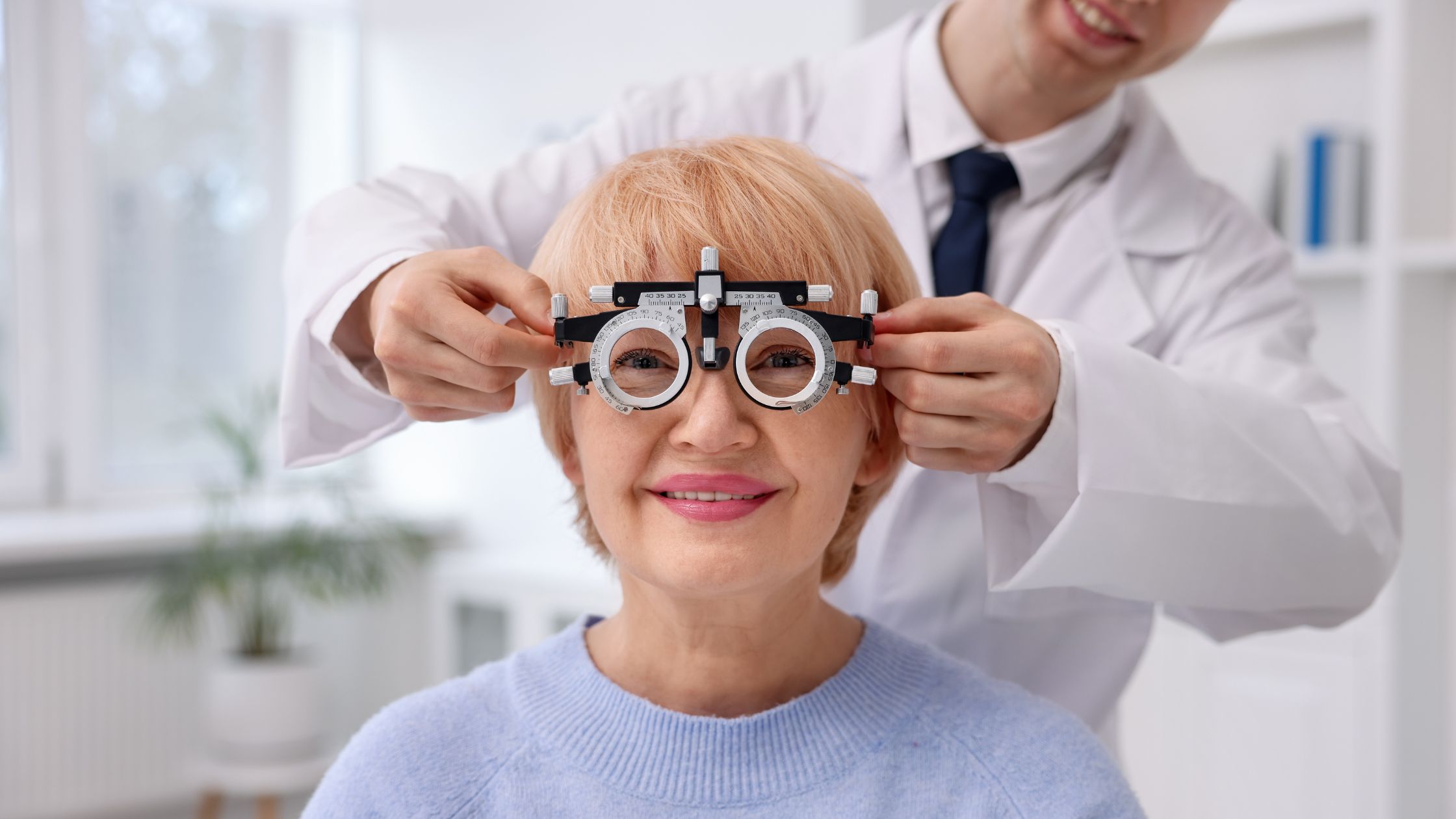
You need to write a glasses prescription after completing a refraction or comprehensive eye exam where corrective lenses are required.
Common scenarios include:
- New vision correction diagnosis
- Prescription updates after annual exams
- Replacement glasses orders
- Specialty lens prescriptions (reading, bifocal, progressive)
- Occupational or task-specific eyewear
Key Elements of an Optical Prescription
Before learning how to write an eyeglass prescription, make sure you understand the standard components.
Patient Information
- Full name
- Date of birth
- Exam date
- Record or patient ID (if applicable)
Lens Power Values
Typically written separately for each eye:
- OD – Right eye
- OS – Left eye
- OU – Both eyes (when applicable)
With these measurements:
- Sphere (SPH)
- Cylinder (CYL)
- Axis
- Add power (for bifocals/progressives)
- Prism (if required)
Additional Details
- Pupillary distance (PD)
- Lens type recommendations
- Expiration date
- Provider name and license number
- Signature
How to Write an Eyeglass Prescription (Step-by-Step)
Follow this structured approach to write a complete and usable eyeglass prescription.
Step 1 — Record Patient Details
Start with identifying information at the top of the document:
- Patient full legal name
- Date of exam
- Date of birth
- Clinic name and contact details
Accurate identification prevents dispensing errors.
Step 2 — Label Each Eye Correctly
Use standard abbreviations:
- OD — right eye
- OS — left eye
Never rely on “right/left” alone in a formal glasses prescription — OD/OS is the accepted clinical format.
Step 3 — Enter Sphere (SPH) Values
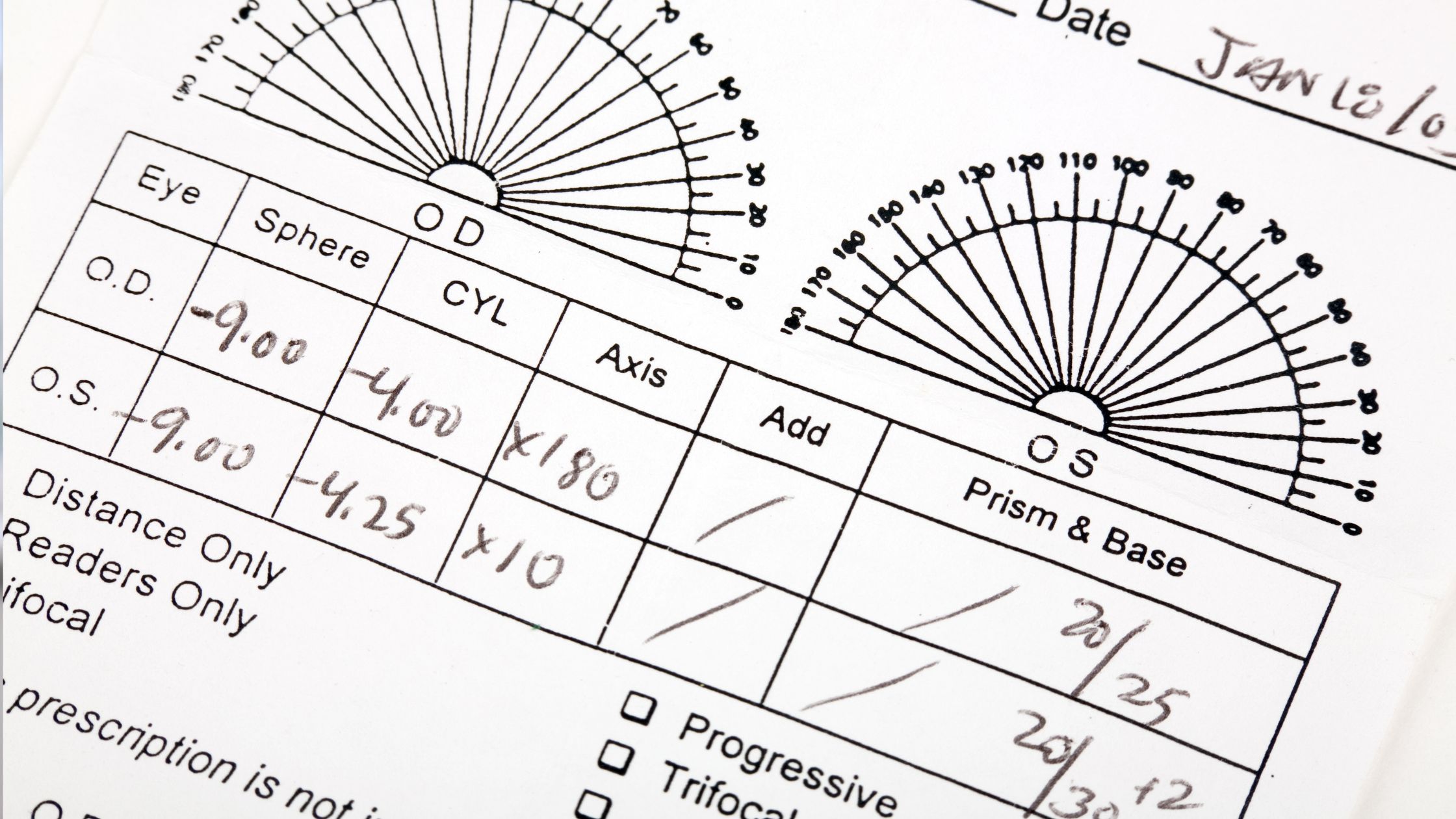
Sphere indicates the main lens power.
- Negative (–) values = myopia (nearsightedness)
- Positive (+) values = hyperopia (farsightedness)
Example:
OD: -2.25OS: -1.75
Step 4 — Add Cylinder (CYL) and Axis (If Astigmatism Exists)
If the patient has astigmatism, include:
- CYL — cylinder power
- Axis — orientation (0–180 degrees)
Example:
OD: -2.25 -0.75 x 180OS: -1.75 -0.50 x 170
If there is no astigmatism, CYL and Axis may be marked as “DS” (diopters sphere) or left blank per clinic standards.
Step 5 — Include ADD Power (If Needed)
For bifocal or progressive lenses, include ADD power for near vision.
Example:
ADD: +2.00
This is typically the same for both eyes but should still be documented clearly.
Step 6 — Record Pupillary Distance (PD)
PD measures the distance between pupils and ensures lenses are centered correctly.
You may record:
- Single PD (e.g., 63 mm)
- Dual PD (e.g., 31/32 mm)
Some providers include PD on the optical prescription; others document it separately depending on regulations.
Step 7 — Add Expiration Date
Most regions require prescriptions to include an expiration date.
Common validity:
- 1–2 years depending on local rules and patient condition
Always include this to keep the eyeglass prescription compliant.
Step 8 — Provider Information and Signature
Finish the glasses prescription with:
- Provider name
- License number
- Signature
- Clinic stamp (if used)
Unsigned prescriptions may be rejected by labs or retailers.

Common Mistakes When Writing a Glasses Prescription
Avoid these frequent errors when preparing an optical prescription:
- Missing axis with cylinder values
- Mixing up OD and OS
- No expiration date
- Missing provider license details
- Illegible handwriting
- Incomplete patient identifiers
Using a standardized digital template greatly reduces these risks.
Paper vs Digital Optical Prescriptions
Many clinics now use digital prescriptions instead of handwritten ones because they are:
- Easier to read
- Faster to complete
- Simple to share securely
- Easier to store and retrieve
- Better for audit and compliance records
Digital forms also support eSignatures and structured fields, reducing data entry mistakes.
Create an Eyeglass Prescription Faster with Fill’s Free Template
Writing an eyeglass prescription manually each time can slow down your workflow and increase the risk of omissions. A structured template ensures every required field is included and properly formatted — from lens values to provider credentials.
Fill’s free eyeglass prescription template helps clinics and providers generate professional, compliant documents in minutes instead of drafting from scratch.
With Fill, you can:
- Use a ready-made eyeglass prescription template
- Enter SPH, CYL, Axis, ADD, and PD in structured fields
- Add patient and provider details
- eSign securely
- Send prescriptions instantly
- Store records in one organized workspace
Skip manual formatting and reduce errors. Download Fill’s free eyeglass prescription template and create accurate optical prescriptions with confidence.