Delete pages from a PDF online
How to delete pages from a PDF

Upload

Remove

Save

Securely Upload Your Files
Your files are safely uploaded over a 256-bit encrypted channel and deleted once you have completed and downloaded the modifications. This way, we can prioritize the confidentiality of your documents throughout the process of deleting PDF pages.
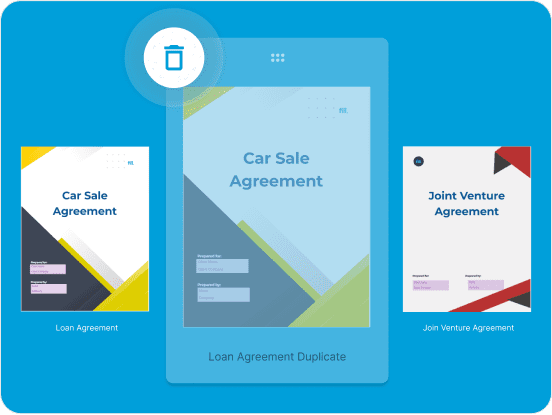
Quickly Resolve Errors
Rectify any mistakes, errors, or duplicate pages within your PDF documents easily. Our Fill tool allows you to delete pages seamlessly, ensuring the accuracy and clarity of your documents.
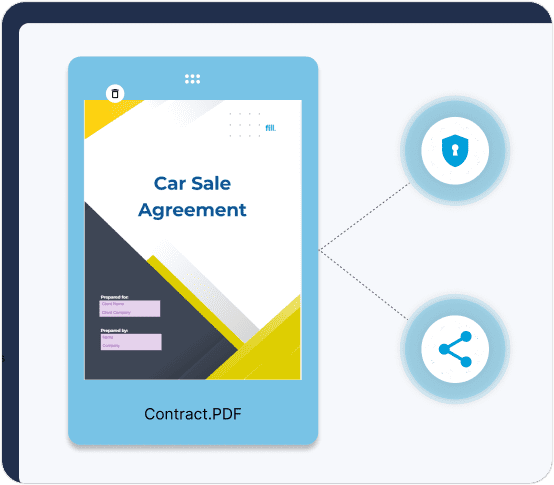
Maintain File Confidentiality
Safeguard official documents by creating a version of the PDF file with deleted pages containing sensitive content. This way, you prevent unauthorized access when sharing documents or collaborating with partners.
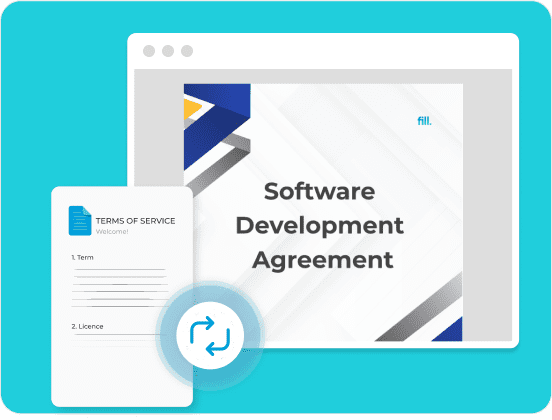
Streamline Content Revision
Simplify the process of updating legal documents, contract revisions, or agreements by swiftly removing outdated terms or clauses. Our platform allows you to make precise adjustments while maintaining document integrity.
Frequently Asked Questions
To delete pages in a preview, preview the PDF pages on the Fill tool.
This way, you can simply press the “x” icon to remove the unwanted pages and save your new PDF modifications.
- If you want to remove pages in a PDF without having to use Adobe Acrobat, try using Fill.
- With Fill you do not need to submit your information or download and install any software.
- Simply open the Fill tool on any browser of your choice and remove the unwanted pages in your PDF.
