Convert BMP to PDF
How to convert BMP to PDF
Change your file format from .BMP to PDF in these simple steps

Upload

Arrange

Save
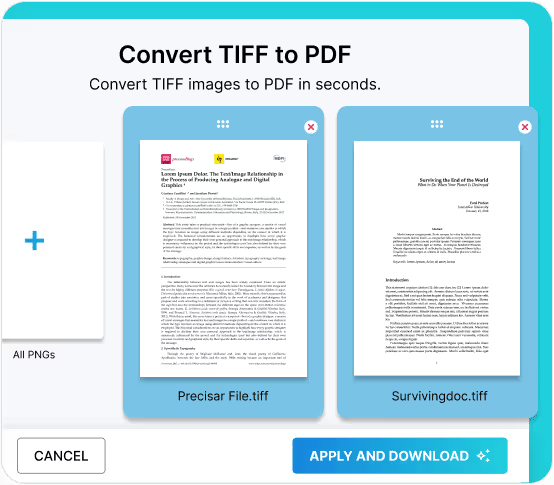
Online BMP to PDF Converter
Convert your bitmap images into portable documents effortlessly with Fill. No need for software installation or time-consuming sign-ups. Just upload your BMP file, convert it to PDF, and save it to your device.
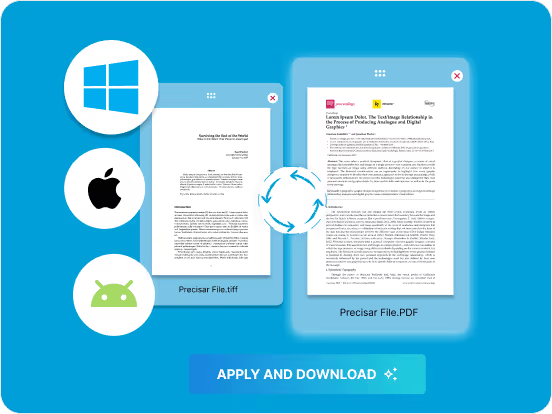
High Quality Conversions
When you convert your BMP to PDF format using Fill, your document maintains its quality. Fill ensures that the high quality of your BMP images remains intact throughout the conversion process.
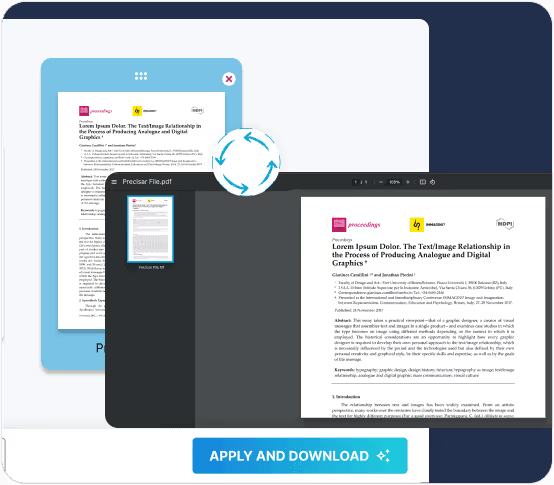
Device & Browser Friendly
Fill’s BMP to PDF converter is compatible with all devices and operating systems. Using any web browser, you can easily convert your BMP images to PDF on Windows, Mac, Android, and iOS devices, making it a quick and easy process.
Frequently Asked Questions
How to convert BMP to PDF format?
Convert BMP to PDF in these easy steps.
- Open the Fill BMP to PDF converter.
- Upload the BMP file(s) you want to convert
- Organise the BMP images in the order you want your PDF pages to appear.
- Once satisfied, click Apply and Download
Your converted file is now saved on your downloads folder in your device.
Is Fill a free BMP to PDF converter?
- Yes, Fill is a free BMP to PDF converter.
- Simply upload your file and convert your BMP to PDF without signing up or downloading any app.
- Convert your BMP to PDF for free on any browser.
