Fill for HubSpot integration
Sign, track, and manage documents directly from HubSpot. No coding skills required. Fill is all you need.Start Free

Close and follow up sales without the hassle
Streamline the sales process by integrating our electronic signature app into your HubSpot CRM. See how it works.
How to set up Fill for HubSpot integration

Log in to HubSpot

Go to Fill Dashboard

Connect and done
Workflow integration made easy

A cost-effective way to optimize your sales process
Help your team sell smarter and faster. Get deals signed faster while managing everything in one platform. Maximize profits by boosting efficiency through real-time document tracking and task automation.


Give your business the competitive advantage
Accelerate business growth with streamlined and customer-friendly workflows. Stay ahead of the competition by making the most out of what Fill and HubSpot can offer.
What our users say about us

Fill For Every Industry


Frequently Asked Questions
Connecting Fill to HubSpot simplifies the way you sign and manage paperwork. Instead of spending hours printing and scanning, your team can focus on high-priority tasks. There’s no need to play catch-up with overdue requests and delayed reporting. Everything you need to automate and expedite your sales process is instantly accessible from within HubSpot.
Fill’s HubSpot integration also lets you comply with industry guidelines and federal regulations. Since electronic records come with potential risks like identity fraud and cyber attacks, our esignature app helps mitigate these concerns by making your digitized signatures tamper-proof and legally binding.
Consolidating documents in one CRM platform lets you track and monitor activities using sophisticated tools like audit trails and version histories. Our esignature software also uses end-to-end 256-bit encryption to safeguard information.
Integration is possible when you have a Pro plan on Fill. It doesn’t matter whether your subscription is monthly or annual. As long as you’re on Fill’s Pro plan, you can connect our esignature app to this cloud-based CRM. Doing so will let you sign, track, and manage contracts in one app. You can also leverage other business tools to boost productivity and generate more sales. Signing up for a paid subscription also comes with a 30-day money-back guarantee.
If you don’t have a paid account, you can still avail of our free 7-day Pro trial. During this period, you can access the integration feature and use it however you want. To start a free trial, you must sign up and provide your credit card details or banking information. Be sure to cancel the free trial at least 48 hours before it ends to avoid automatic renewals and recurring payments.
No, there’s no extra cost for this feature. Other than being a paid Pro user, Fill doesn’t ask for any additional fee or setup charges when you integrate with HubSpot. Integration is also possible without any specific device requirements. Since everything is cloud-based and paperless, you can save on operating costs, including printing expenses.
Once you’ve connected HubSpot to our electronic signature app, you’re all set to sign and send esignature requests using any laptop, cell phone, or tablet.
Here’s a detailed guide on how to connect this cloud-based CRM platform with Fill:
- Log in to your HubSpot account.
- Log in to Fill. You need to log in as a Pro user. Otherwise, the integration process won’t work.
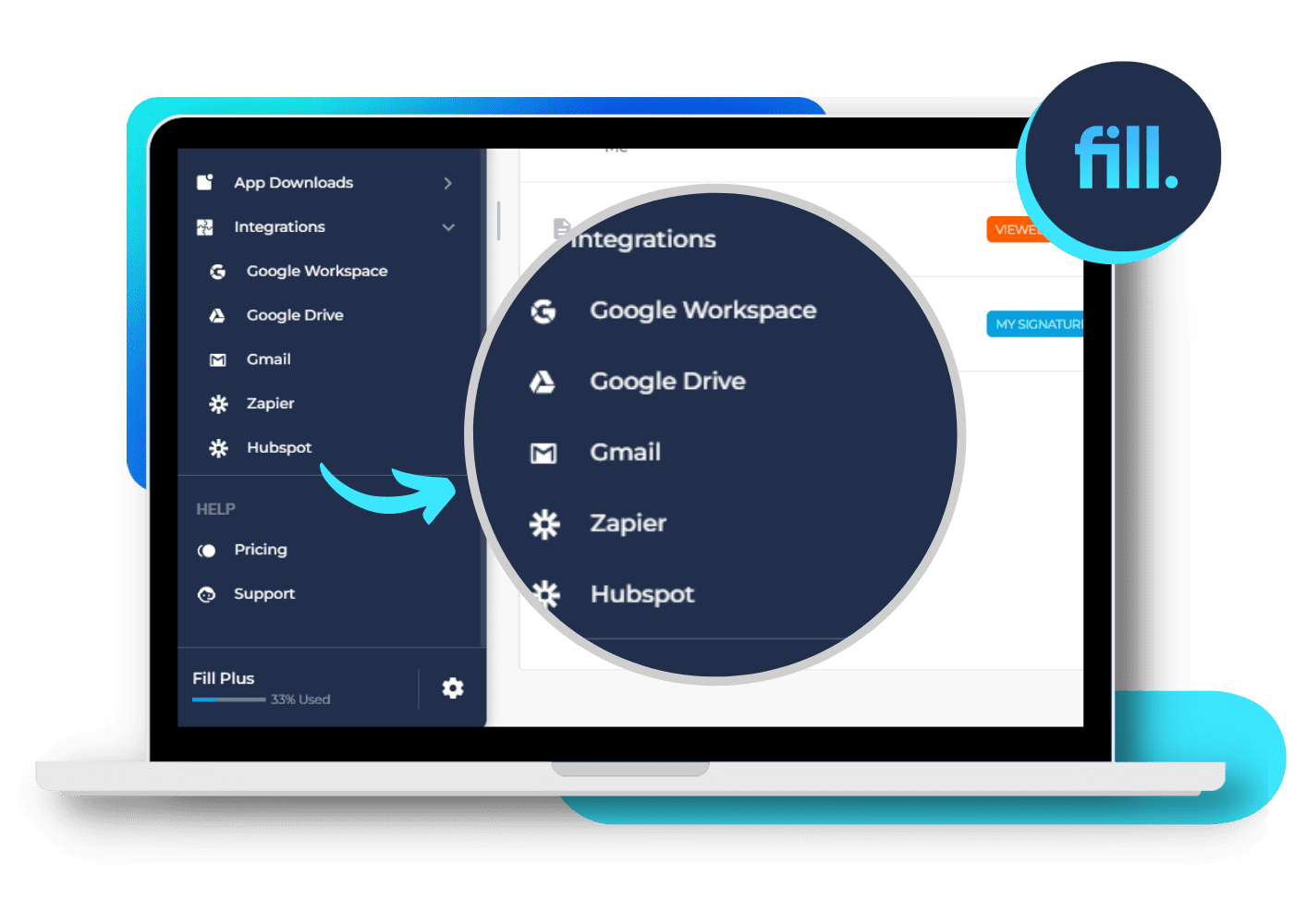
- On your Fill dashboard, go to Tools > Integrations. You can see this menu on the left side of the main window.
- Under Integrations, choose HubSpot. Doing so will open a new window or a new tab.
- On the new window, click Grant Access. Once confirmed, go back to your CRM dashboard. View your contact list and select any contact. The Fill module should appear on the right side of the screen.
To get a free demo of our HubSpot integration, you may get in touch with our dedicated account managers via live chat, email, or phone.
