













Secure to the core
We actively protect your data with industry-standard encryption, regular security audits, and robust disaster recovery plans.

As a nonprofit, cost-effectiveness is crucial. Fill allows us to collect signatures for grant applications and volunteer agreements without expensive overhead. It’s affordable, reliable, and has become an essential tool for our organization.
Compliance and security are top priorities in our industry. Fill not only ensures documents are encrypted and secure but also gives us an easy audit trail for regulatory requirements. It’s the perfect balance of security and simplicity.

We rely on Fill to manage enrollment forms and permission slips. Parents appreciate the convenience of signing digitally, and our staff saves hours of paperwork each week. It has simplified communication between our school and families.

Real estate contracts are time-sensitive, and Fill helps us move faster. Our agents can send, sign, and close deals from anywhere, which has made our transactions seamless. The unlimited eSignature requests are a game-changer for our growing team.

Fill has streamlined how we handle patient consent forms and treatment plans. The HIPAA-compliant eSignatures give both our team and our patients peace of mind. It’s quick, secure, and a huge improvement over paper-based processes.

Fill has been very user-friendly for both our staff and clients as they get accustomed to the program. I appreciate the prompts that provide estimated completion times for documents. The ability to create document templates has also been a helpful and easy addition to our workflow. Whenever I have questions or need support, the team responds quickly and is always ready to assist.
Why Fill for Healthcare?
Patient
Create convenient, patient-friendly signing experiences that build trust and satisfaction.
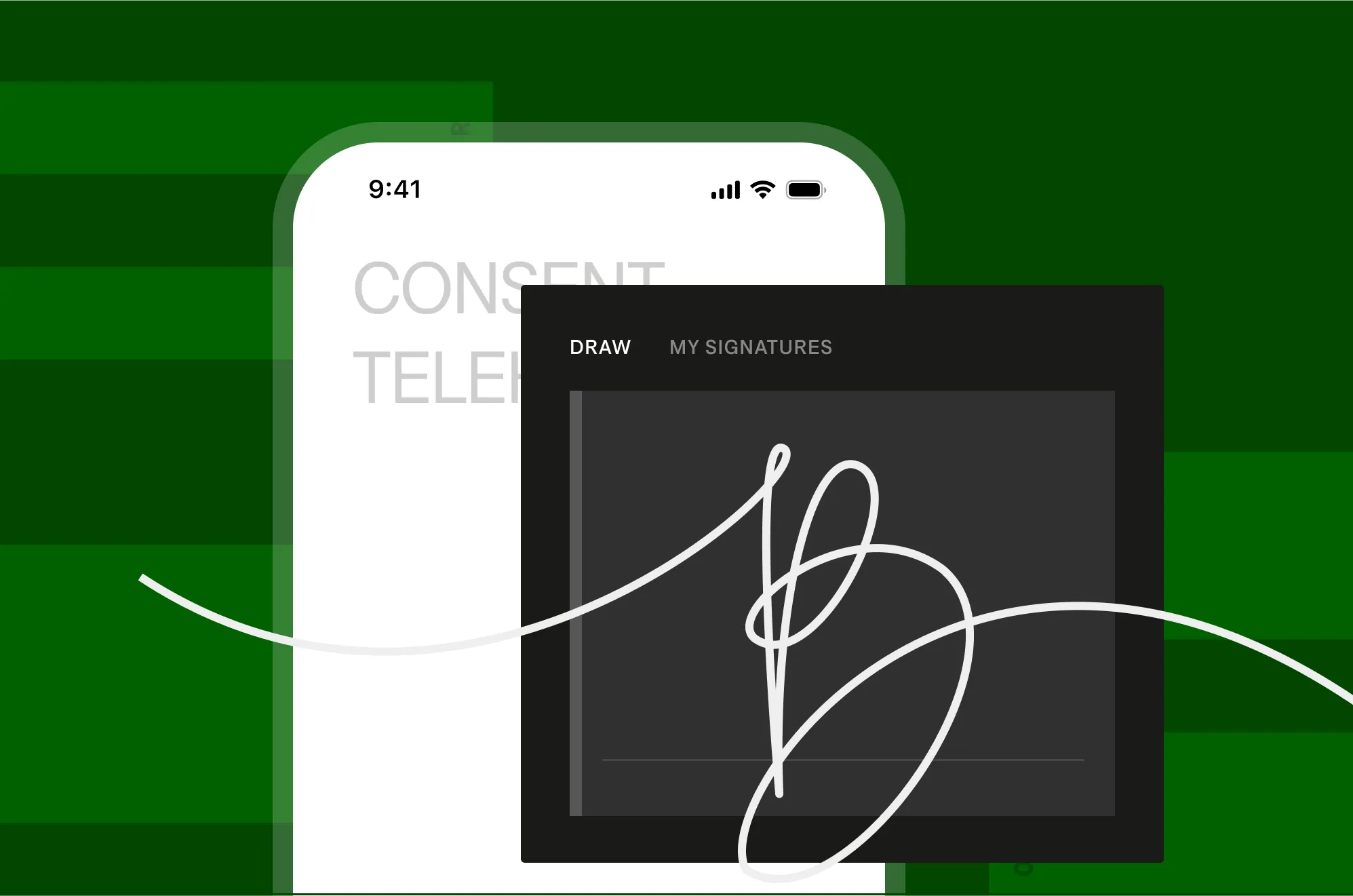
Sign in on any device
Collect signatures from patients on phones, tablets, or desktops no account needed. Ensure accessibility for all, anytime, anywhere.
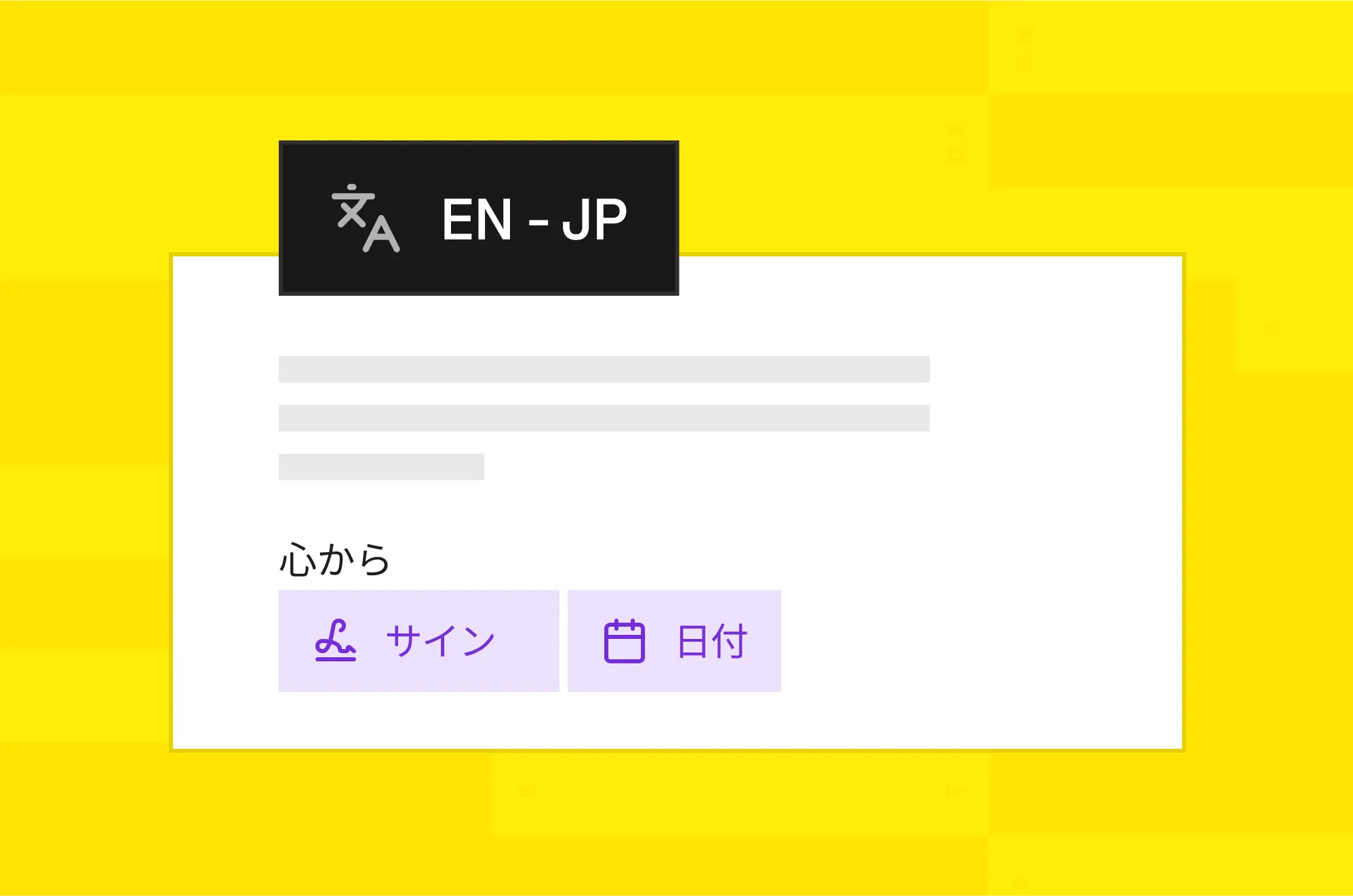
Support Multiple Languages
Offer forms in various languages to serve diverse patient populations. Make signing intuitive and inclusive.
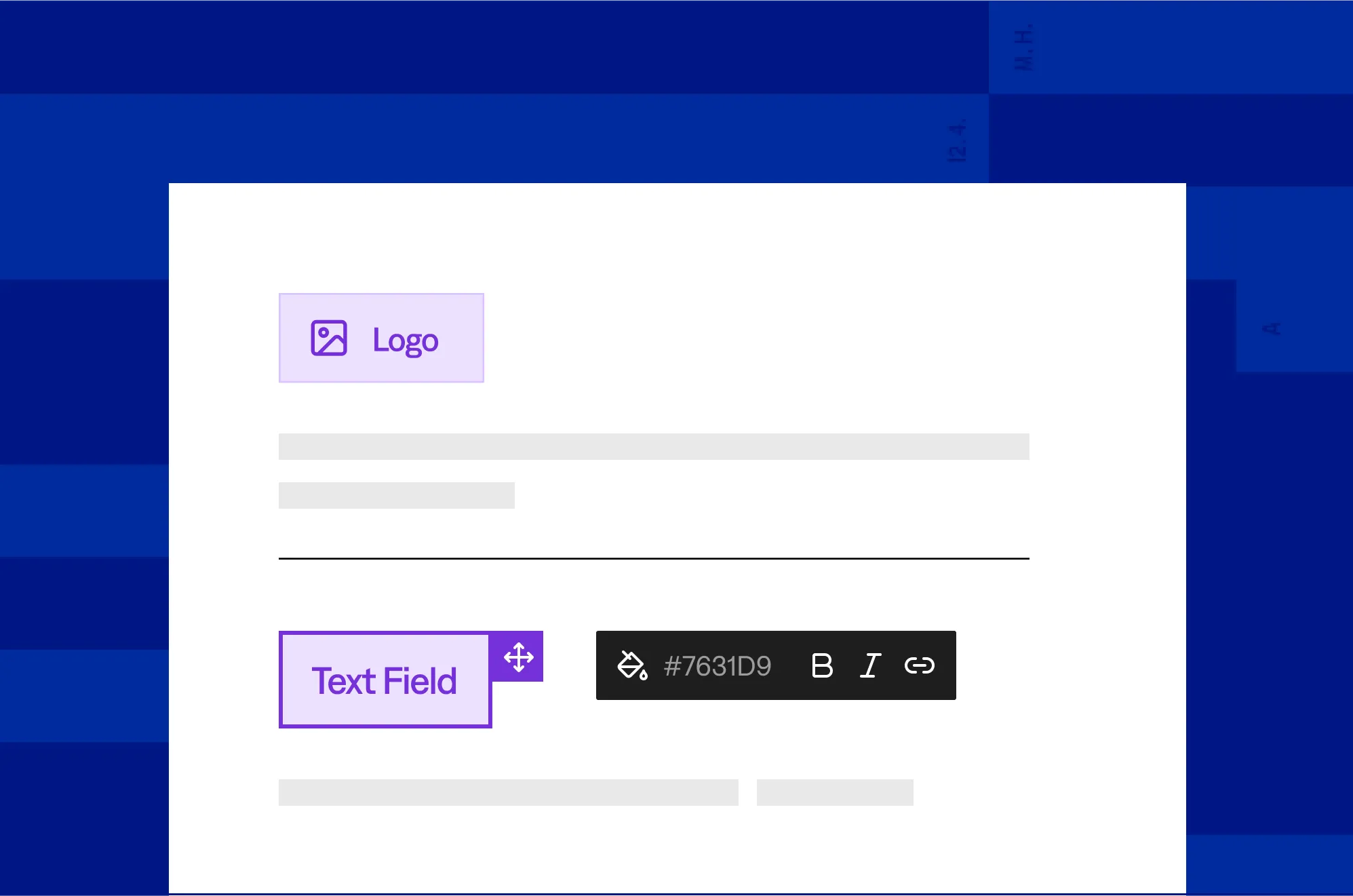
Apply custom branding
Add your logo and colors to forms. Deliver a professional, consistent experience that reflects your practice.
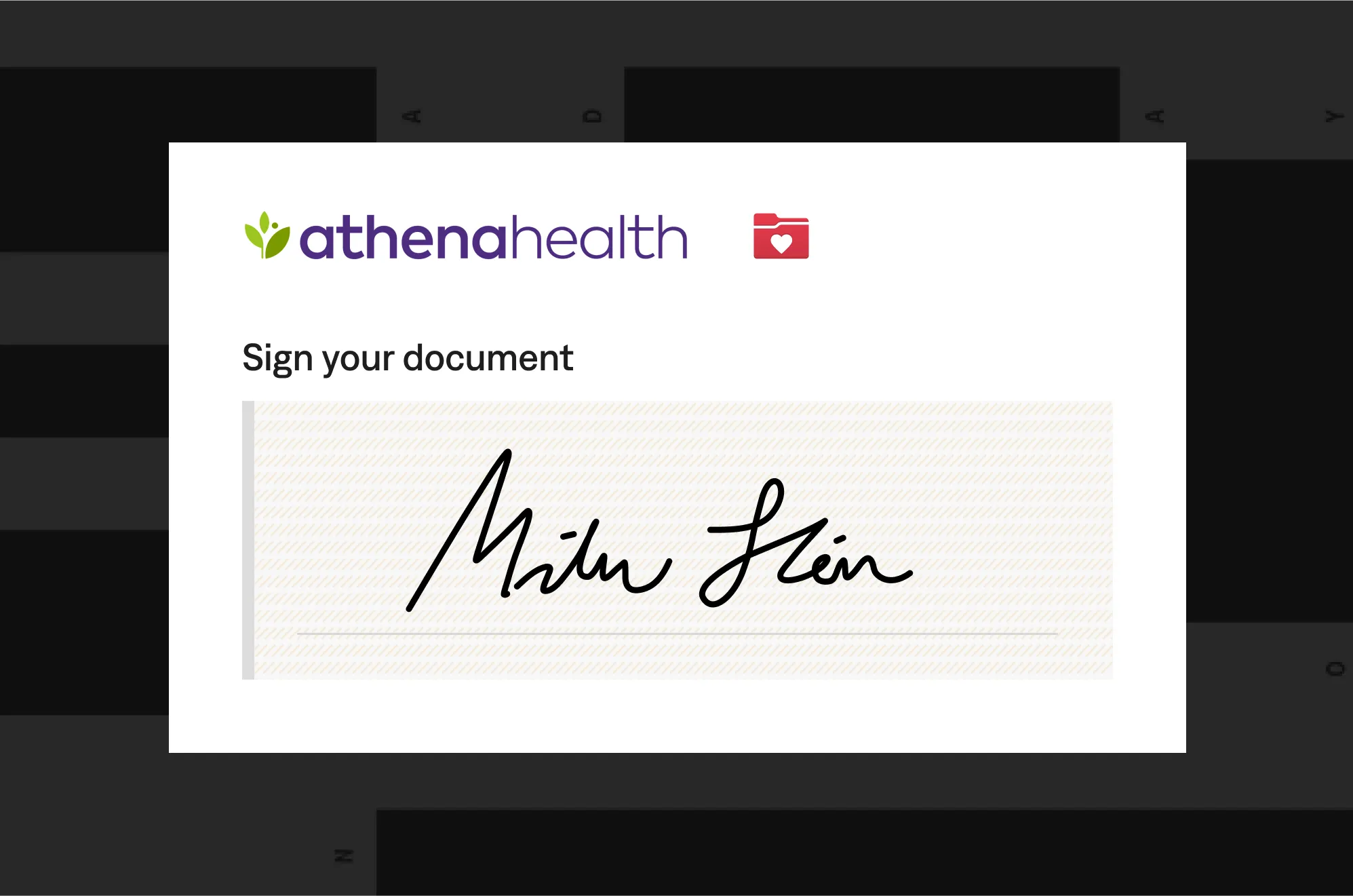
Integrate with Patient Portals
Embed eSignatures in portals like MyChart or Athenahealth. Allow patients to sign within familiar platforms, reducing steps.
Staff
Create convenient, patient-friendly signing experiences that build trust and satisfaction.
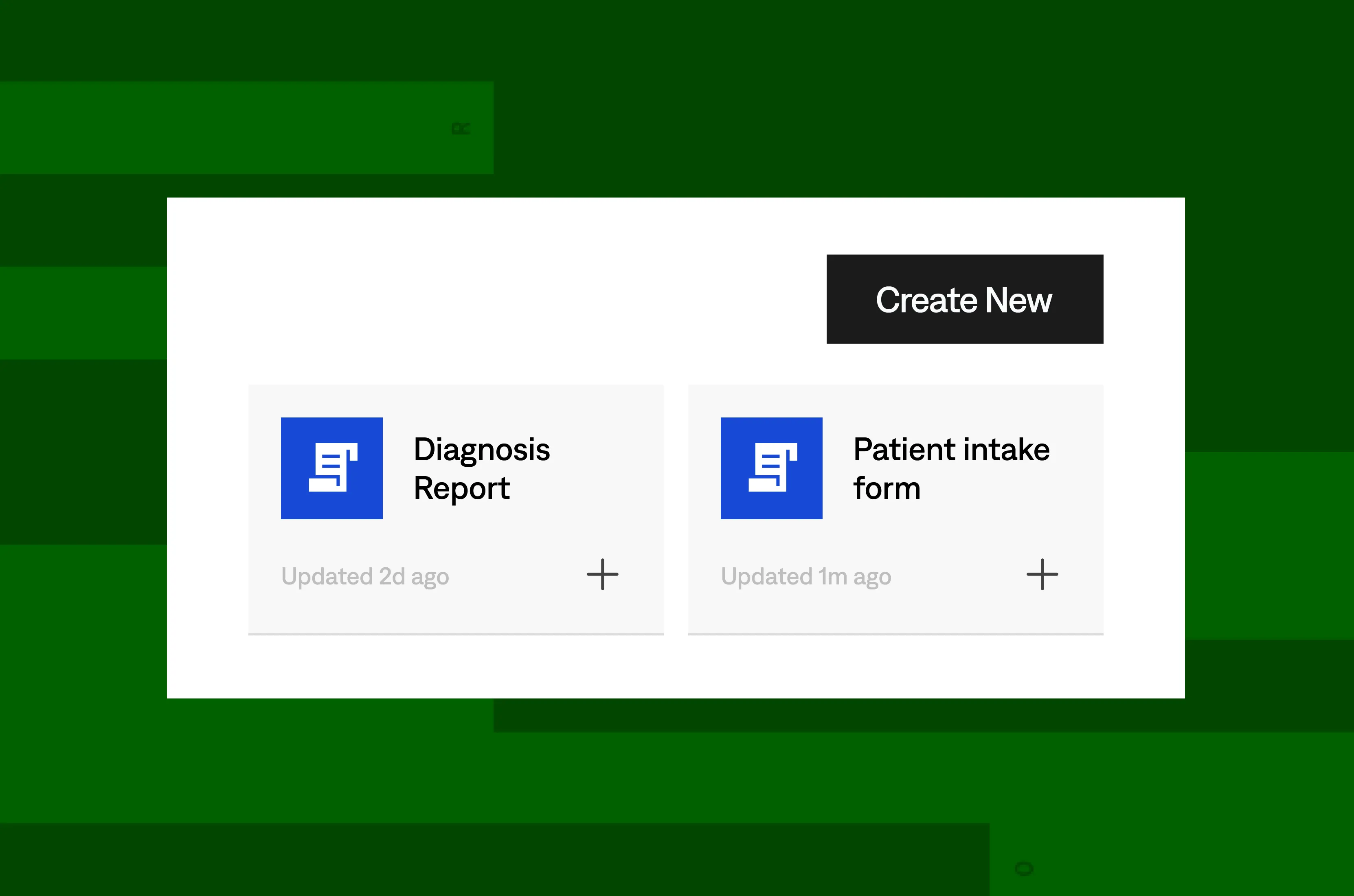
Reusable Templates
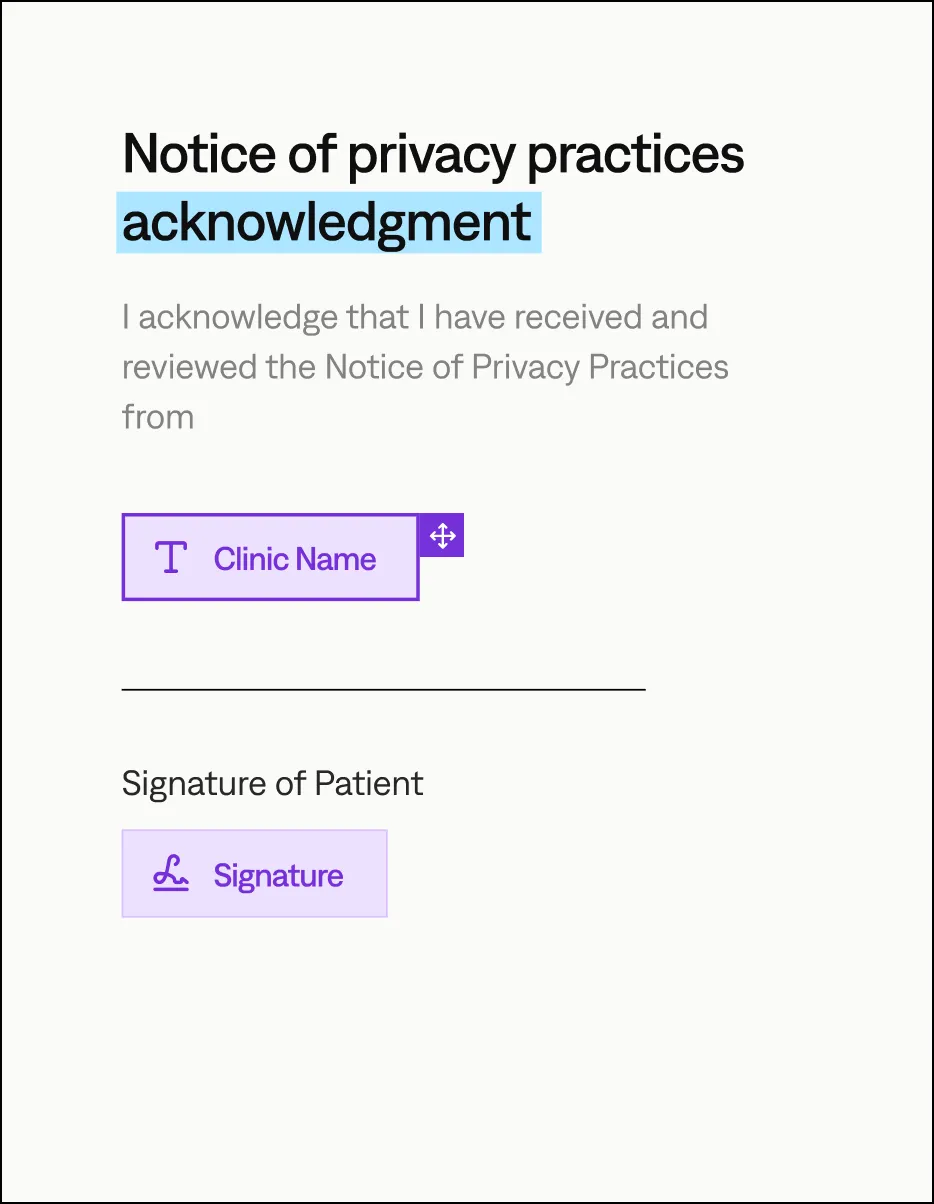
Store templates for consents, intakes, or prescriptions. Prepare forms in seconds, cutting repetitive work.
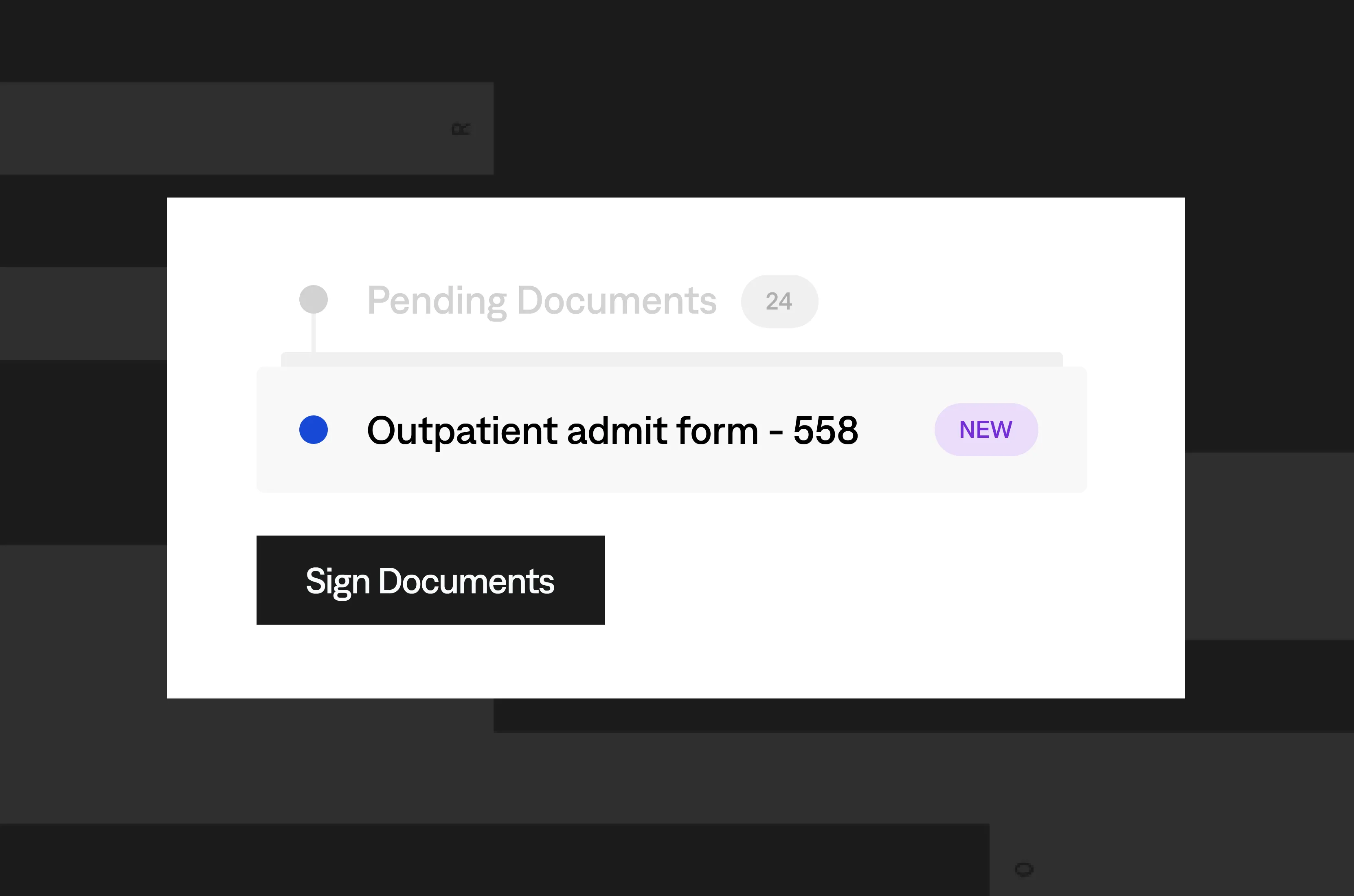
Batch Signing
Process multiple forms at once, like annual consents or staff certifications, to handle high-volume tasks efficiently.
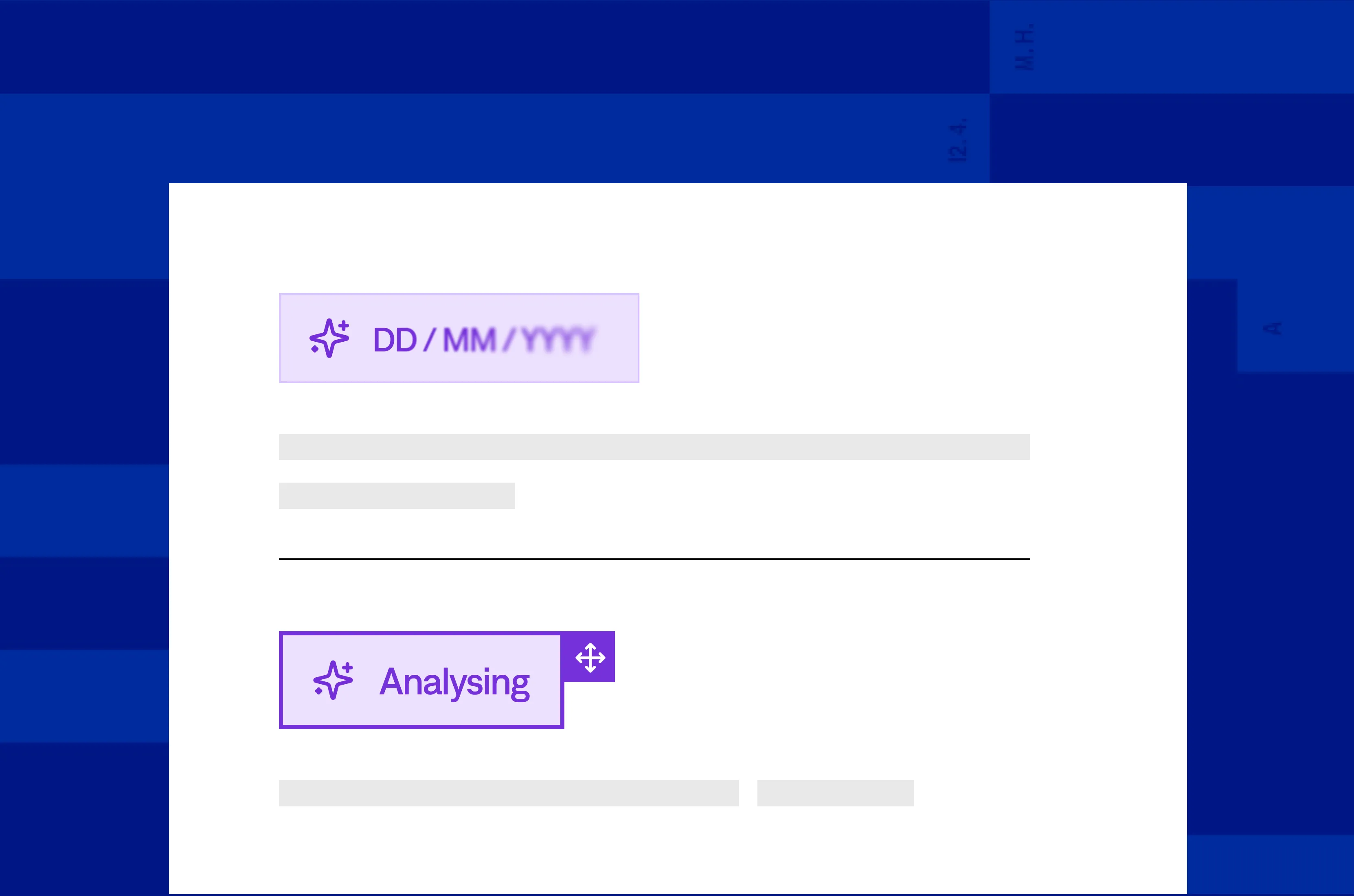
AI-Powered Field Detection
Automatically place signature, text, or checkbox fields with precision. Minimize manual setup and speed up document preparation.
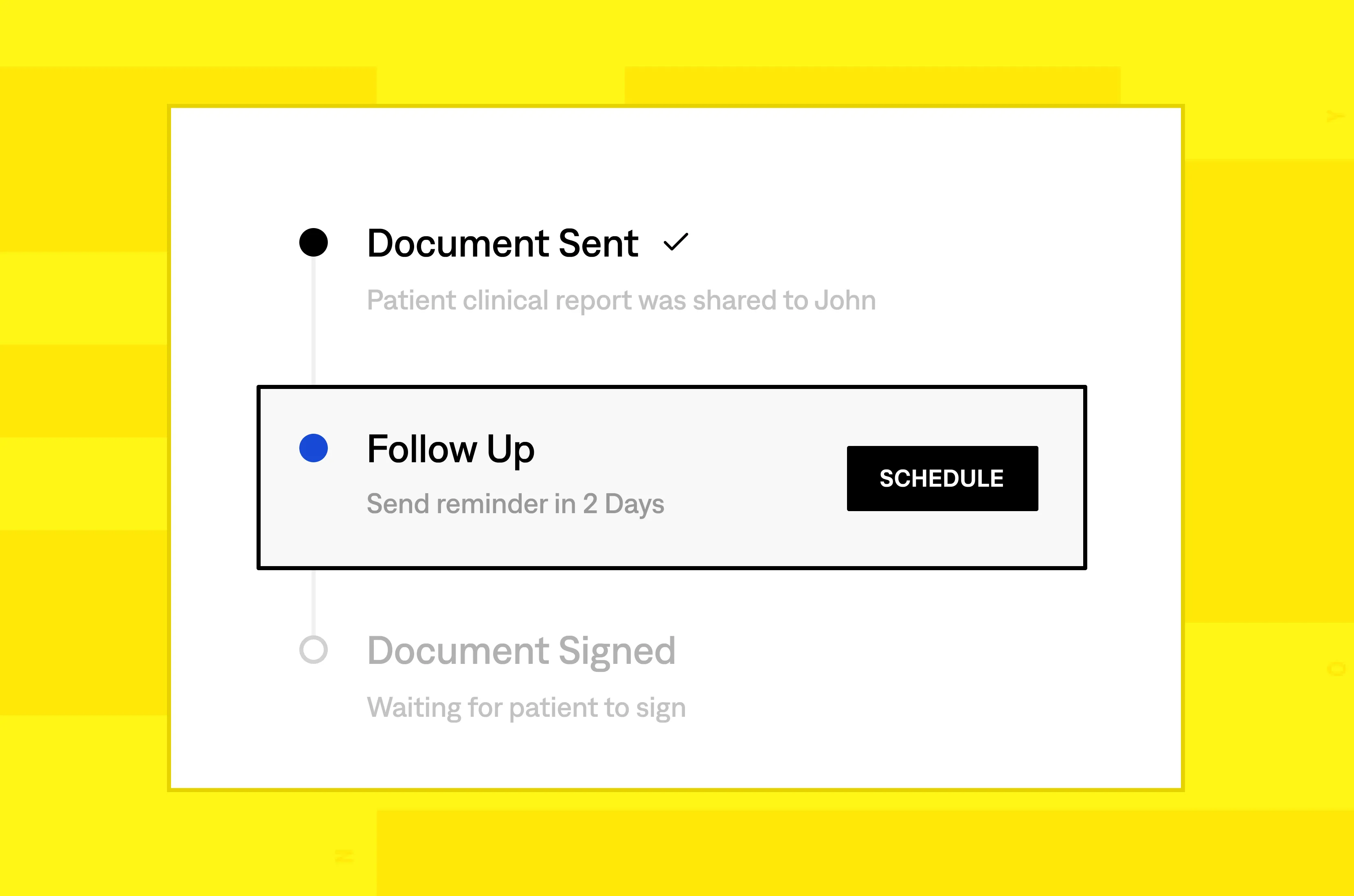
Automated Reminders
Send customizable nudges to patients or staff for pending signatures. Ensure timely completion without manual follow-ups.
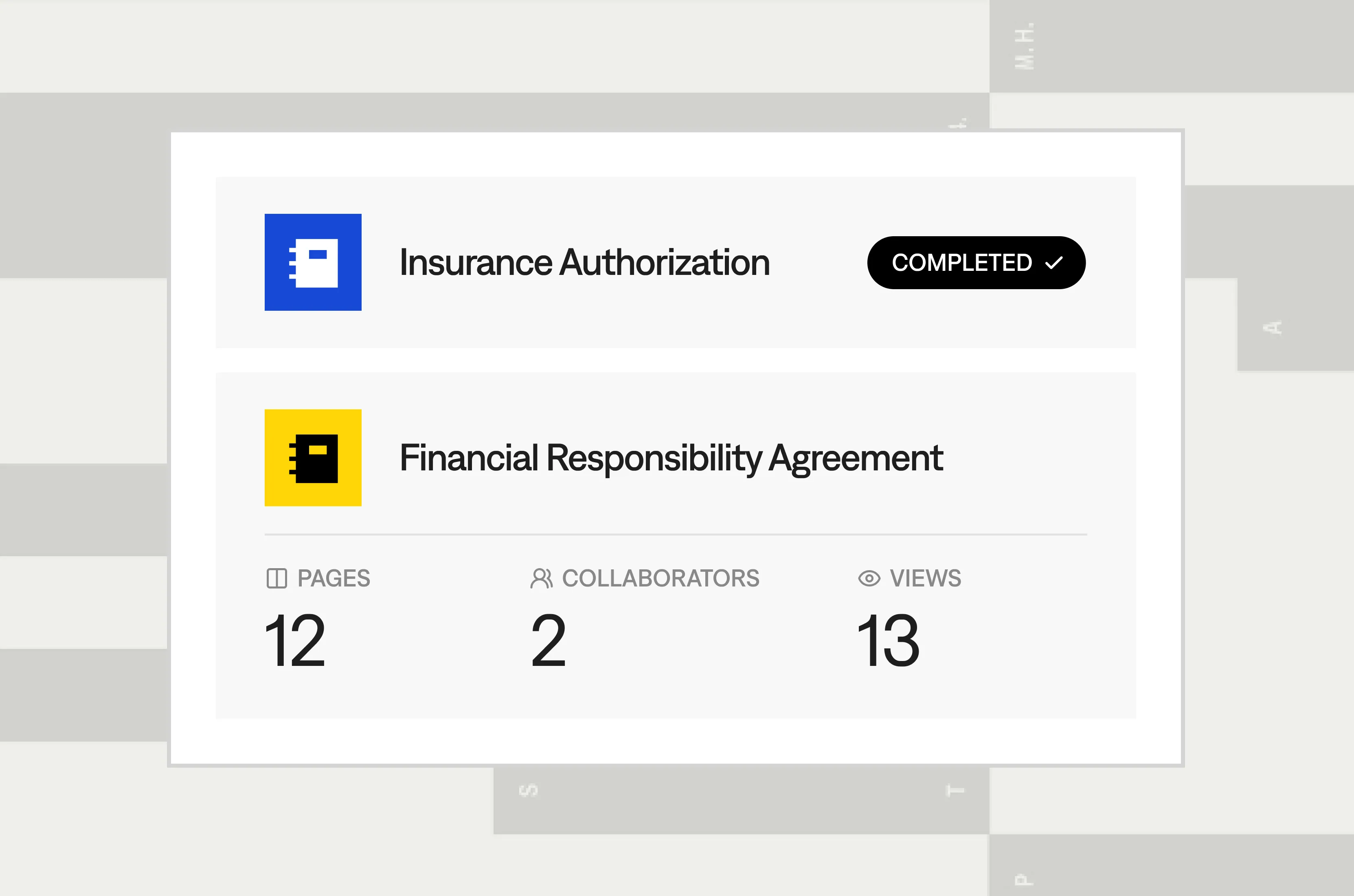
Real-Time Status Tracking
Check which documents are viewed, signed, or pending with instant notifications. Stay on top of workflows without chasing updates.
Ensure HIPAA Compliance

Frequently asked questions
Can Fill sync with our EHR system?
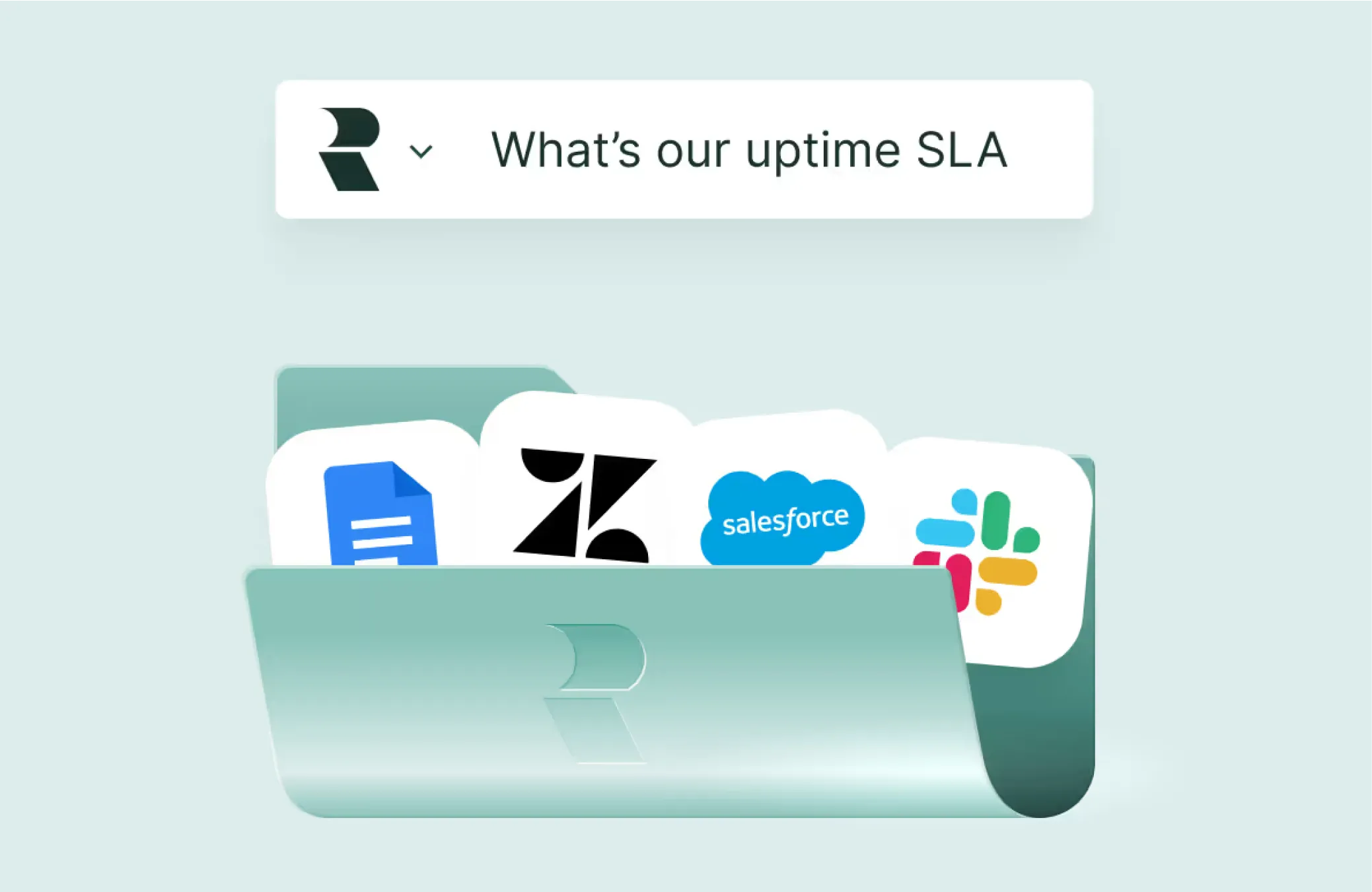
Yes. Connect Fill to Epic, Cerner, or Allscripts via API. Sync signed documents into patient records, eliminating duplicate data entry for seamless workflows.
How does Fill verify patient identities for sensitive forms?
Fill uses multi-factor authentication to confirm authorized signers. Ensure HIPAA-compliant security for consents, prescriptions, and other sensitive documents.
Can I create reusable templates for healthcare forms?
Absolutely. Build templates for consents, intakes, or prescriptions. Prepare forms in seconds, ensuring consistency and speeding up high-volume workflows.
Does Fill comply with global eSignature laws?
Yes. Fill meets ESIGN, eIDAS, and UETA standards, ensuring your eSignatures are legally binding worldwide. Sign with confidence across jurisdictions.
How does Fill provide real-time document tracking?
Track document status instantly with Fill’s real-time updates. See when forms are viewed, signed, or pending, keeping workflows on track effortlessly.
Can I brand email notifications for patients?
Yes. Add your logo, colors, and messaging to email notifications. Deliver a professional, branded experience that builds patient trust.
Does Fill offer secure cloud storage for documents?
Yes. Store documents securely with Fill’s HIPAA-compliant cloud storage. Access signed forms anytime while protecting patient data with robust security.
Can I customize templates for frequent use?
Definitely. Create customizable templates for patient forms or contracts. Streamline repetitive tasks and maintain a consistent, professional look.
How does Fill ensure data security?
Fill secures documents with 256-bit AES encryption during transmission and storage. Protect patient data with military-grade safeguards at every step.
Can I customize templates for frequent use?
Definitely. Create customizable templates for patient forms or contracts. Streamline repetitive tasks and maintain a consistent, professional look.