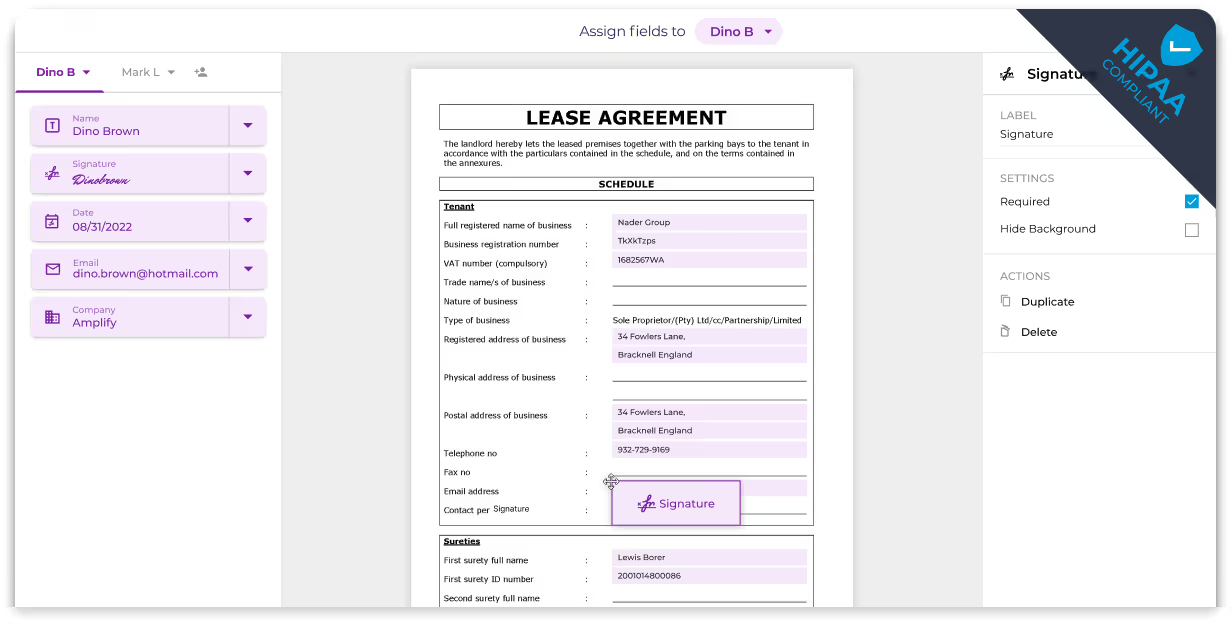
Access a Suite of Workflow Tools with HIPAA Compliant Zapier Integration
Integrate a range of workflow tools seamlessly on one platform through Fill’s Zapier integration. Automate repetitive tasks and seamlessly incorporate document signing, sender reminders, and contract status monitoring into your workflow without opening the Fill app separately.
How to setup Fill to Zapier integration

Access
Log in to your Fill dashboard, go to Integrations & API, and select Zapier. Also, make sure you are signed in to your Zapier account.

Integrate
Go to Fill’s Zapier app page and choose an app to integrate with Fill. Then, select the action you want to trigger for a specific event.

Test & Save
Test your automation and once you’ve confirmed that it’s functioning properly, you can deploy the automation and let it run automatically.
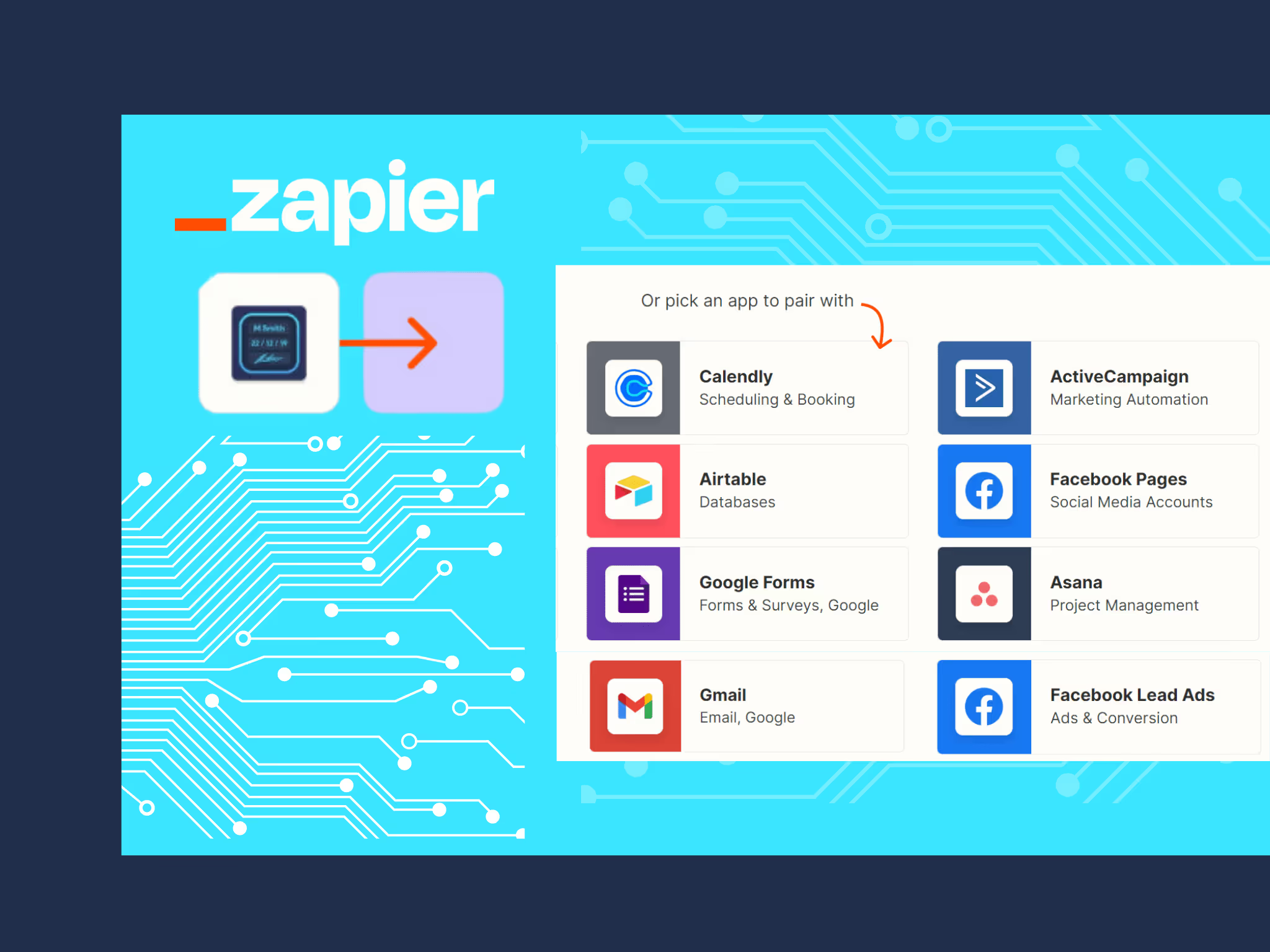
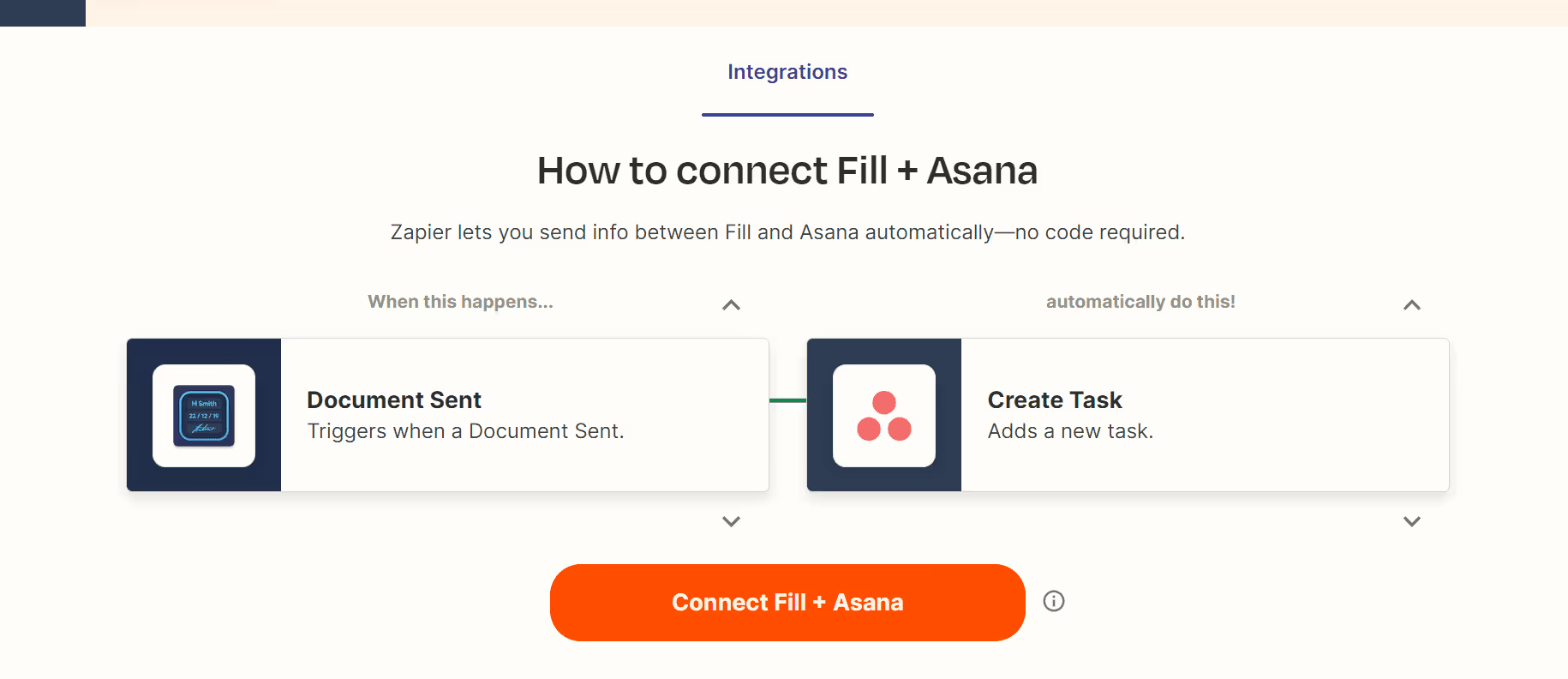

Smart Document Routing Made Simple with Zapier Integration
Streamline approval workflows effortlessly with automated routing to the designated stakeholders. Eliminate manual intervention, freeing up valuable time for crucial tasks. Leverage Zapier integration to expedite document creation and signature requests, elevating customer satisfaction and fostering quicker decision-making and collaborative efforts.
