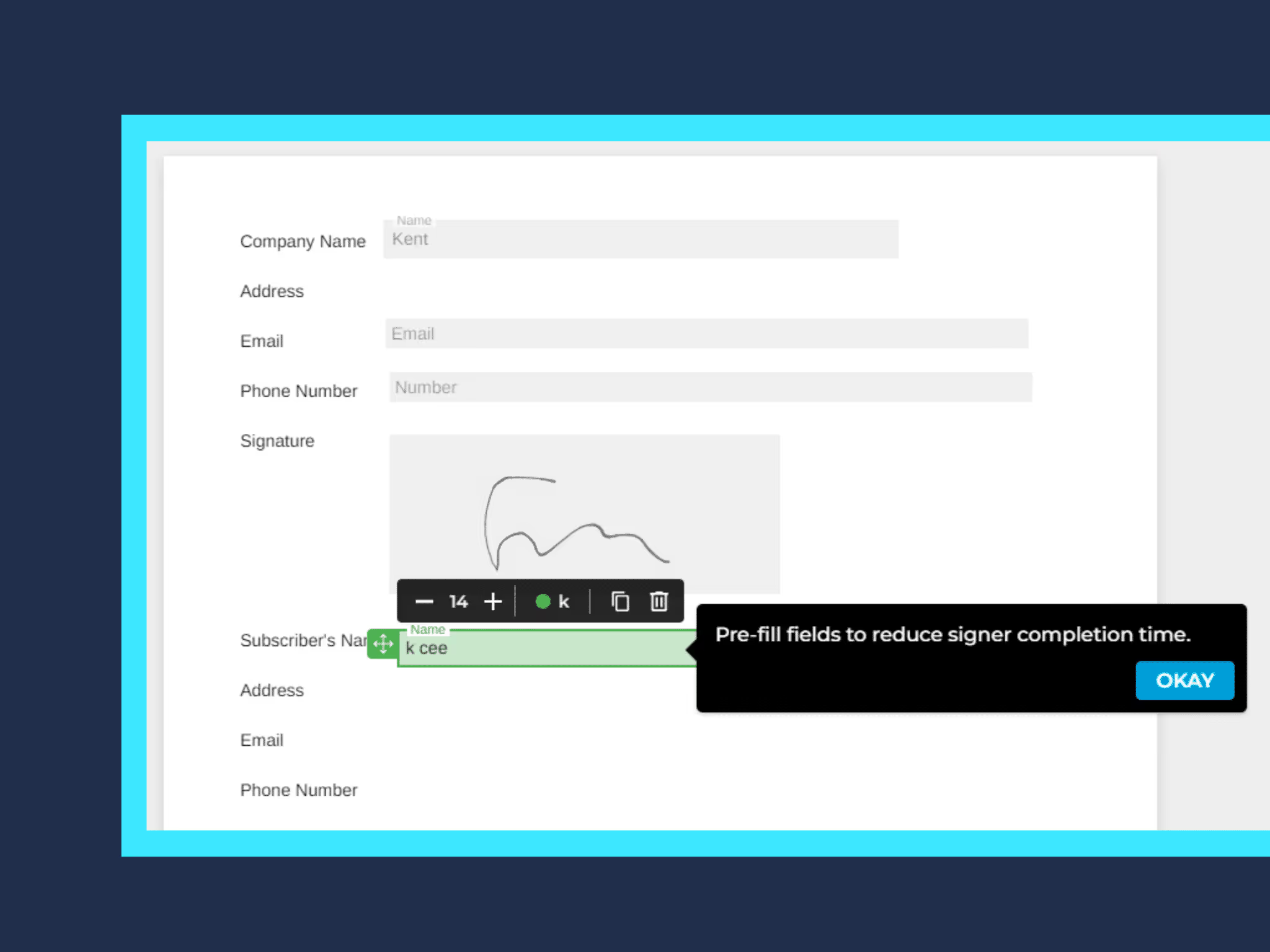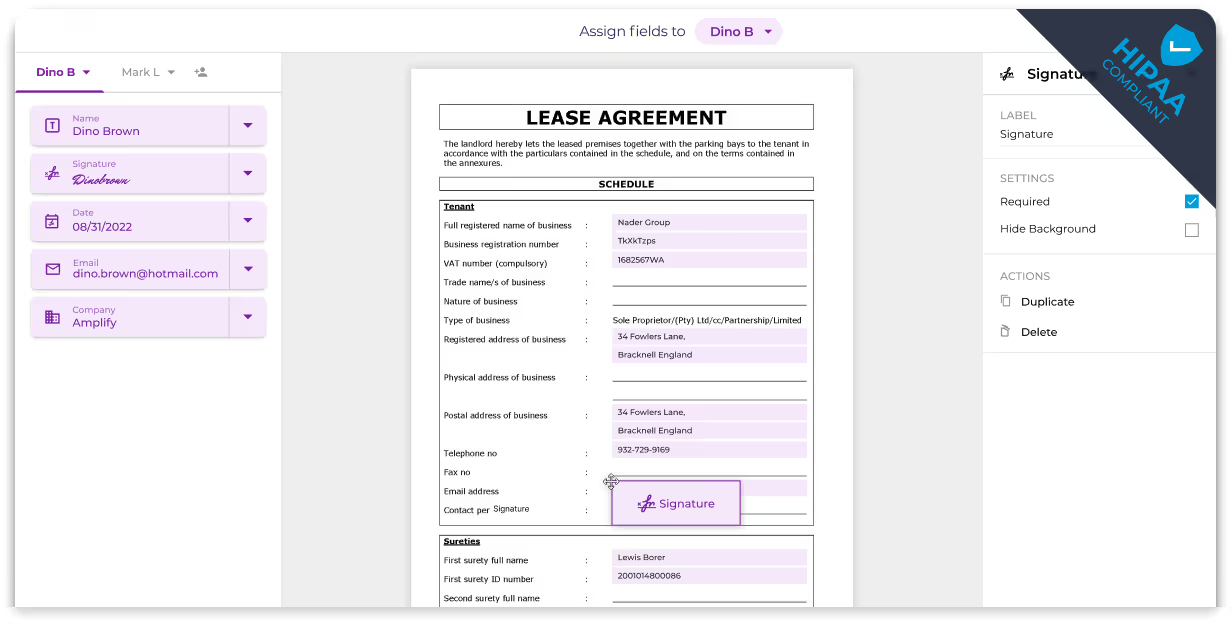
Streamline Document Creation with Smart Filling
Reduce the time spent customizing documents and automatically populate your document fields using templates and your business information. Eliminate the need to input repetitive information manually with Fill’s smart document filling.
How to Use Smart Document Filling
Significantly reduce the risk of errors in your documents with document automation.

Upload
Click Start Now, select Request Signature then upload the file you want to have signed.

Add signers
Enter the basic information of the people who need to fill out and sign your document.

Auto Fill
Fill asks you to Auto Fill fields at the bottom of the screen. Select to automatically fill out fields.