Verify Signer ID Before eSigning Documents
Strengthen the security of your documents by adding an extra layer of protection with Fill’s signer authentication. Activate the signer ID verification on every document you share to ensure that signatories undergo security verification before accessing your forms, PDFs, and contracts.
How to Setup Signer ID Verification on Documents
Fill’s signer authentication requires signers to submit a copy of a government-issued ID and undergo a selfie check before accessing your documents.

Upload
Click “Start Now” on your dashboard, choose “Request Signature,” and upload the document for signing or select a template.

Add Signers
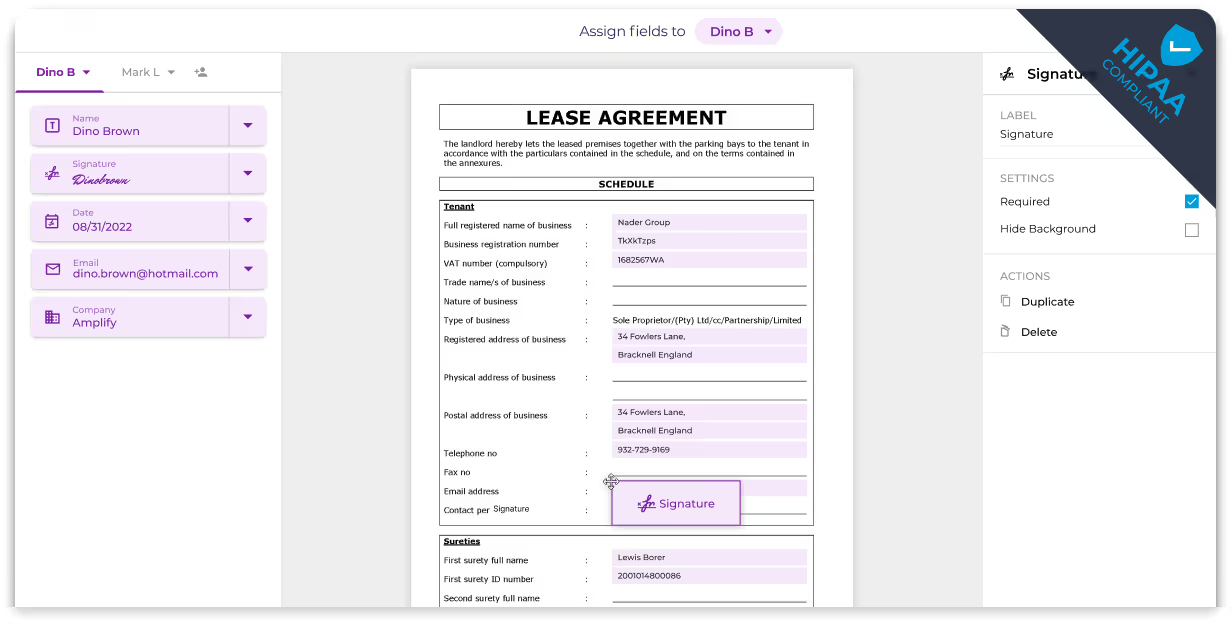
Enter signer(s) details like name and email and complete the necessary document fields.

Enable Verification
At the top of the screen, select “Require ID Verification” and toggle the switch to the right to activate this additional layer of security.
Boost Security and Maintain Regulatory Compliance
Reinforce security and adhere to international regulations like HIPAA, GDPR, and DPA by verifying signer identities. This verification process aligns with Know Your Customer (KYC) and Anti-Money Laundering (AML) requirements, ensuring your transactions are compliant and secure.
