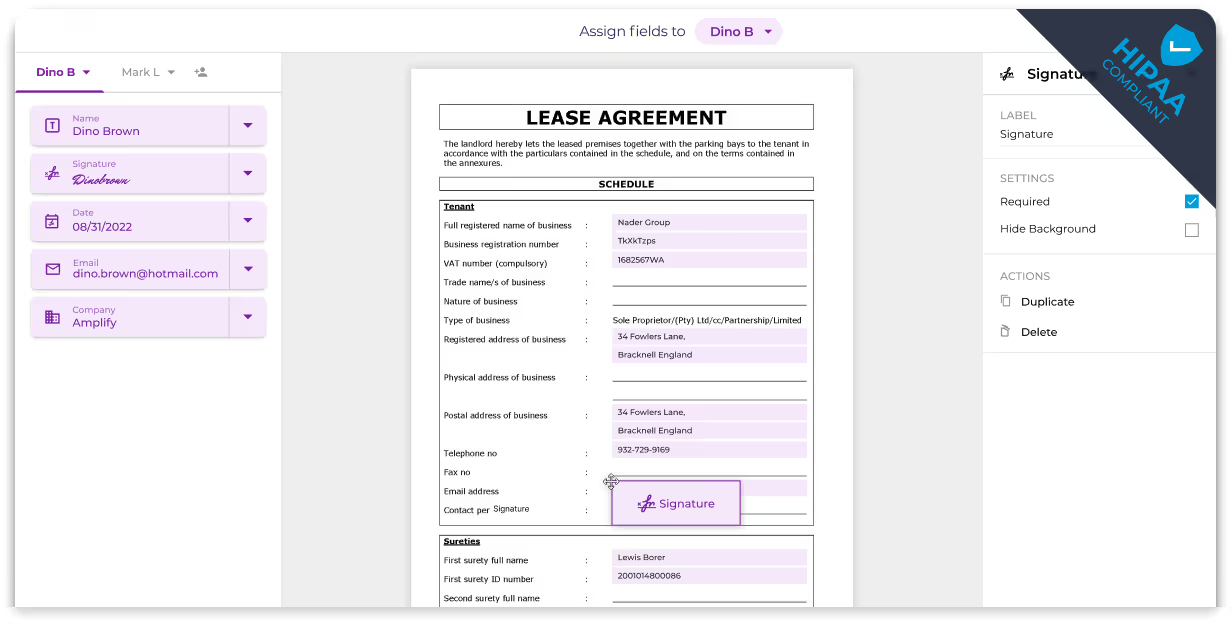
Streamline Your Document Workflow with eSignatures on HubSpot
Optimize your HubSpot CRM with Fill—effortlessly create, eSign, and track sales documents. Whether you’re drafting contracts one by one or in batches, experience seamless contract creation and gain real-time insights into prospect engagement.
How to set up HubSpot eSignature
Explore easy steps to configure your HubSpot CRM for seamless document eSigning with Fill.


Integrate
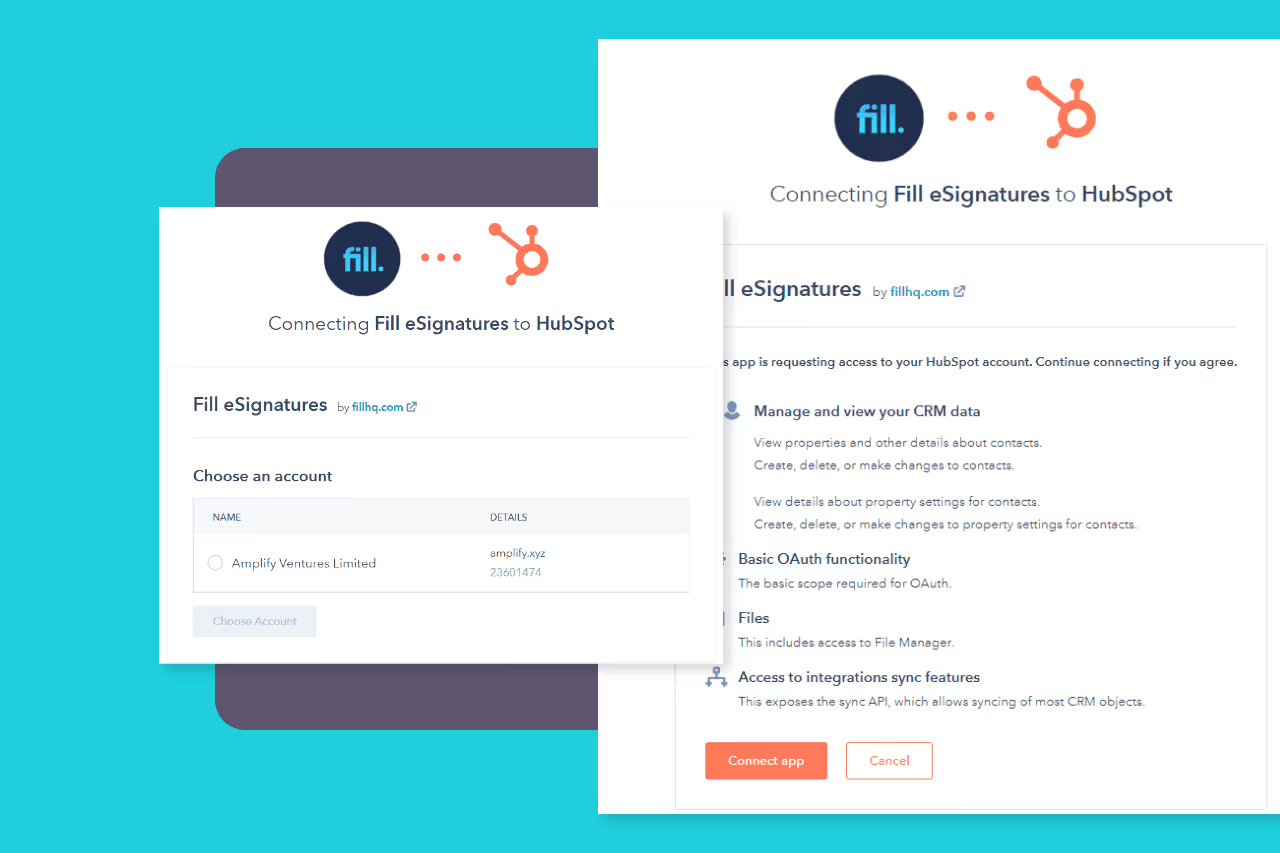
Choose the Hubspot account you want to connect with Fill and authorize the sync.

Confirm
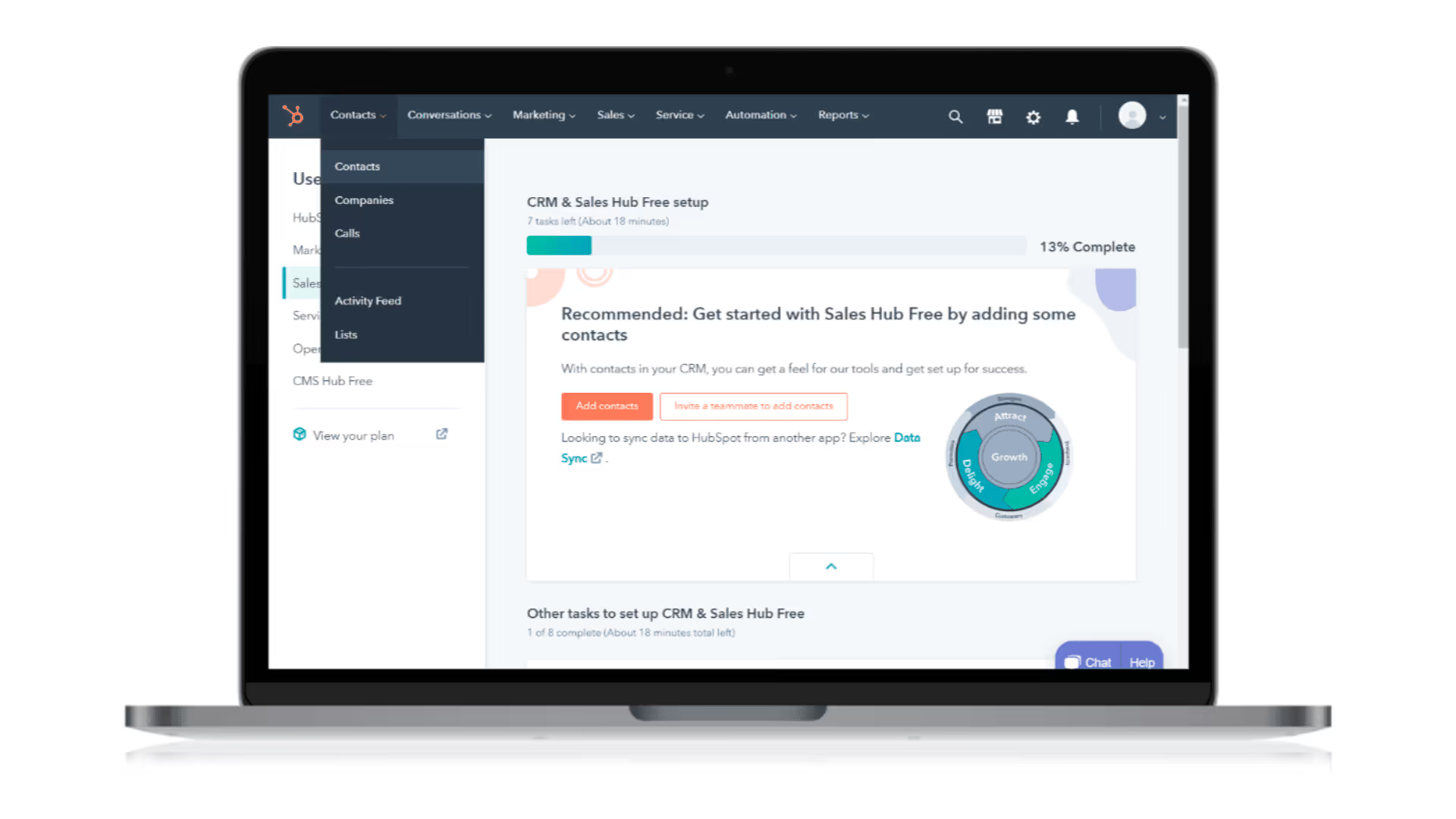
On Hubspot, go to Reporting > Data Management > Integration to see Fill integration.
Create & eSign documents within Hubspot
Seamlessly generate documents or choose templates for contacts or companies in your HubSpot database using Fill. Easily incorporate text fields, contact data, and eSignatures on contracts, all within your HubSpot interface.
.avif)
