Why Look for a DocuSign Alternative?
If you’re exploring alternatives to DocuSign, it’s usually for a few clear reasons: rising costs, unnecessary complexity, or limits that start slowing your team down.



DocuSign's Cost Problem: Envelope Limits & Per-User Pricing
DocuSign’s pricing can look reasonable at first—until usage scales.
- Envelope limits restrict growth
You can only send a set number of documents per month - Per-user pricing adds up quickly
Each additional team member increases cost - Upgrades become unavoidable
More usage = higher tiers, whether you need extra features or not
For teams sending documents regularly, costs can escalate faster than expected.
When DocuSign Is Overkill (and What to Use Instead)
DocuSign is built with enterprise workflows in mind—but that’s not what most teams need.
- Too many features you won’t use
Adds friction instead of value - Steeper learning curve
Slows down onboarding and everyday use - More setup, more complexity
Especially for small teams or solo users
If your priority is fast, simple online document signing, a lighter tool like Fill is often a better fit.
The 12 Best DocuSign Alternatives in 2026
Send unlimited eSignature requests without paying per envelope, per user, or per feature tier.
Why it’s a DocuSign alternative
Fill is built for teams that want to move fast without dealing with the pricing tiers, envelope limits, and complexity of DocuSign. Instead of charging more as you grow, Fill keeps things simple: predictable pricing, unlimited usage, and a streamlined workflow your team can adopt instantly.
Key features

Unlimited eSignature requests


Enterprise-grade security


Real-time audit trail

Mobile-friendly signing

Integrations
Pricing


Fill vs DocuSign (Quick Comparison)


Rachel Kim
Operations Lead
— Priya Mehta
Administrative Manager
Andre Bautista
Business Development Manager
DocuSign is complex and bloated
DocuSign has a lot features that you do not need. Hence, it is an overkill for businesses and individuals looking for a simple tool to just sign and manage their documents efficiently. A subscription to DocuSign would have you wasting money for features you do not need. Moreover, getting used to the platform can take forever and nobody has the time for that.
Fill is simple and easy-to-use
Fill lets you do what matters in an easy, fast and efficient way — creating your documents and requesting signatures. Simple in nature, Fill has the necessary features to let you manage and sign your documents regardless of the file format. Create an account on Fill today and find out just how easy and fast it is to get accustomed to the platform.
DocuSign can be frustrating and very difficult to use
Verified Google Playstore review
“The most frustrating app I’ve ever used bar none. It doesn’t work at all, whatsoever. Driving me crazy. I can’t believe it can mess up something so simple. I had to make an account. The app demands to know your location and contacts, and then after all that it doesn’t even work. Do not download.”
DocuSign's customers say their support is terrible
Verified G2 review
Verified G2 review
Verified G2 review
Verified G2 review
Fill is better suited for you
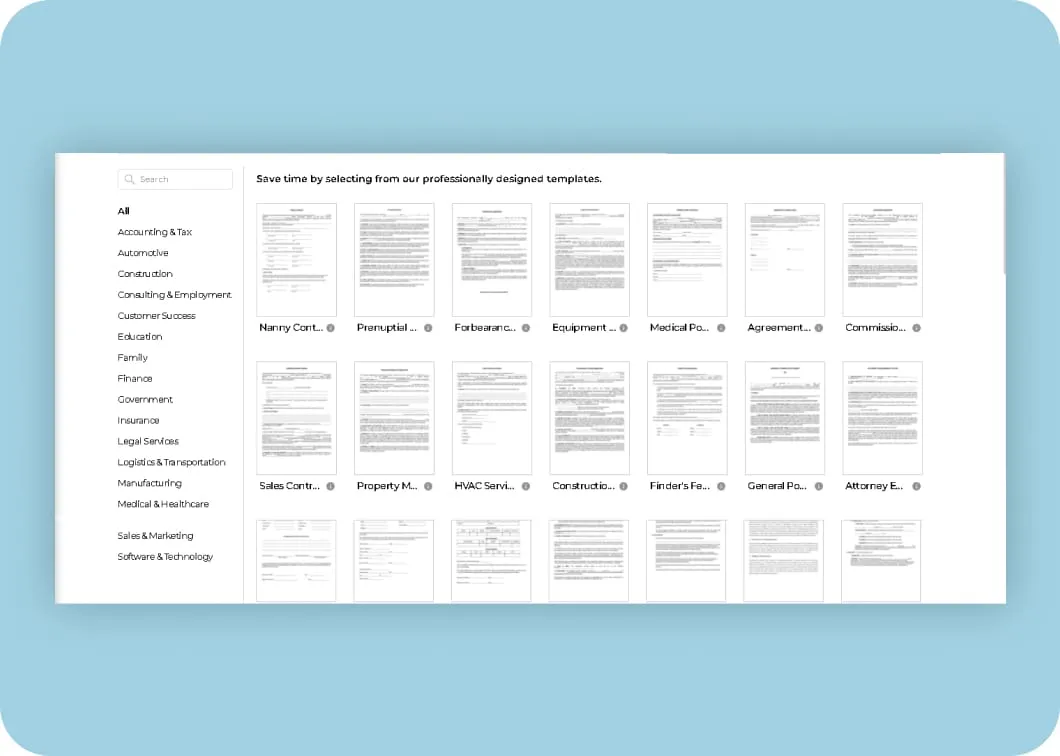
Templates
You never have to create anything from scratch. You can get your documents ready in seconds with pre-made and saved templates for almost any use-case/industry.
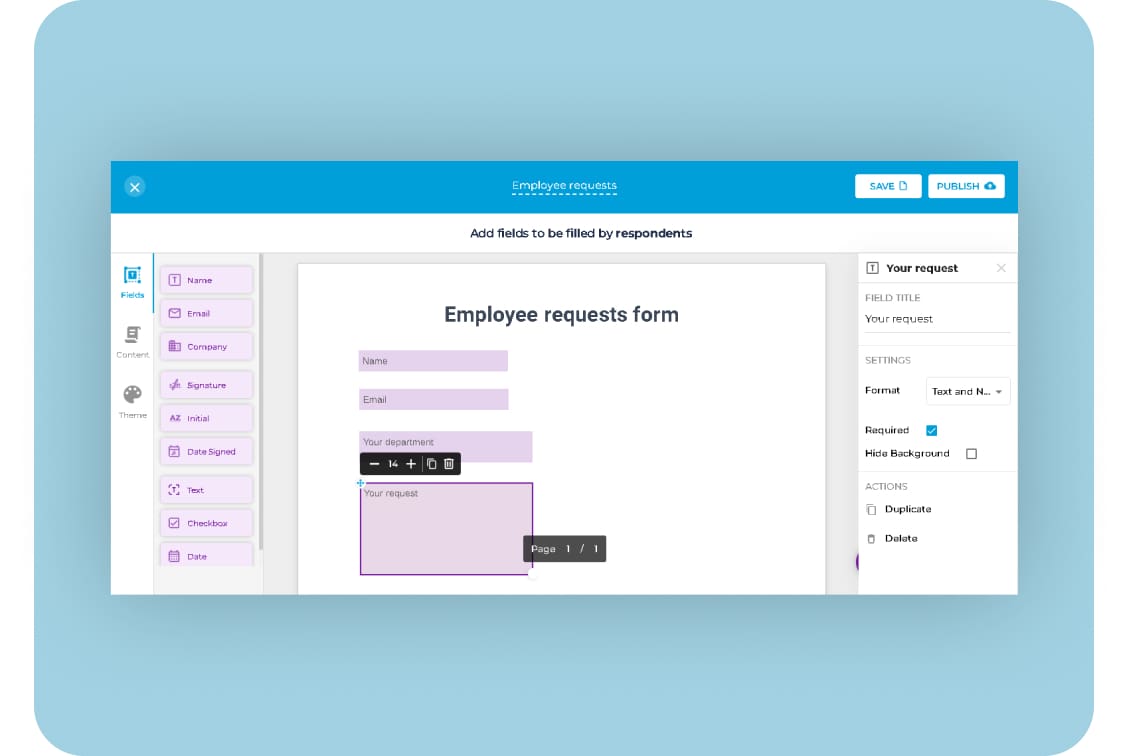
Live forms
Create online forms and collect data and information from your prospects, employees and customers that will help youmake better business decisions.
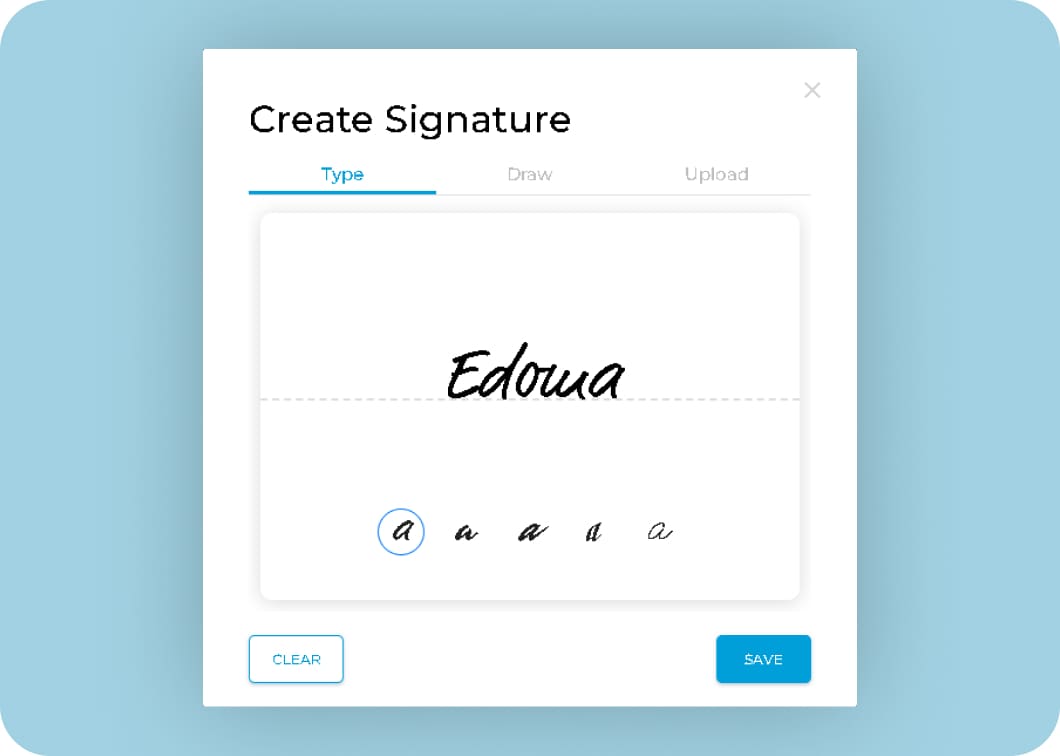
Easily request signatures
Request signatures from mulitple parties and have your documents signed in minutes with Fill, while monitoring the progress of your documents in real-time.
Use cases of Fill

Sales contracts
Wills
New hire contracts
Letters on intent
Purchase orders
Property agreements
VC funding agreements
Investor Rights Agreements
Non-disclosure agreements
Certificates of incorporation
Stock Purchase Agreements
Frequently Asked Questions
What is the best alternative to DocuSign?
Fill is one of the best DocuSign alternatives. It offers a simple, secure, and intuitive way to create, sign, and manage documents online—without the learning curve or unnecessary features.
Why should I switch from DocuSign to Fill?
DocuSign can be complex and packed with features many users don’t need. Fill provides a streamlined experience with all the essential tools—templates, live forms, and signature tracking—making document management faster and easier.
Is Fill a secure alternative to DocuSign?
Yes. Fill ensures complete data security through encryption and compliance with global standards such as HIPAA, GLBA, ESIGN, and GDPR, keeping your documents safe and legally valid.
Can I use Fill to send and request signatures?
Absolutely. Fill lets you send signature requests to multiple parties, track signing progress in real time, and get documents signed within minutes.
Does Fill offer templates like DocuSign?
Yes. Fill includes ready-to-use templates for common documents like sales contracts, NDAs, and property agreements—so you never have to start from scratch.
Do I need any technical skills to use Fill?
Not at all. Fill is designed with simplicity in mind. You can start creating, signing, and managing documents immediately, without any complex setup or training.