PDF24 vs. PDFCreator
The main difference between PDF24 and PDFCreator lies in their mode of operation, ease of use, and additional features. PDF24 primarily operates through a web browser, which means you can only access the tool online. Meanwhile, DFCreator is a desktop software designed for offline use.
PDF24 vs. PDFCreator Comparison
Form Filling
While PDF24 does provide basic form-filling features, they are somewhat limited. It allows adding essential form elements like text boxes and checkboxes, making it suitable for straightforward forms.
On the other hand, PDFCreator primarily focuses on creating PDFs from existing documents and doesn’t offer robust built-in form-filling capabilities. It's not designed for specialized form creation or filling. Instead, PDFCreator excels in converting diverse file formats into PDFs, making it better suited for document creation and conversion tasks.
Export & Convert PDF Files
PDF24, an online platform, provides versatile tools for converting files to and from PDF format. It supports the conversion of a range of file formats, including Word documents and images, into PDFs. Furthermore, PDF24 enables various essential PDF operations such as editing, merging, splitting, and more.
PDFCreator functions as a virtual printer integrated into your computer. It seamlessly integrates with your system, allowing you to "print" documents into PDF format from different applications by selecting PDFCreator as your printer. This feature offers control over the quality, security settings, and other parameters of your PDF files.
Platform
PDF24 boasts broader platform support compared to PDFCreator. It's accessible on Windows, Mac, Linux, SaaS/Web, iPhone, and iPad platforms. Being web-based, PDF24's versatility enables usage on various devices, irrespective of the underlying operating system. No software downloads or installations are needed to use PDF24.
PDFCreator, on the other hand, is limited to Windows. It predominantly operates as a desktop application with native support primarily for Windows. To use PDFCreator, you must download and install the software on your computer. Additionally, PDF24 offers a mobile app for iOS and Android devices, further enhancing its accessibility.

Cloud Integration
PDF24 simplifies PDF management through built-in cloud storage options. Your PDF documents seamlessly sync online, granting easy access from anywhere with an internet connection. It supports synchronization across multiple devices, ensuring PDF accessibility on various platforms. Moreover, PDF24 facilitates document sharing by creating shareable links to your files.
In contrast, PDFCreator lacks native cloud integration, functioning mainly as a desktop PDF creation and conversion tool. While it doesn't offer built-in cloud features, it allows manual saving to cloud services like Google Drive, Dropbox, or OneDrive.
Redaction
PDF24 provides a redaction tool, critical for concealing sensitive data within PDF documents. Users can adjust the color and opacity of the redaction marks for clarity. On the other hand, PDFCreator does not include a native redaction function, though users can resort to external software for redaction.
File Size and Limitations
PDF24 sets a cap at 100 MB for free users and increases this to 200 MB for premium subscribers. PDFCreator, alternatively, imposes no file size limit, leaving the capacity dictated by the user's own system resources and software capabilities.
Template Library
PDFCreator's template library presents users with a selection of pre-designed templates for swift, professional document creation. These templates are flexible, permitting personal touches through added text and images. PDF24, in contrast, does not offer a template library, focusing instead on direct PDF editing and creation tools.

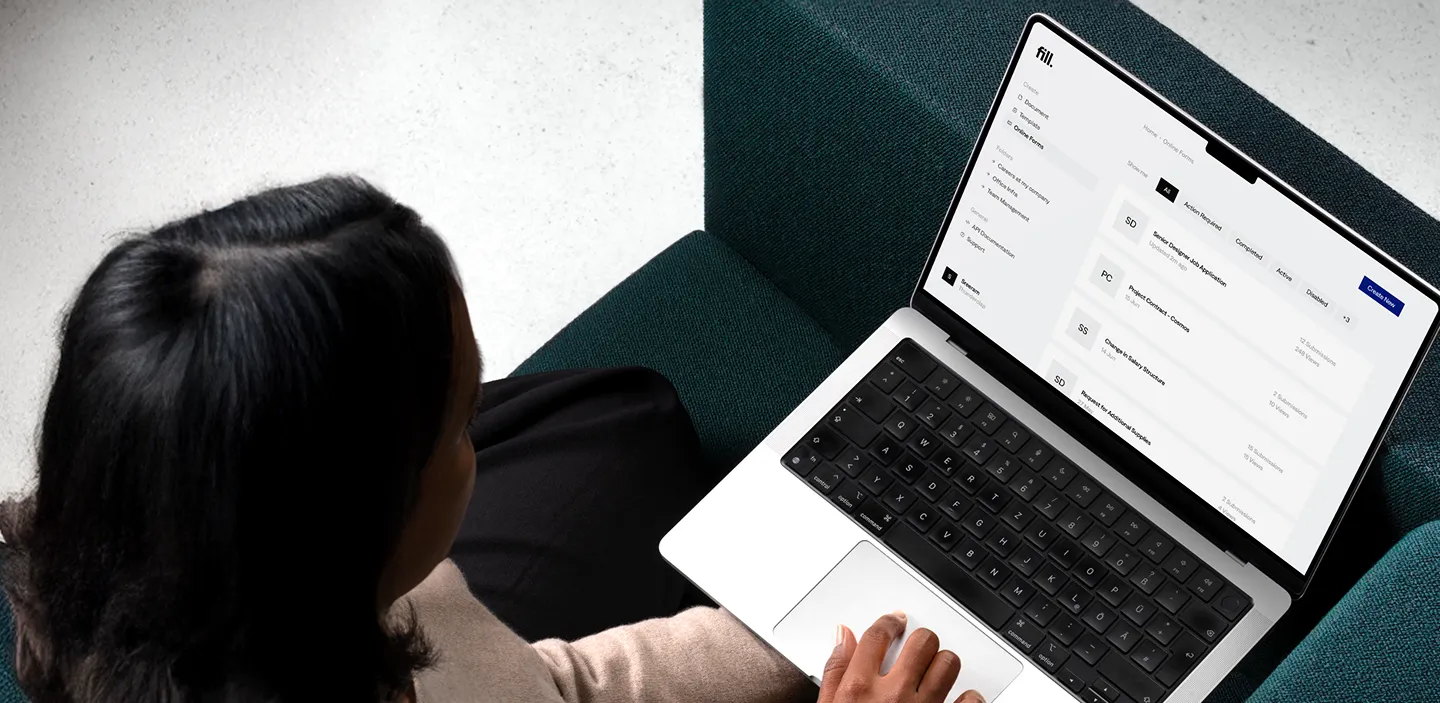
Fill: The Best Alternative to PDF24
Fill emerges as the superior PDF editor, outclassing PDF24 and PDFCreator in several key aspects. Its reliability, security, and extensive features make it the go-to for comprehensive PDF solutions.
Additionally, Fill is an online PDF editor, granting accessibility from anywhere with an internet connection. It eliminates the need for installations, which is particularly advantageous for students without administrative software installation rights on school or university computers.
In comparison, PDF24 and PDFCreator primarily concentrate on PDF creation and conversion, offering limited editing options. Fill, on the other hand, provides a broad spectrum of PDF editing tools, such as annotations and form filling.
Furthermore, Fill often includes collaboration features, allowing students to collaboratively work on PDFs and share documents for group projects and note sharing. This collaborative functionality is absent in PDF24 and PDFCreator, primarily designed for single users.
Over 1 million satisfied users.
With an average of 4.6 and 4.9-star ratings on Google Play and Apple App Stores, Fill is the best electronic signature platform for individuals and businesses. It’s an eSignature solution trusted by millions of users.