eSignature for Healthcare :Sign Patient Forms in Minutes
Collect HIPAA-compliant electronic signatures on patient intake forms, informed consent documents, medical records releases, and more. Fill helps healthcare organizations streamline paperwork while protecting patient data with enterprise-grade security.
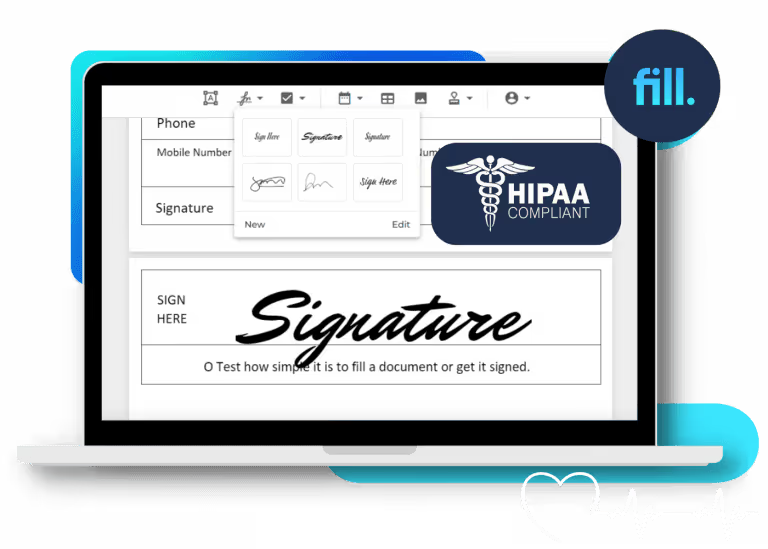
How to sign a medical form in 3 steps

Sign Up and Get Started with Fill

Choose or Upload Your Document Template

Add and Request eSignatures
Are Electronic Signatures HIPAA Compliant and Legally Binding?
Yes. Electronic signatures are legally binding under the federal ESIGN Act and the Uniform Electronic Transactions Act (UETA). They can also be used to sign documents containing protected health information (PHI) when your eSignature provider supports the administrative, technical, and physical safeguards required by HIPAA.
That means choosing a provider that offers features such as encryption, role-based access controls, tamper-evident audit trails, and secure document storage. If the provider stores, processes, or transmits PHI on your behalf, they should also be willing to sign a Business Associate Agreement (BAA).
Fill includes the security controls healthcare organizations expect and offers a BAA on eligible plans, making it easy to sign patient forms, consent documents, intake packets, and other healthcare paperwork with confidence.
Learn more about our HIPAA-compliant electronic signature solution.
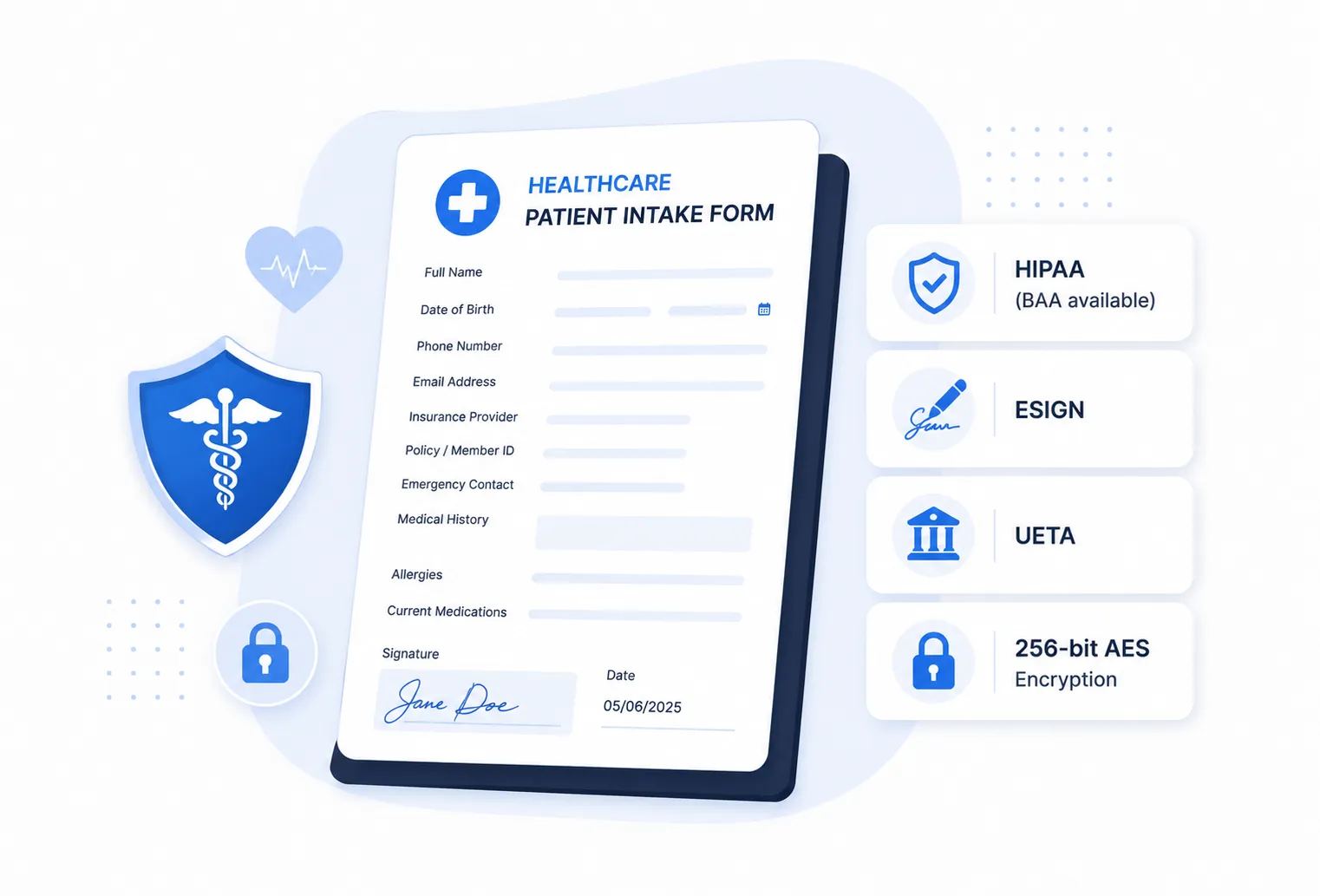
Every Healthcare Document Your Practice Needs Signed

Patient Intake & Registration Forms

Telehealth & Remote Visit Consent

HIPAA Authorization & Business Associate Agreements (BAAs)

Informed consent forms

Clinical staff and physician onboarding

Medical Records Release & Waivers
Every Healthcare Document Your Practice Needs Signed
Everything you need to securely send, sign, and manage healthcare documents while protecting patient information and staying compliant.

HIPAA Safeguards & Signed BAA
Protect protected health information (PHI) with security controls designed for HIPAA compliance. Fill supports encryption, access controls, audit trails, and offers a signed Business Associate Agreement (BAA) on eligible plans.

Audit Trail & Completion Certificate
Every completed document includes a detailed, time-stamped audit trail and completion certificate, helping you maintain accurate compliance records and demonstrate document integrity. Real-time audit trails are included on all Fill plans.

Patients Sign From Any Device
Patients can review and sign documents from any desktop, tablet, or smartphone using a secure signing link. No Fill account is required, making it easy to complete forms before appointments or from home.
Reusable Templates for Recurring Forms
Save frequently used patient intake forms, consent forms, waivers, and HR paperwork as reusable templates to eliminate repetitive data entry and speed up document preparation.
EHR & EMR Integration via API
Connect Fill with your existing EHR or EMR system using our developer-friendly API, or automate standard document workflows with no-code integrations—no custom development required for most use cases.
Encryption, Two-Factor Authentication & Access Controls
Protect sensitive healthcare documents with 256-bit AES encryption, optional two-factor authentication (2FA), and role-based access controls to help safeguard PHI throughout the signing process.
Simple Pricing for Practices of Any Size
Whether you're a solo practitioner, private clinic, or multi-location healthcare organization, Fill offers a plan that fits your workflow. Every plan includes unlimited electronic signatures, with advanced automation and compliance features available as your practice grows.
What our customers say about us.
Liam Washington
Copura
Nelson Bradley
Macros Corp
Tim Crump
Cioa
Amy Slane
Mycitysocial
Dallas Brown
SIS International
Sarah Memom
Kindred
Why Choose Fill Over Competitors?
Healthcare organizations need more than electronic signatures—they need a solution that's secure, affordable, and easy for staff and patients to use. Here's how Fill compares with other leading eSignature providers.
*Competitor pricing and feature availability are subject to change. Verify current plan details before making a purchasing decision.
Fill For Every Industry


Frequently asked questions
Are electronic signatures HIPAA compliant?
Yes, electronic signatures can be HIPAA compliant when the eSignature provider implements the required administrative, technical, and physical safeguards to protect protected health information (PHI). Look for features such as encryption, access controls, audit trails, and a provider that offers a Business Associate Agreement (BAA) when required. Fill includes these security features to help healthcare organizations sign documents confidently.
Is an electronic signature legally binding for medical consent forms?
Yes. Electronic signatures are legally binding under the federal ESIGN Act and the Uniform Electronic Transactions Act (UETA). Healthcare providers can use electronic signatures for medical consent forms, patient intake documents, HIPAA authorizations, and many other healthcare records, provided they comply with applicable federal and state regulations.
Does Fill sign a Business Associate Agreement (BAA)?
Yes. Fill offers a signed Business Associate Agreement (BAA) on eligible plans for organizations that require HIPAA compliance. If your practice handles protected health information (PHI), our team can help determine the appropriate plan for your compliance needs.
Can patients sign forms remotely without a Fill account?
Yes. Patients can review and sign documents securely from any desktop, tablet, or smartphone without creating a Fill account. Simply send a secure signing link by email or text, and patients can complete the signing process from anywhere.
Learn more about how Fill electronic signatures work.
What healthcare documents can be signed electronically?
Fill supports virtually any healthcare document that requires a signature, including:
- Patient intake and registration forms
- Informed consent forms
- HIPAA authorization forms
- Medical records release forms
- Telehealth consent forms
- Clinical staff onboarding paperwork
- Business Associate Agreements (BAAs)
- Medical waivers and acknowledgments
Does Fill integrate with EHR and EMR systems?
Yes. Fill offers a developer-friendly API for embedding electronic signatures into EHR and EMR systems. You can also automate many document workflows using integrations, making it easier to connect Fill with your existing healthcare technology stack.
Learn more about our integrations.
How is patient data (PHI) protected?
Fill helps protect patient information with 256-bit AES encryption, secure cloud storage, detailed audit trails, role-based access controls, and optional two-factor authentication. These safeguards help healthcare organizations securely manage documents containing protected health information (PHI) while supporting HIPAA compliance.